
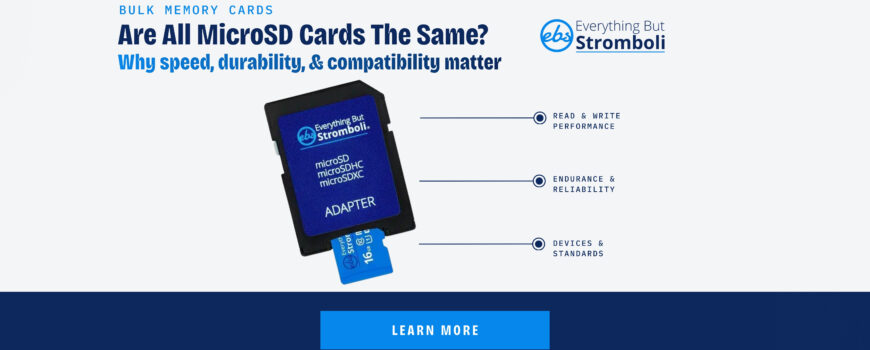
MicroSD cards look interchangeable until you start using them in a device that writes data often. A card that works fine for light file storage may not be the best choice for video, security, or repeated transfers, and that is where the differences start to matter. That is why buyers ask are all microSD cards the same?
No. MicroSD cards share the same physical form factor, but they can differ in capacity, speed, endurance, and device compatibility.
The real question is not whether they fit in the slot. The real question is whether the card can handle the job you are asking it to do.
What Changes From One MicroSD Card To Another?
Two microSD cards can look identical and still perform very differently. Capacity is one factor, but speed class, endurance rating, and brand quality also matter. A low-end card may be fine for simple file storage, while a heavier-use device needs a card that can keep up with repeated writes.
That matters because microSD cards are used in everything from phones to cameras to small embedded devices. Once a card is doing more than occasional storage, the spec sheet becomes more important than the packaging.
Why Speed And Endurance Matter
Speed affects how quickly a card can move data in and out of the device. Endurance affects how long the card can keep doing that before wear starts to show up. If you are using the card for video, surveillance, or a device that records constantly, the cheapest option is not always the best value.
For buyers who want fewer surprises, the safer approach is to match the card to the workload instead of assuming every microSD card is interchangeable.
How To Match The Card To The Device
Different devices need different combinations of capacity and performance. A card for casual file transfer does not need the same spec as a card for recording video or storing data in a camera that runs all day.
If the device is important or hard to replace, it is worth choosing a card that gives you some margin instead of just barely meeting the minimum requirement. That is especially true when you are buying in bulk and want consistent results across every unit.
The Bottom Line
If you are comparing options, start with the microSD cards category and narrow by capacity, speed, and the way the card will actually be used. That will get you closer to the right choice than treating every microSD card as the same.