
MicroSD Cards
Since their introduction in 2006, a MicroSD card, is a tiny, lightweight, removable flash memory card offering high-capacity storage. Measuring 15mm by 11mm by 1mm and weighing only one-quarter gram, these storage solutions are used in computers, cell phones, tablets, and digital action cameras. With storage sizes all the way up to 1.5TB, shop wholesale pricing and bulk discounts right here on our website.
Showing 1–30 of 64 resultsSorted by price: low to high
-

MicroSD 8GB (3)
-
MicroSD 16GB (5)
-
MicroSD 32GB (9)
-
MicroSD 64GB (10)
-
MicroSD 128GB (11)
-
MicroSD 256GB (10)
-
MicroSD 512GB (8)
-
MicroSD 1TB (6)
-
MicroSD 1.5TB (1)
-
MicroSD 2TB (1)
-
All MicroSD Class 4 Cards (3)
-
All MicroSD Class 10 Cards (61)
-
All MicroSD Express Cards (1)

-
 MicroSD Cards
16GB Sandisk Micro SDHC Memory Card (SDSDQM-016G-B35)
High Quality 16GB Micro SDHC Sandisk Card. This card is ideal for picture and video packages. It will hold up to 6,000 photos when using a 10 mega-pixel camera, or 240 minutes of video when recording at 9mbps.
Specifications
- SKU: SDSDQM-016G-B35
- Class: 4
- Form Factor: microSDHC
- UHS BUS Speed: UHS-I
- Read Speed: Max 20MB/s
- Write Speed: Max 5MB/s
- Operating Temperature: -13° – 185° F (-25°C – 85° C)
Estimated Number of Photos & Videos
JPG Photos: 4,310 photos
RAW Photos: 295 photos
HD Video: 210 minutes
4k Video: 40 minutes**This product comes in original retail packaging ready for resale. EBS return policy linked here.
Model # SDSDQM-016G-B35
(6 reviews)From: $11.95
(Pricing as low as $11.35) Select options This product has multiple variants. The options may be chosen on the product page -
 MicroSD Cards
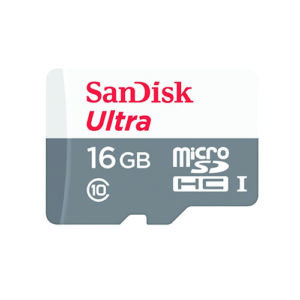
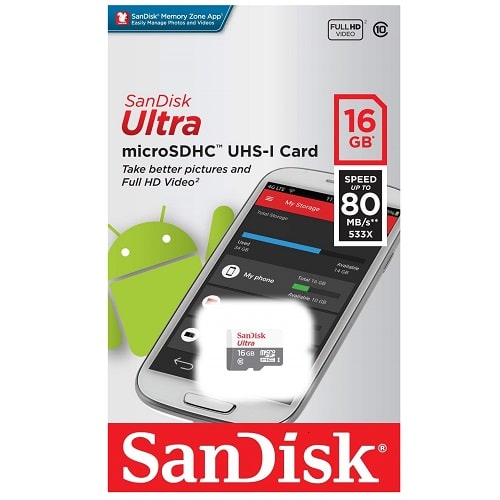
16GB Microsd Ultra Sandisk Memory Card (SDSQUNS-016G-GN3MN)
16GB SanDisk Ultra MicroSD UNS
The SanDisk Ultra MicroSD is a high quality 16GB MicroSD card that is Class 10 and UHS-1. This card is ideal for picture and video recording and is popular for Android smartphones, tablets and computers and works with GoPro cameras. It also works great with trail cameras and dash cams for video feed storage.
Specifications
- SKU: SDSQUNS-016G-GN3MN
- Class: 10
- Form Factor: microSDHC
- UHS BUS Speed: UHS-I
- Read Speed: Max 80MB/s
- Operating Temperature: -13° – 185° F (-25°C – 85° C)
Water proof, Temperature proof, X-ray proof, Shock proof
Estimated Number of Photos & Videos
JPG Photos: 4,310 photos
RAW Photos: 295 photos
HD Video: 210 minutes
4k Video: 40 minutes**This product comes in original retail packaging ready for resale. EBS return policy linked here.
Model # SDSQUNS-016G-GN3MN
(20 reviews)From: $12.10
(Pricing as low as $11.45) Select options This product has multiple variants. The options may be chosen on the product page -
 MicroSD Cards
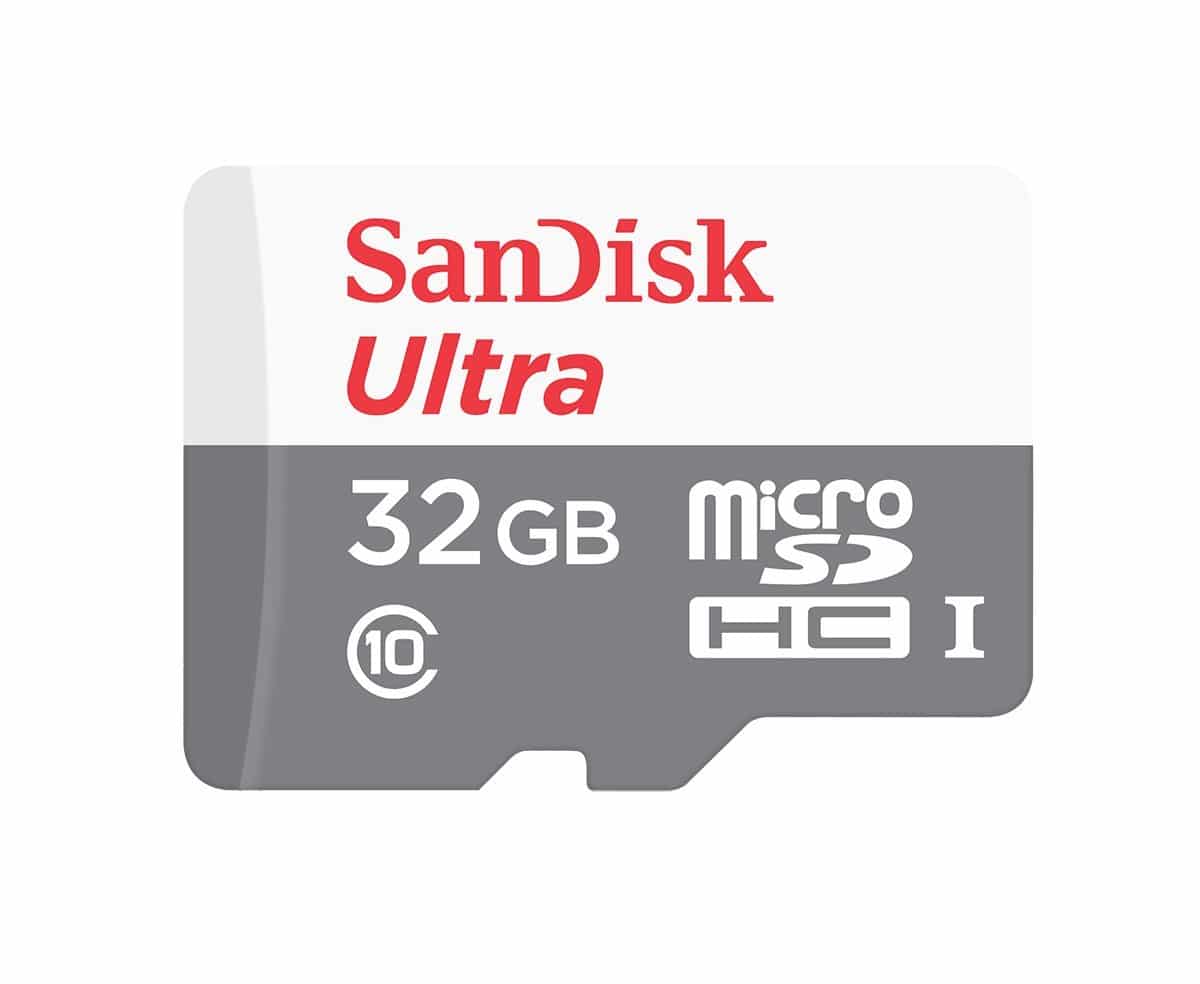
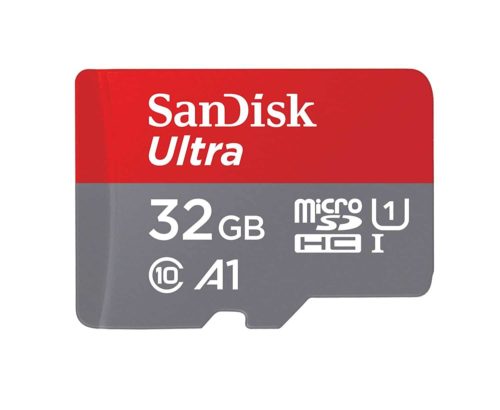
32GB Microsd Ultra Sandisk Memory Card (SDSQUNR-032G-GN3MN)
SanDisk Ultra MicroSD 32GB UNR
The SanDisk Ultra MicroSD is a high quality 32GB MicroSD card that is Class 10 and UHS-1. This card is ideal for picture and video recording and is popular for Android smartphones, tablets and computers and works with GoPro cameras. It also works great with trail cameras and dash cams for video feed storage.
Specifications
- SKU: SDSQUNR-032G-GN3MN
- Class: 10
- Form Factor: microSDHC
- UHS BUS Speed: UHS-I
- Read Speed: Max 100MB/s
- Operating Temperature: -13° – 185° F (-25°C – 85° C)
Water proof, Temperature proof, X-ray proof, Shock proof
Estimated Number of Photos & Videos
JPG Photos: 8,620 photos
RAW Photos: 595 photos
HD Video: 425 minutes
4k Video: 85 minutes**This product comes in original retail packaging ready for resale. EBS return policy linked here.
Model # SDSQUNR-032G-GN3MN
(15 reviews)From: $12.45
(Pricing as low as $11.80) Select options This product has multiple variants. The options may be chosen on the product page -
 MicroSD Cards
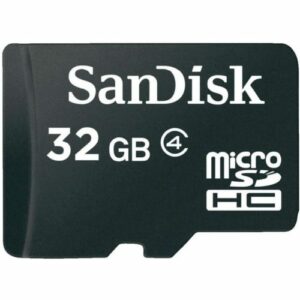
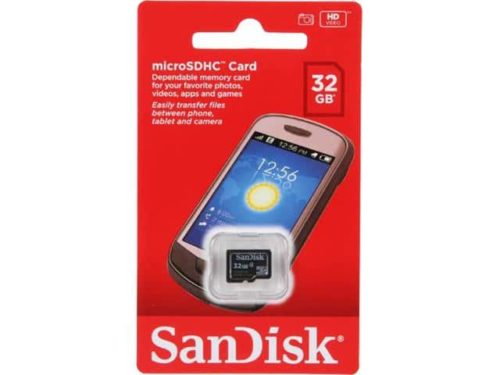
32GB Sandisk Micro SDHC Memory Card (SDSDQM-032G-B35)
High Quality 32GB Micro SDHC SanDisk Card. This card is ideal for picture and video packages will hold up to 10,000 photos when using a 10-megapixel camera, or 450 minutes of video when recording at 9mbps.
Specifications
- SKU: SDSDQM-032G-B35
- Class: 4
- Form Factor: microSDHC
- UHS BUS Speed: UHS-I
- Read Speed: Max 20MB/s
- Write Speed: Max 5MB/s
- Operating Temperature: -13° – 185° F (-25°C – 85° C)
Estimated Number of Photos & Videos
JPG Photos: 8,620 photos
RAW Photos: 595 photos
HD Video: 425 minutes
4k Video: 85 minutes**This product comes in original retail packaging ready for resale. EBS return policy linked here.
Model # SDSDQM-032G-B35
(2 reviews)From: $12.65
(Pricing as low as $12.00) Select options This product has multiple variants. The options may be chosen on the product page -
 MicroSD Cards
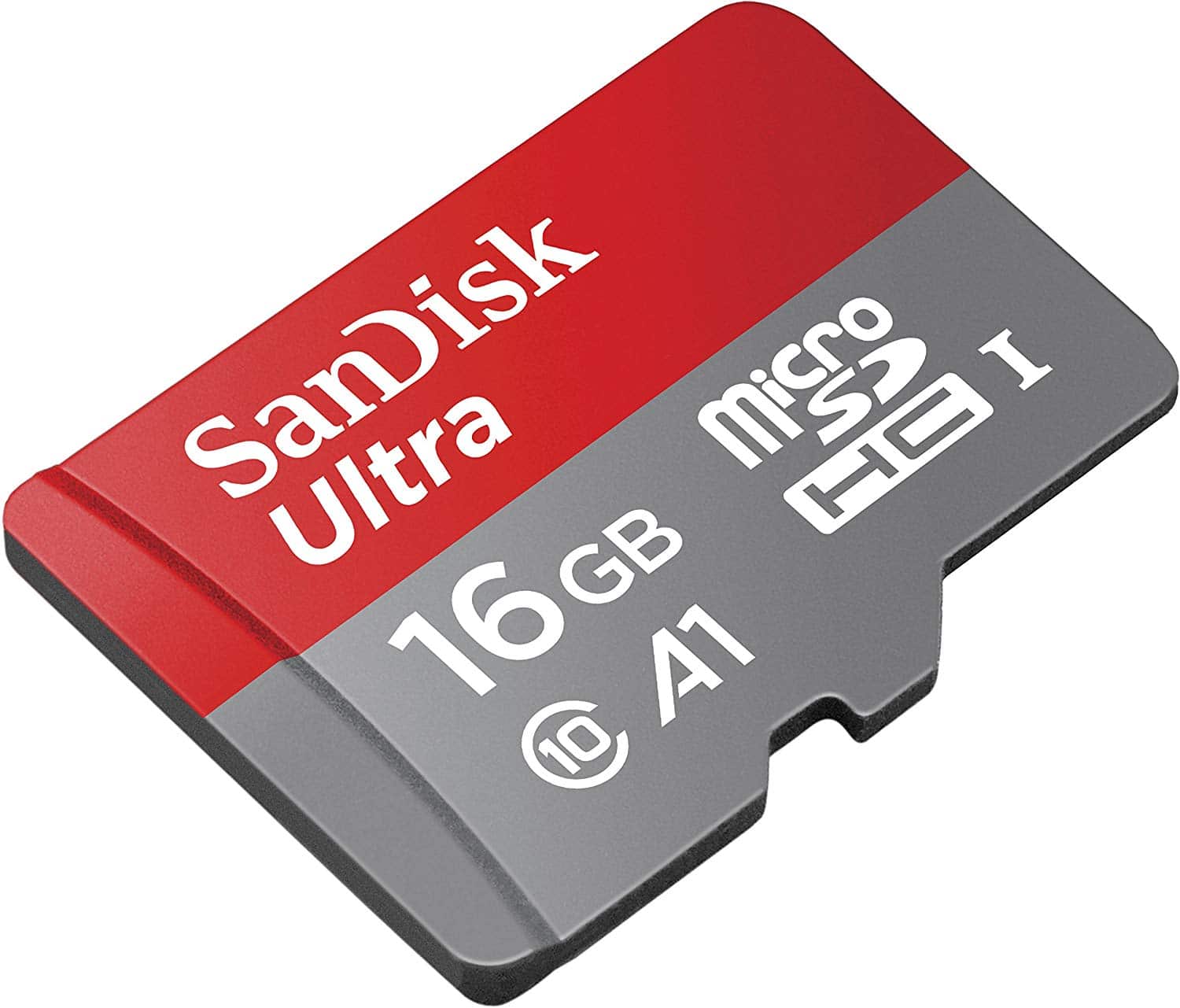
16GB Microsd Ultra Sandisk Memory Card (SDSQUAR-016G-GN6MN)
SanDisk Ultra MicroSD 16GB UAR
The SanDisk Ultra MicroSD is a high quality 16GB MicroSD card that is Class 10, U1, and A1 rated. This card is ideal for picture and video recording and is popular for Android smartphones, tablets and computers and works with GoPro cameras. It also works great with trail cameras and dash cams for video feed storage.
Specifications
- SKU: SDSQUAR-016G-GN6MN
- Class: 10
- Form Factor: microSDHC
- UHS BUS Speed: UHS-I
- Read Speed: Max 90MB/s
- UHS Speed Class: U1
- App Performance Class: A1
- Video Format Capability: Full HD Video
- Operating Temperature: -13° – 185° F (-25°C – 85° C)
Estimated Number of Photos & Videos
JPG Photos: 4,310 photos
RAW Photos: 295 photos
HD Video: 210 minutes
4k Video: 40 minutes**This product comes in original retail packaging ready for resale. EBS return policy linked here.
Model # SDSQUAR-016G-GN6MN
NOTE: Does NOT include SD Adapter. For adapter sold separately click here
(2 reviews)From: $13.00
(Pricing as low as $12.35) Select options This product has multiple variants. The options may be chosen on the product page -
 MicroSD Cards
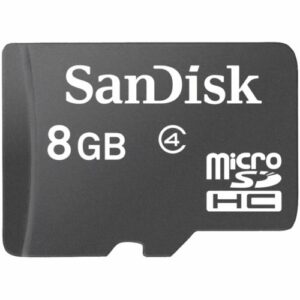
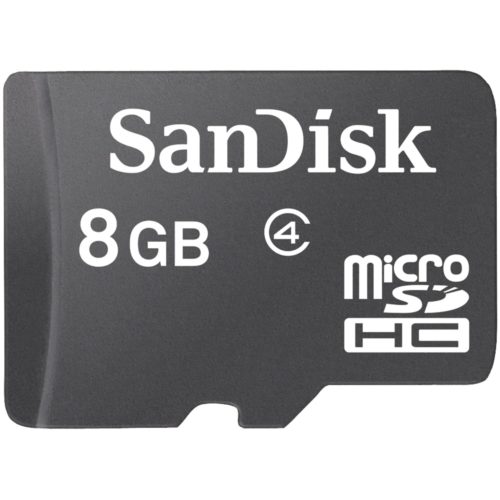
8GB Sandisk Microsd Memory Card (SDSDQAB-008G)
High Quality 8GB MicroSD SanDisk Card. This card is ideal for picture and video packages, will hold up to 3,080 photos when using a 10 mega-pixel camera, or 120 minutes of video when recording at 9mbps.
Specifications
- SKU: SDSDQAB-008G
- Class: 4
- Form Factor: microSDHC
- UHS BUS Speed: UHS-I
- Read Speed: Max 20MB/s
- Write Speed: Max 5MB/s
- Operating Temperature: -13° – 185° F (-25°C – 85° C)
**This product comes in original retail packaging ready for resale. EBS return policy linked here.
Model # SDSDQAB-008G
(8 reviews)From: $13.95
(Pricing as low as $13.25) Select options This product has multiple variants. The options may be chosen on the product page -
 MicroSD Cards
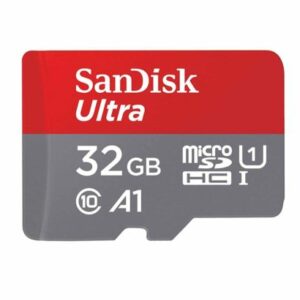
32GB MicroSDHC Ultra Sandisk Memory Card (SDSQUA4-032G-GN6MN)
SanDisk Ultra 32GB Micro SDHC Class 10 Performance For Full HD Video 1080p Read speeds up to 120MB.
Great for Android phones including the Samsung Galaxy S10, S9, S8, S8 Note, S7, S7 Edge, and many more.
Specifications
- SKU: SDSQUA4-032G-GN6MN
- Class: 10
- Form Factor: microSDHC
- UHS BUS Speed: UHS-I
- Read Speed: Max 120MB/s
- UHS Speed Class: U1
- App Performance Class: A1
- Video Format Capability: Full HD Video
- Operating Temperature: -13° – 185° F (-25°C – 85° C)
Estimated Number of Photos & Videos
JPG Photos: 8,620 photos
RAW Photos: 595 photos
HD Video: 425 minutes
4k Video: 85 minutes**This product comes in original retail packaging ready for resale. EBS return policy linked here.
Model # SDSQUA4-032G-GN6MN
NOTE: Does NOT include SD Adapter For adapter sold separately click here
(1 review)From: $15.50
(Pricing as low as $14.70) Select options This product has multiple variants. The options may be chosen on the product page -
 MicroSD Cards
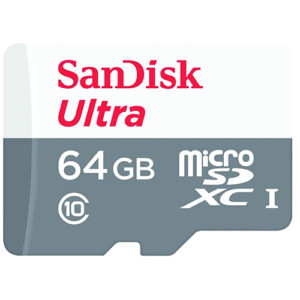
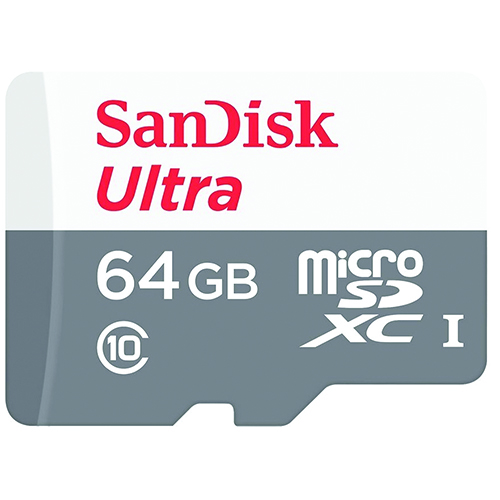
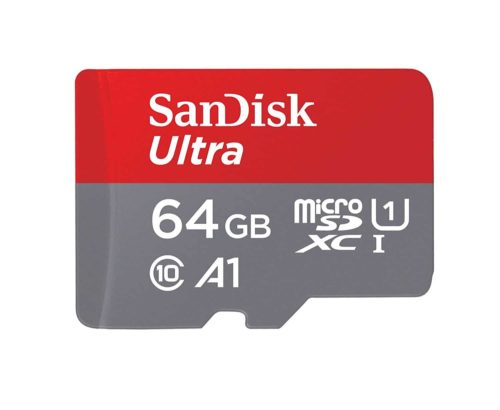
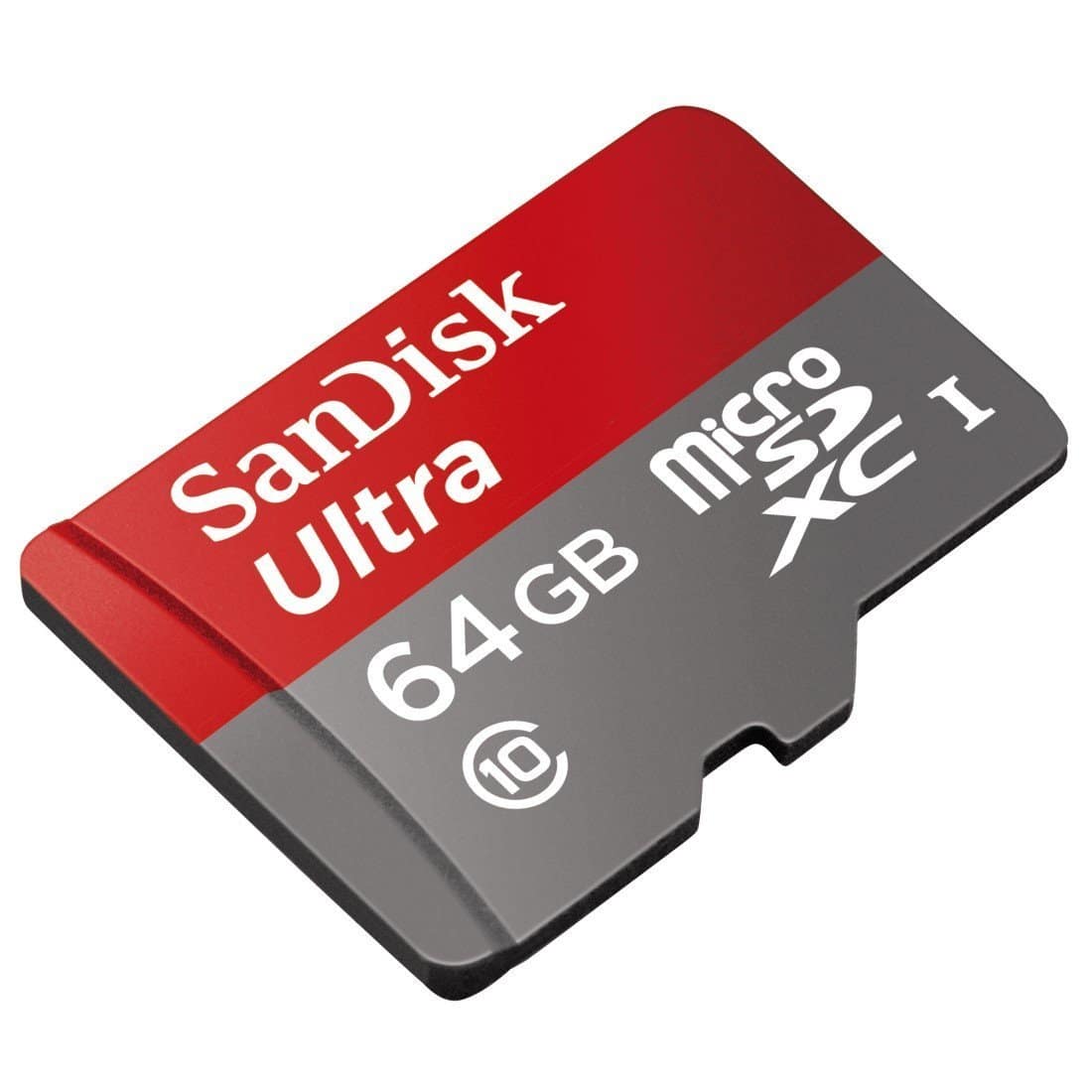
64GB Microsdxc Ultra Sandisk Memory Card (SDSQUNR-064G-GN3MN)
High Quality 64GB MicroSDXC Ultra SanDisk Card. This card is ideal for picture and video recording.
Specifications
- SKU: SDSQUNR-064G-GN3MN
- Class: 10
- Form Factor: microSDXC
- UHS BUS Speed: UHS-I
- Read Speed: Max 100MB/s
- Operating Temperature: -13° – 185° F (-25°C – 85° C)
Water proof, Temperature proof, X-ray proof, Shock proof
Estimated Number of Photos & Videos
JPG Photos: 17,245 photos
RAW Photos: 1,190 photos
HD Video: 850 minutes
4k Video: 170 minutes**This product comes in original retail packaging ready for resale. EBS return policy linked here.
Model # SDSQUNR-064G-GN3MN
(7 reviews)From: $16.50
(Pricing as low as $15.65) Select options This product has multiple variants. The options may be chosen on the product page -
 MicroSD Cards
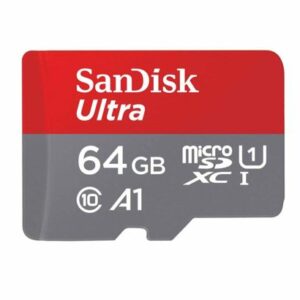
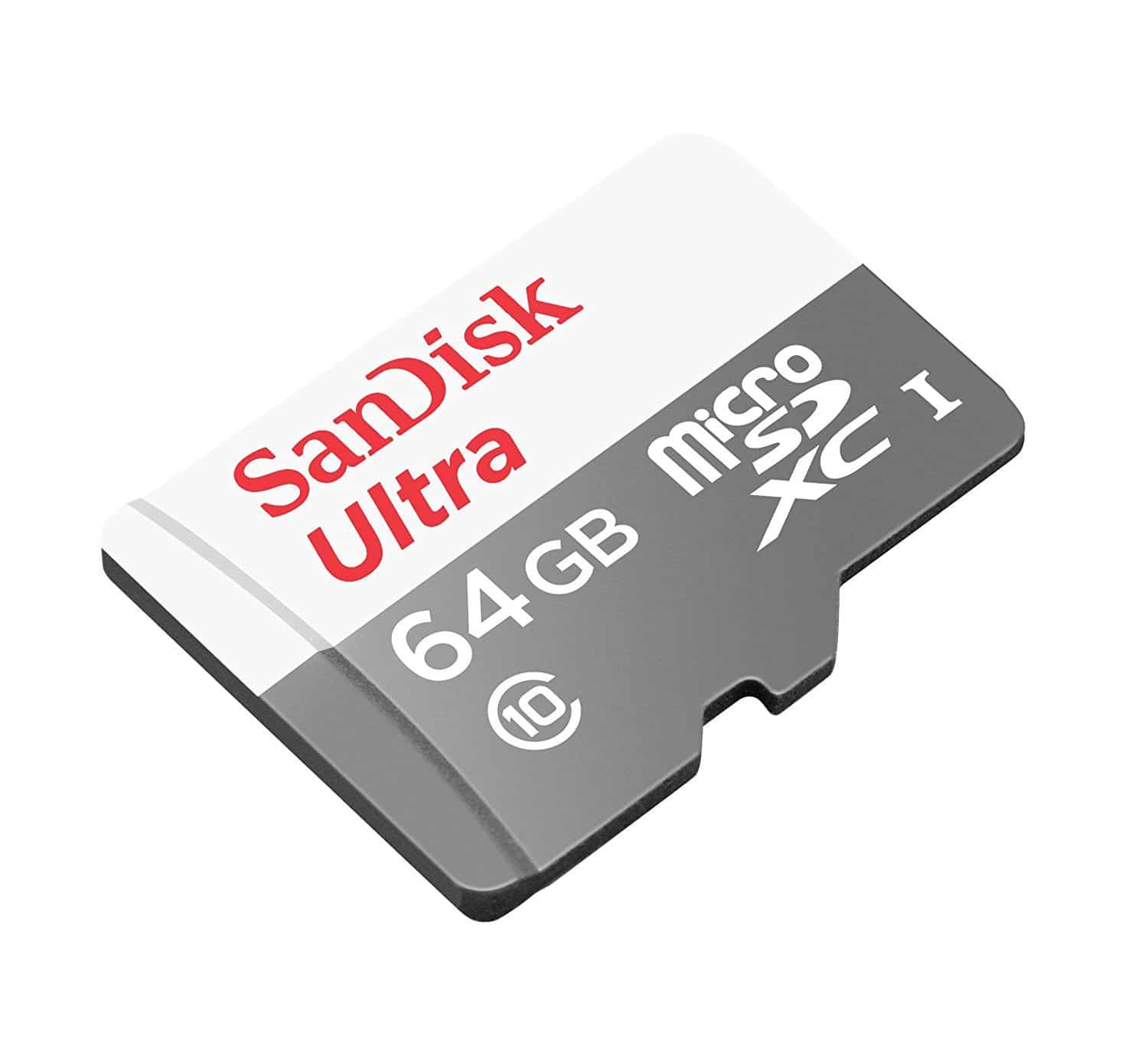
64GB MicroSDXC Ultra Sandisk Memory Card (SDSQUAB-064G-GN6MN)
The 64GB SanDisk Ultra UAB MicroSD Card comes in several sizes ranging from 64GB to 512GB. The 64GB SanDisk Ultra microSDXC is an extended SD storage size with good transfer speeds for photo and video. This card works great with DSLRs, point-and-shoot cameras, compact cameras, other products, and more. Perfect for family photos and videos. This card is UHS-1 rated with Class 10 specification. Ideal for a wide range of uses in several products. This SanDisk Ultra card is a great memory card for almost anything. Exceptional picture quality and video performance. 64GB SanDisk Ultra UAB.
Specifications
- SKU: SDSQUAB-064G-GN6MN
- Class: 10
- Form Factor: microSDXC
- UHS BUS Speed: UHS-I
- Read Speed: Max 140MB/s
- UHS Speed Class: U1
- App Performance Class: A1
- Video Format Capability: Full HD Video
- Operating Temperature: -13° – 185° F (-25°C – 85° C)
Estimated Number of Photos & Videos
JPG Photos: 17,245 photos
RAW Photos: 1,190 photos
HD Video: 850 minutes
4k Video: 170 minutes**This product comes in original retail packaging ready for resale. EBS return policy linked here.
Model # SDSQUAB-064G-GN6MN
NOTE: Does NOT include SD Adapter For adapter sold separately click here
(0 reviews)From: $17.60
(Pricing as low as $16.70) Select options This product has multiple variants. The options may be chosen on the product page -
 MicroSD Cards
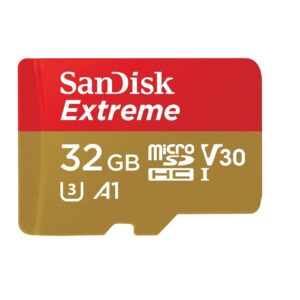
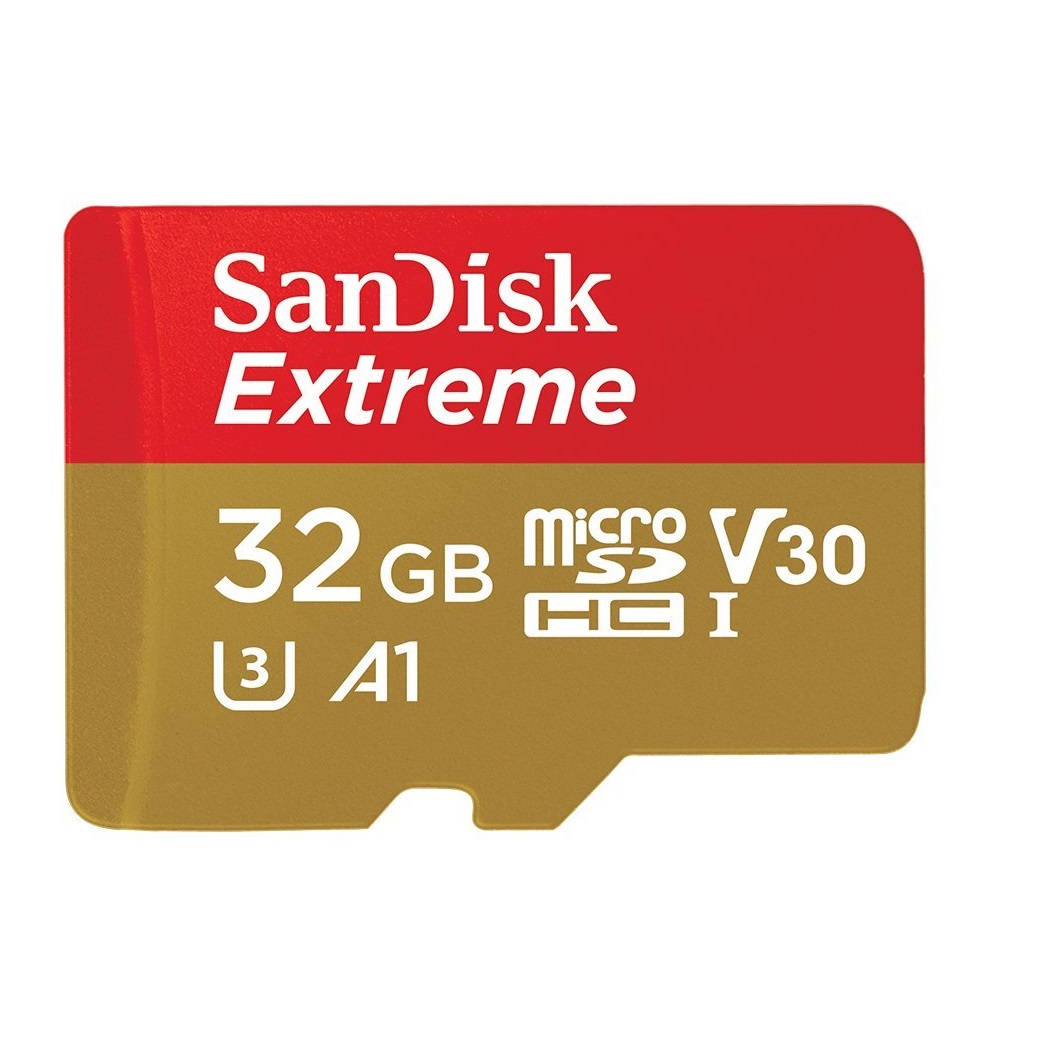
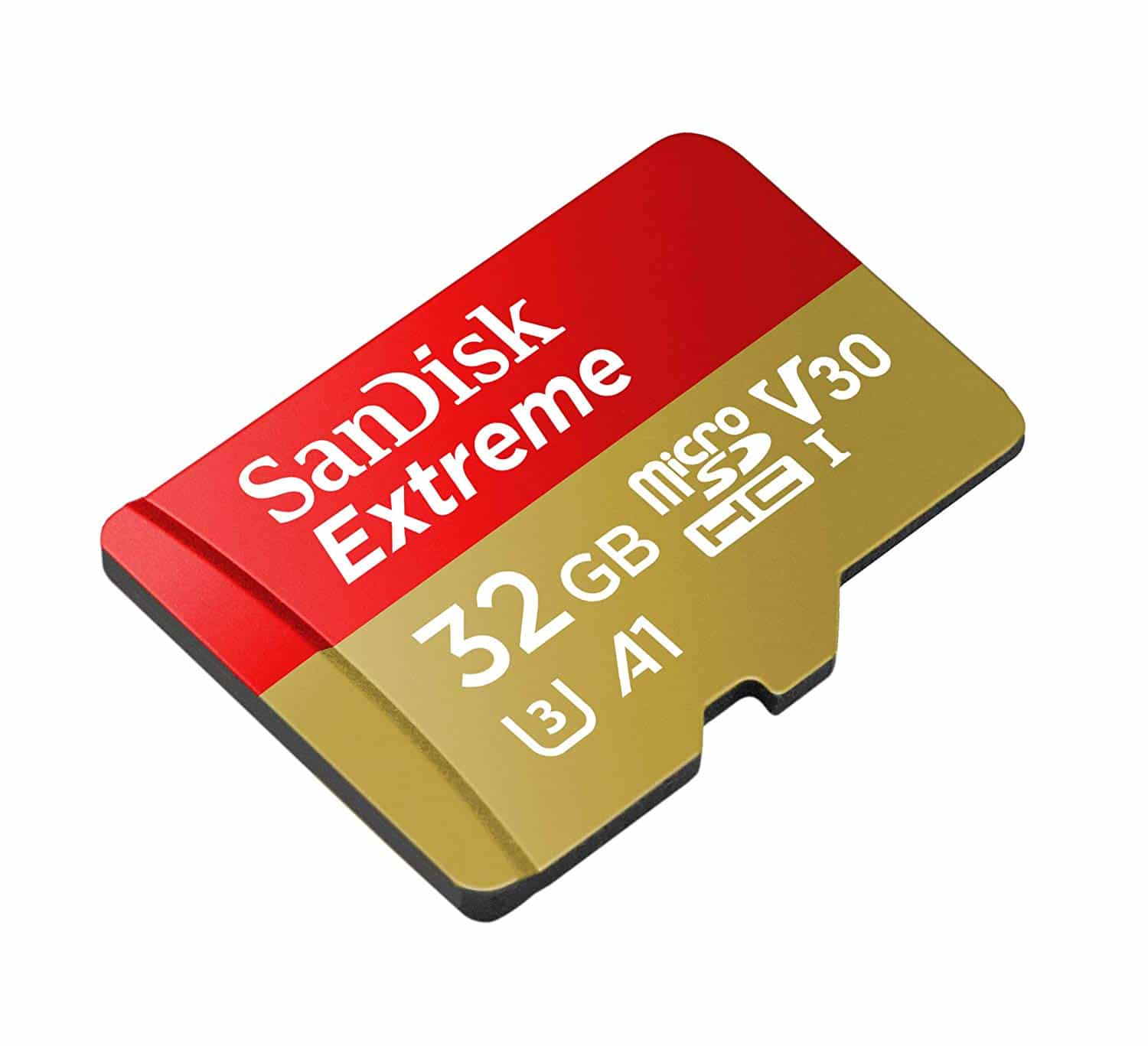
32GB MicroSDHC Extreme Sandisk Memory Card (SDSQXAF-032G-GN6MN)
Capture more fast action and record more Full HD or 4K UHD video with your Android based smartphone, interchangeable-lens camera, drone or GoPro action camera. The SanDisk Extreme microSDHC and microSDXC UHS-I Cards are built tough for extreme durability under challenging environmental conditions. Extreme speeds let you capture every detail of adventure and take the wait out of transferring your videos between devices. SanDisk products are constructed to the highest standards and rigorously tested. You can be confident in the outstanding quality, performance, and reliability of every SanDisk product.Specifications
- Model Number: SDSQXAF-032G-GN6MN
- Class: 10
- Form Factor: microSDHC
- UHS BUS Speed: UHS-I
- Read Speed: Max 100MB/s
- Write Speed: Max 60MB/s
- UHS Speed Class: U3
- Video Speed Class: V30
- App Performance Class: A1
- Video Format Capability: 4K UHD Video
- Operating Temperature: -13° – 185° F (-25°C – 85° C)
Water proof, Temperature proof, X-ray proof, Shock proof
Estimated Number of Photos & Videos
JPG Photos: 8,620 photos
RAW Photos: 595 photos
HD Video: 425 minutes
4k Video: 85 minutes**This product comes in original retail packaging ready for resale. EBS return policy linked here.Model # SDSQXAF-032G-GN6MN(1 review)From: $19.70
(Pricing as low as $18.70) Select options This product has multiple variants. The options may be chosen on the product page -
 MicroSD Cards
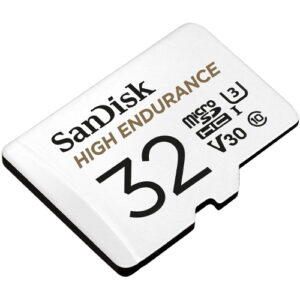
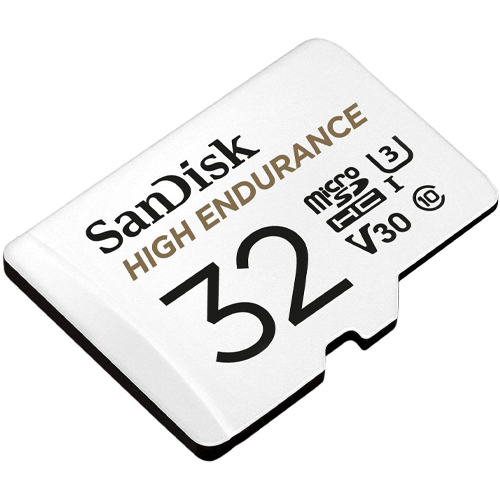
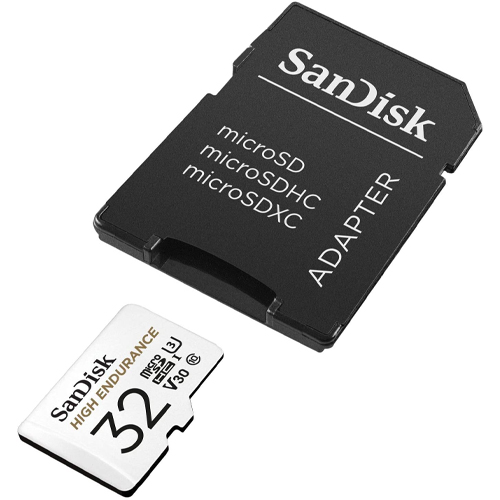
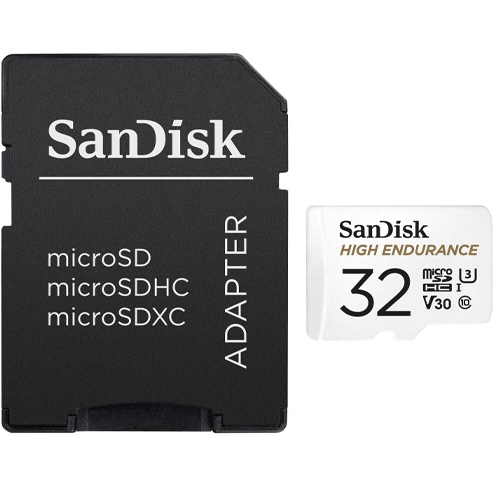
32GB SanDisk High Endurance Video Monitoring Card (SDSQQNR-032G-GN6IA)
High quality 32GB MicroSD High Endurance SanDisk Card with SD Adapter. This card is great dashcams and home video monitoring cameras.
Specifications
- Model Number: SDSQQNR-032G-GN6IA
- Class: 10
- Form Factor: microSDHC
- UHS BUS Speed: UHS-I
- Read Speed: Max 100MB/s
- Write Speed: Max 40MB/s
- UHS Speed Class: U3
- Video Speed Class: V30
- Video Format Capability: Full HD, 4K UHD
- Operating Temperature: -13° – 185° F (-25°C – 85° C)
Estimated Number of Photos & Videos
JPG Photos: 8,620 photos
RAW Photos: 595 photos
HD Video: 425 minutes
4k Video: 85 minutes**This product comes in original retail packaging ready for resale. EBS return policy linked here.
Model # SDSQQNR-032G-GN6IA
(0 reviews)From: $21.95
(Pricing as low as $20.85) Select options This product has multiple variants. The options may be chosen on the product page -
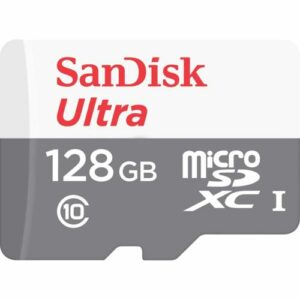 MicroSD Cards
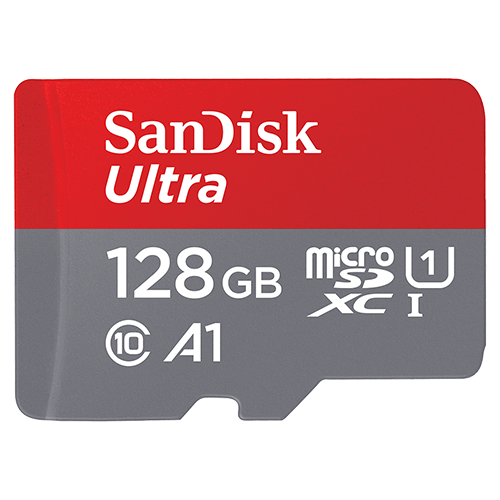
128GB Microsdxc Ultra Sandisk Memory Card (SDSQUNR-128G-GN6MN)
High Quality 128GB MicroSDXC Ultra SanDisk Card. This card is ideal for picture and video recording.
Specifications
- SKU: SDSQUNR-128G-GN6MN
- Class: 10
- Form Factor: microSDXC
- UHS BUS Speed: UHS-I
- Read Speed: Max 100MB/s
- Operating Temperature: -13° – 185° F (-25°C – 85° C)
Water proof, Temperature proof, X-ray proof, Shock proof
Estimated Number of Photos & Videos
JPG Photos: 34,490 photos
RAW Photos: 2,380 photos
HD Video: 1,705 minutes
4k Video: 340 minutes**This product comes in original retail packaging ready for resale. EBS return policy linked here.
Model # SDSQUNR-128G-GN6MN
(2 reviews)From: $22.30
(Pricing as low as $21.15) Select options This product has multiple variants. The options may be chosen on the product page -
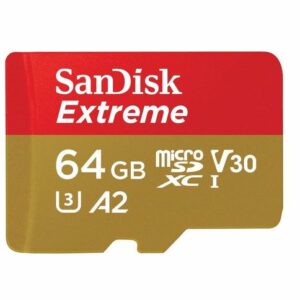 MicroSD Cards
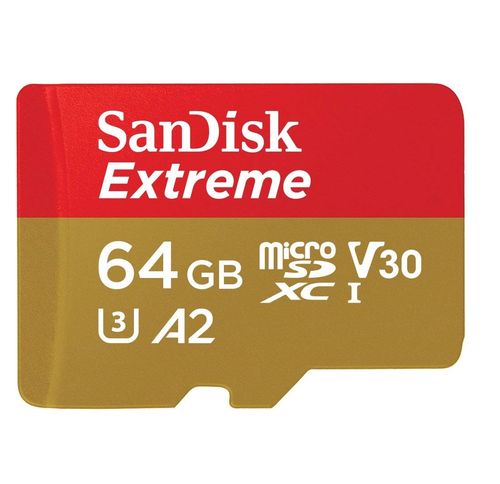
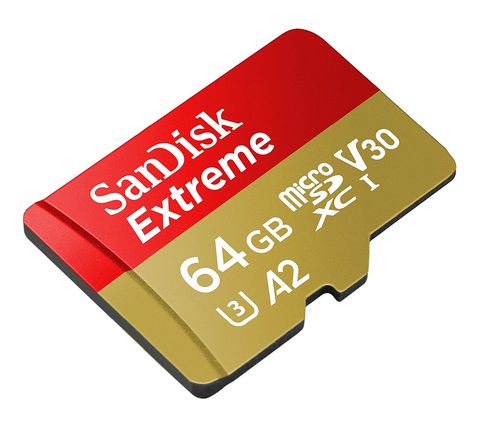
64GB Micro SDXC Extreme Sandisk Memory Card (SDSQXAH-064G-GN6MN)
SanDisk Extreme 64GB microSDXC XAH Class 10 U3 A2 V30 UHS-1
This new Extreme microSD Card from SanDisk has a 64GB capacity. Super high quality speeds with a large SDXC capacity. The ideal card for all types of devices that take a microSD card like trail cameras and action cameras. The 64GB microSD Extreme SanDisk card is a great choice for photographers and professionals looking for higher transfer speeds and higher quality images. Perfect for Raspberry Pi models and DJI drones. This card will work with any compatible drone or action camera with a microSD card slot. The A2 application processing is for applications like software and on compatible phones giving you the best IOPS. You can pair this 64GB card with compatible Blu-ray players, home theaters, and more to expand the storage and hold thousands of songs and hundreds of movies. This card is rated for U3 and Class 10 speeds. The Extreme microSD card can be used for expandable storage on laptops or used to put pictures on digital photo frames. This microSDXC card is waterproof, temperature proof, shock proof, and X-ray proof. SanDisk Extreme 64GB XV2.
Specifications
- Model Number: SDSQXAH-064G-GN6MN
- Class: 10
- Form Factor: microSDXC
- UHS BUS Speed: UHS-I
- Read Speed: Max 170MB/s
- Write Speed: Max 80MB/s
- UHS Speed Class: U3
- Video Speed Class: V30
- App Performance Class: A2
- Video Format Capability: 4K UHD Video
- Operating Temperature: -13° – 185° F (-25°C – 85° C)
Water proof, Temperature proof, X-ray proof, Shock proof
Estimated Number of Photos & Videos
JPG Photos: 17,245 photos
RAW Photos: 1,190 photos
HD Video: 850 minutes
4k Video: 170 minutes**This product comes in original retail packaging ready for resale. EBS return policy linked here.
Model # SDSQXAH-064G-GN6MN
(0 reviews)From: $23.35
(Pricing as low as $22.15) Select options This product has multiple variants. The options may be chosen on the product page -
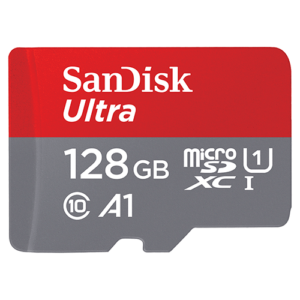 MicroSD Cards
128GB MicroSDXC Ultra Sandisk Memory Card (SDSQUAB-128G-GN6MN)
The 128GB SanDisk Ultra UAC MicroSD Card comes in several sizes ranging from 64GB to 512GB. The 128GB SanDisk Ultra microSDXC is an extended SD storage size with good transfer speeds for photo and video. This card works great with DSLRs, point-and-shoot cameras, compact cameras, other products, and more. Perfect for family photos and videos. This card is UHS-1 rated with Class 10 specification. Ideal for a wide range of uses in several products. This SanDisk Ultra card is a great memory card for almost anything. Exceptional picture quality and video performance. 128GB SanDisk Ultra UAB.
Specifications
- SKU: SDSQUAB-128G-GN6MN
- Class: 10
- Form Factor: microSDXC
- UHS BUS Speed: UHS-I
- Read Speed: Max 140MB/s
- UHS Speed Class: U1
- App Performance Class: A1
- Video Format Capability: Full HD Video
- Operating Temperature: -13° – 185° F (-25°C – 85° C)
Estimated Number of Photos & Videos
JPG Photos: 34,490 photos
RAW Photos: 2,380 photos
HD Video: 1,705 minutes
4k Video: 340 minutes**This product comes in original retail packaging ready for resale. EBS return policy linked here.
Model # SDSQUAB-128G-GN6MN
NOTE: Does NOT include SD Adapter For adapter sold separately click here
(0 reviews)From: $23.95
(Pricing as low as $22.75) Select options This product has multiple variants. The options may be chosen on the product page -
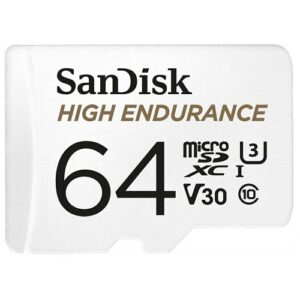 MicroSD Cards
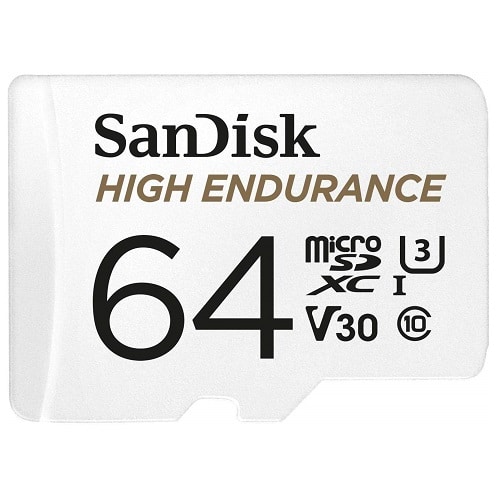
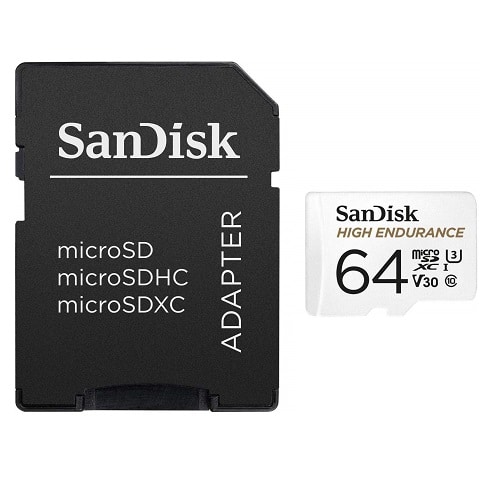
64GB SanDisk High Endurance Video Monitoring Card (SDSQQNR-064G-GN6IA)
High Quality 64GB MicroSD High Endurance SanDisk Card with SD Adapter. This card is great for recording continuous videos, like in dashcams and home video monitoring cameras.
Specifications
- Model Number: SDSQQNR-064G-GN6IA
- Class: 10
- Form Factor: microSDXC
- UHS BUS Speed: UHS-I
- Read Speed: Max 100MB/s
- Write Speed: Max 40MB/s
- UHS Speed Class: U3
- Video Speed Class: V30
- Video Format Capability: Full HD, 4K UHD
- Operating Temperature: -13° – 185° F (-25°C – 85° C)
Estimated Number of Photos & Videos
JPG Photos: 17,245 photos
RAW Photos: 1,190 photos
HD Video: 850 minutes
4k Video: 170 minutes**This product comes in original retail packaging ready for resale. EBS return policy linked here.
Model # SDSQQNR-064G-GN6IA
(0 reviews)From: $24.15
(Pricing as low as $22.90) Select options This product has multiple variants. The options may be chosen on the product page -
 MicroSD Cards
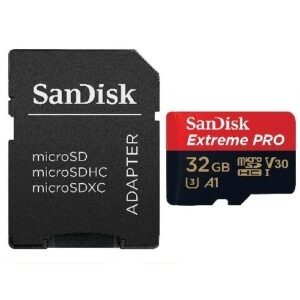
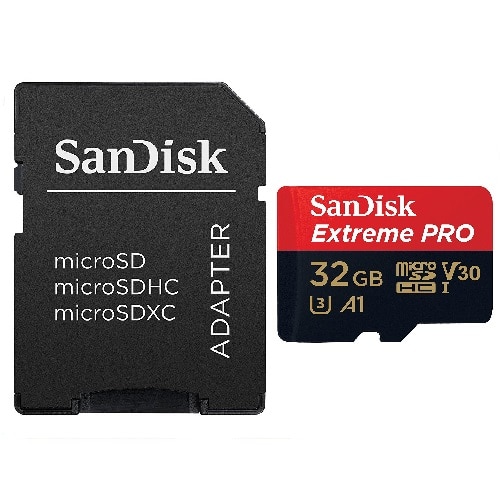
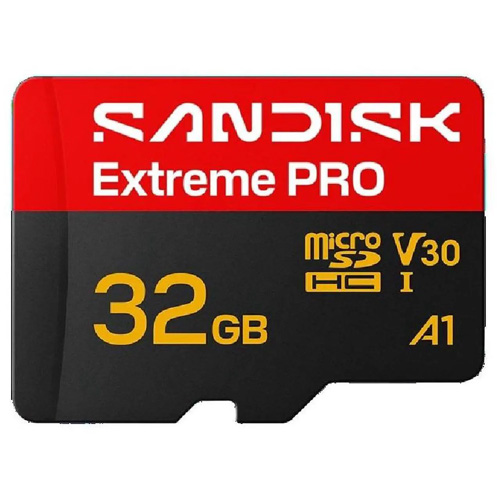
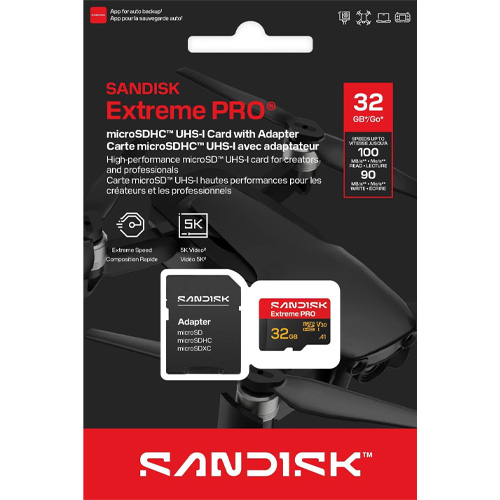
32GB Micro SDHC Extreme Pro Sandisk Memory Card (SDSQXCG-032G-GN6MA)
SanDisk Extreme Pro 32GB Micro SDHC Class 10 Performance For Full HD Video 1080p and 4K recording, V30. Transfer speeds up to 100MB per second.
Great for GoPro Hero 6, Fusion, Hero 5, and other 4K Action Cameras.
Specifications
- Model Number: SDSQXCG-032G-GN6MA
- Class: 10
- Form Factor: microSDHC
- UHS BUS Speed: UHS-I
- Read Speed: Max 100MB/s
- Write Speed: Max 90MB/s
- UHS Speed Class: U3
- Video Speed Class: V30
- App Performance Class: A1
- Video Format Capability: 4K UHD Video, Full HD Video
- Operating Temperature: -13° – 185° F (-25°C – 85° C)
Water proof, Temperature proof, X-ray proof, Shock proof
Estimated Number of Photos & Videos
JPG Photos: 8,620 photos
RAW Photos: 595 photos
HD Video: 425 minutes
4k Video: 85 minutes**This product comes in original retail packaging ready for resale. EBS return policy linked here.
Model # SDSQXCG-032G-GN6MA
(0 reviews)From: $26.05
(Pricing as low as $24.70) Select options This product has multiple variants. The options may be chosen on the product page -
 MicroSD Cards
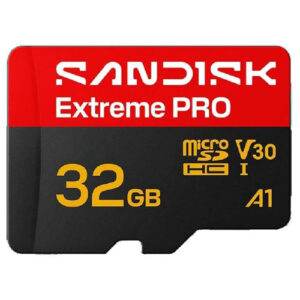
32GB SanDisk Extreme Pro MicroSDHC Memory Card (SDSQXCO-032G-GS6MA)
SanDisk Extreme Pro 32GB Micro SDHC Class 10 Performance For Full HD Video 1080p and 4K recording, V30. Transfer speeds up to 100MB per second.
Great for GoPro Hero 6, Fusion, Hero 5, and other 4K Action Cameras.
Specifications
- Model Number: SDSQXCO-032G-GS6MA
- Class: 10
- Form Factor: microSDHC
- UHS BUS Speed: UHS-I
- Read Speed: Max 100MB/s
- Write Speed: Max 90MB/s
- UHS Speed Class: U3
- Video Speed Class: V30
- App Performance Class: A1
- Video Format Capability: 4K UHD Video, Full HD Video
- Operating Temperature: -13° – 185° F (-25°C – 85° C)
Water proof, Temperature proof, X-ray proof, Shock proof
Estimated Number of Photos & Videos
JPG Photos: 8,620 photos
RAW Photos: 595 photos
HD Video: 425 minutes
4k Video: 85 minutes**This product comes in original retail packaging ready for resale. EBS return policy linked here.
(0 reviews)From: $27.90
(Pricing as low as $26.50) Select options This product has multiple variants. The options may be chosen on the product page -
 MicroSD Cards
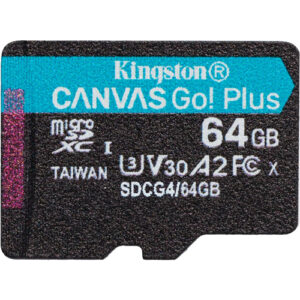
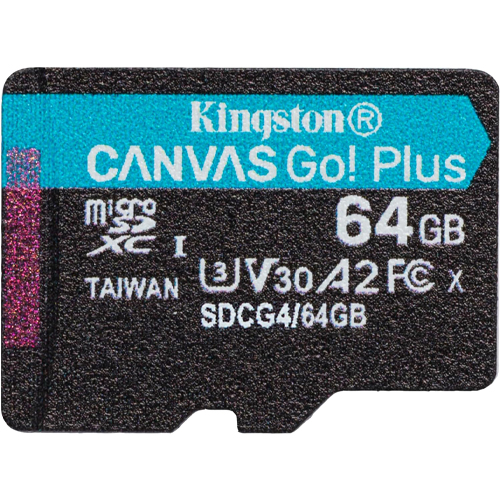
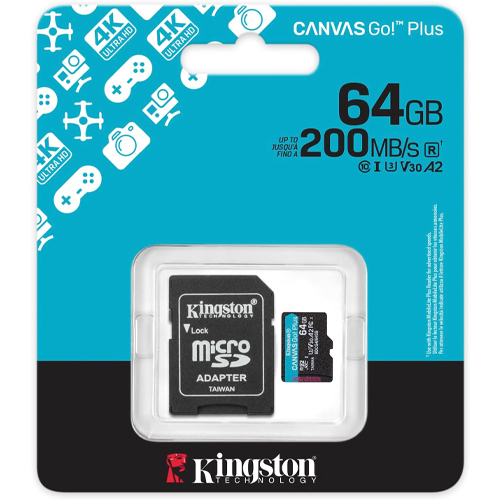
64GB Kingston Canvas Go! Plus Class 10 MicroSDXC Memory Card (SDCG4/64GB)
The 64GB Kingston Canvas Go! Plus microSDXC card delivers industry-leading performance designed for content creators, enterprises, and bulk deployment. Its UHS‑I interface supports read speeds up to 200 MB/s and write speeds up to 100 MB/s in the 64 GB capacity range, accelerating file transfers, 4K Ultra HD video capture, and app loading across compatible devices. Certified Class 10, U3, V30, and A2, this card provides uninterrupted UHD video recording on action cameras and drones while improving app responsiveness on Android-based gaming consoles and tablets. This is truly one of the best microSD cards in it’s price range.
Large 64 GB capacity stores hours of 4K video, thousands of images, apps, and data without frequent swaps. Engineered to endure extreme environments, Canvas Go! Plus is water-resistant, shockproof, X‑ray proof, vibration-resistant, and has reliable performance in field deployment or shipping environments.
Compatible across Windows, macOS, Linux, Android, and DSLR platforms, the card enables streamlined formatting or preloading at scale in mixed-device ecosystems. Durable longevity and consistent performance reduce replacement costs for enterprise clients, professionals in drone imaging, media production, surveillance, tourism, education, and reselling businesses value the card’s balance of capacity, speed, and rugged reliability. This card speeds up workflows in kit bundles, promotional media distribution, training sessions, or packaged consumer electronics. Its A2 application-class certification minimizes app-launch times and multitask delays on handheld and embedded Android systems. The V30 Video Speed Class guarantees smooth 4K capture without dropped frames or buffering, ideal for fast-action recording.
Specifications
- Model Number: SDCG4/64GB
- Class: 10
- Form Factor: microSDXC
- UHS BUS Speed: UHS-I
- Read Speed: Max 200MB/s
- Write Speed: Max 100MB/s
- UHS Speed Class: U3
- Video Speed Class: V30
- App Performance Class: A2
- Operating Temperature: -13° – 185° F (-25°C – 85° C)
Water proof, Temperature proof, X-ray proof, Shock proof, Vibration Proof. Adapter Included
Estimated Number of Photos & Videos
JPG Photos: 17,245 photos
RAW Photos: 1,190 photos
HD Video: 850 minutes
4k Video: 170 minutes**This product comes in original retail packaging ready for resale. EBS return policy linked here.
Model # SDCG4/64GB
(0 reviews)From: $29.40
(Pricing as low as $27.90) Select options This product has multiple variants. The options may be chosen on the product page -
 MicroSD Cards
64GB Micro SanDisk Nintendo Switch SDXC Memory Card (SDSQXAO-064G-GN3ZN)
64GB SanDisk micro ultra memory card. Class 10, 100MB/s Read speed, 60mb/s write speedThis Nintendo Switch Memory card is the ideal solution for storing and downloading games for the Nintendo Switch and Nintendo Switch Lite. Includes a plastic jewel case for easy transferring and protection.Specifications
- Model Number: SDSQXAO-064G-GN3ZN
- Class: 10
- Form Factor: microSDXC
- UHS BUS Speed: UHS-I
- Read Speed: Max 100MB/s
- Write Speed: Max 60MB/s
- Operating Temperature: -13° – 185° F (-25°C – 85° C)
Designed, Tested and Approved for Nintendo Switch Gaming System
Estimated Number of Photos & Videos
JPG Photos: 17,245 photos
RAW Photos: 1,190 photos
HD Video: 850 minutes
4k Video: 170 minutes**This product comes in original retail packaging ready for resale. EBS return policy linked here.Model # SDSQXAO-064G-GN3ZN(0 reviews)From: $29.95
(Pricing as low as $28.45) Select options This product has multiple variants. The options may be chosen on the product page -
 MicroSD Cards
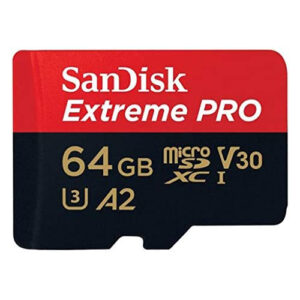
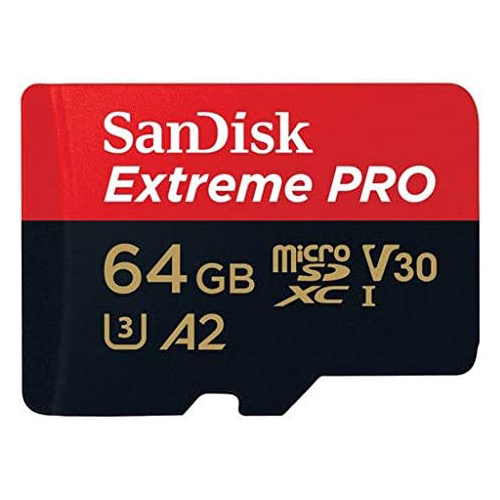
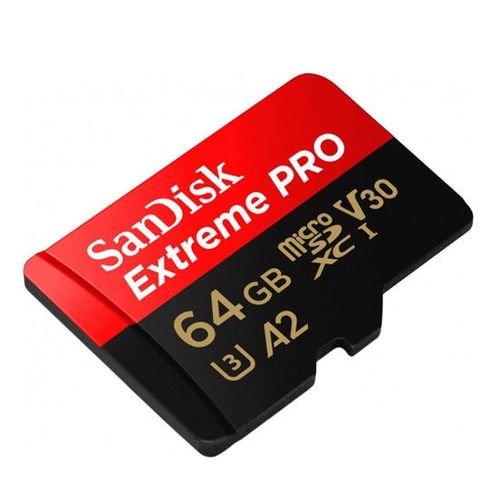
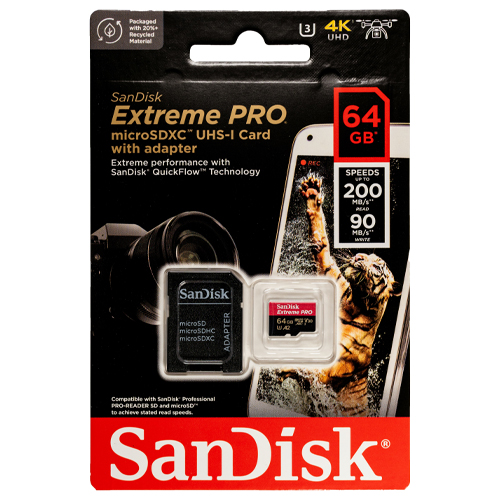
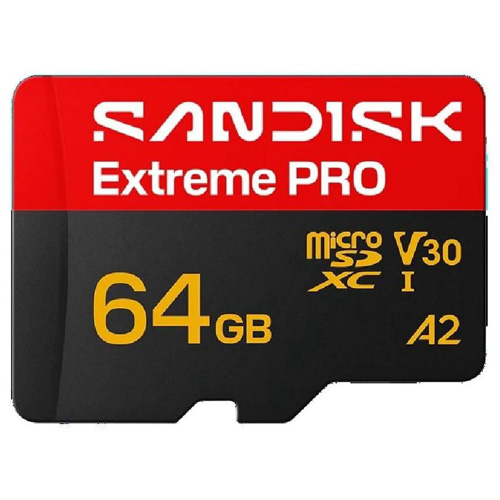
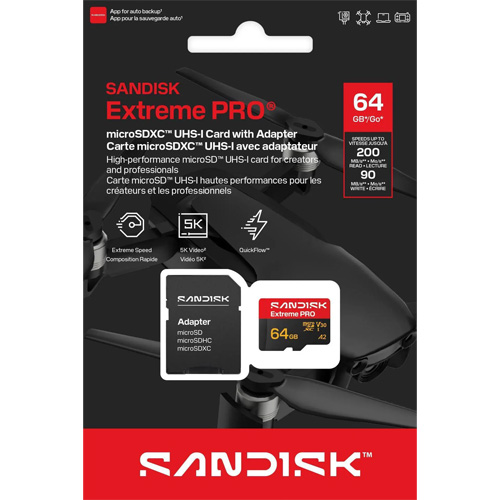
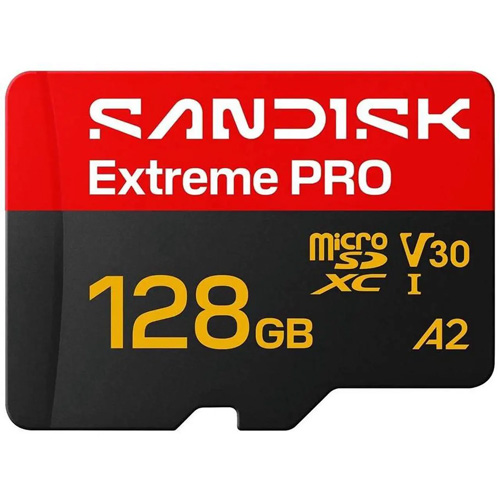
64GB Micro SDXC Extreme Pro A2 Sandisk Memory Card (SDSQXCU-064G-GN6MA)
SanDisk Extreme Pro 64GB microSDXC XCU Class 10 U3 A2 V30 UHS-1
This new Extreme Pro microSD Card from SanDisk has a 64GB capacity. Super high quality speeds with a large SDXC capacity. The ideal card for all types of devices that take a microSD card like trail cameras and action cameras. The 64GB microSD Extreme Pro SanDisk card is a great choice for photographers and professionals looking for higher transfer speeds and higher quality images. Perfect for Raspberry Pi models and DJI drones. This card will with with any compatible drone or action camera with a microSD card slot. The A2 application processing is for applications like software and on compatible phones giving you the best IOPS. You can pair this 64GB card with compatible Blu-ray players, home theaters, and more to expand the storage and hold thousands of songs and hundreds of movies. This card is rated for U3 and Class 10 speeds. The Extreme Pro microSD card can be used for expandable storage on laptops or used to put pictures on digital photo frames. This microSDXC card is waterproof, temperature proof, shock proof, and X-ray proof. SanDisk Extreme Pro 64GB XCU.
Specifications
- Model Number: SDSQXCU-064G-GN6MA
- Class: 10
- Form Factor: microSDXC
- UHS BUS Speed: UHS-I
- Read Speed: Max 200MB/s
- Write Speed: Max 90MB/s
- UHS Speed Class: U3
- Video Speed Class: V30
- App Performance Class: A2
- Video Format Capability: 4K UHD Video, Full HD Video
- Operating Temperature: -13° – 185° F (-25°C – 85° C)
Water proof, Temperature proof, X-ray proof, Shock proof
Estimated Number of Photos & Videos
JPG Photos: 17,245 photos
RAW Photos: 1,190 photos
HD Video: 850 minutes
4k Video: 170 minutes**This product comes in original retail packaging ready for resale. EBS return policy linked here.
Model # SDSQXCU-064G-GN6MA
(0 reviews)From: $30.25
(Pricing as low as $28.70) Select options This product has multiple variants. The options may be chosen on the product page -
 MicroSD Cards
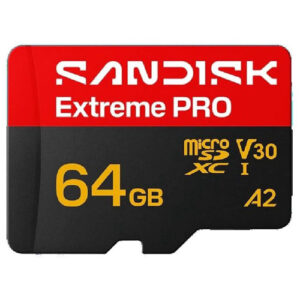
64GB SanDisk Extreme Pro MicroSDXC Memory Card (SDSQXCU-064G-GS6MA)
SanDisk Extreme Pro 64GB microSDXC XCU Class 10 U3 A2 V30 UHS-1
This new Extreme Pro microSD Card from SanDisk has a 64GB capacity. Super high quality speeds with a large SDXC capacity. The ideal card for all types of devices that take a microSD card like trail cameras and action cameras. The 64GB microSD Extreme Pro SanDisk card is a great choice for photographers and professionals looking for higher transfer speeds and higher quality images. Perfect for Raspberry Pi models and DJI drones. This card will with with any compatible drone or action camera with a microSD card slot. The A2 application processing is for applications like software and on compatible phones giving you the best IOPS. You can pair this 64GB card with compatible Blu-ray players, home theaters, and more to expand the storage and hold thousands of songs and hundreds of movies. This card is rated for U3 and Class 10 speeds. The Extreme Pro microSD card can be used for expandable storage on laptops or used to put pictures on digital photo frames. This microSDXC card is waterproof, temperature proof, shock proof, and X-ray proof. SanDisk Extreme Pro 64GB XCU.
Specifications
- Model Number: SDSQXCU-064G-GS6MA
- Class: 10
- Form Factor: microSDXC
- UHS BUS Speed: UHS-I
- Read Speed: Max 200MB/s
- Write Speed: Max 90MB/s
- UHS Speed Class: U3
- Video Speed Class: V30
- App Performance Class: A2
- Video Format Capability: 4K UHD Video, Full HD Video
- Operating Temperature: -13° – 185° F (-25°C – 85° C)
Water proof, Temperature proof, X-ray proof, Shock proof
Estimated Number of Photos & Videos
JPG Photos: 17,245 photos
RAW Photos: 1,190 photos
HD Video: 850 minutes
4k Video: 170 minutes**This product comes in original retail packaging ready for resale. EBS return policy linked here.
(0 reviews)From: $30.60
(Pricing as low as $29.05) Select options This product has multiple variants. The options may be chosen on the product page -
 MicroSD Cards
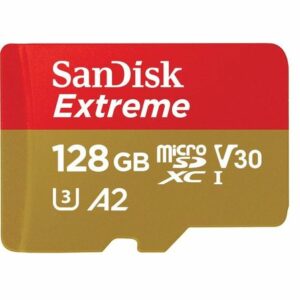
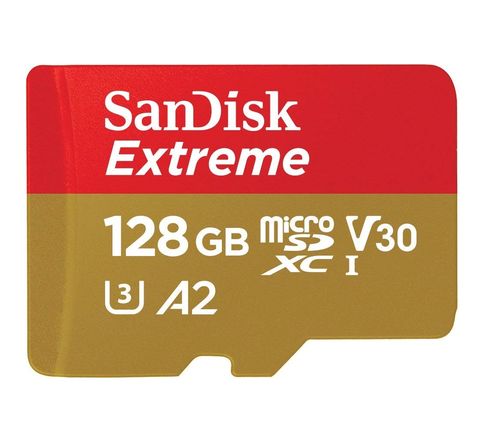
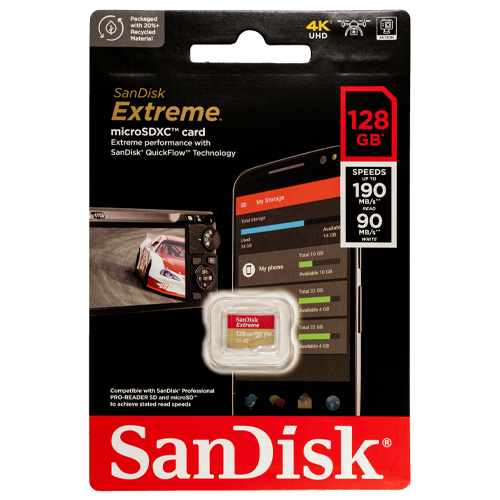
128GB Micro SDXC Extreme Sandisk Memory Card (SDSQXAA-128G-GN6MN)
SanDisk Extreme 128GB microSDXC XAA Class 10 U3 A2 V30 UHS-1
This new Extreme microSD Card from SanDisk has a 128GB capacity. Super high quality speeds with a large SDXC capacity. The ideal card for all types of devices that take a microSD card like trail cameras and action cameras. The 128GB microSD Extreme SanDisk card is a great choice for photographers and professionals looking for higher transfer speeds and higher quality images. Perfect for Raspberry Pi models and DJI drones. This card will with with any compatible drone or action camera with a microSD card slot. The A2 application processing is for applications like software and on compatible phones giving you the best IOPS. You can pair this 128GB card with compatible Blu-ray players, home theaters, and more to expand the storage and hold thousands of songs and hundreds of movies. This card is rated for U3 and Class 10 speeds. The Extreme microSD card can be used for expandable storage on laptops or used to put pictures on digital photo frames. This microSDXC card is waterproof, temperature proof, shock proof, and X-ray proof. Extreme 128GB microSDXC XAA.
Specifications
- Model Number: SDSQXAA-128G-GN6MN
- Class: 10
- Form Factor: microSDXC
- UHS BUS Speed: UHS-I
- Read Speed: Max 190MB/s
- Write Speed: Max 90MB/s
- UHS Speed Class: U3
- Video Speed Class: V30
- App Performance Class: A2
- Video Format Capability: 4K UHD Video
- Operating Temperature: -13° – 185° F (-25°C – 85° C)
Water proof, Temperature proof, X-ray proof, Shock proof
Estimated Number of Photos & Videos
JPG Photos: 34,490 photos
RAW Photos: 2,380 photos
HD Video: 1,705 minutes
4k Video: 340 minutes**This product comes in original retail packaging ready for resale. EBS return policy linked here.
Model # SDSQXAA-128G-GN6MN
(0 reviews)From: $31.50
(Pricing as low as $29.90) Select options This product has multiple variants. The options may be chosen on the product page -
 MicroSD Cards
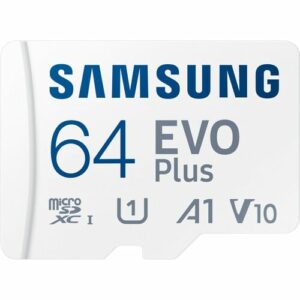
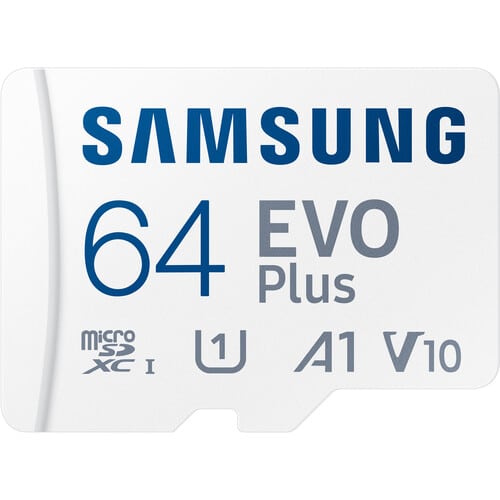
64GB Micro Samsung EVO Plus SDXC Memory Card (MB-MC64SA)
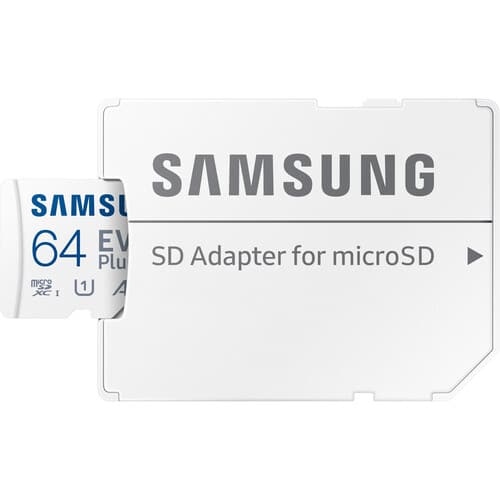
64GB Samsung EVO Plus Micro SD Card, designed to meet all your storage needs with unmatched performance and versatility. This high-speed card comes equipped with a Samsung adapter for compatibility with a wide range of devices, including computers, handheld gaming consoles, tablets, and cameras. Whether you’re transferring files, capturing memories, or gaming on the go, the 64GB Samsung EVO Plus microSD Card adapts effortlessly to your lifestyle. Experience lightning-fast read and write speeds of up to 160 MB/s, making file transfers nearly instantaneous. This means you can capture every moment in real time, from 4K UHD videos to high-resolution photos, without missing a beat. The EVO Plus ensures that your memories are stored securely and transferred quickly, so you can focus on creating more of them.
Available in storage capacities ranging from 64GB to a massive 1TB, the EVO Plus is designed to grow with you. Whether you’re saving family photos, recording epic adventures, or downloading your favorite games, you’ll have all the space you need. With the right amount of storage, this microSD card is perfect for preserving what matters most to you, all in one place. The EVO Plus is equipped with advanced U3, Class 10, A2, V30, and UHS-I interface technology, providing ultra-high speeds and smooth performance.
Extensively compatible with a wide range of devices, from action cams like GoPro and drones from DJI , the EVO Plus is a versatile and dependable choice for all your storage needs. Whether you’re a professional photographer, gamer, or tech enthusiast, this microSD card delivers the speed, capacity, and durability you need.
Specifications
- Model Number: MB-MC64SA
- Class: 10
- Form Factor: microSDXC
- UHS BUS Speed: UHS-I
- Read Speed: Max 160MB/s
- UHS Speed Class: U1
- Video Speed Class: V10
- App Performance Class: A1
- Operating Temperature: -13° – 185° F (-25°C – 85° C)
Water proof, Temperature proof, X-ray proof, Wear out proof, Magnetic proof, Drop proof
Estimated Number of Photos & Videos
JPG Photos: 17,245 photos
RAW Photos: 1,190 photos
HD Video: 850 minutes
4k Video: 170 minutes**This product comes in original retail packaging ready for resale. EBS return policy linked here.
Model # MB-MC64SA(0 reviews)From: $32.60
(Pricing as low as $30.95) Select options This product has multiple variants. The options may be chosen on the product page -
 MicroSD Cards
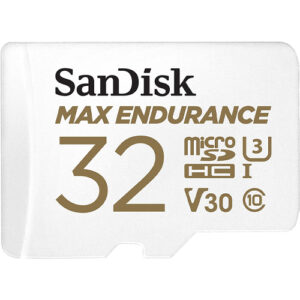
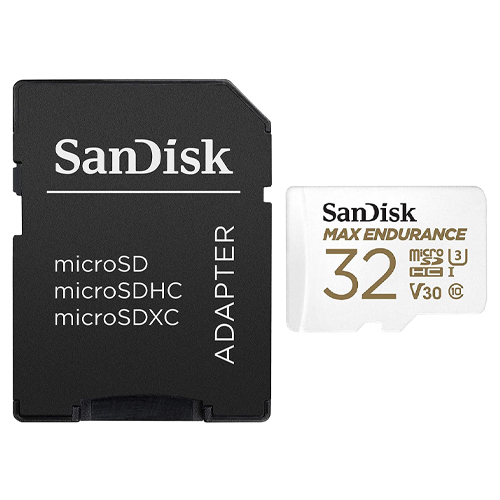
32GB SanDisk Max Endurance MicroSDHC Memory Card (SDSQQVR-032G-GN6IA)
The 32GB SanDisk Max Endurance is made for long lasting and continuous recording for years. Able to endure 15,000 hours of total recording footage for your security camera or dash cam. Record with Full HD and 4K quality to capture every detail with up to 100MB/s read speed and 40MB/s write speed. It can come in retail packaging and includes 1 SanDisk Max Endurance MicroSD Card with 1 SanDisk SD Adapter for easy transfer and ability to view your cards contents on a computer, laptop, or desktop. The 32GB SanDisk Max Endurance is ideal for Home Security Cameras and Dashcams. The Micro SD Card works for Wyze, Garmin Dash Cam, Nextbase, Cobra, THINKWARE, Rexing, Kenwood, Apeman, Crosstour, Mio, YI, BlackVue, and myGEKOgear and more dashcam brands. Other compatible security brands such as Arlo, Lorex, Night Owl and other security cameras needing TF Cards will be suitable with the 32GB SanDisk Max Endurance MicroSD Card. Made to continuous run through the most rigorous of conditions, SanDisk Endurance cards are reliable and durable: shockproof & vibration proof, temperature-proof, waterproof, and X-ray-proof .
Specifications
- Model Number: SDSQQVR-032G-GN6IA
- Class: 10
- Form Factor: microSDHC
- UHS BUS Speed: UHS-I
- Read Speed: Max 100MB/s
- Write Speed: Max 40MB/s
- UHS Speed Class: U3
- Video Speed Class: V30
- Video Format Capability: Full HD, 4K
- Operating Temperature: -13° – 185° F (-25°C – 85° C)
Water proof, Temperature proof, X-ray proof, Shock proof
Estimated Number of Photos & Videos
JPG Photos: 8,620 photos
RAW Photos: 595 photos
HD Video: 425 minutes
4k Video: 85 minutes**This product comes in original retail packaging ready for resale. EBS return policy linked here.
Model # SDSQQVR-032G-GN6IA(0 reviews)From: $33.75
(Pricing as low as $32.05) Select options This product has multiple variants. The options may be chosen on the product page -
 MicroSD Cards
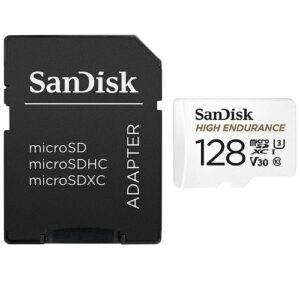
128GB SanDisk High Endurance Video Monitoring Card (SDSQQNR-128G-GN6IA)
High Quality 128GB MicroSD High Endurance SanDisk Card with SD Adapter. This card is great for recording continuous videos, like in dashcams and home video monitoring cameras.
Specifications
- Model Number: SDSQQNR-128G-GN6IA
- Class: 10
- Form Factor: microSDXC
- UHS BUS Speed: UHS-I
- Read Speed: Max 100MB/s
- Write Speed: Max 40MB/s
- UHS Speed Class: U3
- Video Speed Class: V30
- Video Format Capability: Full HD, 4K UHD
- Operating Temperature: -13° – 185° F (-25°C – 85° C)
Estimated Number of Photos & Videos
JPG Photos: 34,490 photos
RAW Photos: 2,380 photos
HD Video: 1,705 minutes
4k Video: 340 minutes**This product comes in original retail packaging ready for resale. EBS return policy linked here.
Model # SDSQQNR-128G-GN6IA
(0 reviews)From: $35.35
(Pricing as low as $33.55) Select options This product has multiple variants. The options may be chosen on the product page -
 MicroSD Cards
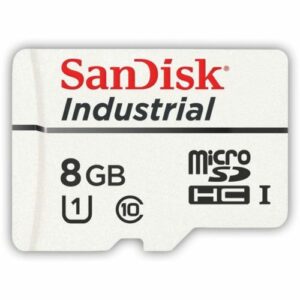
8GB SanDisk Class 10 MicroSDHC Industrial Flash Memory Card (SDSDQAF3-008G-I)
These SanDisk Industrial MicroSD cards are designed and tested to provide quality memory storage in the most outrageous circumstances. This durable, endurance 8GB MicroSD SanDisk card is a very affordable option.
Specifications
- SKU: SDSDQAF3-008G-I
- Class: 10
- Form Factor: microSDHC
- UHS BUS Speed: UHS-I
- Read Speed: Max 80MB/s
- Write Speed: Max 50MB/s
- UHS Speed Class: U1
- Operating Temperature: -13° – 185° F (-25°C – 85° C)
Water proof, Magnet proof, Impact Proof, X-ray proof, Shock proof, Vibration Proof
**This product comes on trays
Model # SDSDQAF3-008G-I
(0 reviews)From: $35.85
(Pricing as low as $34.05) Select options This product has multiple variants. The options may be chosen on the product page -
 MicroSD Cards
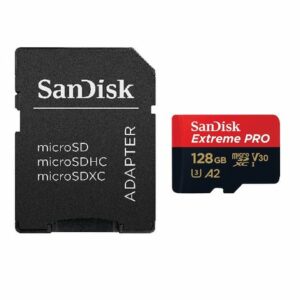
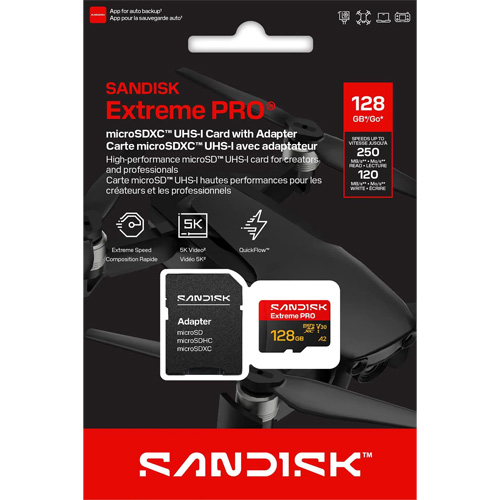
128GB Micro SDXC Extreme Pro A2 Sandisk Memory Card (SDSQXCD-128G-GN6MA)
SanDisk Extreme Pro 128GB microSDXC Class 10 U3 A2 V30 UHS-1
This new 128GB microSD card from SanDisk has super high quality speeds with a large SDXC capacity. The ideal card for all types of devices that take a microSD card like trail cameras and action cameras. The 128GB microSD Extreme Pro SanDisk card is a great choice for photographers and professionals looking for higher transfer speeds and higher quality images. Perfect for Raspberry Pi models and DJI drones. This card will with with any compatible drone or action camera with a microSD card slot. The A2 application processing is for applications like software and on compatible phones giving you the best IOPS. You can pair this 128GB card with compatible Blu-ray players, home theaters, and more to expand the storage and hold thousands of songs and hundreds of movies. This card is rated for U3 and Class 10 speeds. The Extreme Pro microSD card can be used for expandable storage on laptops or used to put pictures on digital photo frames. This microSDXC card is waterproof, temperature proof, shock proof, and X-ray proof. SanDisk Extreme Pro 128GB XCD.
Specifications
- Model Number: SDSQXCD-128G-GN6MA
- Class: 10
- Form Factor: microSDXC
- UHS BUS Speed: UHS-I
- Read Speed: Max 200MB/s
- Write Speed: Max 90MB/s
- UHS Speed Class: U3
- Video Speed Class: V30
- App Performance Class: A2
- Video Format Capability: 4K UHD Video, Full HD Video
- Operating Temperature: -13° – 185° F (-25°C – 85° C)
Water proof, Temperature proof, X-ray proof, Shock proof
Estimated Number of Photos & Videos
JPG Photos: 34,490 photos
RAW Photos: 2,380 photos
HD Video: 1,705 minutes
4k Video: 340 minutes**This product comes in original retail packaging ready for resale. EBS return policy linked here.
Model # SDSQXCD-128G-GN6MA
(1 review)From: $38.60
(Pricing as low as $36.65) Select options This product has multiple variants. The options may be chosen on the product page -
 MicroSD Cards
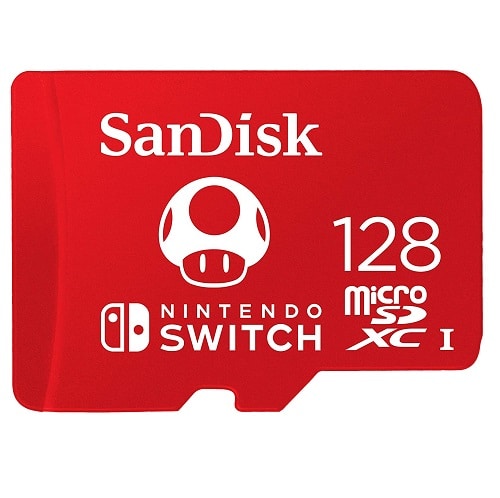
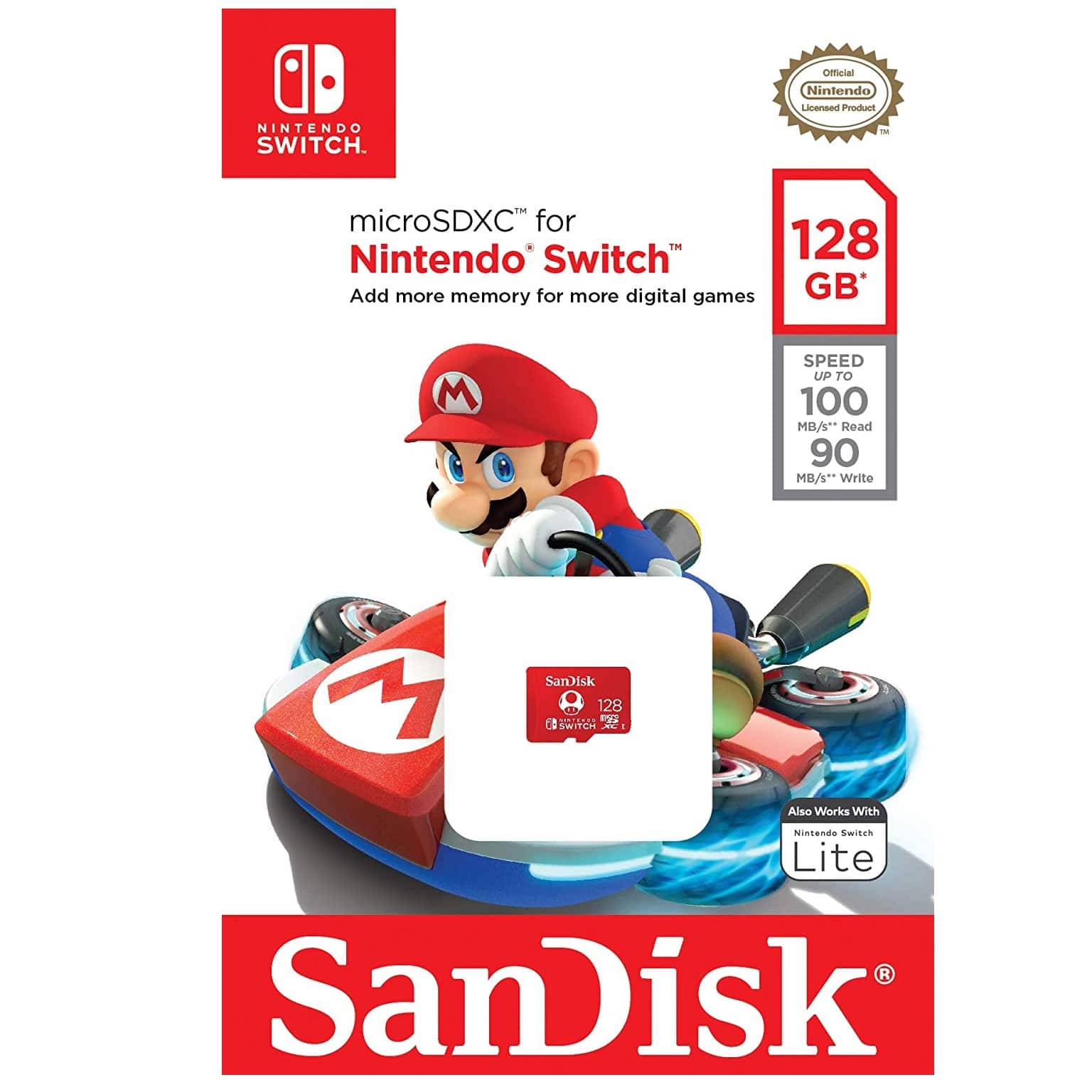
128GB Micro SanDisk Nintendo Switch SDXC Memory Card (SDSQXAO-128G-GN3ZN)
128GB SanDisk micro ultra memory card. Class 10, 100MB/s Read speed, 90mb/s write speedThis Nintendo Switch Memory card is the ideal solution for storing and downloading games for the Nintendo Switch and Nintendo Switch Lite.Specifications
- Model Number: SDSQXAO-128G-GN3ZN
- Class: 10
- Form Factor: microSDXC
- UHS BUS Speed: UHS-I
- Read Speed: Max 100MB/s
- Write Speed: Max 90MB/s
- Operating Temperature: -13° – 185° F (-25°C – 85° C)
Designed, Tested and Approved for Nintendo Switch Gaming System
Estimated Number of Photos & Videos
JPG Photos: 34,490 photos
RAW Photos: 2,380 photos
HD Video: 1,705 minutes
4k Video: 340 minutes**This product comes in original retail packaging ready for resale. EBS return policy linked here.Model # SDSQXAO-128G-GN3ZN(0 reviews)From: $39.30
(Pricing as low as $37.30) Select options This product has multiple variants. The options may be chosen on the product page -
 MicroSD Cards
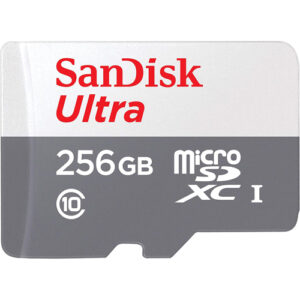
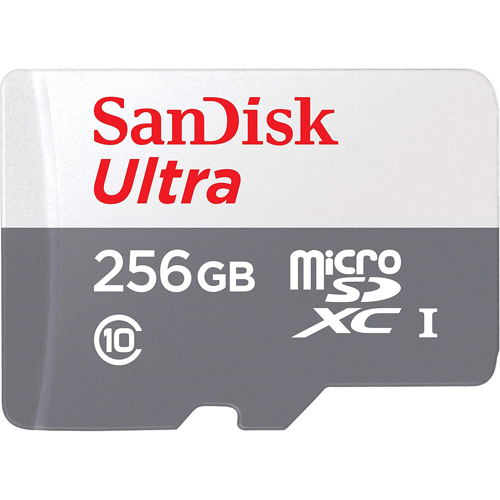
256GB Micro SDXC Ultra Sandisk Memory Card (SDSQUNR-256G-GN3MN)
256GB SanDisk Ultra Grey is a fantastic MicroSD Card for devices like the Fire tablet and other MicroSD compatible devices. Performance-wise, the SanDisk microSD card delivers impressive speed and reliability. Apps load quickly! This is crucial for maintaining a smooth experience, especially when dealing with kids who can be impatient! The SanDisk Ultra Grey MicroSD Card works particularly well with devices that need inexpensive high capacity memory expansion like Fire TV, Fire Tablet, 3DS, and other devices.
Specifications
SKU 256GB TF Ultra SDSQUNR-256G-GN3MN Model Number SDSQUNR-256G-GN3MN Class 10 Form Factor microSDXC UHS BUS Speed UHS-I Read Speed Up to 100 MB/s Write Speed UHS Speed Class App Performance Class Operating Temperature -13° – 185° F (-25°C – 85° C) Water proof, Temperature proof, X-ray proof, Shock proof Estimated Number of Photos & Videos JPG Photos: 68,985 photos RAW Photos: 9,530 photos HD Video: 6,825 minutes 4k Video: 1,365 minutes **This product comes in original retail packaging ready for resale. EBS return policy linked here.
Model # SDSQUNR-256G-GN3MN
(0 reviews)From: $40.25
(Pricing as low as $38.20) Select options This product has multiple variants. The options may be chosen on the product page -
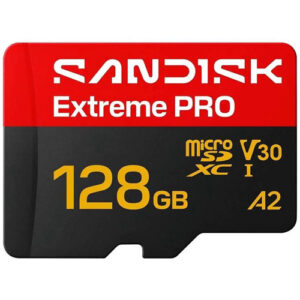 MicroSD Cards
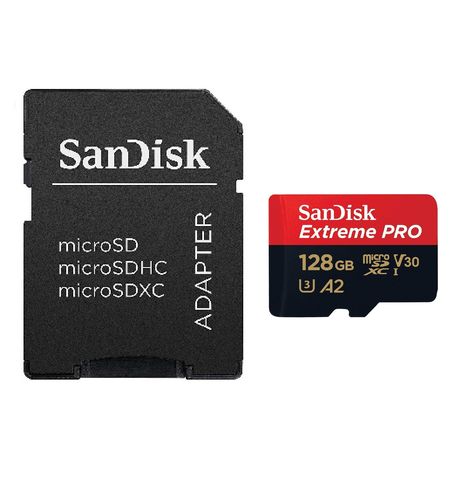
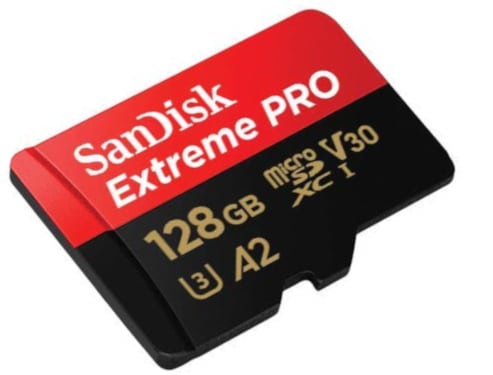
128GB SanDisk Extreme Pro MicroSDXC Memory Card (SDSQXCJ-128G-GS6MA)
SanDisk Extreme Pro 128GB microSDXC Class 10 U3 A2 V30 UHS-1
This new 128GB microSD card from SanDisk has super high quality speeds with a large SDXC capacity. The ideal card for all types of devices that take a microSD card like trail cameras and action cameras. The 128GB microSD Extreme Pro SanDisk card is a great choice for photographers and professionals looking for higher transfer speeds and higher quality images. Perfect for Raspberry Pi models and DJI drones. This card will with with any compatible drone or action camera with a microSD card slot. The A2 application processing is for applications like software and on compatible phones giving you the best IOPS. You can pair this 128GB card with compatible Blu-ray players, home theaters, and more to expand the storage and hold thousands of songs and hundreds of movies. This card is rated for U3 and Class 10 speeds. The Extreme Pro microSD card can be used for expandable storage on laptops or used to put pictures on digital photo frames. This microSDXC card is waterproof, temperature proof, shock proof, and X-ray proof. SanDisk Extreme Pro 128GB XCD.
Specifications
- Model Number: SDSQXCJ-128G-GS6MA
- Class: 10
- Form Factor: microSDXC
- UHS BUS Speed: UHS-I
- Read Speed: Max 200MB/s
- Write Speed: Max 90MB/s
- UHS Speed Class: U3
- Video Speed Class: V30
- App Performance Class: A2
- Video Format Capability: 4K UHD Video, Full HD Video
- Operating Temperature: -13° – 185° F (-25°C – 85° C)
Water proof, Temperature proof, X-ray proof, Shock proof
Estimated Number of Photos & Videos
JPG Photos: 34,490 photos
RAW Photos: 2,380 photos
HD Video: 1,705 minutes
4k Video: 340 minutes**This product comes in original retail packaging ready for resale. EBS return policy linked here.
(0 reviews)From: $40.95
(Pricing as low as $38.90) Select options This product has multiple variants. The options may be chosen on the product page

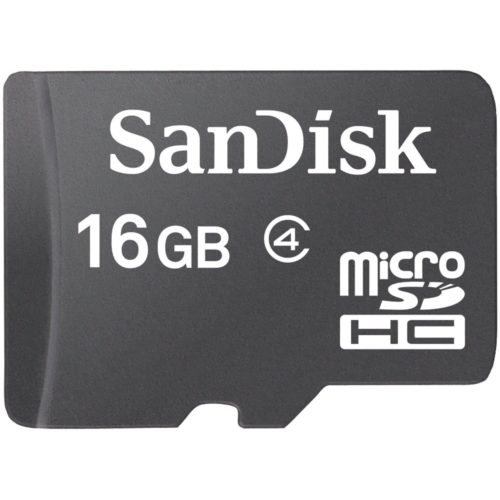


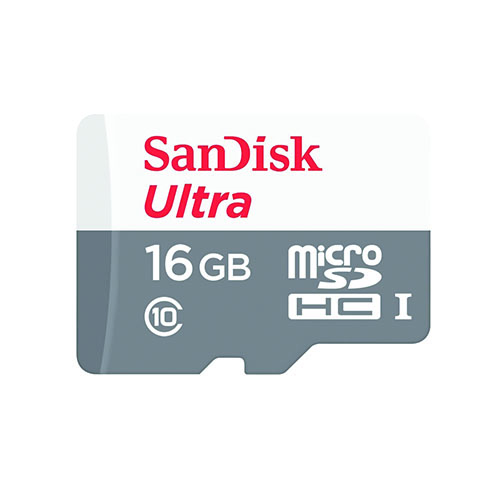



































The Complete MicroSD Card Resource Guide
Introduction to MicroSD Cards
What Are MicroSD Cards and Why They Matter
A microSD card represents one of the most significant innovations in portable storage technology. These diminutive memory modules—measuring just 15mm × 11mm × 1mm—pack tremendous storage capacity into a remarkably compact form factor that has become the de facto standard for mobile devices, cameras, drones, and countless consumer electronics.
MicroSD cards serve as removable, hot-swappable storage solutions that enable users to expand device capacity without relying solely on built-in storage. In an era where digital content continues to grow in both volume and file size, microSD cards have become indispensable for anyone who captures, stores, or consumes digital media.
Key characteristics that define microSD cards:
- Ultra-compact dimensions (approximately one-quarter the size of standard SD cards)
- Removable and portable storage capability
- Hot-swappable functionality in most modern devices
- Storage capacity ranging from 8GB to 1.5TB in consumer models
- Backward compatibility with appropriate adapters
- Exceptional durability against physical shock, water exposure, and temperature extremes
The importance of microSD cards extends far beyond casual smartphone photography. Professional photographers use them in action cameras and drones, content creators rely on them for 4K and 8K video recording, gamers depend on them for expanded game libraries on Nintendo Switch and Steam Deck, and system administrators utilize them in Raspberry Pi and IoT deployments. The microSD card ecosystem represents a multi-billion-dollar market with continuous innovation and expansion.
Historical Development and Technological Evolution
The microSD card story began in 2004 when SanDisk introduced the TransFlash format, designed specifically for compact mobile devices. This original format supported capacities up to 2GB and represented a revolutionary step forward in mobile storage technology. When the SD Card Association formally adopted the format in 2005 and renamed it microSD, the standard was born that would eventually transform how billions of people store and access digital content.
The evolution of microSD technology has progressed through distinct generations, each marked by significant capacity and capability expansions:
| Generation | Year Introduced | Format | Maximum Capacity | Key Features |
| Original microSD | 2005 | microSD | 2GB | Basic file system, limited device compatibility |
| MicroSDHC | 2007 | microSDHC | 32GB | High Capacity format, improved speed standards |
| MicroSDXC | 2009 | microSDXC | 2TB | Extended Capacity, exFAT file system |
| MicroSDUC | 2024 (Announced) | microSDUC | 128TB (theoretical) | Ultra Capacity, next-generation interface |
Each generational step brought not only expanded capacity but also improvements in speed standards, error correction capabilities, and device compatibility. The progression from microSD to microSDHC to microSDXC wasn’t simply about adding more storage—it represented fundamental improvements in how data is organized, accessed, and protected on these tiny devices.
Why MicroSD Cards Matter in Today’s Digital Ecosystem
In contemporary digital life, microSD cards solve problems that would otherwise be intractable for mobile device users, content creators, and technology enthusiasts:
Expanded device capability remains the primary driver. Smartphones with fixed internal storage cannot grow; microSD cards enable users to expand capacity as needs evolve without purchasing new devices. A Samsung Galaxy device or Android phone with microSD card expansion can serve users for years longer than sealed devices.
Cost-effective storage scaling makes premium storage capacity accessible to mainstream consumers. Rather than paying premium prices for high-capacity device variants, users can purchase moderately-sized devices and expand with affordable microSD cards as needs warrant.
Content portability transforms how people move files between devices. A microSD card containing photos, videos, or digital documents can move seamlessly from a smartphone to a tablet to a computer, enabling flexible workflows that cloud storage alone cannot provide.
Professional applications drive significant market segments. Photographers capturing RAW images, videographers recording 4K content, drone operators documenting aerial footage, and surveillance system integrators all depend on high-performance microSD cards to enable their professional work.
Gaming and entertainment have been revolutionized by microSD expansion. The Nintendo Switch and Steam Deck depend entirely on microSD cards for game storage, enabling gamers to maintain extensive digital libraries of titles.
The microSD card market continues expanding because these devices solve real problems that consumers face daily. As digital content continues growing in both quantity and file size, the importance of efficient, portable storage becomes increasingly critical.
Market Overview and Contemporary Landscape
The global microSD card market represents a dynamic, competitive segment within the broader flash memory industry. Major manufacturers including SanDisk (Western Digital subsidiary), Samsung, Kingston, Lexar, Transcend, and others compete vigorously to provide increasingly capable products to demanding customers.
Market trends reveal several important dynamics:
Capacity growth outpacing pricing pressure continues to drive consumer value. A microSD card that would have commanded premium pricing as a 256GB model five years ago now faces competition from 512GB and 1TB alternatives at comparable price points.
Specialization by application has increased significantly. Rather than offering universal microSD cards, manufacturers now produce specialized variants optimized for surveillance recording, sports action cameras, mobile gaming, and professional photography—each with specific speed, endurance, and temperature characteristics.
Premium segment expansion reflects growing demand for high-performance cards. Professional-grade microSD cards with advanced features, extended warranties, and superior performance command premium pricing because users recognize the value proposition for critical applications.
Supply chain maturation has improved availability and pricing across all capacity tiers. What once required specialized sourcing or premium pricing is now readily available through mainstream retailers and online marketplaces.
Understanding the microSD card market landscape helps consumers make informed purchasing decisions and choose products that genuinely align with their needs rather than being swayed by marketing claims or outdated assumptions about microSD card technology.
MicroSD Card Fundamentals: Understanding the Basics
Physical Specifications and Design Standards
MicroSD cards feature standardized physical dimensions established by the SD Card Association, ensuring compatibility across millions of devices manufactured by hundreds of companies worldwide. Understanding these specifications is essential for proper card handling, storage, and troubleshooting.
Official microSD card dimensions:
- Length: 15mm (±0.2mm tolerance)
- Width: 11mm (±0.2mm tolerance)
- Thickness: 1mm (±0.1mm tolerance)
- Weight: Approximately 0.25 grams
- Contact pin count: 8 gold-plated electrical contacts
Physical design elements:
The microSD card’s design reflects careful engineering to maximize reliability within minimal space:
- Contact pins arrangement: Eight gold-plated electrical contacts arranged in a specific pattern enable data transfer and power delivery. These contacts require regular cleaning for optimal performance and must be protected from corrosion.
- Asymmetrical notched corner: The distinctive notched corner prevents incorrect insertion—cards can only be inserted in one orientation. This design element has prevented countless damaged cards and frustrated users over the past two decades.
- Label surface: The top surface includes a label area where manufacturers print capacity, speed class, brand information, and certification markings. Quality microSD cards feature clear, accurately printed labels; counterfeit cards often display misprinted, blurry, or inaccurate information.
- Plastic housing: The protective plastic enclosure surrounding the internal NAND flash memory chips provides both electrical insulation and physical protection. Quality microSD cards use durable plastics that resist cracking and warping.
- Internal architecture: Inside the plastic housing, sophisticated controller chips manage data organization, error correction, wear leveling, and thermal protection. These controllers often represent significant engineering achievements, particularly in cards rated for continuous recording or extreme conditions.
Unlike full-size SD cards, microSD cards do not include a physical write-protect switch. Write protection must be managed entirely through software, the card’s firmware, or device settings. This design choice reflects the physical constraints of the tiny form factor and represents an intentional trade-off between size and feature completeness.
The standardized physical specification ensures that any microSD card from any reputable manufacturer will physically fit into any device with a microSD slot. However, not all cards function in all devices—compatibility also depends on card type (microSD vs. microSDHC vs. microSDXC) and device support for specific standards.
MicroSD vs. Standard SD Cards: Complete Comparison
While microSD and standard SD cards serve similar purposes and both conform to standards established by the SD Card Association, important differences distinguish these storage formats:
Physical dimensions comparison:
| Dimension | Standard SD | MicroSD |
| Length | 32mm | 15mm |
| Width | 24mm | 11mm |
| Thickness | 2.1mm | 1mm |
| Relative size | Baseline | 1/4 physical volume |
| Weight | ~2g | ~0.25g |
Functional differences:
Standard SD cards represent the original format developed in 1999, while microSD cards were specifically engineered for compact mobile devices. This heritage creates both compatibility advantages and limitations:
MicroSD advantages:
- Ultra-compact form factor fits any portable device
- Can use adapters to function in SD card slots
- Lighter weight ideal for travel and portability
- Lower manufacturing cost benefits consumers
- Increasing market focus drives innovation and supply
Standard SD advantages:
- Larger form factor better dissipates heat
- Less constrained heat management enables higher performance
- Full-size SD write-protect switch provides hardware security
- Preferred in professional cameras and high-performance applications
- Better thermal characteristics for sustained high-speed operations
Practical application implications:
When deciding between microSD and standard SD cards, consider the device ecosystem you support:
- Mobile-first users: MicroSD cards are mandatory since smartphones, tablets, and action cameras exclusively use the microSD format
- Photography professionals: Standard SD cards often preferred for DSLR cameras, though some modern mirrorless cameras support microSD via adapters
- Hybrid workflows: Keep both format types available—microSD cards for mobile devices and standard SD cards for stationary or professional applications
- Gaming enthusiasts: Nintendo Switch, Steam Deck, and handheld emulation devices require microSD cards exclusively
The microSD card market has fundamentally shifted in recent decades. Whereas standard SD cards once dominated consumer applications, the proliferation of compact mobile devices has reversed the trend dramatically. Today, microSD card shipments substantially exceed standard SD card volumes, reflecting the mobile-first reality of contemporary consumer electronics.
Card Types Explained: MicroSD, MicroSDHC, and MicroSDXC
Three distinct microSD card types exist, each designed for specific capacity ranges and file system requirements. Understanding these types is absolutely critical for ensuring compatibility with your devices—inserting the wrong card type can result in the device not recognizing the card at all.
MicroSD (Original Format)
The original microSD format, introduced in 2005, represents early-generation microSD cards with strict limitations by modern standards:
- Maximum capacity: 2GB
- File system: FAT16 (16-bit File Allocation Table)
- Backward compatibility: Very high—supported by virtually all devices manufactured since 2005
- Current availability: Extremely limited; essentially obsolete for consumer purchases
- Use cases: Only legacy devices, museums, and archival purposes
- Practical consideration: Original microSD cards have largely disappeared from consumer markets; new users should never purchase this format
Essentially no legitimate reason exists for purchasing original microSD cards in 2024. Devices supporting original microSD cards also support microSDHC, making the older format obsolete. If you encounter a device that claims to only support original microSD cards, compatibility with microSDHC or microSDXC adapters may still be possible—worth attempting before dismissing the device entirely.
MicroSDHC (High Capacity)
The microSDHC format revolutionized mobile storage when introduced in 2007, providing substantially greater capacity while maintaining backward compatibility with existing SD card associations’ infrastructure:
- Capacity range: 4GB to 32GB
- File system: FAT32 (32-bit File Allocation Table)
- Maximum file size: 4GB (critical limitation for video recording)
- Bus interface: Supports UHS-I and earlier standards
- Speed standards: Can be Class 10, U1, V10 or higher
- Best applications: Casual photography, music storage, general file backup
- Device compatibility: Essential for devices manufactured 2007-2015; optional for newer devices
- Current market position: Popular entry-level option, increasingly displaced by microSDXC
The 4GB file size limitation significantly restricts microSDHC cards for modern video recording. Any file larger than 4GB—including most 4K video recordings—cannot be stored on FAT32-formatted microSDHC cards. This limitation has become increasingly important as video content resolution continues increasing.
MicroSDHC remains popular for budget-conscious purchases and basic storage applications, but it has largely been superseded by microSDXC for modern consumer devices. Purchasing new microSDHC cards makes sense only in rare circumstances where you have a specific device limitation requiring this format.
MicroSDXC (Extended Capacity)
The microSDXC format, standardized in 2009, represents the contemporary mainstream microSD card type and will likely remain dominant through the 2020s:
- Capacity range: 64GB to 2TB (theoretical maximum, practically up to 1.5TB currently)
- File system: exFAT (Extended File Allocation Table)
- Maximum file size: 16 exabytes (essentially unlimited for practical purposes)
- Bus interface: Supports UHS-I, UHS-II, and emerging UHS-III standards
- Speed standards: Can include U1, U3, V30, V60, V90, A1, A2 ratings
- Best applications: 4K/8K video recording, professional photography, gaming, media libraries
- Device compatibility: Required for devices manufactured 2015+; increasingly universal
- Current market position: Mainstream standard for all consumer applications
The exFAT file system used by microSDXC cards overcomes the 4GB file size limitation of FAT32, making microSDXC cards suitable for professional video recording, large photo libraries, and comprehensive media collections. The virtually unlimited maximum file size means any content you might reasonably store will fit within a single microSDXC card.
Important compatibility consideration: While devices supporting microSDXC cards can theoretically work with older microSDHC or microSD cards, the reverse is not true. A device designed only for microSDHC cards (common in devices from 2009-2015) will not recognize a microSDXC card, even if the physical slot looks identical. Always verify your device specifications to determine which card type it supports.
The practical implication: When purchasing a microSD card for any device manufactured after 2015, choose microSDXC unless you have explicit device-specific limitations. The forward compatibility and lack of file size limitations make microSDXC the obvious choice for modern applications.
Memory Card Form Factors and Compatibility Fundamentals
The term “form factor” refers to the physical shape, size, and connection interface of a storage device. MicroSD cards share compatible form factors with slight variations based on card type and generation:
Standard form factor characteristics:
All genuine microSD cards conform to these physical specifications regardless of capacity, speed, or manufacturer. This standardization ensures that any microSD card will physically fit any microSD slot. However, electrical and protocol-level compatibility depends on card type (microSD, microSDHC, microSDXC) and device support for specific standards.
Adapter compatibility:
MicroSD cards can be inserted into full-size SD card slots using passive adapters. These simple plastic sleeves hold the microSD card securely in the proper position within the larger SD card slot. Important points about adapters:
- Adapters enable microSD cards to function in SD card readers, professional cameras, and legacy devices
- Passive adapters present no compatibility risks—they simply position the microSD card correctly
- No power or active circuitry required for basic adapters
- Adapter prices range from $1-5, making them extremely cost-effective insurance
- Always keep at least one adapter available if you use microSD cards with devices requiring standard SD slots
Backward and forward compatibility considerations:
Device compatibility depends on both the microSD card type and the device’s supported standards. A device manufactured in 2010 supporting microSDHC will not recognize a microSDXC card manufactured in 2020, even though both are microSD-format cards. The device’s controller predates microSDXC support and cannot initialize the newer format.
Conversely, a device manufactured in 2020 that supports microSDXC will generally recognize and function with older microSDHC or microSD cards—though at the speed and performance levels supported by the older card type. This backward compatibility is one reason new devices are often safer choices for mixed card collections.
Understanding form factor compatibility prevents frustrating situations where cards physically fit into devices but don’t function properly. Always verify your device’s supported card types in the documentation or manufacturer specifications before purchasing replacement cards.
Understanding MicroSD Card Specifications and Standards
This section represents the technical core of microSD card knowledge. While specifications might seem intimidating to casual users, understanding these ratings helps you make informed purchasing decisions and avoid buying cards unsuitable for your specific applications.
Storage Capacity Options: From 8GB to 1.5TB and Beyond
Modern microSD card manufacturing supports an impressive range of capacity options. Understanding what each capacity tier offers helps you right-size purchases to actual requirements:
Available capacity tiers in 2024:
| Capacity | Best For | Practical Use Cases | Considerations |
| 8GB | Very limited applications | Document backup, basic music | Rarely sufficient for modern needs |
| 16GB | Outdated standard | Legacy device support | Limited practical utility |
| 32GB | Entry-level purchases | Basic photography, casual use | Popular budget option |
| 64GB | General purpose | Photography, basic video, gaming | Versatile sweet spot |
| 128GB | Growing standard | 4K video, digital game libraries | Most popular capacity |
| 256GB | Professional/enthusiast | Extended production, mixed media | Professional standard |
| 512GB | Power users | Extensive game libraries, archives | High-capacity option |
| 1TB | Maximum capacity | Future-proofing, professional work | Cutting-edge pricing |
| 1.5TB | Ultra-high capacity | Emerging, specialized applications | Newest, most expensive |
Real-world capacity analysis:
Understanding what different capacity cards actually store helps avoid purchasing inadequate storage:
Photography considerations:
- A 32GB microSD card stores approximately 8,000 JPEG images (assuming 4MB average file size) or 1,200 RAW photos from professional cameras (assuming 25MB average file size)
- Modern smartphone cameras produce smaller files (1-3MB) than professional RAW files but capture more frequently
- The same 32GB card stores approximately 15,000 smartphone photos
Video recording capacities:
- 1080p HD at 30fps requires approximately 130MB per minute (approximately 8 hours per 64GB card)
- 4K at 30fps requires 350-400MB per minute (approximately 3-4 hours per 64GB card)
- 4K at 60fps requires 600-700MB per minute (approximately 1.5-2 hours per 64GB card)
- 8K video recording demands 1-2GB per minute, exhausting a 64GB card in approximately 30-60 minutes
Gaming storage requirements:
Nintendo Switch games vary dramatically in size:
- Small indie titles: 500MB-2GB
- Mid-size games: 5-10GB
- AAA titles: 15-30GB
- A 64GB microSD card stores 5-10 average-sized Switch games
- A 256GB microSD card stores 20-30 games
- A 512GB microSD card enables maintaining an extensive digital library
Practical capacity recommendations by application:
Consider future needs when purchasing microSD cards. A capacity that feels adequate today may become restrictive within months as file sizes increase and usage patterns evolve:
- Smartphone expansion: 64-128GB recommended (accommodates photo accumulation and app growth)
- Action camera primary storage: 128-256GB provides extended recording without card swaps
- Gaming console: 128GB minimum for Switch, 256-512GB optimal for Steam Deck
- Photography backup: 256GB per shooting session protects professional work
- Surveillance system: 128-256GB provides weeks of continuous recording retention
- Media server archive: 512GB-1TB enables comprehensive library storage
The dramatic cost reduction in high-capacity microSD cards over the past five years makes purchasing larger capacities increasingly sensible. The price difference between 128GB and 256GB has compressed to the point where larger capacity often provides better value per gigabyte.
Speed Class Ratings Demystified
MicroSD card manufacturers employ multiple overlapping speed classification systems, each indicating different performance characteristics. While this proliferation of standards creates confusion, understanding each helps you match cards to application requirements:
Class Ratings (Class 2, Class 4, Class 6, Class 10)
The original speed class system represents the most fundamental performance specification. These classes indicate minimum sustained write speeds under ideal conditions:
| Class | Minimum Write Speed | Applications | Status | Recommendation |
| Class 2 | 2 MB/s | Basic data storage | Obsolete | Avoid entirely |
| Class 4 | 4 MB/s | Older devices | Outdated | Rarely sufficient |
| Class 6 | 6 MB/s | HD video (720p) | Adequate only | Marginal at best |
| Class 10 | 10 MB/s | HD video (1080p) | Minimum acceptable | Entry-level for 2024 |
Critical distinction: Class ratings indicate minimum write speeds, not maximum speeds. A Class 10 card is guaranteed to maintain at least 10MB/s sustained write speed but might achieve 50, 100, or 200MB/s maximum speeds depending on the specific card and conditions.
The practical implication: Class ratings represent worst-case performance floors, not typical operating speeds. Faster cards often exhibit Class 10 ratings, simply because they’ve advanced beyond the need for slower class designation.
UHS Speed Class (U1 and U3)
The UHS (Ultra High Speed) speed class system emerged as Class ratings proved insufficient for demanding modern applications. UHS ratings specifically address sustained write performance for video recording:
U1 (UHS Speed Class 1)
- Minimum sustained write speed: 10 MB/s
- Suitable for: Full HD (1080p) video recording
- Performance equivalent: Class 10 minimum
- Real-world example: Adequate for most smartphone video, basic GoPro Hero recording
U3 (UHS Speed Class 3)
- Minimum sustained write speed: 30 MB/s
- Suitable for: 4K video recording at standard bitrates
- Real-world example: Required for professional action cameras, DJI drones, surveillance systems
Practical application: For any video recording application, prioritize U1 or higher ratings. Cards lacking UHS ratings often struggle with continuous video recording, resulting in dropped frames or interrupted recordings—especially with 4K content.
Video Speed Class (V6, V10, V30, V60, V90)
The Video Speed Class system was specifically engineered for video recording applications, providing clear guidance for content creators:
| Class | Minimum Write Speed | Bitrate Support | Applications |
| V6 | 6 MB/s | 48 Mbps | Basic 1080p video |
| V10 | 10 MB/s | 80 Mbps | Full HD recording |
| V30 | 30 MB/s | 240 Mbps | 4K @ 30fps recording |
| V60 | 60 MB/s | 480 Mbps | High-bitrate 4K, 8K @ 30fps |
| V90 | 90 MB/s | 720 Mbps | Professional 8K video |
Video Speed Class guidance:
- 1080p recording: V10 minimum, though V30 provides headroom
- 4K @ 30fps: V30 required, V60 recommended for peace of mind
- 4K @ 60fps: V60 required to prevent frame dropping
- 8K video: V60-V90 required depending on codec and bitrate
- Professional applications: V90 recommended despite V60 often being sufficient
The beauty of Video Speed Class ratings lies in their transparency. A V30-rated card explicitly guarantees capability for standard 4K video recording; no interpretation needed.
Application Performance Class (A1 and A2)
Application Performance Class ratings specifically address cards used as internal storage on Android devices (adoptable storage) or for running applications directly from the card. These ratings emphasize random input/output operations per second (IOPS) rather than sequential write speed:
A1 (Application Performance Class 1)
- Minimum random read: 1,500 IOPS
- Minimum random write: 500 IOPS
- Minimum sustained sequential: 10 MB/s
- Purpose: Running basic Android applications from microSD card
- Performance impact: Noticeable but acceptable app startup times
A2 (Application Performance Class 2)
- Minimum random read: 4,000 IOPS
- Minimum random write: 2,000 IOPS
- Minimum sustained sequential: 10 MB/s
- Purpose: Optimal performance running applications from microSD card
- Performance impact: Significantly faster app loading and operation
Application Performance practical guidance:
- If you intend to use adoptable storage on Android devices, A1 represents absolute minimum
- A2-rated cards provide meaningfully better application performance
- Premium microSD cards frequently emphasize A2 ratings for this reason
- Budget-oriented cards sometimes omit A-ratings entirely, limiting their utility for application storage
Comprehensive speed rating reference for purchasing decisions:
When shopping for microSD cards, prioritize these specifications based on your specific use case:
- Casual smartphone storage: Class 10 or U1 sufficient
- Smartphone 4K video recording: U3 or V30 required
- Action camera (GoPro): U3 or V30 minimum, V60 recommended
- Drone photography/video: U3 or V30 for standard recording, V60 for high-bitrate
- Dash cam recording: U3, endurance rating more important than peak speed
- Professional photography (burst shooting): U3 with high maximum write speed
- Professional video production: V60 or V90 recommended
- Android adoptable storage: A1 minimum, A2 strongly recommended
- Gaming console: U1 adequate though U3 improves load times
- Surveillance system: Endurance rating primary concern, U1-U3 secondary
The interplay between these overlapping speed classifications initially confuses many consumers, but the core principle remains straightforward: match card ratings to application demands, prioritizing the most demanding specification. A card rated U3, V30, and A2 exceeds requirements for most applications—sometimes unnecessarily so—but provides assurance of compatibility and performance.
Read and Write Speeds: What They Mean in Real-World Use
Beyond minimum class ratings, manufacturers advertise maximum read and write speeds that indicate peak performance capabilities. Understanding the distinction between these speeds and recognizing that advertised speeds represent optimistic scenarios rather than guaranteed minimums helps set realistic expectations:
Read speed (data retrieval rate):
Read speed indicates how quickly the card transfers data to a device or computer. Higher read speeds primarily benefit:
- Transferring files from card to computer
- Loading games or applications from storage
- Accessing media files from cameras or phones
- Bulk data backup operations
Typical read speed ranges:
- Budget microSD cards: 50-80 MB/s
- Mid-range cards: 80-130 MB/s
- High-performance cards: 130-200 MB/s
- Professional/premium cards: 200-300+ MB/s
Practical read speed impact:
- The difference between 80MB/s and 160MB/s read speed cuts file transfer time in half
- For most applications, read speeds above 100MB/s provide adequate performance
- Professional workflows with massive files (4K video editing) benefit from 200MB/s+ speeds
- Read speeds matter more than write speeds for most data consumption activities
Write speed (data recording rate):
Write speed indicates how quickly the card can save data from a device. Write speed performance more directly impacts real-world user experience:
- Recording video from cameras (prevents dropped frames)
- Burst photography (determines sustainable shooting rate)
- Saving data during application operation
- Real-time data logging or acquisition
Typical write speed ranges:
- Budget cards: 10-30 MB/s
- Mid-range cards: 30-90 MB/s
- High-performance cards: 90-150 MB/s
- Professional cards: 150-200+ MB/s
Critical distinction: Write speeds are typically slower than read speeds on the same card. Manufacturers often emphasize maximum read speeds in marketing materials while downplaying write speeds. Always check write speed specifications for video recording or continuous data capture applications.
Real-world implications of write speed:
- 1080p video recording (130MB/minute): Requires approximately 2MB/s sustained write speed (adequate for any modern card)
- 4K video @ 30fps (400MB/minute): Requires approximately 6-7MB/s sustained write speed (easily accommodated by modern cards)
- 4K video @ 60fps (700MB/minute): Requires approximately 12MB/s sustained write speed (still accommodated by most modern cards)
- Burst photography (10 photos/second): Depends on file size and compression, typically requires 20-50MB/s for sustained shooting
Speed rating notation and interpretation:
When you see a microSD card labeled “Up to 160MB/s,” this typically indicates maximum read speed under ideal laboratory conditions. Real-world speeds often differ from advertised maximums due to:
- Card reader quality: USB 2.0 readers cap speeds at 30MB/s regardless of card capability
- Device interface limitations: Older devices with slower controllers don’t achieve maximum card speed
- Cable and connection: USB 3.0 cables and proper connections enable faster speeds; improper connections reduce performance
- Environmental conditions: Heat, cold, and high usage loads can reduce performance
- File type and size: Small files and highly fragmented cards perform differently than large contiguous files
- Card fullness: Performance sometimes degrades as cards fill with data
Practical speed recommendations by application:
| Application | Minimum Read | Optimal Read | Minimum Write | Optimal Write |
| Photo backup | 50 MB/s | 100 MB/s | 10 MB/s | 50 MB/s |
| 1080p video | 50 MB/s | 80 MB/s | 5 MB/s | 15 MB/s |
| 4K video @ 30fps | 80 MB/s | 120 MB/s | 15 MB/s | 60 MB/s |
| 4K video @ 60fps | 100 MB/s | 160 MB/s | 25 MB/s | 90 MB/s |
| Gaming (Switch) | 50 MB/s | 90 MB/s | Not critical | – |
| Bulk file transfer | 100 MB/s | 200+ MB/s | 50 MB/s | 100+ MB/s |
| Professional work | 150 MB/s | 200+ MB/s | 100 MB/s | 150+ MB/s |
Testing actual card speeds:
Advertised speeds represent theoretical maximums; actual performance varies. Several free tools measure real-world speeds:
- AndroBench (Android): Tests actual device performance
- H2testw (Windows): Verifies capacity and tests speeds
- SD Card Speed Test (Mac): Simple, free speed measurement
- CrystalDiskInfo: Monitors card health and performance
- AS SSD Benchmark: Professional-grade performance testing
Testing new cards validates performance and helps identify counterfeits, which often report falsified specifications.
Bus Interface Standards: UHS-I, UHS-II, UHS-III, and SD Express
The bus interface standard determines the maximum theoretical data transfer rate between the microSD card and the device’s card reader. Understanding these standards helps you assess whether card performance matches device capabilities:
UHS-I (Ultra High Speed Phase I)
- Year introduced: 2009
- Maximum theoretical speed: 104 MB/s
- Physical design: Single row of eight contacts
- Device compatibility: Most consumer devices manufactured 2010+
- Real-world performance: Adequate for most consumer applications
- Limitations: Speed ceiling of 104MB/s affects professional workflows
- Current status: Remains adequate for most applications despite age
UHS-I represents the current mainstream standard supporting most consumer-grade microSD cards. Devices manufactured in the last 15 years almost universally support UHS-I, ensuring broad card compatibility.
UHS-II (Ultra High Speed Phase II)
- Year introduced: 2012
- Maximum theoretical speed: 312 MB/s
- Physical design: Additional row of eight contacts on card back
- Device compatibility: Professional cameras (Canon, Nikon mirrorless), higher-end smartphones
- Real-world performance: Enables high-speed professional workflows
- Backward compatibility: UHS-II cards function in UHS-I devices at UHS-I speeds
- Practical limitation: Requires compatible UHS-II device to achieve full speed
- Current status: Specialized market for professional applications
UHS-II cards provide threefold speed improvement over UHS-I but require correspondingly compatible devices. Professional photographers and videographers with capable equipment can leverage UHS-II performance; other users gain minimal benefit.
UHS-III (Ultra High Speed Phase III)
- Year introduced: 2016
- Maximum theoretical speed: 624 MB/s
- Physical design: Similar to UHS-II with enhanced electrical components
- Device compatibility: Emerging professional devices, 8K video recording equipment
- Real-world performance: Theoretical speeds largely unachieved in practical consumer use
- Market adoption: Extremely limited, primarily professional niches
- Backward compatibility: UHS-III cards compatible with UHS-II and UHS-I devices
- Current status: Cutting-edge for specialized professional applications
UHS-III represents the frontier of microSD card interface technology, supported by very few devices and primarily relevant for advanced professional applications.
SD Express (Newest interface):
- Year introduced: 2018
- Maximum theoretical speed: 985 MB/s
- Technology basis: PCIe 3.0 and NVMe protocols
- Physical compatibility: Requires SD Express card slot (different from microSD)
- Device compatibility: Minimal consumer adoption; emerging in professional equipment
- Relevance to microSD: Not directly applicable to microSD cards; represents future of larger SD cards
- Market significance: Early adoption phase; mainstream adoption years away
Practical implications for microSD card purchasing:
The bus interface matters less for most consumers than the speed ratings we discussed previously. A UHS-I card with excellent U3 or V30 ratings outperforms a theoretical UHS-III card without these performance ratings in real-world conditions.
However, professional users with capable equipment should consider UHS-II alternatives when available, particularly for video production and professional photography workflows. The speed improvements justify the typically modest price premium.
Important compatibility note: A UHS-III card used in a UHS-I device functions normally but operates at UHS-I speeds. You won’t damage anything by using a newer, faster card in an older device—you simply won’t realize the full performance potential. This backward compatibility means newer cards remain usable even as device technology evolves.
Choosing the Right MicroSD Card for Your Needs
This section moves from technical specifications to practical decision-making, helping you translate specifications into purchasing recommendations aligned with your specific requirements.
Identifying Your Storage Requirements
Successful microSD card selection begins with honestly assessing your actual needs rather than purchasing based on marketing claims or arbitrary capacity assumptions. Consider these critical questions:
Capacity assessment:
- What content will you store? Different content types consume storage at vastly different rates. Photos require less storage than videos; music less than games; documents minimal storage compared to raw video files.
- What quality levels matter for your application? A casual smartphone photographer capturing JPEG images has vastly different storage needs than a professional photographer capturing RAW files. Similarly, someone recording smartphone video differs dramatically from a 4K videographer.
- How frequently can you offload or delete content? If you transfer content to computers or cloud storage weekly, you need less card capacity than someone who records continuously without regular transfers.
- What’s your tolerance for “card full” situations? Some users can immediately stop recording or transfer files when a card approaches capacity; others find this workflow disruptive or impossible during critical moments (wedding ceremonies, once-in-a-lifetime travel, etc.).
- Do you want headroom for future capacity growth? Purchasing 25-50% more capacity than current needs suggest provides buffer for growth and evolving requirements.
Performance requirements assessment:
- What video quality will you record? 1080p video requires far less performance than 4K; standard frame rates less than high frame rates. Your video recording specifications drive speed class requirements.
- Will you capture burst-mode photography? Continuous rapid-fire shooting demands fast write speeds and sustained performance that budget cards might struggle maintaining.
- Do you plan using the card for application storage? Phones with adoptable storage running applications from microSD cards benefit significantly from A-rated cards that provide fast random access performance.
- How important is continuous performance? Surveillance systems, dash cams, and data logging applications require sustained write performance under challenging conditions—priorities that differ from occasional use cases.
Reliability and data importance assessment:
- Is this for irreplaceable content? Storing precious family photos, wedding footage, or once-in-a-lifetime travel requires premium reliability; casual backup to an aging device permits budget options.
- Will the card face extreme conditions? Action cameras subject cards to vibration, heat, and shock; surveillance cameras endure temperature extremes; data logging in industrial settings involves harsh environments. Specify-matched cards become essential.
- How critical is data integrity to your application? Professional photographers cannot accept data corruption; casual users might tolerate occasional issues.
- Do you have backup strategies for card failure? Multiple copies of content on different cards and cloud backups reduce the impact of single-card failures; reliance on single storage makes card reliability paramount.
Budget considerations:
- What’s your total storage investment budget? Are you buying a single card or multiple cards across different devices?
- Is this a one-time purchase or ongoing? Buy-once-and-forget situations permit slightly higher investments; situations requiring multiple replacements benefit from cost-conscious selection.
- Can you benefit from bulk purchasing? Some scenarios support buying multiple cards simultaneously for volume discounts.
With these assessments complete, you’re positioned to make informed capacity and performance tier selections rather than arbitrary purchasing decisions.
Matching Card Specs to Device Requirements
Device specifications fundamentally determine which microSD cards will function properly. Investing in premium cards for incompatible devices wastes money; conversely, skimping on performance specifications creates frustration. Matching specs to devices prevents both problems:
First step: Device limitation verification
Before considering microSD cards, determine your device’s specific limitations:
- Maximum supported capacity: Many devices manufactured before 2015 limit microSD capacity to 32GB or 64GB. Inserting a 512GB card might not be recognized. Check your device manual or manufacturer’s specifications.
- Supported card type: Does your device support microSD, microSDHC, and microSDXC? Some legacy devices only recognize older formats. Verify the precise supported formats.
- Required interface standards: Does your device mandate specific UHS standards? Most consumer devices support UHS-I; some professional equipment requires UHS-II.
- Application Performance (A-rating) benefit: If using adoptable storage on Android, does your device benefit from A-rated cards? Most Android devices do; older devices might not recognize the A-rating.
Device-specific recommendations:
For Samsung Galaxy devices and Android phones:
- Look for cards with A1 or A2 ratings if using adoptable storage
- Minimum 32GB, optimal 64-128GB depending on typical storage habits
- U1 speed class sufficient for most users
- U3 beneficial for 4K video recording
- Popular options: Samsung EVO Plus, SanDisk Ultra, Kingston Canvas Select
For Nintendo Switch gaming:
- Minimum 64GB recommended
- 128-256GB optimal for digital game collectors
- U1 speed class adequate, though U3 improves load times
- Transfer speed affects initial game downloads
- Popular options: Samsung EVO Select, SanDisk Ultra, Kingston Canvas Go!
For Steam Deck handheld gaming:
- Minimum 256GB recommended
- 512GB-1TB optimal for maintaining substantial game library
- U1-U3 speed class both adequate
- Load time differences minimal between U1 and U3 on this device
- Popular options: SanDisk Extreme, Samsung EVO Plus
For GoPro and action cameras:
- U3 or V30 minimum for 4K video recording
- 64GB minimum, 128-256GB optimal for extended sessions
- Heat resistance important for extended use
- Popular options: SanDisk Extreme (specifically marketed for GoPro), Samsung Pro Plus
For drones and aerial photography:
- U3/V30 essential for 4K video capture
- 128GB or 256GB for extended flight sessions
- Fast read speeds beneficial for efficient file transfer
- Durability ratings important for vibration exposure
- Popular options: SanDisk Extreme, Samsung Pro Plus, Kingston Canvas Go! Plus
For Raspberry Pi and development boards:
- 32GB adequate for most projects
- 64-128GB for media centers
- Application Performance (A1+) helpful but not critical
- Reliability more important than maximum speed
- Class 10/U1 minimum recommended
- Popular options: Kingston Canvas Select Plus, SanDisk Ultra
For DSLR cameras and professional photography:
- U3/V30 minimum for burst shooting and 4K video
- Large capacity (256GB+) reduces card swapping
- Fast read speeds for workflow efficiency
- Consider dual-card strategies for backup
- Popular options: SanDisk Extreme Pro, Samsung Pro Plus, Kingston Canvas React Plus
For dash cams and surveillance cameras:
- High Endurance cards designed for continuous recording
- 128GB-256GB provides adequate retention
- Temperature resistance crucial for vehicle installations
- Speed secondary to endurance and reliability
- Popular options: Samsung Pro Endurance, SanDisk High Endurance, SanDisk MAX Endurance
For smartphone photography and casual use:
- 32-64GB range sufficient for most users
- U1 speed class adequate
- Brand reliability more important than exotic features
- Popular options: SanDisk Ultra, Samsung EVO, Kingston Canvas Select
13. Professional Photography and MicroSD Cards
For professional photographers, a microSD card represents far more than simple storage—it functions as a critical component in the imaging workflow that directly impacts shooting capability, reliability, and post-production efficiency. Understanding how to select, deploy, and manage microSD cards for professional photography ensures that technical limitations never compromise creative vision or client deliverables.
RAW File Management and Workflow Optimization
Professional photographers shooting in RAW format face unique challenges that distinguish their microSD card requirements from casual users. RAW files capture unprocessed sensor data, resulting in substantially larger file sizes that demand both capacity and performance considerations.
RAW file size variations across camera systems create different storage demands. A modern mirrorless camera like the Sony A7R V produces RAW files averaging 60-80MB per image, while medium-format cameras can generate files exceeding 100MB. A professional shooting a typical portrait session might capture 500-1000 images, translating to 30-80GB of storage consumption in a single session. These capacity requirements make 256GB microSD cards the practical minimum for professional work, with 512GB cards providing the headroom necessary for extended shooting without card changes.
The best micro sd card for professional photography must accommodate not just file size but also the continuous write demands of RAW capture. When shooting burst mode with RAW files, cameras write data continuously to the card, and insufficient write speed creates buffer overflow that prevents continued shooting. A professional photographer capturing a critical moment—a bride’s first look, a decisive sports action, a fleeting expression—cannot accept shooting interruptions due to inadequate card performance.
Write speed requirements for RAW photography depend on camera specifications and shooting patterns. A 32gb micro sd card with U3 rating provides minimum adequate performance for single-shot RAW photography, but professional burst shooting demands substantially higher sustained write speeds. Cards rated for 90MB/s minimum sustained write or higher ensure that camera buffers clear rapidly, enabling continuous shooting for extended sequences.
Professional workflow efficiency extends beyond capture to include file transfer and backup procedures. After a shooting session, photographers must transfer potentially hundreds of gigabytes to editing workstations. A 64gb micro sd card with 200MB/s read speed transfers content approximately twice as fast as a card limited to 100MB/s—a difference that compounds across multiple cards and sessions. When working under deadline pressure for wedding deliveries or editorial assignments, transfer speed directly impacts turnaround time and client satisfaction.
Dual-card workflows represent best practice for professional photography, providing redundancy that protects irreplaceable content. Many professional mirrorless cameras and action cameras designed for professional use incorporate dual card slots, enabling simultaneous backup recording or overflow recording strategies. Understanding how to configure and deploy dual-card workflows using a micro sd card in conjunction with other storage formats maximizes data security.
Dual Card Slot Strategies for Maximum Data Security
Professional photographers understand that equipment failures occur at the worst possible moments. A corrupted microSD card during a once-in-a-lifetime event—a wedding ceremony, a championship game, a breaking news moment—can result in catastrophic loss that no amount of apology can remedy. Dual card slot strategies provide insurance against these scenarios by creating real-time backups or distributing content across multiple cards.
Backup mode represents the most conservative dual-card strategy. Cameras configured for backup mode write identical content simultaneously to both card slots. If either card fails during shooting, complete coverage exists on the remaining card. This strategy provides maximum data security at the cost of doubled storage consumption—a 256GB microSD card fills simultaneously with a 256GB SD card in the second slot. For photographers working in high-stakes environments where data loss carries career-ending consequences, backup mode represents essential protection.
Overflow mode provides an alternative strategy that maximizes storage capacity while maintaining single-point failure vulnerability. Cameras in overflow mode write to the primary card until full, then automatically switch to the secondary card. This approach enables using mismatched card capacities—perhaps a 512GB SD card in the primary slot with a 128gb micro sd card in the secondary slot—and eliminates storage redundancy overhead. Wedding photographers might use overflow mode during extended receptions, ensuring continuous shooting capability without card changes.
Segregation strategies employ dual cards for workflow separation rather than backup. Some photographers configure cameras to write RAW files to one card while simultaneously recording JPEG files to the other. This approach enables immediate JPEG delivery for clients requiring fast turnaround while preserving RAW files for comprehensive post-production. Similarly, photographers might segregate still images to one card while recording video to another, simplifying post-shoot organization and reducing the risk of accidentally deleting mixed content.
Card selection for dual-slot strategies requires matching performance characteristics to shooting demands. A micro sd card for samsung devices used in professional cameras should provide performance equivalent to the primary SD card to prevent bottlenecks in backup mode. Mismatched card speeds in backup mode force the camera to operate at the slower card’s speed, negating the performance benefits of premium cards. Conversely, overflow mode permits using a faster primary card with a slower secondary card since only one card writes at a time.
Professional photographers working with microSD-based cameras like the DJI Osmo Action or professional-grade smartphones must adapt dual-card strategies to their specific equipment. External recording solutions that simultaneously capture to multiple destinations provide backup capability for single-card-slot devices. Understanding these workarounds ensures data security regardless of camera configuration.
Speed Requirements for Burst Shooting and High-Resolution Capture
Burst shooting capability represents a defining characteristic of professional photography, enabling photographers to capture decisive moments within rapidly unfolding sequences. Sports photographers tracking a quarterback’s throw, wildlife photographers following a predator’s attack, wedding photographers documenting a bouquet toss—all depend on cameras’ ability to capture multiple frames per second without interruption. MicroSD card performance directly determines sustainable burst shooting duration.
Camera buffer architecture creates the fundamental relationship between card speed and burst capability. Modern cameras incorporate high-speed memory buffers that temporarily store images between sensor capture and card writing. When shooting bursts, cameras rapidly fill these buffers with captured images while simultaneously writing buffered content to the card. If card write speed exceeds the rate at which new images fill the buffer, shooting can continue indefinitely. Conversely, if buffer inflow exceeds card write speed, the buffer eventually fills completely and forces the camera to pause shooting until sufficient buffer space clears.
Buffer depth varies substantially across camera models. Entry-level cameras might buffer only 10-20 RAW images before exhausting available buffer memory, while professional bodies buffer 100+ images. However, even cameras with deep buffers eventually constrain performance if paired with inadequate cards. A professional shooting a fashion sequence with a model in motion might require 100+ continuous frames—performance achievable only with fast cards that clear buffers as quickly as they fill.
Minimum sustained write speed requirements for professional burst shooting typically start at 60-90MB/s for RAW capture from modern mirrorless cameras. Cameras generating larger files or supporting higher burst rates demand correspondingly faster cards. The best micro sd card for burst shooting provides sustained write speeds of 120-200MB/s, ensuring that even professional cameras with demanding specifications maintain continuous operation.
Testing real-world burst performance before critical shoots prevents unpleasant discoveries during paid sessions. Photographers should conduct test sequences identical to expected shooting patterns—similar frame rates, identical file formats, equivalent burst lengths—to verify that their microSD cards meet performance requirements. Buffer exhaustion during testing reveals inadequate card performance before consequences affect deliverable work.
Progressive performance degradation as cards fill represents an often-overlooked consideration. Many microSD cards exhibit fastest performance when relatively empty, with write speeds declining as cards approach capacity. Professional photographers should avoid filling cards beyond approximately 80% capacity, maintaining performance headroom for demanding sequences. Carrying multiple 256GB cards rather than single 512GB cards facilitates this practice while providing additional backup redundancy.
Best Practices for Wedding and Event Photographers
Wedding and event photography creates unique microSD card requirements driven by irreplaceable content, extended shooting durations, and time-sensitive deliverables. Professional wedding photographers typically capture 2000-4000 images during an eight-hour wedding, potentially consuming 100-200GB of storage when shooting RAW. These demands require careful capacity planning, strategic backup procedures, and workflow efficiency that maximizes shooting time while minimizing administrative overhead.
Card capacity selection for wedding photography balances multiple considerations. Using a single large-capacity card—perhaps a 512GB or 1TB micro sd card—minimizes card changes during shooting but creates a single point of failure containing all wedding content. Conversely, using many small cards distributes risk but increases the administrative burden of managing multiple cards and heightens the risk of forgetting to swap cards during critical moments. Most professional wedding photographers find that 256GB cards provide the optimal balance, enabling shooting complete ceremonies or receptions without card changes while limiting exposure from individual card failures.
Pre-ceremony card preparation represents essential workflow discipline. Wedding photographers should format all cards immediately before the event, ensuring maximum free space and optimal performance. Formatting cards in-camera rather than using computer-based formatting ensures proper file system configuration for the specific camera model. Labeling cards with identifying information—perhaps “Ceremony Primary,” “Ceremony Backup,” “Reception Primary,” “Reception Backup”—prevents confusion during high-pressure shooting moments when cognitive load peaks.
Strategic card changes during natural shooting breaks prevent interruptions during critical sequences. Experienced wedding photographers swap cards during transitions between venue locations, between ceremony and cocktail hour, or during meal service—moments when missing shots carries minimal consequences. Changing cards during a first dance or ceremony processional risks missing unrepeatable moments and demonstrates poor planning.
Immediate backup procedures after ceremony shooting provide insurance against card failure or loss. While guests enjoy cocktail hour, professional photographers should copy ceremony cards to backup drives or cloud storage, ensuring that even catastrophic equipment failure during reception shooting cannot compromise ceremony coverage. This practice requires carrying portable storage solutions—perhaps a laptop with redundant external drives or a dedicated photo backup device—that enable rapid field backups without extensive setup time.
Card organization systems prevent mixing shot and unshot cards during multi-card shoots. Professional photographers develop consistent habits—perhaps keeping shot cards in left pockets and fresh cards in right pockets, or using different colored card cases for different states—that prevent accidentally formatting cards containing unbackedup content. The stakes of card management errors in professional wedding photography justify whatever organizational systems ensure consistent execution under pressure.
Client delivery timelines influence card selection decisions. Some wedding photographers provide same-day sneak peek images to clients via social media, requiring rapid card-to-device transfer capability. Using microSD cards with fast read speeds—perhaps 200MB/s+—combined with high-quality USB-C card readers enables quickly extracting highlight images for immediate editing and delivery. A micro sd card reader with UHS-II support dramatically accelerates this workflow component.
14. MicroSD Cards for Video Production
Video production places the most demanding sustained performance requirements on microSD cards among all consumer applications. Unlike photography, which writes data in brief bursts between frames, video recording generates continuous data streams that must be written to the card without interruption for minutes or hours. Understanding the specific requirements of different video formats, codecs, and use cases ensures that microSD card selection enables rather than constrains video production workflows.
4K and 8K Recording Requirements
The resolution and bitrate of video recording fundamentally determines minimum microSD card performance requirements. Standard 4K video at 30 frames per second with H.264 compression typically generates bitrates between 80-150 Mbps (megabits per second), translating to sustained write speed requirements of approximately 10-20MB/s (megabytes per second). These requirements fall well within the capabilities of any modern U3-rated microSD card, making 4K video recording accessible across a broad range of card options.
However, professional 4K video production frequently employs higher bitrates, advanced codecs, and elevated frame rates that substantially increase performance demands. 4K video at 60 frames per second with high-quality H.265 encoding might generate bitrates approaching 200-250 Mbps, requiring sustained write speeds of 25-35MB/s. While still within U3 specifications (which guarantee minimum 30MB/s sustained write speed), real-world performance variations and environmental factors mean that cards advertising exactly minimum specifications sometimes struggle with these demanding workflows. Professional videographers typically specify V60-rated cards for 4K60 recording, providing substantial performance headroom beyond minimum requirements.
The best micro sd card for 4K recording provides not just adequate speed but also thermal management capabilities that maintain performance during extended recording sessions. Video recording generates substantial heat within cameras, and this heat transfers to microSD cards, potentially degrading performance during prolonged recording. Premium cards incorporate thermal throttling mechanisms that balance performance with temperature management, preventing overheating-related recording failures.
8K video recording represents the cutting edge of consumer video production, generating data rates that challenge even high-performance microSD cards. 8K video at 30 frames per second with modern compression produces bitrates between 300-500 Mbps, requiring sustained write speeds of 40-65MB/s. 8K at 60 frames per second can generate bitrates exceeding 800 Mbps, approaching 100MB/s sustained write requirements. These demands position V60 or V90 cards as requirements rather than recommendations, with V90 cards providing the most confident performance assurance.
Bitrate overhead and real-world performance degradation necessitate specifying cards with substantially higher rated speeds than theoretical minimum requirements suggest. A video format generating 400 Mbps theoretical bitrate requires approximately 50MB/s sustained write speed in ideal conditions. However, file system overhead, thermal throttling, and performance variations mean that specifying a card rated for 60-90MB/s sustained write provides practical reliability. Professional videographers operate by the guideline that card performance ratings should exceed theoretical requirements by approximately 30-50% to ensure reliable operation under real-world conditions.
Understanding the distinction between bitrate (measured in megabits per second, Mbps) and transfer speed (measured in megabytes per second, MB/s) prevents calculation errors. The conversion factor between these units is approximately 8
—an 800 Mbps video stream requires approximately 100MB/s sustained write capability. Many manufacturers exploit consumer confusion between these units, advertising bitrate specifications that appear impressive while obscuring actual performance characteristics.
ProRes and LOG Format Considerations
Professional video production increasingly employs advanced recording formats like Apple ProRes and LOG color profiles that generate substantially larger file sizes than consumer codecs like H.264 or H.265. These formats prioritize image quality and editing flexibility over file size efficiency, creating performance demands that exceed standard video recording requirements.
Apple ProRes represents an intermediate codec designed to balance image quality with file size manageability. ProRes 422 HQ recording at 4K resolution generates approximate data rates of 750 Mbps, requiring sustained write speeds approaching 100MB/s. ProRes 4444 XQ—the highest quality ProRes variant—can generate bitrates exceeding 1500 Mbps for 4K recording, requiring sustained write speeds of 190MB/s or higher. These demands position ProRes recording beyond the capabilities of many consumer-grade microSD cards, necessitating professional-grade options that provide both speed and reliability.
A 64gb micro sd card recording ProRes 422 HQ 4K video exhausts capacity in approximately 11 minutes, while a 128gb micro sd card provides approximately 22 minutes of recording time. Professional videographers working with ProRes formats typically specify 256GB or 512GB cards as practical minimums, with 1TB cards enabling extended interviews or event coverage without card changes. The storage consumption of high-quality codecs makes capacity planning essential for project budgeting and workflow efficiency.
LOG color profiles capture expanded dynamic range that provides flexibility for color grading in post-production. Most LOG recording doesn’t itself increase bitrate requirements beyond standard video formats—rather, LOG recording typically accompanies high-bitrate recording modes that maximize image quality. Videographers recording in LOG formats should specify microSD cards appropriate for the accompanying video quality settings rather than focusing specifically on the LOG profile itself.
All-I (All Intra) recording modes compress each video frame independently rather than using inter-frame compression, substantially increasing bitrate and card performance requirements. A camera recording 4K All-I at 400 Mbps requires sustained write speeds of approximately 50MB/s, while 8K All-I recording might demand 150MB/s+ sustained write capability. All-I recording provides advantages for editing workflow flexibility but demands correspondingly capable storage solutions. A micro sd card to transfer files from cameras recording All-I should provide correspondingly high read speeds to prevent transfer becoming the workflow bottleneck.
Professional videographers often employ external recorders to capture highest-quality video while bypassing camera internal recording limitations. External recorders like Atomos devices typically use full-size SSDs rather than microSD cards, providing substantially greater capacity and performance. However, for cameras with microSD card slots recording directly to internal storage, card selection becomes critical for achieving maximum quality settings.
Reliable Cards for Cinema Cameras and Professional Applications
Cinema cameras and professional video production equipment represent the most demanding consumer applications for microSD cards. Equipment from manufacturers like Blackmagic Design, RED, ARRI, and professional Sony Cinema Line cameras generates extraordinary data rates that require cards specifically engineered for continuous high-performance operation. Understanding which cards meet these professional standards prevents frustrating shoots plagued by dropped frames and recording failures.
Professional reliability standards exceed consumer specifications. While consumer videographers might tolerate occasional dropped frames or brief recording interruptions, professional production for paying clients demands absolute reliability. A single dropped frame during a paid interview or commercial shoot can compromise an entire take, requiring expensive reshoot processes. Professional-grade microSD cards undergo additional quality control testing, employ higher-grade NAND flash memory, and incorporate sophisticated wear leveling and error correction algorithms that maintain reliable performance.
The sd card for professional applications from manufacturers like SanDisk and Sony typically carries “Professional,” “Pro,” or “Extreme Pro” branding that distinguishes these products from consumer alternatives. While premium pricing accompanies these designations—perhaps 50-100% higher than consumer equivalents—professional videographers recognize this cost as insignificant insurance against production delays and client disappointment. A microsd memory card failure costing even one hour of production time typically exceeds the cost difference between consumer and professional cards many times over.
Temperature specifications distinguish professional from consumer cards. Consumer cards typically operate reliably between 0°C and 70°C, adequate for casual recording in moderate conditions. Professional cards extend operating ranges to -25°C to 85°C, supporting outdoor production in extreme climates—perhaps documentary production in arctic conditions or desert environments. Production equipment generates substantial internal heat during extended recording, and professional cards maintain performance despite elevated operating temperatures that would cause consumer cards to throttle or fail.
Write endurance specifications indicate how many total terabytes can be written to a card over its lifetime. Consumer cards might support several hundred terabytes of writes before wearing out—adequate for typical consumer use but potentially insufficient for professional production involving continuous recording. Professional and high-endurance cards support thousands of terabytes of writes, ensuring reliable operation despite intensive use. For videographers using cards daily across multiple projects, write endurance becomes a practical concern rather than theoretical specification.
Warranty protection reflects manufacturer confidence in card reliability. Consumer cards typically carry 3-5 year limited warranties, while professional cards might include 10-year or lifetime warranties. More significantly, professional card warranties sometimes include data recovery services that attempt recovering content from failed cards—potentially invaluable insurance when irreplaceable footage is at stake. Understanding warranty terms and limitations before purchasing helps assess true total cost of ownership.
Backup Strategies on Set for Video Production
Professional video production workflows incorporate multiple backup strategies that protect content from the moment of capture through final delivery. Unlike photography, where individual images can be deleted or reshot relatively easily, video production involves hours of linear content where losing minutes or hours of footage can compromise entire projects. Implementing robust backup strategies represents essential practice for professional videographers.
On-set backup workflows begin with understanding primary recording configuration. Cameras with dual card slots should employ backup recording mode for irreplaceable content, simultaneously writing identical files to both cards. This approach provides immediate redundancy at the cost of doubled storage consumption—an acceptable tradeoff for professional production. A micro sd card in one slot with an SD card in another provides complete backup coverage even if an entire card fails during recording.
Immediate offloading during production breaks creates additional backup layers beyond dual-card recording. Between interview segments, during location moves, or at meal breaks, professional videographers transfer completed content from cards to portable backup drives or laptop storage. This practice clears cards for continued shooting while creating geographically separated backup copies. Using a high-speed card reader with UHS-II support dramatically accelerates transfer processes, minimizing downtime during production.
Automated backup systems eliminate manual transfer errors and reduce administrative burden. Dedicated backup devices from manufacturers like Gnarbox, Western Digital My Passport Wireless, or Drobo enable inserting cards and automatically copying content to redundant storage without requiring computers. These solutions are particularly valuable for field production where laptop access is impractical or environmental conditions preclude computer use.
Organized card management systems prevent confusion about which cards contain shot versus unshot content or backed up versus non-backed-up footage. Professional videographers develop consistent labeling and organizational habits—color-coded card cases for different status categories, physical labels identifying card contents, and systematic workflows that eliminate memory-dependent procedures. The cognitive load of production logistics necessitates systems that function reliably even when attention focuses elsewhere.
Cloud backup represents an additional layer for footage backup when internet connectivity permits. Services specializing in professional production backup—perhaps frame.io, Dropbox Professional, or Google Workspace—enable uploading footage as soon as production completes, creating geographically distributed backup copies that survive even catastrophic equipment loss. Upload times for video production can be substantial—a 128gb micro sd card filled with 4K footage might require hours uploading on typical broadband connections—but the security provided by cloud backup justifies the time investment for irreplaceable content.
15. Gaming and MicroSD Performance
Gaming applications have transformed microSD card requirements over the past decade. What began as simple storage expansion for mobile games has evolved into demanding requirements for console-quality titles, real-time game streaming, and intensive handheld gaming. Understanding how different gaming platforms utilize microSD cards and what performance characteristics matter for gaming ensures optimal device performance and user experience.
Nintendo Switch Optimization and Game Storage
The Nintendo Switch represents the most significant consumer gaming application for microSD cards, with tens of millions of users depending on microSD expansion to maintain their digital game libraries. Understanding Switch-specific requirements and optimization strategies helps gamers maximize storage capacity while maintaining acceptable performance.
Nintendo Switch game sizes vary dramatically based on title complexity and publisher optimization efforts. Small independent titles might require only 500MB-2GB of storage, while AAA first-party titles like The Legend of Zelda: Tears of the Kingdom or Pokemon Scarlet/Violet can exceed 15GB. Third-party ports of demanding games sometimes require 25-30GB, creating substantial storage demands for gamers maintaining diverse libraries.
The best micro sd card for Nintendo Switch balances capacity, performance, and cost-effectiveness. While Nintendo officially recommends UHS-I cards with transfer speeds of 60-95MB/s, real-world testing reveals that Switch read speeds cap at approximately 90-100MB/s regardless of card capability. This limitation means that premium cards rated for 150-200MB/s provide minimal benefit over mid-range cards rated for 100MB/s—an important consideration for budget-conscious gamers.
Capacity selection for Switch gaming depends on gaming habits and physical versus digital purchase preferences. Gamers who primarily purchase physical cartridges might find a 64gb micro sd card adequate for save data and downloadable content. Conversely, gamers who exclusively purchase digital titles require substantially more capacity—a 256gb micro sd card stores approximately 20-25 average-sized games, while a 512gb micro sd card provides headroom for extensive libraries including multiple large titles.
The micro sd card for gaming on Switch should meet minimum UHS-I U1 speed class specifications, though U3 cards provide modest performance improvements for game loading and digital title installation. While Switch game loading isn’t dramatically affected by card speed differences—perhaps 1-3 seconds faster loading on premium versus budget cards—the cumulative effect across multiple gaming sessions and many games makes modest speed improvements worthwhile for enthusiast gamers.
Formatting and file system considerations affect Switch compatibility. The Switch automatically formats microSD cards to FAT32 for cards up to 32GB or exFAT for larger cards. While exFAT supports larger file sizes required by modern games, some users report occasional corruption issues with exFAT formatting on budget cards. Using high-quality branded cards from reputable manufacturers like SanDisk, Samsung, or Kingston substantially reduces formatting and corruption problems.
Game management workflows optimize storage utilization across limited capacity. Switch owners can archive games to preserve save data while deleting game files, then redownload games when desired—a strategy that enables maintaining more titles than card capacity would suggest. However, redownloading large games requires time and internet bandwidth, making adequate initial capacity preferable to frequent archive-and-redownload cycles.
Steam Deck Storage Expansion and Performance
The Steam Deck has revolutionized handheld PC gaming, enabling users to play desktop-quality games on portable hardware. MicroSD card support provides essential storage expansion for Steam Deck’s relatively limited internal storage options, but the performance demands of modern PC games create different requirements than Switch gaming.
Steam Deck game sizes substantially exceed Nintendo Switch requirements due to higher-quality assets, uncompressed audio, and desktop-oriented file structures. AAA titles like Cyberpunk 2077, Red Dead Redemption 2, or Call of Duty entries can exceed 100GB, while even mid-sized titles frequently require 40-60GB. These massive sizes make high-capacity microSD cards essential—a 256gb micro sd card stores perhaps 3-5 large games, while a 512GB or 1TB card provides more comfortable library management.
Steam Deck microSD performance directly impacts game loading times and stuttering during gameplay. While the Steam Deck’s microSD interface caps read speeds at approximately 100MB/s, real-world performance differences between cards become apparent during game loading and shader compilation. A premium A2-rated 32gb micro sd card loads games approximately 20-30% faster than budget A1 cards, with improvements compounding for games with frequent loading screens or asset streaming.
The best micro sd card for Steam Deck prioritizes capacity first, followed by A2 rating for application performance. SanDisk Extreme, Samsung EVO Plus, and Kingston Canvas Go! Plus represent popular choices that balance performance with cost-effectiveness. While ultra-premium cards rated for 200MB/s+ read speeds theoretically provide advantages, the Steam Deck’s interface limitations mean these cards don’t achieve substantially better real-world performance than quality mid-range alternatives.
Game installation location—internal SSD versus microSD card—affects performance more dramatically than microSD card selection. Steam Deck’s internal NVMe SSD provides substantially faster access than even premium microSD cards, with loading time improvements of 40-60% common for games installed internally versus on microSD. Enthusiast gamers optimize performance by installing favorite or frequently-played titles to internal storage while archiving less-played games to microSD cards.
Thermal considerations affect Steam Deck microSD performance during extended gaming sessions. The Steam Deck generates substantial heat during intensive gaming, and this heat transfers to the microSD card. Budget cards sometimes exhibit thermal throttling during extended sessions, gradually degrading read performance. Premium cards with better thermal management maintain consistent performance despite heat exposure, providing smoother gameplay during marathon gaming sessions.
File system choices affect Steam Deck compatibility and performance. While the Steam Deck officially supports ext4 formatting for microSD cards—providing advantages for Linux compatibility and performance—many users successfully employ exFAT formatting for cards that might be used across multiple devices. Understanding the tradeoffs between these file systems helps optimize card configuration for specific use cases.
ROG Ally and Handheld PC Gaming Requirements
The ASUS ROG Ally and similar Windows-based gaming handhelds create different microSD requirements than Steam Deck due to their Windows operating systems and different performance characteristics. Understanding these distinctions helps gamers optimize storage solutions for maximum performance and compatibility.
Windows handheld gaming devices treat microSD cards as standard removable storage, providing straightforward compatibility with any card meeting physical specifications. Unlike Steam Deck’s Linux environment with specific ext4 optimization possibilities, ROG Ally users simply insert microSD cards formatted as exFAT or NTFS and immediately use them for game storage. This simplicity benefits casual users but provides less optimization opportunity than Steam Deck’s approach.
ROG Ally microSD performance requirements mirror Steam Deck specifications—high capacity and solid sustained read performance matter more than peak specifications. A 512gb micro sd card represents the practical minimum for serious gaming, with 1TB cards providing comfortable headroom for maintaining substantial game libraries. The largest titles from AAA publishers can exceed 150GB on Windows platforms, making careful capacity planning essential.
Application Performance Class ratings (A1/A2) provide meaningful benefits for Windows gaming handhelds. The random read/write performance emphasized by A-ratings directly improves Windows operating system responsiveness, game launcher performance, and shader compilation speed. An A2-rated card reader substantially accelerates Steam, Epic Games Launcher, and other gaming platforms’ operations compared to cards without A-ratings.
DirectStorage API support represents an emerging consideration for Windows gaming handhelds. DirectStorage enables games to load assets directly from storage to GPU memory, bypassing CPU overhead and dramatically accelerating loading times. While DirectStorage currently provides minimal microSD card benefits—it primarily advantages NVMe SSDs—future gaming handhelds might expose greater performance differentiation between card types as DirectStorage implementation matures.
Cross-platform compatibility considerations arise for users maintaining multiple gaming devices. A microSD card used across Steam Deck, ROG Ally, and Nintendo Switch requires formatting compatible with all platforms. exFAT represents the most universally compatible file system, supporting all three platforms adequately despite sacrificing some platform-specific optimizations. Gamers prioritizing maximum performance on single platforms should format cards specifically for that platform rather than optimizing for cross-platform flexibility.
Game Load Time Comparisons and Real-World Performance
Understanding actual game performance differences between microSD card options helps gamers make informed purchasing decisions based on real-world usage rather than synthetic benchmarks or marketing claims. Systematic testing reveals that card performance matters, but differences between quality mid-range and ultra-premium cards often prove smaller than pricing differences suggest.
Load time testing across representative game titles provides practical performance context. Testing with The Legend of Zelda: Breath of the Wild on Nintendo Switch reveals approximately 3-second faster initial loading on premium 100MB/s cards versus budget 60MB/s cards—noticeable but not transformative. Similar testing with Elden Ring on Steam Deck shows 8-12 second loading advantages for A2 premium cards versus A1 budget cards—more substantial differences that compound over multiple play sessions.
In-game asset streaming represents another performance dimension beyond initial loading. Open-world games like The Witcher 3 or Skyrim continuously load assets as players traverse environments. Insufficient microSD card performance manifests as texture pop-in, brief stuttering, or momentary frame rate drops during rapid traversal. Premium cards with consistent sustained read performance reduce these artifacts compared to budget alternatives, providing smoother gameplay experiences.
Capacity affects performance through indirect mechanisms. As microSD cards fill beyond approximately 75-80% capacity, some cards exhibit performance degradation due to reduced wear leveling flexibility and increased file fragmentation. Gamers should maintain at least 20% free space on microSD cards for optimal performance—another argument for purchasing larger capacity cards rather than filling smaller cards completely.
Diminishing returns characterize the relationship between microSD card price and gaming performance. The performance difference between a $20 budget 128GB card and a $30 mid-range 128GB card often exceeds the difference between a $30 mid-range card and a $50 premium card. Budget-conscious gamers maximize value by avoiding the cheapest no-name cards while also eschewing ultra-premium options whose performance advantages don’t justify pricing premiums for gaming applications.
Real-world testing methodology matters for evaluating microSD card gaming performance. Synthetic benchmarks measuring sequential read/write speeds don’t necessarily predict gaming performance, which emphasizes random read operations and sustained performance under thermal load. Gamers evaluating card options should prioritize reviews that include actual game loading tests on relevant platforms rather than relying exclusively on benchmark numbers.
Future-proofing considerations might justify premium cards despite current performance parity. As gaming platforms receive hardware revisions with faster microSD interfaces, premium cards rated for 200MB/s+ speeds might exhibit advantages that aren’t apparent on current hardware. However, this speculation should be balanced against the reality that microSD cards remain consumable items that typically receive replacement every 3-5 years as capacity needs grow and pricing declines.
Your MicroSD Card Buying Strategy
Summary of Key Concepts
MicroSD cards represent essential storage solutions in contemporary digital life, serving billions of users across smartphones, tablets, cameras, gaming devices, and specialized applications. Understanding microSD card fundamentals enables informed purchasing decisions that align with genuine requirements rather than marketing claims.
Core principles to remember:
- MicroSD card selection should match actual application requirements rather than arbitrary capacity assumptions
- Speed class ratings (U1, U3, V30, V60) address different application types and should align with your specific use case
- Capacity continues increasing while pricing decreases, making larger capacities increasingly sensible investments
- Major manufacturers (SanDisk, Samsung, Kingston) offer reliability and warranty protection worth the modest price premium
- Device compatibility verification prevents frustrating purchases of unsuitable cards
Device-Specific Recommendations Summary
For quick reference, here are top microSD card recommendations organized by popular devices:
Samsung Galaxy devices: Samsung EVO Plus or SanDisk Extreme, 128-256GB, with A1+ rating for adoptable storage
Nintendo Switch: Samsung EVO Select, SanDisk Ultra, or Kingston Canvas Select, 128-256GB minimum
GoPro and action cameras: SanDisk Extreme or Samsung Pro Plus, 128GB, U3 or V30 minimum
DJI drones: SanDisk Extreme, 128-256GB, U3/V30 specification
Raspberry Pi: Kingston Canvas Select Plus or Samsung EVO, 32-64GB
Dash cameras: Samsung Pro Endurance or SanDisk MAX Endurance, 128-256GB
Professional photography: SanDisk Extreme Pro or Samsung Pro Plus, 256-512GB, prioritizing write speed
Making Your Purchase Decision
When ready to purchase microSD cards, follow this checklist:
- Verify device compatibility: Check maximum supported capacity and card type requirements
- Assess actual needs: Realistically evaluate capacity and speed requirements
- Select appropriate specifications: Match speed classes to intended applications
- Choose trusted brands: Prioritize SanDisk, Samsung, Kingston, or Lexar for reliability
- Purchase from authorized retailers: Verify seller authenticity to avoid counterfeits
- Test upon receipt: Confirm capacity and basic functionality immediately
- Keep purchase receipt: Enables warranty claims if needed
With this comprehensive guide complete, you possess the knowledge necessary to make informed microSD card purchasing decisions that serve your needs reliably and cost-effectively. Whether you’re expanding smartphone storage, recording action camera footage, building gaming libraries, or supporting professional photography, the right microSD card selection enables your digital activities without compromise.
MicroSD Cards for Smartphones and Mobile Devices
Android Adoptable Storage: Complete Configuration Guide
Android’s adoptable storage feature, introduced in Android 6.0 Marshmallow, fundamentally transforms how microSD cards function within the Android ecosystem. Rather than serving as simple removable storage for photos and media files, adoptable storage integrates the microSD card directly into the system storage pool, enabling apps, app data, and system files to reside on external storage.
Understanding Adoptable Storage Architecture
When you configure a microSD card as adoptable storage, Android performs several critical operations that permanently alter the card’s configuration:
- Full encryption: The card receives encryption unique to your specific device, rendering it unreadable in any other device or computer
- Partition restructuring: Android creates new partition tables optimized for system integration
- Performance optimization: The system applies ext4 formatting with specific mount options for application performance
- Mandatory formatting: All existing data on the card is permanently erased during the adoption process
The practical implications of these changes are significant. A micro sd card configured as adoptable storage cannot be removed and inserted into a computer to transfer files—it functions exclusively within the specific Android device where it was adopted. If you need to transfer the card to a new phone, you must first “unadopt” the storage, which requires moving all data back to internal storage.
Performance Requirements for Optimal Adoptable Storage
Not all microSD cards perform adequately as adoptable storage. The random read/write performance emphasized by Application Performance Class ratings becomes critically important when running apps from external storage:
- A1 minimum requirement: Android devices running apps from adoptable storage should use A1-rated cards at minimum. The 1500 IOPS random read performance prevents frustrating app launch delays.
- A2 strongly recommended: The improved 4000 IOPS random read of A2 cards provides noticeably faster app performance, particularly for complex applications like games, navigation apps, or productivity software.
- Sequential speed secondary: While high sequential read/write speeds benefit media file transfers, random I/O performance matters more for adoptable storage applications.
Real-world testing reveals substantial performance differences. Apps installed to 128gb micro sd card storage with A1 rating launch in approximately 1.5-3 seconds, while the same apps on A2-rated storage launch in 1-2 seconds. The difference seems modest for individual launches but compounds across dozens of app launches daily, meaningfully affecting perceived device responsiveness.
Device Compatibility and Manufacturer Restrictions
Despite adoptable storage being an Android platform feature since 2015, not all Android devices support it. Several major manufacturers have disabled adoptable storage in their devices:
Devices supporting adoptable storage:
- Motorola (Moto G, Moto E, Moto X series)
- Nokia Android devices
- Stock Android (Android One program devices)
- Many budget/mid-range devices from Chinese manufacturers
Devices where manufacturers disabled adoptable storage:
- Samsung Galaxy devices (manufacturer preference for portable storage)
- LG flagship devices (some budget models support it)
- Google Pixel devices (no microSD slot at all)
The philosophical divide reflects different approaches to user experience. Samsung argues that adoptable storage creates confusion and potential data loss scenarios when users remove cards without understanding the implications. Motorola and stock Android advocates emphasize user choice and the importance of storage flexibility.
For devices where manufacturers disabled adoptable storage through software, advanced users can sometimes enable it through ADB (Android Debug Bridge) commands, though this approach carries risks and voids warranties in most cases.
Step-by-Step Adoptable Storage Configuration
For devices supporting adoptable storage, the configuration process follows these steps:
- Backup existing card data: Copy any files you want to preserve from the microSD card to internal storage or cloud backup
- Insert the microSD card: Power off the device, insert the card, and restart
- Navigate to Settings: Open Settings > Storage or Settings > Storage & USB
- Select the microSD card: Tap on the microSD card entry in the storage list
- Choose “Format as Internal”: Select the option to format as internal storage (exact wording varies by manufacturer)
- Confirm formatting: Acknowledge the warning that all data will be erased
- Wait for formatting: The process takes 1-5 minutes depending on card capacity
- Choose migration option: Android offers to immediately migrate data to the new storage or migrate later
- Complete setup: The card now functions as integrated internal storage
Following configuration, your device treats the microSD card as seamless extension of internal storage. Apps install across both storage pools, and the system automatically manages which data resides where based on available space and performance considerations.
Troubleshooting Adoptable Storage Issues
Several common problems affect adoptable storage implementations:
Slow performance after adoption: If your device becomes sluggish after enabling adoptable storage, the microSD card likely lacks adequate random I/O performance. Replace with an A2-rated card for substantially better results.
“SD card removed” errors: Loose card connections or poor-quality card readers can cause the system to lose contact with adopted storage, triggering warnings and potential data corruption. Ensure the card is fully seated and consider replacing if errors persist.
Apps crashing frequently: Some apps perform poorly when installed to microSD storage, regardless of card quality. This particularly affects apps with heavy database operations or complex data access patterns. Identify problematic apps and move them back to internal storage.
Cannot remove card safely: With adoptable storage, you cannot simply pull the card out. You must first navigate to Settings > Storage, select the card, and choose “Format as portable” or “Eject” to safely remove it. Simply pulling out an adopted card risks data corruption and system instability.
Samsung Galaxy Series: Optimal Configuration
Samsung Galaxy devices represent the largest single family of Android phones supporting microSD expansion, yet Samsung’s implementation differs from stock Android in important ways. Understanding Galaxy-specific optimization maximizes storage utility while avoiding common pitfalls.
Samsung’s Portable Storage Philosophy
Unlike stock Android’s adoptable storage approach, Samsung exclusively supports portable storage mode for microSD cards. This design decision reflects Samsung’s priorities:
- User safety: Portable storage prevents accidental data loss from removed cards
- Performance consistency: Internal UFS storage significantly outperforms even premium microSD cards for app execution
- Flexibility: Users can remove cards freely without system complications
In practical terms, this means micro sd card for samsung devices function as media storage rather than app storage. You can store photos, videos, music, and documents on the card, but apps themselves install exclusively to internal storage.
Optimal Capacity Selection for Galaxy Devices
Galaxy device microSD card capacity selection depends on several factors:
Photography habits: Galaxy devices with high-resolution cameras (108MP sensors in flagship models) generate large photo files:
- Casual photographers: 64GB adequate
- Enthusiast photographers: 128GB recommended
- Heavy shooters: 256GB provides comfortable headroom
Video recording: 4K and 8K video recording capabilities in flagship Galaxy devices consume storage rapidly:
- 4K @ 30fps: Approximately 5GB per 10 minutes
- 4K @ 60fps: Approximately 7-8GB per 10 minutes
- 8K @ 24fps: Approximately 10-12GB per 10 minutes
Galaxy users regularly recording 4K or 8K video should consider 256gb micro sd card options minimum, with 512GB preferable for extended recording sessions.
Music and media libraries: Spotify, YouTube Music, and other streaming services offer offline download features for microSD storage:
- Average song: 3-5MB (standard quality) to 8-12MB (high quality)
- 64gb micro sd card: Approximately 5,000-10,000 songs
- 128gb micro sd card: Approximately 10,000-20,000 songs
Speed Class Recommendations for Galaxy Devices
Galaxy device microSD speed requirements vary by model and intended use:
Budget/mid-range Galaxy A series:
- Minimum: Class 10 or U1
- Recommended: U3 for 4K video recording
- Storage priority: Capacity matters more than extreme speed
Flagship Galaxy S series:
- Minimum: U3
- Recommended: U3 with A1 rating for optimal performance
- High-end option: V30 for 8K video (Galaxy S20+ and newer)
Galaxy Note series:
- Minimum: U3
- Recommended: V30 for professional content creation
- Note power users: Consider A2 rating for database-heavy apps storing data on card
The best micro sd card for samsung Galaxy S23 Ultra, for example, would be a 256GB or 512GB card with U3, V30, and A2 ratings—providing comprehensive performance for the device’s advanced photography, 8K video, and intensive application usage patterns.
File Organization Best Practices
Samsung’s My Files app provides robust file management, but organization remains user responsibility. Effective structure prevents chaos:
SD Card Root/
├── DCIM/ (Camera photos – auto-created)
├── Pictures/ (Downloaded/saved images)
├── Documents/ (PDFs, Office files)
├── Music/ (Offline music downloads)
├── Videos/ (Downloaded videos)
├── Downloads/ (Browser downloads – can be redirected here)
├── Audiobooks/
└── Podcasts/
Samsung devices allow setting default storage locations for various file types:
- Camera app default: Settings > Apps > Camera > Storage > Change
- Downloads default: Samsung Internet > Settings > Useful features > Save to SD card
- Music downloads: App-specific settings in Spotify, YouTube Music, etc.
Common Samsung + MicroSD Issues
Several Galaxy-specific issues affect microSD card users:
“SD card unexpectedly removed”: Often caused by loose card seating or poor-quality cards. Solution: Power off device, remove and reseat card firmly, restart. If persistent, try different card.
Camera save failures: When micro sd card fills completely, the camera cannot save photos. Samsung cameras don’t always clearly indicate this condition. Solution: Maintain at least 10% free space.
Slow gallery loading: Large photo libraries on slow microSD cards cause Samsung Gallery app delays. Solution: Use faster cards (U3 rated minimum) or reduce library size by archiving older photos.
File corruption after updates: Rarely, Samsung software updates cause file system corruption on microSD cards. Solution: Backup card contents before major updates, reformat if corruption occurs.
Motorola, LG, and Other Android Devices
Beyond Samsung, numerous Android manufacturers implement microSD support with varying capabilities and quirks.
Motorola Moto Series
Motorola devices distinguish themselves by supporting adoptable storage across nearly their entire product line:
- Moto G Power: Popular budget device with 512GB maximum card support, adoptable storage, strong battery life ideal for media consumption
- Moto G Stylus: Creative-focused device benefits from large 512gb micro sd card for storing art, notes, documents
- Moto E: Budget option with 128GB maximum card support, adoptable storage enables budget users to run full app complements
Motorola’s clean Android implementation means microSD configuration follows stock Android procedures without manufacturer customization. This simplicity benefits users who value straightforward, predictable behavior.
LG Mobile Devices
LG’s Android phone division has largely exited the market, but millions of LG devices remain in active use:
- LG V series (V60, V50, V40): Flagship devices with excellent DACs for music playback, benefiting from large capacity cards for offline music libraries
- LG G series (G8, G7, G6): Premium devices supporting up to 2TB microSD cards theoretically
- LG K series: Budget devices with adoptable storage support
LG devices often shipped with high-quality DACs specifically targeting audiophiles. For these users, 256gb micro sd card or larger capacities storing FLAC lossless audio files make sense, despite larger file sizes compared to compressed formats.
OnePlus Considerations
OnePlus devices present a unique situation—earlier models (OnePlus One through OnePlus X) included microSD support, but OnePlus removed this feature from subsequent models, focusing instead on generous internal storage options. OnePlus users requiring expandable storage must choose older models or consider alternative manufacturers.
Nokia Android Devices
HMD Global’s Nokia-branded Android phones consistently support microSD expansion with clean Android implementation:
- Stock Android experience
- Adoptable storage support
- Maximum capacities typically 256GB-512GB depending on model
- Reliable performance with mainstream branded cards
Xiaomi, Oppo, Vivo (BBK Electronics Family)
Chinese manufacturers dominate global Android sales, with varied microSD implementations:
Xiaomi/Redmi/Poco:
- Most models support microSD via hybrid SIM trays (choose between second SIM or microSD)
- MIUI software includes extensive file management features
- Generally support adoptable storage, though sometimes hidden in developer options
Oppo/Realme:
- Similar hybrid SIM tray approach
- ColorOS interface provides solid file management
- Portable storage default with adoptable storage sometimes available
Vivo:
- Inconsistent microSD support across product lines
- Some models use dedicated card slots, others use hybrid trays
- FuntouchOS/OriginOS interfaces handle microSD files adequately
The hybrid SIM tray approach creates dilemmas for users needing both dual SIM functionality and expanded storage—a significant limitation in markets where dual SIM usage is standard.
iPhone and iOS: Understanding the Incompatibility
Apple’s iPhone lineup has never supported microSD card expansion, representing one of the most significant philosophical differences between iOS and Android ecosystems. Understanding why this limitation exists—and the workarounds available—helps users make informed platform decisions.
Why iPhones Don’t Support MicroSD Cards
Apple’s rationale for excluding microSD support encompasses technical, experiential, and business considerations:
Performance consistency: Apple argues that microSD cards introduce performance variability that degrades user experience. While internal iPhone storage delivers consistent high-speed access, micro sd card performance varies dramatically between models and manufacturers. Apple prefers controlled, predictable experiences over expandable flexibility.
Security and encryption: iOS implements sophisticated hardware-level encryption tied specifically to device internal storage. Supporting removable storage would complicate security architecture and potentially create vulnerability vectors.
User experience simplification: Apple designs for mainstream consumers who might struggle with storage management concepts like internal vs. external storage, adoptable storage, or file system formatting. Eliminating microSD support removes these potential confusion points.
Profit margins: iPhone storage upgrades command significant price premiums—the difference between 128GB and 256GB iPhone models typically costs $100-150, despite the actual flash memory cost difference being perhaps $10-20. MicroSD support would cannibalize these high-margin storage upgrades.
Reliability concerns: Apple points to microSD card failure rates and user errors (removing cards without proper ejection, using counterfeit cards, etc.) as problematic for the seamless experience Apple targets.
Workarounds for iPhone Storage Expansion
While iPhones don’t accept microSD cards internally, several accessories provide external storage expansion:
Lightning/USB-C microSD card readers: Devices like the card reader accessories from SanDisk, Lexar, and generic manufacturers connect to iPhone Lightning or USB-C ports, enabling file transfers between microSD cards and iPhone storage. Limitations include:
- Requires dedicated app for file access
- Cannot expand iPhone storage directly (just transfer files on/off device)
- Inconsistent iOS Files app integration depending on reader quality
Wireless storage devices: Products like the SanDisk iXpand Wireless Charger or RAVPower FileHub create Wi-Fi networks that iPhones connect to for accessing microSD card content. These solutions provide media streaming without occupying iPhone storage but require carrying additional hardware.
Lightning flash drives: Some manufacturers produce Lightning flash drives with built-in microSD slots, creating hybrid solutions. The iPhone connects via Lightning connector while the drive reads microSD cards. Utility is limited since this just moves the storage bottleneck rather than truly expanding it.
Cloud storage services: Apple’s primary recommendation for storage expansion involves iCloud subscriptions rather than physical expansion. For users with reliable internet connectivity, this approach provides seamless device integration, though ongoing subscription costs eventually exceed one-time microSD card purchases.
Photo management workflows: iPhone users managing photo libraries can use micro sd card to transfer photos workflows by:
- Connecting Lightning SD card reader
- Opening Photos app
- Importing photos to iPhone
- Exporting older photos from iPhone to connected card
- Removing imported photos from iPhone to free space
This manual process lacks the seamlessness of Android’s automatic photo saving to microSD card but enables basic expansion functionality.
Tablet Considerations: iPad vs. Android Tablets
Tablet microSD support follows patterns similar to phones, with Android tablets generally supporting expansion while iPads do not.
Android Tablets
Most Android tablets include microSD slots, with generous maximum capacity support:
Samsung Galaxy Tab Series:
- Galaxy Tab S8/S9: Support up to 1TB microSD cards
- Galaxy Tab A series: Typically 512GB maximum
- Excellent for media consumption, document storage, creative work
- Portable storage mode (similar to Samsung phones)
Amazon Fire Tablets:
- Budget-friendly tablets with microSD support across entire lineup
- Fire 7: Up to 512GB (currently 1TB unofficially)
- Fire HD 8/10: Up to 1TB
- Ideal for offline video/music for travel, kids’ content
- Micro sd card for amazon fire tablet use benefits from capacity over speed
Lenovo Tablets:
- Tab P11/P12: Support large capacity cards
- Budget M series: 128GB-256GB typical maximums
- Mixed adoptable/portable storage support depending on model
Best practices for tablet microSD use:
- Prioritize capacity for media libraries
- U1 speed class adequate for most tablet uses
- U3 beneficial for tablets used for video recording
- A2 rating helps tablets used for productivity apps with heavy file I/O
iPad Limitations
iPads mirror iPhone limitations—no microSD slots across the entire product line. The only storage expansion options involve external accessories connecting via Lightning (older iPads) or USB-C (iPad Pro, iPad Air 4+, base iPad 10th gen).
USB-C iPads gained meaningful expandability with iPadOS 13+, which introduced USB drive support. Users can connect USB-C card readers directly to iPad Pro, iPad Air, or base iPad (10th generation) and access microSD cards through the Files app. This provides workflow improvements over Lightning accessories but still doesn’t constitute true storage expansion.
MicroSD Cards in Cameras and Photography Equipment
DSLR and Mirrorless Camera Compatibility
While professional DSLR and mirrorless cameras typically feature full-size SD card slots rather than microSD slots, microSD cards can function in these devices using passive adapters. Understanding the performance implications, reliability considerations, and practical limitations of adapter-based workflows helps photographers make informed decisions.
Adapter-Based DSLR/Mirrorless Use
A micro sd card inserted into a simple plastic SD card adapter becomes physically compatible with any camera featuring a standard SD slot. The adapter contains no active circuitry—it simply positions the microSD card’s electrical contacts to align with the SD card slot pins. This passive design means:
- No performance degradation from the adapter itself under ideal conditions
- Physical connection becomes a critical reliability factor
- Adapter quality dramatically affects real-world reliability
- Cost savings potential, since microSD cards often cost less than equivalent SD cards
Practical adapter considerations:
Professional photographers report mixed experiences using microSD-to-SD adapters in professional camera bodies. Success depends heavily on:
- Adapter quality: Premium adapters from SanDisk, Samsung, or Lexar maintain reliable electrical connections. Cheap generic adapters sometimes lose contact during shooting, causing write errors or system crashes.
- Camera body design: Some cameras grip cards tightly with spring-loaded retention, maintaining solid adapter contact. Others use looser retention that allows micro-movements disrupting connection.
- Shooting style: Photographers shooting stationary subjects in controlled environments experience fewer adapter issues than action photographers whose camera handling includes rapid movements and orientation changes.
- Environmental factors: Dust, moisture, and temperature extremes affect adapter contacts more than monolithic cards. Outdoor adventure photography pushes adapter reliability limits.
When adapters make sense:
- Backup/emergency use when primary cards fail
- Cost-conscious purchases for casual photography
- Situations where you need to use cards across devices (smartphone + camera)
- Testing new cameras before investing in native cards
When to avoid adapters:
- Professional paid shoots where reliability is paramount
- Fast-action photography (sports, wildlife) where connection interruptions lose critical moments
- Harsh environmental conditions
- Any irreplaceable content (weddings, once-in-a-lifetime travel, etc.)
Action Cameras (GoPro, DJI, Insta360)
Action cameras represent the most demanding consumer applications for microSD cards, combining high-resolution video recording, extreme environmental conditions, continuous operation, and vigorous physical activity—all in compact form factors with limited heat dissipation.
GoPro Compatibility and Requirements
GoPro cameras have evolved from 1080p video to 5.3K, creating escalating microSD card demands:
GoPro Hero 11/12 Black:
- Minimum: U3/V30 rating required
- Recommended: V30 cards from GoPro’s approved list
- Maximum supported capacity: 512GB (officially), though some 1TB cards work
- Critical: Temperature tolerance for extended recording
GoPro Hero 10 Black:
- Minimum: U3/V30 rating
- Issues: Some V30 cards still experience recording failures at highest settings
- Recommended: SanDisk Extreme 64GB-256GB for compatibility reliability
GoPro Hero 8/9 Black:
- Minimum: U3 or Class 10
- V30 rating beneficial for highest quality settings
- More tolerant of card variations than newer models
The best micro sd card for gopro balances several factors:
Speed ratings: While U3/V30 technically suffice, real-world GoPro recording includes bitrate spikes during complex scenes that can exceed average bitrates. Cards with substantial performance headroom (rated for higher speeds than minimum) prove more reliable.
Temperature management: GoPros overheat during extended 4K/5K recording. MicroSD cards experience this heat directly. Premium cards with better thermal characteristics maintain performance; budget cards may throttle or fail.
Proven compatibility: GoPro maintains approved card lists for each camera model. Sticking with these recommendations prevents compatibility issues:
- SanDisk Extreme (not Ultra—Ultra cards cause problems)
- Samsung EVO Plus (not standard EVO)
- Lexar Professional
Capacity considerations:
- 64GB: Approximately 2 hours 5.3K recording or 4 hours 1080p
- 128GB: Approximately 4 hours 5.3K or 8 hours 1080p
- 256GB: Approximately 8 hours 5.3K or 16 hours 1080p
Most GoPro users find 128gb micro sd card capacity optimal, providing a full day of varied recording without excessive cost or risk of losing all content if a card fails.
Common GoPro + MicroSD problems:
“SD ERR” message: Indicates card compatibility or performance problems. Solutions:
- Format card in GoPro (not computer)
- Try different approved card
- Update GoPro firmware
- Check card isn’t counterfeit
Recording stops unexpectedly: Usually thermal protection or inadequate card speed. Solutions:
- Use V30 or faster card
- Reduce recording quality if possible
- Allow camera cooling between sessions
- Ensure firmware is updated
Corrupted files: Often result from abrupt power loss or removing card without proper shutdown. Solutions:
- Always power off GoPro before removing card
- Use high-endurance cards for reliability
- Maintain backup recording workflows
DJI Drones and Aerial Photography
DJI drones represent another demanding microSD application, though requirements vary substantially across the DJI product lineup.
DJI Mini Series (Mini 3 Pro, Mini 2, Mini SE):
- Minimum: U3/V30 for 4K recording
- Maximum capacity: 256GB (unofficially 512GB on some models)
- Recommended: 128GB U3/V30 cards provide optimal balance
- Note: Smaller drones generate less turbulence-related heat, slightly relaxing thermal requirements
DJI Air Series (Air 2S, Air 3):
- Minimum: U3/V30 required
- Recommended: V30 cards with proven DJI compatibility
- Maximum capacity: 256GB officially, 512GB sometimes works
- Higher resolution recording (5.4K) demands reliable sustained writes
DJI Mavic Series (Mavic 3, Mavic 3 Pro):
- Minimum: U3/V30 rating
- Recommended: V30 or V60 for highest bitrates
- Maximum: 512GB-1TB depending on model
- Professional applications justify premium cards
DJI Phantom 4 Series:
- U3/V30 minimum
- Full-size SD card slot (not microSD) on most models
- If using microSD adapter, ensure highest quality adapter
Microsd card for drones selection priorities:
- Proven compatibility: DJI maintains recommended card lists. Following these recommendations prevents frustrating compatibility issues. Compatible brands include SanDisk Extreme, Samsung EVO Plus, Lexar Professional.
- Sustained performance: Aerial video recording continues for extended periods. Cards must maintain rated speeds throughout recording, not just peak performance. Budget cards sometimes burst fast initially then throttle—unacceptable for drone use.
- Vibration resistance: Drone motors create substantial high-frequency vibration. While modern microSD cards tolerate this, premium cards feature enhanced physical durability specifications.
- Temperature tolerance: Drones operate in direct sunlight, creating significant thermal exposure. Cards rated for extended temperature ranges perform better.
Optimal capacity: 256gb micro sd card represents the sweet spot for most drone users, providing hours of 4K/5K recording while limiting risk exposure from single card failure. Professional drone operators often carry multiple 256GB cards rather than single 1TB cards, following the principle of distributing risk.
Trail Cameras and Wildlife Photography
Trail cameras create unique microSD requirements distinct from other photography applications. These cameras deploy in remote locations for weeks or months, operating unattended and exposed to weather extremes while capturing motion-triggered photos or video.
Trail Camera Specific Requirements:
High endurance: Trail cameras write continuously or frequently over extended periods. Cards must survive thousands or tens of thousands of write cycles without failure. High endurance cards specifically designed for surveillance/continuous recording prove ideal.
Temperature extremes: Trail cameras operate year-round in outdoor conditions. Summer heat, winter freezing, and daily temperature cycles all stress cards. Extended temperature range specifications (-25°C to 85°C) ensure reliable operation.
Long-term reliability: Cards may remain deployed for months. Standard consumer cards not designed for this application may fail during extended deployments, losing weeks or months of data.
Capacity calculations:
Trail camera capacity needs depend on trigger frequency and recording settings:
Photo mode:
- 8MP photos: ~3-4MB per image
- 100 triggers/day: 300-400MB/day
- 32gb micro sd card: Approximately 80-100 days
- 64gb micro sd card: Approximately 160-200 days
Video mode:
- 1080p video @ 10 seconds per trigger: ~15-20MB per trigger
- 50 triggers/day: 750MB-1GB/day
- 32gb micro sd card: Approximately 30-45 days
- 64gb micro sd card: Approximately 60-90 days
Recommended cards for trail cameras:
- Samsung PRO Endurance
- SanDisk MAX Endurance
- Transcend High Endurance
These specialized cards sacrifice peak performance for sustained reliability and extended lifespan—exactly the priorities trail camera applications require.
Best practices:
- Format cards before each deployment
- Test card reliability before field use
- Carry spare cards when checking cameras
- Never fill cards beyond 80-90% capacity
- Replace cards annually regardless of apparent health
Dash Cams and Automotive Applications
Understanding Dash Cam-Specific Requirements
Dash cameras impose uniquely challenging operating conditions on microSD cards—continuous recording, harsh temperature cycles, vibration exposure, and power fluctuations. These stressors accelerate card wear and cause premature failure in cards not designed for these applications.
Why Regular Cards Fail in Dash Cams
Standard microSD cards, even premium models designed for photography or video, fail rapidly when used in dash cameras:
Continuous write cycles: Dash cams record continuously while driving. A daily commute of 90 minutes represents 1.5 hours of writes—over 500 hours annually of continuous writing. Standard cards designed for intermittent use wear out rapidly under this sustained load.
Temperature extremes: Vehicles parked in summer sun experience interior temperatures exceeding 70°C (160°F)—beyond the operating range of standard cards. Winter temperatures drop below 0°C (32°F), stressing card components. These daily thermal cycles accelerate failure.
Power cycling: Automotive electrical systems experience voltage fluctuations, sudden startups, and abrupt power loss. These conditions stress cards not designed for these scenarios, potentially causing file system corruption.
Write amplification: Dash cams employ loop recording—continuously overwriting oldest footage with new footage. This creates intensive write cycles on the same memory blocks, accelerating wear on cards lacking sophisticated wear leveling algorithms.
High Endurance vs. Standard Cards
High endurance cards specifically address dash cam challenges:
Write endurance ratings:
- Standard cards: 500-1,000 TBW (terabytes written)
- High endurance cards: 5,000-40,000 TBW
- MAX Endurance cards: 100,000+ TBW
A micro sd card rated for 20,000 TBW used in a dash cam recording 3GB/hour, 500 hours/year, writes 1.5TB annually—providing 13+ years of life. A standard card rated 1,000 TBW fails in approximately 8 months under identical conditions.
Temperature specifications:
- Standard: 0°C to 70°C
- High Endurance: -25°C to 85°C
- Some industrial cards: -40°C to 85°C
Recommended Endurance Cards:
Samsung PRO Endurance:
- Available: 32GB-256GB
- Endurance: 26,280-140,160 hours (depending on capacity)
- Speed: U1, Class 10
- Warranty: 5 years
- Best for: Most consumer dash cam applications
SanDisk High Endurance:
- Available: 32GB-256GB
- Endurance: 10,000-20,000 hours
- Speed: U3, V30, Class 10
- Warranty: 3 years
- Best for: Budget-conscious dash cam users
SanDisk MAX Endurance:
- Available: 32GB-256GB
- Endurance: 30,000-60,000 hours
- Speed: U3, V30, Class 10
- Warranty: 3 years
- Best for: Professional drivers, fleet applications, maximum reliability
Capacity Selection for Dash Cams
Dash cam storage calculations depend on resolution, compression, and recording modes:
1080p dash cam recording:
- Data rate: ~100-130MB/minute
- 32gb micro sd card: ~4-5 hours loop recording
- 64gb micro sd card: ~8-10 hours loop recording
- 128gb micro sd card: ~16-20 hours loop recording
1440p dash cam recording:
- Data rate: ~150-200MB/minute
- 64gb micro sd card: ~5-7 hours
- 128gb micro sd card: ~10-14 hours
4K dash cam recording:
- Data rate: ~300-400MB/minute
- 128gb micro sd card: ~5-7 hours
- 256gb micro sd card: ~10-14 hours
Optimal capacity considerations:
Most dash cam users benefit from 128gb micro sd card capacity for several reasons:
- Provides multiple days of recording retention
- Ensures important incidents aren’t overwritten before review
- Balances cost against capacity
- Large enough for most incidents yet not so large that finding specific footage becomes unwieldy
Professional drivers or those seeking maximum retention might prefer 256gb micro sd card options, though diminishing returns occur beyond this capacity for most applications.
Installation and Maintenance Best Practices
Proper installation and periodic maintenance dramatically extend dash cam microSD card lifespan and reliability.
Initial Setup:
- Format in dash cam: Always perform initial formatting using the dash cam’s format function, not computer-based formatting. Dash cam formatting applies optimizations specific to continuous loop recording.
- Configure loop recording properly: Set loop recording intervals appropriate for your capacity:
- 1-3 minute loops: Best for most applications
- 5-minute loops: Acceptable for highway driving
- 10+ minute loops: Risks overwriting incidents before review
- Enable parking mode carefully: Parking mode recording accelerates card wear. Consider motion-triggered parking mode rather than continuous recording if available.
- Test recording: Perform test recordings across various conditions (daytime, night, rain) to verify proper function before depending on the system.
Ongoing Maintenance:
Monthly card checks:
- Review card for errors using dash cam diagnostics (if available)
- Verify recent recordings playback correctly
- Check free space hasn’t become constrained
Quarterly reformatting:
- Back up any important footage to permanent storage
- Reformat card using dash cam format function
- Reformatting reduces file system fragmentation and clears errors
Annual replacement:
- Even high-endurance cards benefit from annual replacement in harsh climates or high-use applications
- Track card deployment dates to ensure timely replacement
- Consider this cheap insurance compared to missing critical incident footage
Common Dash Cam Card Problems:
“Card error” messages: Usually indicate card failure, file system corruption, or incompatibility. Solutions:
- Try reformatting card in dash cam
- Test card in computer with diagnostic software
- Replace with high-endurance card if standard card was used
Recording gaps: Missing footage segments indicate:
- Inadequate card write speed (upgrade to U3/V30)
- Failing card nearing end of life (replace)
- Insufficient power to camera (check power supply)
Corrupted files: Video files won’t play or show artifacts:
- Usually power interruption during writing
- Check dash cam power connection and voltage stability
- Replace card if problem persists after reformatting
Playback stuttering: Indicates:
- Insufficient card read speed
- File system fragmentation (reformat to resolve)
- Incompatible card (replace with recommended model)
Fleet and Commercial Vehicle Considerations
Commercial fleet applications create even more demanding requirements than consumer dash cams—more driving hours, increased accountability, regulatory compliance, and fleet-scale support requirements.
Fleet-Scale Requirements:
Standardization: Fleet managers should standardize on specific card models across the fleet:
- Simplifies procurement and inventory
- Enables standardized replacement schedules
- Provides consistent performance expectations
- Facilitates bulk purchasing cost savings
Centralized replacement schedule:
- Track card deployment dates across fleet
- Implement preventive replacement before failures
- Consider 6-12 month replacement cycles for heavy-use applications
- Budget card replacement as ongoing operational expense
Card verification program:
- Verify authenticity when purchasing bulk cards
- Test sample cards before fleet-wide deployment
- Partner with authorized distributors to prevent counterfeits
- Document serial numbers for warranty claims
Data retention policy:
- Establish clear policies for how long footage must be retained
- Size card capacity to meet retention requirements plus buffer
- Implement secure data handling for privacy and liability protection
- Consider cloud backup solutions for critical incident preservation
Raspberry Pi and Single-Board Computer Applications
Raspberry Pi OS and Boot Drive Configuration
The Raspberry Pi single-board computer boots entirely from microSD card, making card selection critical for system stability, performance, and longevity. Unlike applications where cards store data, Raspberry Pi cards function as system drives with constant read/write operations affecting overall performance.
Raspberry Pi Card Requirements:
Minimum specifications:
- Capacity: 8GB minimum, 16GB practical minimum
- Speed: Class 10 recommended
- Compatibility: Raspberry Pi supports virtually all microSD cards, but quality matters significantly
Recommended specifications:
- Capacity: 32GB for most projects, 64GB for desktop use or media centers
- Speed: U1 or A1 rating for responsive operation
- Brand: SanDisk, Samsung, or Kingston for reliability
- Application Performance: A1 or A2 rating dramatically improves responsiveness
Why speed and quality matter for Raspberry Pi:
The Raspberry Pi operating system (Raspberry Pi OS, formerly Raspbian) performs constant disk operations—reading system files, writing logs, updating application data. Card speed directly affects:
- Boot time: A1-rated cards boot Raspberry Pi OS approximately 30-40% faster than basic Class 10 cards
- Application launching: Database applications, web servers, and development tools launch noticeably faster on A2 cards
- Overall responsiveness: Desktop environments benefit dramatically from fast random I/O
Capacity Considerations for Different Projects:
Basic headless server (no desktop environment):
- Raspberry Pi OS Lite: 2GB
- Typical server applications: 2-4GB
- Logs and data: 2-4GB
- Recommended capacity: 32gb micro sd card provides comfortable headroom
Desktop environment:
- Raspberry Pi OS with desktop: 6-8GB
- Applications and user data: 8-16GB
- Recommended: 64gb micro sd card for comfortable desktop use
Media center (Kodi, Plex, etc.):
- Base OS: 4-6GB
- Media metadata/thumbnails: 2-10GB depending on library size
- Recommended: 64gb micro sd card minimum, though large media files should be stored on external USB storage
RetroPie gaming:
- RetroPie OS: 2-4GB
- ROMs: Highly variable (older systems require MB, newer systems require GB per game)
- Recommended: 128gb micro sd card for comprehensive retro gaming libraries
Optimal File Systems and Configuration
Raspberry Pi supports multiple file systems, each with different characteristics suitable for specific applications.
ext4 (Fourth Extended File System):
- Default for Raspberry Pi OS
- Mature, stable, well-tested
- Good performance for general applications
- Supports features like permissions, symbolic links, etc.
F2FS (Flash-Friendly File System):
- Optimized specifically for flash memory
- Reduces write amplification, extending card life
- Can improve performance on slower cards
- Requires manual setup (not default)
exFAT:
- Used for data partitions when Windows compatibility needed
- Not suitable for root file system
- Good for USB drives or data-only partitions
Best practices for Raspberry Pi longevity:
Reduce unnecessary writes:
- Disable swap if sufficient RAM available
- Configure log rotation aggressively
- Store databases and frequently-updated files on USB storage
- Use tmpfs for temporary files
Example configuration reducing writes:
tmpfs /tmp tmpfs defaults,noatime,nosuid,size=100m 0 0
tmpfs /var/tmp tmpfs defaults,noatime,nosuid,size=30m 0 0
tmpfs /var/log tmpfs defaults,noatime,nosuid,mode=0755,size=100m 0 0
Scheduled backups:
- Image entire card monthly using dd or Win32 Disk Imager
- Store backup images for quick recovery from card failure
- Test restore process to verify backup integrity
Common Raspberry Pi MicroSD Issues
Corruption on power loss:
Problem: Sudden power disconnection corrupts file system, preventing boot.
Prevention:
- Use quality power supply meeting Raspberry Pi requirements
- Add UPS or battery backup for critical applications
- Enable read-only root file system for kiosks
- Configure proper shutdown procedures
Slow performance/freezing:
Problem: System becomes unresponsive or sluggish.
Solutions:
- Replace card with A1/A2-rated alternative
- Check for failing card using badblocks utility
- Reduce unnecessary background services
- Ensure adequate cooling (overheating affects SD card performance)
Boot failures:
Problem: Rainbow screen, no boot, or kernel panic errors.
Solutions:
- Rewrite image to card using Raspberry Pi Imager
- Try different card (current card may have failed)
- Update bootloader firmware
- Check power supply voltage under load
Data Recovery and Card Failure
Recognizing Early Warning Signs
MicroSD cards don’t fail instantaneously—they typically exhibit warning signs before complete failure. Recognizing these symptoms enables proactive data backup before catastrophic loss.
Performance degradation:
- Formerly fast card becomes sluggish
- Write operations take increasingly longer
- File transfers stall or pause unexpectedly
File system errors:
- Operating system reports corruption
- Files disappear or become unreadable
- “Disk needs repair” messages appear frequently
Intermittent recognition:
- Card disappears from system spontaneously
- Device stops recognizing card, then recognizes it again
- Connection appears unstable
Bad block reports:
- Storage capacity appears reduced
- Disk utilities report bad sectors
- Files can’t be written to specific card areas
Strange behavior:
- Read-only mode activates without user action (card protecting itself from further damage)
- Dramatically reduced write speeds despite adequate specifications
- Overheating during normal operation
When experiencing these symptoms, immediately back up data and replace the card. Continued use risks permanent data loss.
Data Recovery Tools and Techniques
When a micro sd card fails or data is accidentally deleted, recovery software can often retrieve content—if you act quickly and properly.
How Recovery Works:
File deletion doesn’t immediately erase data—it marks space as available for reuse. Until new data overwrites deleted files, recovery tools can locate and reconstruct original files. This makes immediate action critical: stop using the card immediately when data loss occurs.
Free Recovery Software:
Recuva (Windows):
- User-friendly interface
- Handles common deletion scenarios
- Free for personal use
- Good first attempt for accidental deletions
PhotoRec (Windows/Mac/Linux):
- Powerful file carving capabilities
- Recovers data even from severely corrupted cards
- Command-line interface (less user-friendly)
- Open-source and completely free
TestDisk (Windows/Mac/Linux):
- Repairs partition tables and file systems
- Recovers lost partitions
- More technical than Recuva
- Open-source companion to PhotoRec
Disk Drill (Windows/Mac):
- Modern interface
- Free version recovers up to 500MB
- Good balance of power and usability
Paid Professional Recovery Software:
EaseUS Data Recovery Wizard:
- Comprehensive recovery capabilities
- User-friendly interface
- Pricing: ~$70-90 for personal license
- Good for users wanting professional results without technical expertise
R-Studio:
- Advanced features for complex recovery scenarios
- RAID recovery capabilities
- Pricing: ~$80
- Technical users and IT professionals
Stellar Photo Recovery:
- Specialized for photo and video recovery
- Supports RAW formats from professional cameras
- Pricing: ~$40-80 depending on edition
Recovery Best Practices:
- Stop using the card immediately: Each additional write reduces recovery chances
- Make disk image first: Use dd (Linux/Mac) or Win32 Disk Imager (Windows) to create complete card copy. Perform recovery attempts on the image, not the original card.
- Use multiple tools: If one tool fails, try another. Different tools employ different recovery algorithms with varying success rates.
- Recover to different drive: Never recover files back to the same card being recovered. Save recovered files to computer hard drive or different storage device.
- Expect partial recovery: Severely damaged or overwritten cards may only permit partial recovery. Accept what can be recovered rather than risking further damage attempting complete recovery.
Physical Damage Recovery
Physically damaged cards—bent, cracked, or water-damaged—require different approaches than logical file system corruption.
Water Damage:
Freshwater exposure:
- Remove card from device immediately
- Do not attempt to power on
- Rinse with distilled water (removes contaminants)
- Allow to dry completely (24-48 hours in dry environment)
- Try card in reader once completely dry
Saltwater exposure:
- More serious—salt residue causes corrosion
- Rinse with distilled water immediately
- Dry thoroughly
- Corrosion may permanently damage contacts
- Attempt recovery, but expect reduced success rate
Cracked or bent cards:
Physical damage to the plastic housing or PCB makes recovery difficult but sometimes possible:
- Examine contacts—if intact, data recovery may be possible
- Carefully position damaged card in reader
- If reader recognizes card, immediately copy all accessible data
- Professional recovery services can sometimes transfer NAND chips to new controllers for severely damaged cards
Professional Data Recovery Services:
When data is irreplaceable and DIY recovery fails, professional services offer last-resort options:
What professionals can do:
- NAND chip removal and reading
- Circuit board repair
- Specialized equipment recovering partially-functional cards
- Clean-room recovery for severely damaged cards
Costs:
- Evaluation: Often free to $100
- Basic recovery: $300-$700
- Complex recovery: $1,000-$2,500+
- Critical/emergency service: $3,000+
When to consider professional recovery:
- Data value exceeds service cost (business records, irreplaceable photos)
- DIY attempts failed
- Physical damage prevents reading by standard means
Reputable data recovery companies:
- DriveSavers
- Ontrack
- Secure Data Recovery Services
- Gillware
Counterfeit Detection and Avoiding Fakes
The Counterfeit MicroSD Card Problem
Counterfeit microSD cards represent one of the consumer electronics industry’s most pervasive problems. These fake cards misrepresent capacity, performance, or brand—leading to data loss, poor performance, and wasted money.
Common Counterfeit Tactics:
Capacity fraud: A card labeled 256gb micro sd card actually contains perhaps 8GB or 16GB of storage. Firmware is modified to report false capacity to the operating system. As you fill the card beyond actual capacity, the card loops—overwriting earlier files with new ones. Users discover the fraud only when files become corrupted or inaccessible.
Performance misrepresentation: Genuine cards meet advertised speed specifications. Counterfeits often use reject or low-grade NAND flash unable to achieve claimed speeds. A card labeled U3/V30 might only achieve Class 4 speeds, causing video recording failures.
Brand imitation: Counterfeits copy packaging, labeling, and even holograms of reputable brands like SanDisk, Samsung, and Kingston. Casual inspection often cannot distinguish fakes from authentic cards.
Visual Inspection Techniques
Several visual indicators help identify counterfeits before even testing the card:
Packaging red flags:
- Misspellings or grammatical errors on packaging
- Low-quality printing (blurry text, misaligned elements)
- Missing or poorly-reproduced holograms
- Flimsy packaging materials compared to authentic products
- Inconsistent fonts or logos
Card label inspection:
- Blurry printing or smudged text
- Incorrect fonts (compare to images of authentic cards)
- Missing regulatory markings (FCC ID, CE marking, etc.)
- Serial numbers that seem generic or obviously fake
- Misaligned labels or labels with air bubbles
Physical characteristics:
- Light weight (counterfeits sometimes use cheaper plastics)
- Sharp edges or rough molding seams
- Incorrect dimensions (authentic cards have precise standard dimensions)
- Contact pins appearing uneven, discolored, or poor quality
Authentic card features to verify:
- Holographic security labels (if applicable)
- Laser-etched serial numbers
- High-quality printing with sharp, clear text
- Proper brand logos matching official examples
Testing Tools and Verification
Visual inspection catches obvious fakes, but sophisticated counterfeits require testing:
H2testw (Windows):
- Writes test data to entire card capacity
- Reads back data to verify integrity
- Identifies capacity fraud definitively
- Free, simple, effective
- Takes hours for large capacity cards
Example H2testw workflow:
- Download H2testw from reputable source
- Insert suspect card, close any autoplay dialogs
- Launch H2testw, select card drive letter
- Click “Write + Verify” and wait for completion
- Review results—genuine cards pass completely; fakes show errors or reduced capacity
F3 (Mac/Linux):
- Similar to H2testw for non-Windows platforms
- Comprehensive capacity and integrity testing
- Command-line interface
- Open-source
CrystalDiskMark (Windows):
- Benchmarks actual read/write speeds
- Compare results to manufacturer specifications
- Identifies performance fraud
- Fast testing (minutes rather than hours)
FakeFlashTest (Windows):
- Another capacity verification tool
- Similar to H2testw with different interface
- Effective at identifying capacity fraud
Best practices:
- Test all cards immediately upon receipt
- Test before critical use (don’t discover fraud during important shoot)
- Keep purchase receipts for returns/disputes
- Document testing results for claims
Where to Buy Authentic Cards
Authorized retailers significantly reduce counterfeit risk:
Recommended purchase locations:
Direct from manufacturers:
- SanDisk.com, Samsung.com, Kingston.com
- Highest confidence of authenticity
- Often competitive pricing
- Warranty claims simplified
Reputable major retailers:
- Amazon (ships and sold by Amazon, not third-party)
- B&H Photo Video
- Adorama
- Best Buy
- Newegg
Electronics specialty retailers:
- Micro Center
- Fry’s Electronics (if still operating in your area)
Warning signs of risky sellers:
Amazon marketplace sellers:
- Third-party sellers have mixed reliability
- Even high-rated sellers sometimes unknowingly carry counterfeits
- “Ships from and sold by Amazon” significantly safer than third-party
Too-good-to-be-true pricing:
- 1tb micro sd card selling for $15 when typical price is $80+
- Extreme discounts from current market prices
- “Liquidation” or “overstock” explanations for low prices
Unknown sellers:
- eBay sellers with limited history
- International sellers shipping from regions known for counterfeits
- Websites you’ve never heard of offering exceptional deals
Gray market concerns:
- Cards without regional warranty support
- Import cards from other regions sometimes unsupported by manufacturers
- Packaging in wrong language for your region
What to Do If You Receive a Fake
Immediate actions:
- Stop using the card: Don’t risk data loss on counterfeit card
- Document the fraud:
- Photograph packaging and card
- Run and screenshot H2testw or F3 results
- Save all purchase documentation
- Contact seller:
- Request refund/replacement
- Most major retailers cooperate with counterfeit claims
- Provide testing evidence
- Escalate if necessary:
- File claim with payment processor (credit card dispute)
- Report to platform (Amazon A-to-Z Guarantee, eBay Buyer Protection)
- Leave warning review for other buyers
- Report to manufacturer:
- SanDisk, Samsung, Kingston have anti-counterfeit programs
- Reporting helps manufacturers combat fraud
- Sometimes manufacturers provide authentic replacements as goodwill
Prevention for future purchases:
- Stick with authorized retailers
- Be skeptical of deals significantly below market price
- Test immediately upon receipt
- Purchase from “Ships and sold by [major retailer]” only
- Avoid marketplace third-party sellers for critical purchases
Specialized High-Endurance Applications
24/7 Security Camera Recording
Security cameras recording continuously create perhaps the most demanding consumer microSD application—constant writes, extreme temperatures, and years-long deployments without intervention.
Security Camera Write Intensity:
A typical security camera records 24 hours daily:
- 1080p @ 20fps: ~2-3GB/day
- 1080p @ 30fps: ~3-5GB/day
- 4K @ 15fps: ~5-8GB/day
- 4K @ 30fps: ~10-15GB/day
Annual write volume:
- 1080p: ~1-2TB/year
- 4K: ~4-5TB/year
Over a micro sd card’s typical 3-5 year service life in security applications, total writes reach 5-25TB—requiring cards specifically designed for this endurance.
Recommended Security Camera Cards:
Samsung PRO Endurance:
- Write endurance: 26,280-140,160 hours depending on capacity
- Excellent for 24/7 security applications
- Temperature range: -25°C to 85°C
- Available: 32GB-512GB
SanDisk MAX Endurance:
- Write endurance: 30,000-60,000 hours
- Designed specifically for security/surveillance
- Temperature range: -25°C to 85°C
- Available: 32GB-256GB
Kingston High Endurance:
- Write endurance: Good for continuous security recording
- Cost-effective alternative to premium options
- Available: 32GB-128GB
Capacity considerations for security cameras:
Retention period determines minimum capacity:
7-day retention @ 1080p: 64GB minimum 14-day retention @ 1080p: 128GB
30-day retention @ 1080p: 256GB 7-day retention @ 4K: 128GB minimum
14-day retention @ 4K: 256GB minimum
Most security camera users find 128gb micro sd card provides good balance for 1080p cameras with 2-week retention.
Installation best practices:
- Format card in camera, not computer
- Configure motion detection to reduce continuous write load
- Set retention policy matching capacity
- Monitor card health if camera provides diagnostics
- Schedule annual card replacement regardless of apparent health
Industrial and IoT Data Logging
Industrial data logging applications—manufacturing equipment monitoring, environmental sensors, agricultural monitoring—create unique requirements emphasizing reliability and extended temperature operation over peak performance.
Industrial Requirements:
Extended temperature range: Industrial environments experience temperature extremes:
- Manufacturing facilities: -10°C to 70°C
- Outdoor agricultural sensors: -30°C to 60°C
- Automotive applications: -40°C to 85°C
Vibration tolerance: Manufacturing equipment creates substantial vibration requiring enhanced card durability.
Long-term reliability: Industrial deployments may continue 5-10+ years. Cards must provide exceptional reliability.
Data integrity: Losing process control data or environmental monitoring records may have safety or regulatory consequences.
Industrial-Grade Cards:
Swissbit Industrial microSD:
- Temperature: -40°C to 85°C
- Enhanced reliability features
- pSLC or SLC NAND for maximum endurance
- Expensive but exceptional reliability
Transcend Industrial microSD:
- Temperature: -40°C to 85°C
- Wide capacity range
- Enhanced error correction
- Reasonable pricing for industrial applications
Delkin Devices Industrial:
- Rugged design
- Extended temperature operation
- Available with special testing/validation
ATP Industrial microSD:
- Temperature: -45°C to 85°C (extended models)
- Enhanced endurance
- Special features for industrial applications
IoT Deployment Considerations:
- Select capacity for expected deployment duration
- Implement remote monitoring if possible
- Design for field serviceability (accessible card slots)
- Consider redundant storage for critical applications
- Document card installation dates for maintenance scheduling
Automotive Infotainment Systems
Modern vehicle infotainment systems often support microSD cards for media libraries, navigation maps, or system updates. These applications create moderate performance demands but harsh environmental conditions.
Automotive Environment Challenges:
Temperature extremes: Vehicles experience extreme temperature ranges:
- Summer interior temperatures: 60-80°C (140-175°F)
- Winter cold starts: -30°C to -40°C in cold climates
- Daily thermal cycling stresses cards
Vibration: Vehicles create continuous vibration from engines, road surface, and driving dynamics.
Electromagnetic interference: Automotive electrical systems generate RF noise affecting sensitive electronics.
Long-term reliability: Vehicle owners expect 5-10 year service life from components.
Media Library Cards:
For storing music, audiobooks, or video content:
Capacity: 64GB-256GB depending on library size Speed: U1 adequate for media playback Temperature rating: Extended temperature range preferred Recommended: Samsung EVO Plus, SanDisk Ultra, SanDisk High Endurance
Navigation Map Cards:
Navigation systems with microSD map storage:
Capacity: Varies by region—full continental maps may require 32GB-64GB Speed: Class 10 adequate
Reliability: Premium cards recommended—navigation failure creates safety concerns Temperature: Extended range essential Recommended: Branded cards from navigation system manufacturer (Garmin, etc.) or Samsung/SanDisk premium lines
Best practices:
- Format cards before first use in vehicle system
- Avoid capacity larger than vehicle manual specifies (some systems have maximum capacity limitations)
- Keep cards in vehicle rather than frequent removal (thermal cycling from storage to vehicle is stressful)
- Use cases or holders that secure cards when not inserted
Formatting, File Systems, and Optimization
When and How to Format MicroSD Cards
Formatting prepares a micro sd card for use by creating a file system structure. Understanding when formatting is necessary, what formatting accomplishes, and correct procedures prevents data loss and ensures optimal performance.
When formatting is required:
New cards: Cards sometimes ship pre-formatted, but reformatting before first use ensures correct file system and optimal configuration.
Changing devices: Moving a card between significantly different devices (Android phone → camera → computer) may benefit from reformatting in the new device.
File system errors: When cards develop corruption, reformatting sometimes repairs issues.
Performance degradation: Over time, file fragmentation reduces performance. Reformatting restores fresh file system structure.
Full capacity restoration: After using disk imaging or special partition configurations, formatting restores full capacity access.
When formatting is NOT recommended:
Cards containing data you need: Formatting erases all data. Back up first.
Without cause: Unnecessary formatting wastes time and adds write cycles reducing card lifespan.
As troubleshooting first step: Try other solutions before formatting since formatting is destructive.
Quick Format vs. Full Format
Two formatting types offer different benefits and durations:
Quick Format:
- Creates new file system table
- Marks all space as available
- Does NOT overwrite existing data
- Completes in seconds
- Adequate for most users
Full Format:
- Creates new file system table
- Checks entire card for bad sectors
- Overwrites all data (more secure deletion)
- Takes minutes to hours depending on capacity
- Recommended for troubleshooting, secure deletion, or new card preparation
When to use each:
Quick format appropriate:
- Regular maintenance reformatting
- Cards you’re confident are healthy
- Time constraints require fast formatting
Full format appropriate:
- New cards (verifies card health)
- Cards exhibiting problems
- Before selling/disposing cards (security)
- Maximum security deletion needed
File System Selection Guide
Different file systems suit different applications. Choosing correctly ensures compatibility and optimal performance.
FAT32 (File Allocation Table 32-bit):
Maximum partition size: 32GB (Windows limitation—other OSes support larger)
Maximum file size: 4GB Compatibility: Universal—works with virtually every device Best for: Cards 32GB or smaller, maximum compatibility needed Limitations: 4GB file size restriction problematic for large videos
exFAT (Extended File Allocation Table):
Maximum partition size: 512TB theoretical (far beyond current card capacities) Maximum file size: 16 exabytes (essentially unlimited) Compatibility: Most modern devices (smartphones, cameras, computers made after ~2010) Best for: Cards larger than 32GB, applications involving large files (4K video) Limitations: Some older devices don’t support exFAT
ext4 (Fourth Extended File System):
Maximum partition size: 1 exabyte Maximum file size: 16TB
Compatibility: Linux native—limited support elsewhere Best for: Raspberry Pi, Linux single-board computers, Android adoptable storage Features: Journaling, advanced permissions, excellent performance Limitations: Requires Linux or Android—not readable by Windows/Mac without third-party drivers
NTFS (New Technology File System):
Maximum partition size: 16 exabytes Maximum file size: 16 exabytes
Compatibility: Windows native—limited support on other platforms Best for: Rarely used on microSD cards Limitations: Journaling creates excessive writes unsuitable for flash memory
File system recommendations by application:
Smartphone (Android): exFAT for portable storage, ext4 for adoptable storage Action camera: exFAT (required for 4K video with >4GB files) Dash cam: exFAT or FAT32 depending on recording file sizes Raspberry Pi: ext4 for OS, exFAT for data partitions shared with Windows General data exchange: exFAT for maximum compatibility with modern devices
Platform-Specific Formatting Instructions
Windows:
Method 1: File Explorer
- Open File Explorer (Windows + E)
- Right-click microSD card drive letter
- Select “Format…”
- Choose file system (FAT32 for ≤32GB, exFAT for >32GB)
- Leave allocation size as “Default”
- Uncheck “Quick Format” for full format, leave checked for quick format
- Click “Start”
Method 2: Disk Management (for advanced operations)
- Press Windows + X, select “Disk Management”
- Locate microSD card in drive list
- Right-click partition, select “Format…”
- Choose file system and options
- Click OK to proceed
Method 3: Command Line (advanced users)
- Open Command Prompt as Administrator
- Type diskpart and press Enter
- Type list disk to identify your microSD card
- Type select disk X (replace X with your card’s disk number)
- Type clean to remove partitions
- Type create partition primary
- Type format fs=exfat quick (or fs=fat32 for FAT32)
- Type assign to assign drive letter
Mac:
Method: Disk Utility
- Open Disk Utility (Applications > Utilities > Disk Utility)
- Select microSD card from left sidebar (choose the physical device, not partition)
- Click “Erase” button at top
- Choose format:
- “MS-DOS (FAT)” for FAT32 (≤32GB cards)
- “ExFAT” for exFAT (>32GB cards)
- Name the card if desired
- Click “Erase”
- Wait for completion, click “Done”
Linux:
Method 1: GParted (GUI)
- Install GParted if not already installed: sudo apt install gparted
- Launch GParted: sudo gparted
- Select microSD card from dropdown (top-right)
- Right-click partition, select “Format to” > choose file system
- Click green checkmark to apply operations
Method 2: Command Line
- Identify device: lsblk (locate your microSD card, likely /dev/mmcblk0 or /dev/sdX)
- Unmount if mounted: sudo umount /dev/sdX1
- Create new partition table: sudo fdisk /dev/sdX then use o for new DOS partition table
- Create partition: use n for new partition, accept defaults
- Write changes: use w to write and exit
- Format partition: sudo mkfs.exfat /dev/sdX1 (or mkfs.vfat for FAT32, mkfs.ext4 for ext4)
Device-specific formatting (cameras, phones, etc.):
Most devices include format functions in settings menus. Using device-native formatting often applies device-specific optimizations:
Cameras: Menu > Setup > Format Card Android phones: Settings > Storage > SD Card > Format
Nintendo Switch: System Settings > System > Formatting Options > Format microSD Card Dash cams: Usually Settings > Format SD Card
When possible, format cards in the device that will use them for optimal compatibility and performance.
MicroSD Card Maintenance and Longevity
Best Practices for Extended Lifespan
MicroSD cards are consumable items with finite lifespans, but proper practices dramatically extend useful service life.
Minimize unnecessary writes:
Flash memory wears out through write cycles. Each memory cell tolerates only a finite number of program/erase cycles (10,000-100,000 depending on NAND type). Reducing unnecessary writes extends longevity:
- Don’t use microSD cards for frequently-changing temp files or swap space
- Avoid applications that log extensively if alternatives exist
- Don’t continuously record when motion-triggered recording suffices
- Use appropriate file systems (ext4 or F2FS better than FAT32 for reducing writes)
Proper insertion and removal:
Insertion:
- Ensure card properly oriented (notched corner indicates correct orientation)
- Insert card fully until it clicks into place
- Never force cards—if resistance, verify orientation
- Ensure device is powered off during insertion (unless hot-swappable)
Removal:
- Always eject/unmount through software before physical removal
- Windows: Right-click drive, “Eject”
- Mac: Drag card icon to trash or right-click “Eject”
- Android: Settings > Storage > Eject SD Card
- Wait for confirmation before physically removing card
- Power off device before removal if possible
Protect from physical damage:
- Store cards in protective cases when not in use
- Avoid exposing cards to liquids
- Keep cards away from extreme temperatures during storage
- Avoid magnetic fields (though microSD cards aren’t magnetic, strong fields can affect electronics)
- Don’t touch electrical contacts—skin oils cause corrosion
Regular maintenance schedule:
Monthly:
- Verify card is recognized and functioning
- Check for error messages or warnings
- Review storage usage to ensure capacity isn’t exhausted
Quarterly:
- Back up important data
- Consider reformatting cards used intensively (dash cams, security cameras)
- Check manufacturer website for firmware updates (rare but sometimes available)
Annually:
- Evaluate card health using diagnostic tools (CrystalDiskInfo, vendor tools)
- Consider replacing cards in critical applications regardless of apparent health
- Archive old cards as emergency backups after new card replacement
Understanding NAND Flash Degradation
NAND flash memory degrades through use—not gradually like mechanical drives, but through accumulated program/erase (P/E) cycles. Understanding this degradation mechanism helps set realistic expectations.
How flash memory wears out:
Each memory cell in NAND flash stores data by trapping electrons. Writing data requires erasing blocks (removing trapped electrons) then programming (trapping electrons to represent data). Each erase operation slightly damages the insulating layer containing electrons. After thousands of cycles, cells can no longer reliably hold charge, becoming bad blocks unable to store data.
NAND types and endurance:
- SLC (Single-Level Cell): 50,000-100,000 P/E cycles—most durable, most expensive
- MLC (Multi-Level Cell): 10,000-30,000 P/E cycles—good durability, moderate cost
- TLC (Triple-Level Cell): 3,000-10,000 P/E cycles—adequate durability, low cost
- QLC (Quad-Level Cell): 1,000-3,000 P/E cycles—lowest endurance, lowest cost
Consumer microSD cards typically use TLC NAND, balancing cost and endurance. High-endurance cards sometimes use pSLC (pseudo-SLC mode treating MLC as SLC) for extended lifespan.
Wear leveling:
Card controllers implement wear leveling algorithms that distribute writes across all memory cells evenly, preventing premature failure of frequently-written areas. Quality cards have sophisticated wear leveling; cheap cards have primitive implementations wearing out faster.
Over-provisioning:
Cards reserve hidden capacity (typically 7-28%) as over-provisioning space. When blocks fail, the controller remaps them to reserve blocks, maintaining full advertised capacity until reserve space exhausts. This means cards maintain full capacity until approaching end-of-life, then suddenly exhibit reduced capacity or read-only mode.
Practical implications:
- Cards don’t degrade gradually—they maintain full performance until near end-of-life
- When problems start appearing, card is likely approaching failure
- Replace cards preventively in critical applications before failure
- Don’t wait for complete failure in irreplaceable content applications
Monitoring Card Health
Several tools help assess micro sd card health before failure:
Windows Tools:
CrystalDiskInfo:
- Monitors storage device health including microSD cards
- Displays S.M.A.R.T. attributes (for supported cards)
- Provides health status assessment
- Free, lightweight, effective
H2testw:
- While primarily for counterfeit detection, also validates data integrity
- Complete write/read cycle tests card reliability
- Identifies failing sectors
Mac Tools:
Disk Utility:
- First Aid function checks and repairs file system errors
- Limited health monitoring compared to Windows tools
Third-party tools:
- DriveDx: Professional drive health monitoring
- Smart Utility: S.M.A.R.T. monitoring for Mac
Linux Tools:
smartmontools:
- Command-line S.M.A.R.T. monitoring
- Installation: sudo apt install smartmontools
- Usage: sudo smartctl -a /dev/sdX
badblocks:
- Tests for bad sectors
- Usage: sudo badblocks -v /dev/sdX
Warning signs requiring card replacement:
- Read-only mode activates spontaneously
- Capacity suddenly reduced
- Files become corrupted frequently
- Bad sectors appear in diagnostic tools
- Performance dramatically decreased
- Card runs hot during normal operation
- Unusual behavior (disappearing files, random errors)
When any of these symptoms appear, replace the card immediately and don’t trust it for important data.
Data Backup Strategies
Given that microSD cards are consumable items that will eventually fail, backup strategies provide essential data protection.
3-2-1 Backup Rule:
- 3 copies of data (original + 2 backups)
- 2 different media types (microSD + computer hard drive + cloud, for example)
- 1 copy off-site (cloud storage or physically separate location)
This rule ensures that no single failure scenario results in data loss.
Automated backup solutions:
Cloud backup:
- Google Photos (free unlimited compressed photo storage, paid for original quality)
- Microsoft OneDrive (with Office 365 subscription)
- Dropbox
- iCloud (Apple ecosystem)
Local backup applications:
- FreeFileSync (Windows/Mac/Linux—open source)
- Allway Sync (Windows)
- ChronoSync (Mac)
- rsync (Linux/Mac command-line)
Device-specific backup:
Android phones:
- Settings > Google > Backup (automatic backups to Google Drive)
- Third-party apps (Titanium Backup, etc.)
Cameras:
- Automatic transfer to smartphone via Wi-Fi
- Dual card recording (simultaneous backup to two cards)
Best practices:
- Back up before critical events: Before important shoots, travel, or any event with irreplaceable content
- Multiple card strategy: Use several smaller cards rather than one large card (distributes risk)
- Immediate download: Transfer critical content from cards to permanent storage as soon as possible
- Test restores: Periodically verify that backups actually work—test restore procedures
- Version control: Keep multiple backup generations, not just single backup copy
Buying Guide: Finding the Best Deal
Price Tracking and Shopping Strategies
MicroSD card pricing fluctuates significantly based on sales events, market conditions, and retailer competition. Strategic shopping can save 30-50% compared to impulse purchases.
Best times to buy:
Black Friday / Cyber Monday (late November):
- Deepest discounts of the year (40-60% off)
- Major retailers compete aggressively
- Excellent time to stock up on multiple cards
Prime Day (mid-July):
- Amazon-specific sales event
- Typically 30-50% discounts on popular brands
- Good opportunity for Amazon shoppers
Back-to-School sales (August-September):
- Electronics discounts targeting students
- 20-40% savings common
Holiday shopping season (December):
- Ongoing sales throughout month
- Not quite as aggressive as Black Friday but still substantial
Price tracking tools:
CamelCamelCamel (Amazon):
- Tracks historical Amazon pricing
- Set price alerts for target prices
- View price history charts
- Free browser extensions available
Keepa (Amazon):
- Similar to CamelCamelCamel
- Price history tracking and alerts
- Browser extension overlays charts on Amazon pages
Slickdeals:
- Community-driven deal finding
- Set alerts for “micro sd card” to receive notifications
- User ratings help identify genuine deals vs. marketing
Generic price comparison:
- Google Shopping
- PriceGrabber
- Honey browser extension (automatic coupon finding)
Bulk Purchasing for Multiple Devices
Users with multiple devices benefit from bulk purchasing strategies.
When bulk purchasing makes sense:
- You own multiple devices requiring cards (phones, cameras, drones, dash cams)
- You want standardized replacement parts across device ecosystem
- Prices are significantly discounted for multi-packs
- You prefer single large purchase over repeated small purchases
Bulk purchasing considerations:
Capacity standardization:
- Consider buying all 128gb micro sd card rather than mixing capacities
- Reduces confusion about which card goes in which device
- Simplifies inventory management
- Enables card swapping between devices if needed
Performance tiering:
- Match performance to device requirements
- Don’t overspend on high-performance cards for devices with modest needs
- Example: U3 cards for cameras, U1 cards for phones
Multi-pack discounts:
- 2-packs typically 10-15% cheaper than buying individually
- 3-packs or larger sometimes 20-30% savings
- Samsung and SanDisk frequently offer multi-packs
Warranty considerations:
- Bulk purchases from authorized retailers maintain full warranty
- Gray market bulk sellers may not provide manufacturer warranty
- Keep proof of purchase for entire set
Evaluating Value Propositions
Not all micro sd card deals represent genuine value. Several factors beyond price per GB determine value:
Brand reliability premium:
Comparing a no-name $15 64GB card to a Samsung EVO Plus $22 64GB card:
Price difference: $7 (32% premium)
Value difference:
- Samsung warranty: 10 years vs. generic 1-2 years
- Samsung data recovery: Sometimes available vs. generic none
- Samsung performance: Consistent with specifications vs. generic often underperforms
- Samsung authenticity: Guaranteed vs. generic possibly counterfeit
The $7 premium buys substantial risk reduction and performance reliability—excellent value despite higher absolute cost.
Performance vs. requirement matching:
Avoid overpaying for performance you don’t need:
Overkill scenario: Buying SanDisk Extreme Pro 200MB/s card ($45 for 64GB) for casual smartphone photo storage Appropriate alternative: SanDisk Ultra 100MB/s ($12 for 64GB) provides adequate performance for this application Savings: $33 (73% cost reduction) with zero practical performance compromise
Conversely, underspending creates problems:
False economy scenario: Buying generic no-name 64GB card ($8) for GoPro 4K recording Problem: Card lacks reliable V30 performance, causing recording failures Appropriate alternative: SanDisk Extreme V30 64GB ($15-18) ensures reliable recording True cost: Replacing failed card ($8) + lost footage (priceless) = false economy
Value calculation formula:
True value = (Capacity × Reliability × Performance × Warranty) / Price
This formula explains why premium brands sometimes represent better value despite higher prices—reliability and warranty provide substantial value multipliers.
Warranty Comparison
Warranty terms vary significantly across manufacturers and price tiers:
SanDisk:
- Ultra: 10-year limited warranty (changed from lifetime in recent years)
- Extreme: 30-year limited warranty (lifetime for cards purchased before policy change)
- Extreme Pro: 30-year limited warranty
Samsung:
- EVO Select: 10-year limited warranty
- EVO Plus: 10-year limited warranty
- PRO Plus: 10-year limited warranty
- PRO Endurance: 5-year limited warranty (focus on endurance over duration)
Kingston:
- Canvas Select: 3-5 year limited warranty depending on capacity
- Canvas Go: 10-year limited warranty
- Canvas React: 10-year limited warranty
Lexar:
- Professional: 10-year limited warranty
- High-Endurance: 3-year limited warranty
Understanding “limited warranty”:
Warranties typically cover manufacturing defects but exclude:
- Normal wear-out from exceeding write endurance
- Physical damage (cracked cards, water damage from accidents)
- Data loss (manufacturers replace card but don’t recover data)
- Consequential damages (manufacturer not liable for missed photos, business losses, etc.)
Warranty value considerations:
Long warranties indicate manufacturer confidence but don’t eliminate backup necessity. A 10-year warranty replaces a failed card but doesn’t recover your lost wedding photos. Always maintain backups rather than depending on warranties for data protection.
How to make warranty claims:
- Locate proof of purchase (receipt, order confirmation)
- Visit manufacturer warranty page
- Complete RMA (Return Merchandise Authorization) request
- Ship defective card to manufacturer
- Receive replacement card (or refusal if damage excluded from warranty)
Process typically takes 2-4 weeks—emphasizing why backups and spare cards matter more than warranties for critical applications.
This comprehensive guide has covered microSD cards from fundamental concepts through advanced applications and troubleshooting. Whether you’re expanding smartphone storage, recording professional video, deploying Raspberry Pi projects, or maintaining dash cam footage, you now have the knowledge to select appropriate cards, optimize performance, avoid common pitfalls, and maximize value across your microSD card purchases and usage.
Comprehensive MicroSD Card Glossary
Core Terms & Definitions
MicroSD Card
A miniature flash memory card format developed by the SD Association, measuring 15mm × 11mm × 1mm. The smallest standard removable memory card format, widely used in smartphones, tablets, action cameras, drones, and other portable devices.
SD (Secure Digital)
The underlying standard and technology family that includes SD, miniSD, and microSD formats. Established by the SD Association (SDA) to provide secure, removable flash memory storage.
SDHC (Secure Digital High Capacity)
MicroSD cards with storage capacity from 2GB to 32GB, using the FAT32 file system. These cards require SDHC-compatible devices and cannot be read by older SD-only devices.
SDXC (Secure Digital eXtended Capacity)
High-capacity microSD cards ranging from 32GB to 2TB, utilizing the exFAT file system. Requires SDXC-compatible devices for proper functionality.
SDUC (Secure Digital Ultra Capacity)
The newest SD specification supporting cards from 2TB up to 128TB capacity, designed for future storage needs in professional and high-end consumer applications.
UHS (Ultra High Speed)
Performance specification for SD cards with three classes:
- UHS-I: Up to 104 MB/s bus speed
- UHS-II: Up to 312 MB/s bus speed
- UHS-III: Up to 624 MB/s bus speed
Speed Class Ratings
Class 2, 4, 6, 10
Original speed class system indicating minimum sequential write speeds:
- Class 2: 2 MB/s minimum
- Class 4: 4 MB/s minimum
- Class 6: 6 MB/s minimum
- Class 10 (C10): 10 MB/s minimum
UHS Speed Class
- U1: 10 MB/s minimum write speed
- U3: 30 MB/s minimum write speed
Video Speed Class
Designed for video recording applications:
- V6: 6 MB/s (SD/HD video)
- V10: 10 MB/s (Full HD video)
- V30: 30 MB/s (4K video)
- V60: 60 MB/s (8K video)
- V90: 90 MB/s (8K video)
Application Performance Class
Measures random read/write performance for running applications:
- A1: 1500 IOPS read, 500 IOPS write
- A2: 4000 IOPS read, 2000 IOPS write
Capacity Terms
Gigabyte (GB)
Standard unit of digital storage equal to 1,024 megabytes (binary) or 1,000 megabytes (decimal). Common microSD capacities include 32GB, 64GB, 128GB, and 256GB.
Terabyte (TB)
1,024 gigabytes (binary) or 1,000 gigabytes (decimal). High-capacity microSD cards are now available in 512GB, 1TB, and even 2TB variants.
Formatted Capacity
The actual usable storage space available after file system overhead. Always slightly less than advertised capacity (e.g., a 32GB card may show 29.8GB usable).
Storage Hierarchy
- 1 KB (Kilobyte) = 1,024 bytes
- 1 MB (Megabyte) = 1,024 KB
- 1 GB (Gigabyte) = 1,024 MB
- 1 TB (Terabyte) = 1,024 GB
File Systems
FAT32
File system used by SDHC cards (up to 32GB). Maximum file size of 4GB. Widely compatible across all operating systems and devices.
exFAT
File system for SDXC cards (above 32GB). Removes the 4GB file size limitation. Requires exFAT support in the device or operating system.
ext2/ext3/ext4
Linux file systems sometimes used on microSD cards for single-board computers like Raspberry Pi and specialized applications.
NTFS
Windows file system rarely used on microSD cards due to limited device support and journaling overhead unsuitable for flash memory.
Device Compatibility
Adapter
A physical converter that allows microSD cards to fit into standard SD card slots. Essential for use with card readers, cameras, and computers without dedicated microSD slots.
Card Reader
A device that connects to computers via USB, USB-C, Lightning, or other interfaces to read and write data to microSD cards. Available in single-slot and multi-slot configurations.
Host Device
Any device designed to accept and use microSD cards, including smartphones, tablets, cameras, drones, dash cams, and gaming consoles.
OTG (On-The-Go)
USB standard allowing mobile devices to act as host devices and directly access microSD cards through OTG-compatible card readers.
Compatible Devices by Type
Smartphones & Tablets
- Android: Samsung Galaxy, Motorola Moto, LG, Google Pixel, OnePlus, Nokia, Huawei, Xiaomi, HTC
- Windows Mobile: Microsoft Lumia, Nokia Lumia
- Feature Phones: Alcatel, ZTE, BlackBerry
Cameras & Action Cams
- Action Cameras: GoPro, DJI Osmo, Insta360, Akaso
- Digital Cameras: Canon, Nikon, Sony, Olympus, Panasonic
- Dash Cams: BlackVue, Nextbase, Vantrue, Garmin, Thinkware, Rexing
Drones
DJI Mavic, DJI Phantom, DJI Spark, Parrot, Autel, Yuneec
Gaming Devices
Nintendo Switch, Nintendo 3DS, Nintendo 2DS, PS Vita, PSP, Steam Deck, Retroid Pocket
GPS & Navigation
Garmin (Nuvi, Zumo, DriveSmart, eTrex), TomTom, Lowrance, Magellan
Single Board Computers
Raspberry Pi, Arduino (with shield), BeagleBone, Odroid, Nvidia Jetson
E-readers
Amazon Kindle, Kobo, Barnes & Noble Nook
Security Cameras
Wyze Cam, Eufy, Ring, Arlo, Reolink, Hikvision
Major Brands & Manufacturers
Premium Brands
SanDisk (Western Digital) Market leader offering Extreme, Extreme Pro, Ultra, and High Endurance product lines.
Samsung Leading manufacturer producing EVO Select, EVO Plus, and PRO Endurance series.
Kingston Trusted brand with Canvas Select, Canvas Go!, and Canvas React lines.
Lexar Professional-grade cards including Professional 1000x, 633x, and High-Endurance series.
Reliable Budget Brands
PNY, Silicon Power, Patriot, Team Group, Adata, Transcend, Verbatim, Toshiba/Kioxia
Specialty Brands
Delkin Devices (professional/industrial), ProGrade Digital (cinema/photography), Sony (high-speed applications)
Performance Specifications
Sequential Read Speed
The speed at which large, continuous files are read from the card. Measured in MB/s (megabytes per second). Important for loading apps, games, and media files.
Sequential Write Speed
The speed at which large files are written to the card. Critical for 4K/8K video recording, burst photography, and data logging.
Random Read/Write (IOPS)
Input/Output Operations Per Second measuring small file performance. Essential for running apps directly from the card (Application Performance Class).
Minimum Sustained Write Speed
Guaranteed minimum write speed maintained during continuous operation. Critical for video recording to prevent dropped frames or recording failures.
Bus Speed
Maximum theoretical interface speed:
- Default Speed: 12.5 MB/s
- High Speed: 25 MB/s
- UHS-I: 50-104 MB/s
- UHS-II: 156-312 MB/s
- UHS-III: 312-624 MB/s
Technical Components
NAND Flash Memory Types
SLC (Single-Level Cell) Stores 1 bit per cell. Highest endurance, fastest performance, most expensive. Used in industrial/professional applications.
MLC (Multi-Level Cell) Stores 2 bits per cell. Balanced performance, endurance, and cost. Found in mid-range and professional cards.
TLC (Triple-Level Cell) Stores 3 bits per cell. Lower cost, reduced endurance. Common in consumer-grade cards.
QLC (Quad-Level Cell) Stores 4 bits per cell. Lowest cost, lowest endurance. Emerging in high-capacity budget cards.
Controller
The microprocessor that manages data storage, wear leveling, error correction, and communication between the card and host device.
Wear Leveling
Technology that distributes write operations evenly across memory cells to extend card lifespan and prevent premature failure.
TRIM Support
Command allowing the operating system to inform the card which data blocks are no longer in use, enabling more efficient performance and longevity.
Error Correction (ECC)
Built-in algorithms that detect and correct data errors, maintaining data integrity over the card’s lifetime.
Common Issues & Solutions
Corruption
Data integrity failure resulting in unreadable files, system errors, or complete card failure. Often caused by improper ejection, power loss during write operations, or physical damage.
Not Detected/Recognized
Card not appearing in device or computer. Potential causes include:
- Incompatible file system
- Dirty/damaged contacts
- Outdated device firmware
- Fake/counterfeit card
- Physical damage
Write Protection
Security feature preventing data modification. Can be:
- Physical lock switch on adapter
- File system flag
- Card reaching end-of-life protection mode
Formatting
Process of preparing a card for use by creating a file system structure. Types include:
- Quick Format: Creates new file system table
- Full Format: Checks for bad sectors and completely rewrites structure
Fake/Counterfeit Cards
Cards misrepresenting capacity or performance specifications. Often show full capacity but fail when actually filled. Use tools like H2testw or FakeFlashTest to verify authenticity.
Bad Sectors
Damaged areas of memory that can no longer reliably store data. Result of wear, manufacturing defects, or physical damage.
Data Management
Partitioning
Dividing a card into separate logical sections, each with its own file system. Common in:
- Dual-boot systems
- Android adoptable storage
- RetroArch/RetroPie setups
Recovery
Process of retrieving data from damaged, formatted, or corrupted cards using specialized software like:
- Recuva
- PhotoRec
- EaseUS Data Recovery
- Disk Drill
Clone/Backup
Creating exact copies of card contents including:
- Image backup: Bit-for-bit copy of entire card
- File backup: Copying visible files and folders
Encryption
Securing data through cryptographic algorithms. Methods include:
- Device-level encryption (Android, Windows)
- Software encryption (VeraCrypt, BitLocker)
- Hardware encryption (built-in card features)
Usage Scenarios
Dash Cam Use
Requirements: High endurance rating, minimum U1/V10 speed class, temperature resistance, continuous write capability.
4K/8K Video Recording
Requirements: U3 or V30+ rating, sustained write speeds of 30+ MB/s, sufficient capacity (128GB+ recommended).
Drone Recording
Requirements: U3/V30 rating, fast write speeds for 4K video, high reliability, temperature resistance.
Trail Cameras
Requirements: High endurance, long lifespan, temperature tolerance, sufficient capacity for extended deployments.
Gaming (Nintendo Switch, Steam Deck)
Requirements: A1/A2 application performance class, fast read speeds, sufficient capacity (128GB-1TB), reliable brand.
Raspberry Pi/Single Board Computers
Requirements: A1/A2 class for responsiveness, reliable brand to prevent boot issues, 32GB-128GB capacity range.
Security Cameras
Requirements: High endurance rating, continuous write capability, sufficient capacity for recording duration, temperature tolerance.
Photo Storage
Requirements: Fast read/write for burst shooting, sufficient capacity, reliable brand for irreplaceable memories.
Retail & Purchasing
Price Ranges (per GB)
- Budget: $0.10-0.20/GB
- Mid-range: $0.20-0.40/GB
- Premium: $0.40-1.00/GB
- Professional/Industrial: $1.00+/GB
Major Retailers
- Online: Amazon, Newegg, B&H Photo, Best Buy, Walmart
- Physical: Best Buy, Micro Center, Target, Walmart, Staples
- International: Lazada, Flipkart, Shopee, Argos, MediaMarkt
Sales Events
Black Friday, Cyber Monday, Prime Day, back-to-school, holiday seasons offer significant discounts (20-50% off).
Warranty
Typical coverage:
- Budget brands: 1-2 years
- Mid-range brands: 3-5 years
- Premium brands: 5-10 years or lifetime limited warranty
Return Policy
Most retailers offer 15-30 day returns for defective cards. Keep packaging and proof of purchase.
Troubleshooting Terms
Unreadable
Card cannot be accessed or read by device. May require formatting or data recovery.
Locked
Write protection enabled, preventing modifications. Check physical switch on adapter or file system properties.
RAW Format
File system not recognized by operating system, showing as unformatted/RAW. Requires formatting or recovery.
Cyclic Redundancy Check (CRC) Error
Data verification failure indicating corruption or physical damage during data transfer.
Disk Management
Windows utility for viewing, formatting, and managing storage devices including microSD cards.
DiskPart
Windows command-line utility for advanced disk operations including formatting and partitioning.
chkdsk
Windows command-line tool for checking and repairing file system errors.
fsck
Linux equivalent of chkdsk for checking and repairing file system integrity.
Specialized Applications
Adoptable Storage (Android)
Feature allowing microSD card to be integrated with internal storage as single unified pool. Requires card to be formatted and encrypted for exclusive use with that device.
ReadyBoost (Windows)
Windows feature using removable storage as cache to improve system performance on computers with limited RAM.
RetroArch/RetroPie
Emulation platforms requiring microSD cards for operating system, game ROMs, and save files. Recommended: 64-128GB, A1/A2 class.
Raspberry Pi OS Boot
Running operating system directly from microSD. Requires quality card with good random I/O performance to prevent system lag.
Security Camera Continuous Recording
24/7 recording demanding high-endurance cards rated for continuous write operations and extended lifespan.
Nintendo Switch Game Storage
Storing downloadable games and updates. Nintendo recommends UHS-I (U3) cards, 60-95 MB/s read speeds.
GPS Map Storage
Storing navigation maps and points of interest. Moderate capacity requirements (16-64GB) but high reliability essential.
Advanced Technical Terms
Interface Type
- SD: Legacy 4-bit parallel bus
- SDIO: SD Input/Output for Wi-Fi/Bluetooth cards
- SPI: Serial Peripheral Interface for Arduino/embedded systems
- UHS-I: Single row of contacts
- UHS-II: Two rows of contacts for doubled bandwidth
Voltage Specifications
- Standard: 3.3V
- Low Voltage: 1.8V (UHS-II)
- Signal Voltage: Varies by speed class
Command Set
Standardized instructions for communication between host and card including read, write, erase, and status commands.
Form Factor
Physical dimensions and connector configuration. MicroSD is smallest at 15×11×1mm, requiring adapter for full-size SD slots.
Endurance Rating
Expected lifespan measured in:
- TBW (Terabytes Written): Total data writable before failure
- Hours: Continuous recording time (video surveillance)
- Write cycles: Program/erase cycles per cell
NAND Configuration
- 2D/Planar NAND: Traditional horizontal cell layout
- 3D/V-NAND: Vertical cell stacking for higher density
Security Features
Write-Once Technology
Prevents data modification after initial writing, used for evidence preservation and tamper-proof logging.
Secure Erase
Complete data removal beyond recovery, overwriting all memory cells.
Password Protection
Access control requiring authentication before card contents become available.
Content Protection (CPRM)
Digital rights management for copyrighted content distribution.
Environmental Specifications
Operating Temperature
- Standard: 0°C to 70°C
- Extended/Industrial: -25°C to 85°C
- High Endurance: -40°C to 85°C
Storage Temperature
Typically -40°C to 85°C for all card types when not in use.
Humidity Resistance
Most cards rated for relative humidity up to 95% non-condensing.
Shock/Vibration Resistance
Impact resistance typically rated at 2,000Gs, suitable for rugged applications.
X-ray/Magnetic Protection
MicroSD cards are non-magnetic and airport X-ray safe, protecting data during travel.
Water/Dust Resistance
Many premium cards rated IPX7 waterproof (submersion to 1m for 30 minutes) and dustproof.
Quality Indicators
Genuine vs. Counterfeit
Authentic cards include:
- Proper branding and logos
- Holographic security labels
- Consistent print quality
- Serial numbers
- Correct packaging
- Performance matching specifications
Lifecycle Indicators
- New: Unused with full warranty
- Refurbished: Factory-restored with limited warranty
- Used: Previously owned, may have reduced lifespan
Performance Testing
Tools for verification:
- CrystalDiskMark: Benchmark speeds
- H2testw: Capacity and integrity verification
- ATTO Disk Benchmark: Transfer size performance
- SD Card Formatter: Official SD Association formatting tool