
SD Cards for Trail Cameras
Choosing the right SD Card for your Trail Camera
Using a trail camera to capture images and videos of wildlife can be a great tool for hunting. However, you need the right SD card inside the camera to reliably save all those photos and video footage. Here are our recommendations for an SD card optimized for trail cameras:
Showing all 25 resultsSorted by popularity
-
 SD Cards
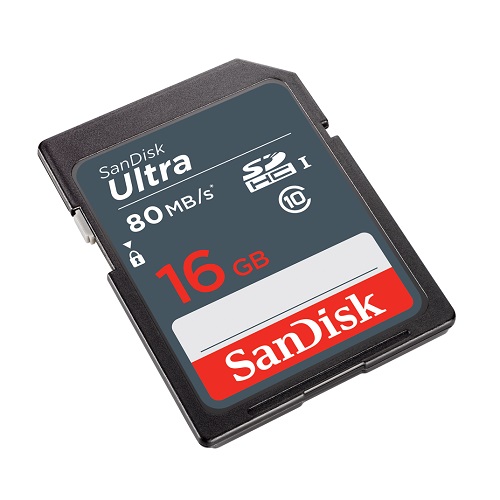
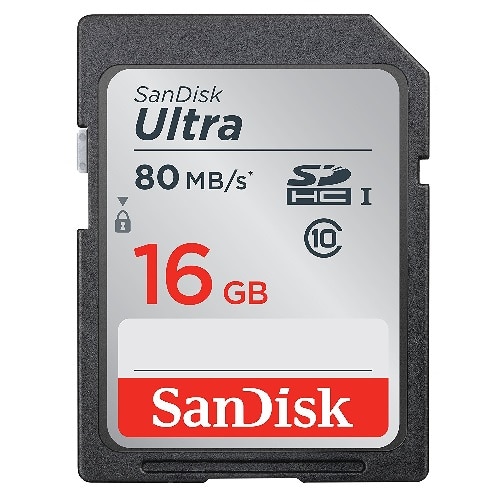
16GB SDHC Ultra Sandisk Memory Card Class 10 (SDSDUNS-016G-GN3IN)
High Quality 16GB SD Ultra SanDisk Class 10 Memory Card. This card is ideal for picture and video packages.
Specifications
- Model Number: SDSDUNS-016G-GN3IN
- Class: 10
- Form Factor: SDHC
- UHS BUS Speed: UHS-I
- Read Speed: Max 80MB/s
- UHS Speed Class: U1
- Video Format Capability: Full HD Video
- Operating Temperature: -13° – 185° F (-25°C – 85° C)
Water-proof, Temperature proof, X-ray proof, Shock proof
Estimated Number of Photos & Videos
JPG Photos: 4,310 photos
RAW Photos: 295 photos
HD Video: 210 minutes
4k Video: 40 minutes**This product comes in original retail packaging ready for resale. EBS return policy linked here.
Model # SDSDUNS-016G-GN3IN
(6 reviews)From: $12.70
(Pricing as low as $12.05) Select options This product has multiple variants. The options may be chosen on the product page -
 SD Cards
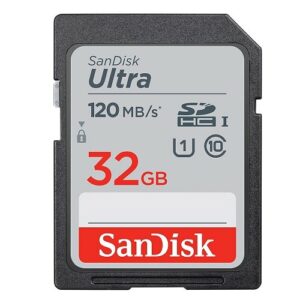
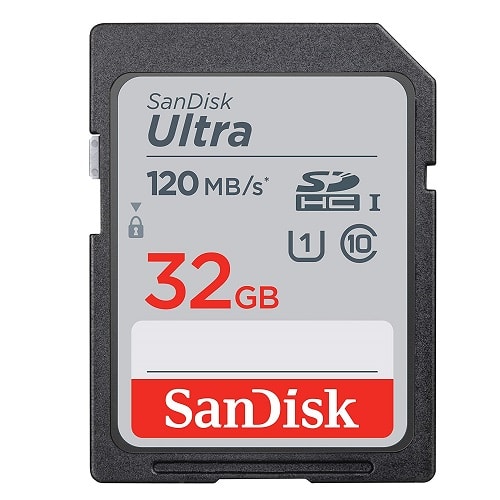
32GB SD Ultra Sandisk Memory Card (SDSDUN4-032G-GN6IN)
This card works great with DSLRs, point-and-shoot cameras, compact cameras, other products, and more. The 32GB SanDisk Ultra SDXC is an extended SD storage size with good transfer speeds for photo and video. SanDisk Ultra comes in several sizes ranging from 32GB to 512GB. Perfect for family photos and videos. This SanDisk Ultra card is a great memory card for saving your photos and memories. Exceptional picture quality and video performance. This card is UHS-1 rated with Class 10 specification. Ideal for a wide range of uses in several products.
Specifications
- Model Number: SDSDUN4-032G-GN6IN
- Class: 10
- Form Factor: SDHC
- UHS BUS Speed: UHS-I
- Read Speed: Max 120MB/s
- UHS Speed Class: U1
- Video Format Capability: Full HD Video
- Operating Temperature: -13° – 185° F (-25°C – 85° C)
Water-proof, Temperature proof, X-ray proof, Shock proof
Estimated Number of Photos & Videos
JPG Photos: 8,620 photos
RAW Photos: 595 photos
HD Video: 425 minutes
4k Video: 85 minutes**This product comes in original retail packaging ready for resale. EBS return policy linked here.
Model # SDSDUN4-032G-GN6IN
(3 reviews)From: $14.25
(Pricing as low as $13.50) Select options This product has multiple variants. The options may be chosen on the product page -
 MicroSD Cards
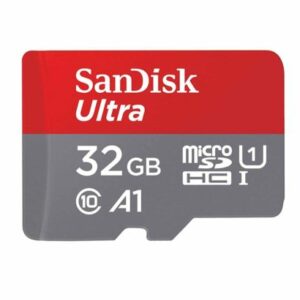
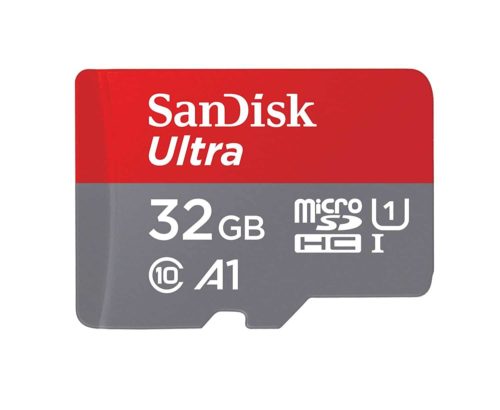
32GB MicroSDHC Ultra Sandisk Memory Card (SDSQUA4-032G-GN6MN)
SanDisk Ultra 32GB Micro SDHC Class 10 Performance For Full HD Video 1080p Read speeds up to 120MB.
Great for Android phones including the Samsung Galaxy S10, S9, S8, S8 Note, S7, S7 Edge, and many more.
Specifications
- SKU: SDSQUA4-032G-GN6MN
- Class: 10
- Form Factor: microSDHC
- UHS BUS Speed: UHS-I
- Read Speed: Max 120MB/s
- UHS Speed Class: U1
- App Performance Class: A1
- Video Format Capability: Full HD Video
- Operating Temperature: -13° – 185° F (-25°C – 85° C)
Estimated Number of Photos & Videos
JPG Photos: 8,620 photos
RAW Photos: 595 photos
HD Video: 425 minutes
4k Video: 85 minutes**This product comes in original retail packaging ready for resale. EBS return policy linked here.
Model # SDSQUA4-032G-GN6MN
NOTE: Does NOT include SD Adapter For adapter sold separately click here
(1 review)From: $15.75
(Pricing as low as $14.95) Select options This product has multiple variants. The options may be chosen on the product page -
 SD Cards
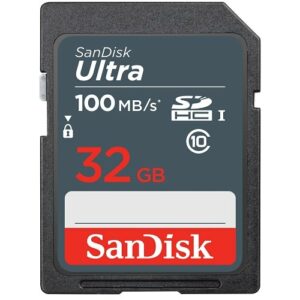
32GB SD Sandisk Ultra Memory Card (SDSDUNR-032G-GN3IN)
The 32GB SD SanDisk Ultra Memory Card is a High Quality Class 10 Memory Card. This card is ideal for picture and video packages.
Specifications
- Model Number: SDSDUNR-032G-GN3IN
- Class: 10
- Form Factor: SDHC
- UHS BUS Speed: UHS-I
- Read Speed: Max 100MB/s
- UHS Speed Class: U1
- Video Format Capability: Full HD Video
- Operating Temperature: -13° – 185° F (-25°C – 85° C)
Water-proof, Temperature proof, X-ray proof, Shock proof
Estimated Number of Photos & Videos
JPG Photos: 8,620 photos
RAW Photos: 595 photos
HD Video: 425 minutes
4k Video: 85 minutes**This product comes in original retail packaging ready for resale. EBS return policy linked here.
Model # SDSDUNR-032G-GN3IN
(3 reviews)From: $13.75
(Pricing as low as $13.05) Select options This product has multiple variants. The options may be chosen on the product page -
 SD Cards
16GB SD Ultra Sandisk Memory Card (SDSDUNC-016G-GN6IN)
Great card for new point and shoot cameras, DSLR, and professional cameras.
Specifications
- Model Number: SDSDUNC-016G-GN6IN
- Class: 10
- Form Factor: SDHC
- UHS BUS Speed: UHS-I
- Read Speed: Max 80MB/s
- UHS Speed Class: U1
- Video Format Capability: Full HD Video
- Operating Temperature: -13° – 185° F (-25°C – 85° C)
Water-proof, Temperature proof, X-ray proof, Shock proof
Estimated Number of Photos & Videos
JPG Photos: 4,310 photos
RAW Photos: 295 photos
HD Video: 210 minutes
4k Video: 40 minutes**This product comes in original retail packaging ready for resale. EBS return policy linked here.
Model # SDSDUNC-016G-GN6IN
(8 reviews)From: $14.05
(Pricing as low as $13.30) Select options This product has multiple variants. The options may be chosen on the product page -
 MicroSD Cards
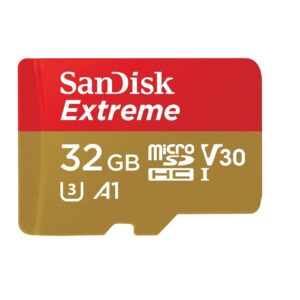
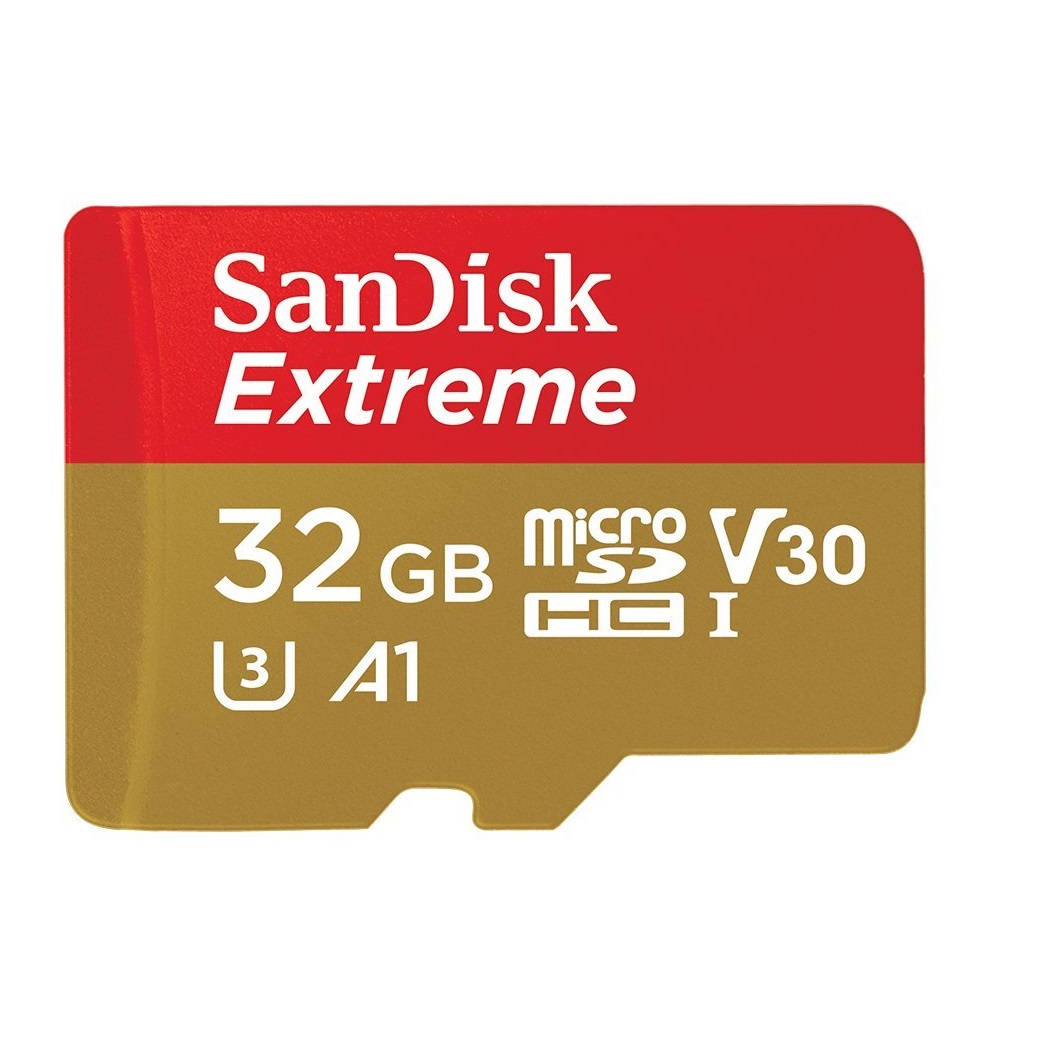
32GB MicroSDHC Extreme Sandisk Memory Card (SDSQXAF-032G-GN6MN)
Capture more fast action and record more Full HD or 4K UHD video with your Android based smartphone, interchangeable-lens camera, drone or GoPro action camera. The SanDisk Extreme microSDHC and microSDXC UHS-I Cards are built tough for extreme durability under challenging environmental conditions. Extreme speeds let you capture every detail of adventure and take the wait out of transferring your videos between devices. SanDisk products are constructed to the highest standards and rigorously tested. You can be confident in the outstanding quality, performance, and reliability of every SanDisk product.Specifications
- Model Number: SDSQXAF-032G-GN6MN
- Class: 10
- Form Factor: microSDHC
- UHS BUS Speed: UHS-I
- Read Speed: Max 100MB/s
- Write Speed: Max 60MB/s
- UHS Speed Class: U3
- Video Speed Class: V30
- App Performance Class: A1
- Video Format Capability: 4K UHD Video
- Operating Temperature: -13° – 185° F (-25°C – 85° C)
Water proof, Temperature proof, X-ray proof, Shock proof
Estimated Number of Photos & Videos
JPG Photos: 8,620 photos
RAW Photos: 595 photos
HD Video: 425 minutes
4k Video: 85 minutes**This product comes in original retail packaging ready for resale. EBS return policy linked here.Model # SDSQXAF-032G-GN6MN(1 review)From: $19.50
(Pricing as low as $18.50) Select options This product has multiple variants. The options may be chosen on the product page -
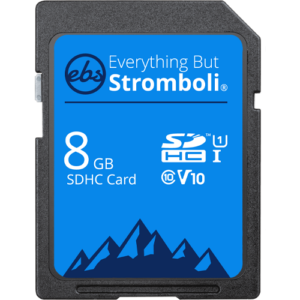 8GB Class 10
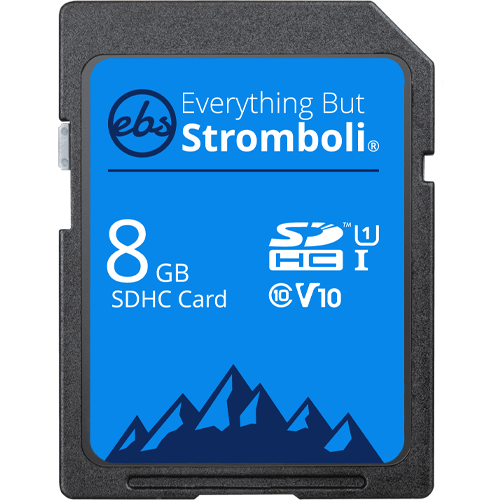
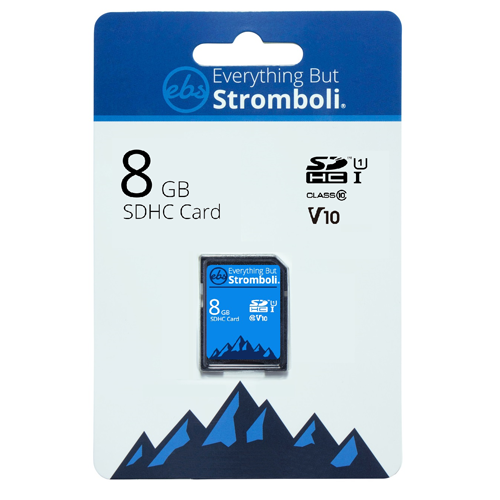
8GB SDHC Class 10 Everything But Stromboli U1/V10 Memory Card (8GB SD EBS-8SD-U1)
Everything But Stromboli 8GB SDHC Class 10 Card. This card is a fast, durable SDHC card that is great for photographers, IT professionals, trail cameras, and more! Will hold over 2,000 photos when using a 10 mega-pixel camera, or 100 minutes of video when recording at 9mbps.
Specifications
- Model Number: EBS-8SD-U1
- Class: 10
- Form Factor: SDHC
- UHS BUS Speed: UHS-I
- UHS Speed Class: U1
- Video Speed Class: V10
**This product comes in original retail packaging ready for resale. EBS return policy linked here.
Model # EBS-8SD-U1
(1 review)From: $9.80
(Pricing as low as $8.90) Select options This product has multiple variants. The options may be chosen on the product page -
 MicroSD Cards
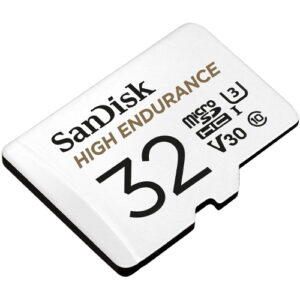
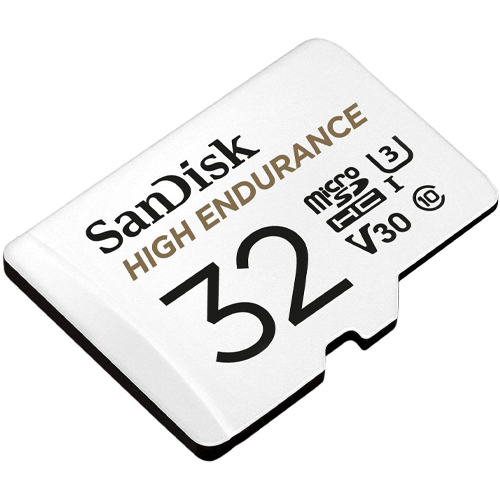
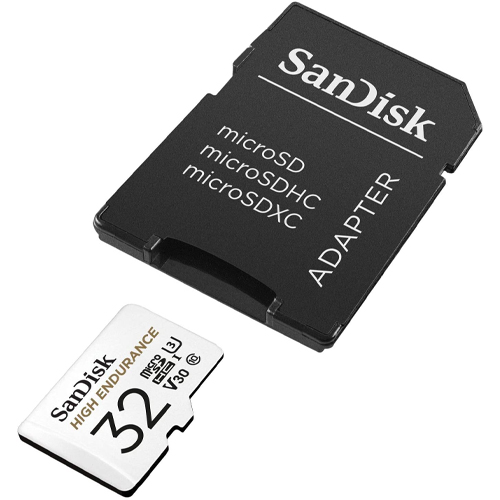
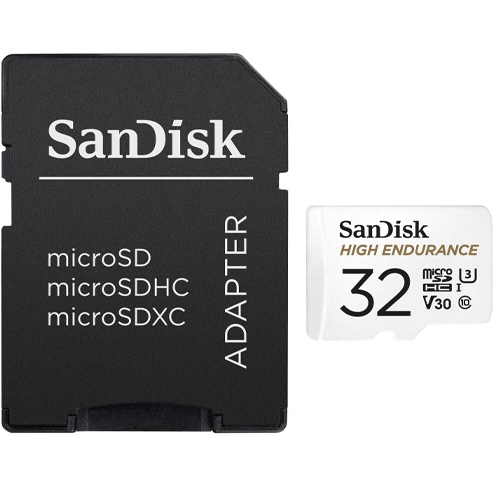
32GB SanDisk High Endurance Video Monitoring Card (SDSQQNR-032G-GN6IA)
High quality 32GB MicroSD High Endurance SanDisk Card with SD Adapter. This card is great dashcams and home video monitoring cameras.
Specifications
- Model Number: SDSQQNR-032G-GN6IA
- Class: 10
- Form Factor: microSDHC
- UHS BUS Speed: UHS-I
- Read Speed: Max 100MB/s
- Write Speed: Max 40MB/s
- UHS Speed Class: U3
- Video Speed Class: V30
- Video Format Capability: Full HD, 4K UHD
- Operating Temperature: -13° – 185° F (-25°C – 85° C)
Estimated Number of Photos & Videos
JPG Photos: 8,620 photos
RAW Photos: 595 photos
HD Video: 425 minutes
4k Video: 85 minutes**This product comes in original retail packaging ready for resale. EBS return policy linked here.
Model # SDSQQNR-032G-GN6IA
(0 reviews)From: $24.80
(Pricing as low as $23.55) Select options This product has multiple variants. The options may be chosen on the product page -
 Bulk USB Flash Drives
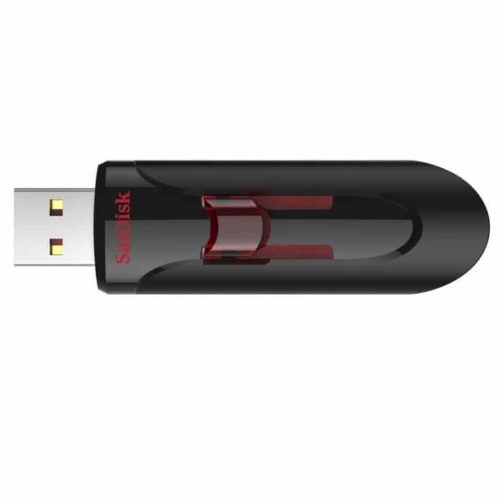
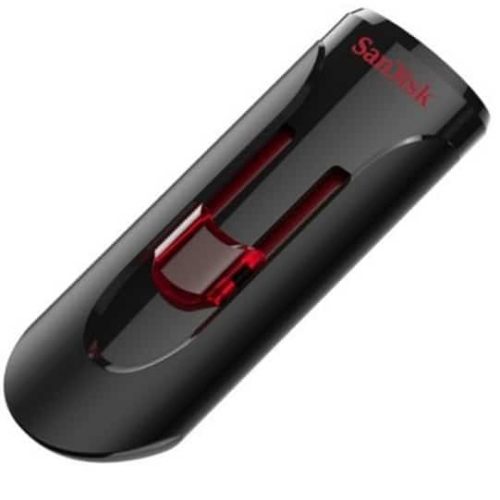
32GB Sandisk Cruzer Glide 3.0 Flash Drive (SDCZ600-032G-B35)
SanDisk 32GB Cruzer Glide 3.0 Flash Drive – Great for faster speeds than 2.0 drives.
Specifications
- Model Number: SDCZ600-032G-B35
- USB Connection: USB Type A
- Interface: 3.0
- Dimensions: (L x W x H) 2.37 X 0.82 X 0.44 in.
- Operating Temperature: 32° – 95° F
- Material: Plastic
- Cover: Retractable
- Keyring Loop: Yes
- Indicator Light: No
Estimated Number of Photos & Videos
JPG Photos: 8,620 photos
RAW Photos: 595 photos
HD Video: 425 minutes
4k Video: 85 minutes**This product comes in original retail packaging ready for resale.
Model # SDCZ600-032G-B35
(0 reviews)From: $8.90
(Pricing as low as $8.00) Select options This product has multiple variants. The options may be chosen on the product page -
 Bulk USB Flash Drives
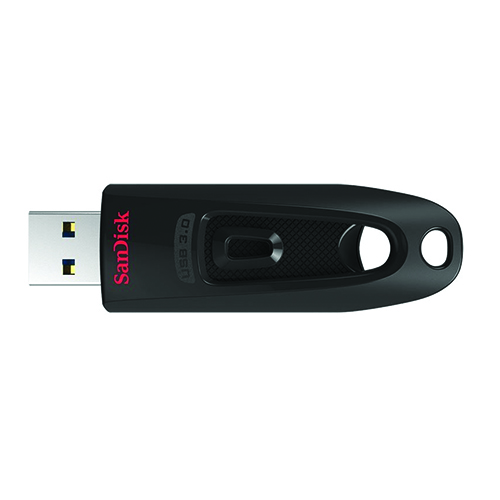
64GB Sandisk Ultra 3.0 Flash Drive (SDCZ48-064G-U46)
The SanDisk Flash Drive Ultra 3.0 is the perfect economical choice for a 3.0 USB. Great speeds at a great price.
Specifications
- Model Number: SDCZ48-064G-U46
- USB Connection: USB Type A
- Interface: 3.0
- Transfer Speed: Max 130MB/s
- Dimensions: (L x W x H) 2.87 X 0.87 X 0.42 in.
- Operating Temperature: 32°F – 113° F
- Material: Plastic
- Cover: Retractable
- Keyring Loop: Yes
- Indicator Light: No
Estimated Number of Photos & Videos
JPG Photos: 17,245 photos
RAW Photos: 1,190 photos
HD Video: 850 minutes
4k Video: 170 minutes**This product comes in original retail packaging ready for resale.
Model # SDCZ48-064G-U46
(2 reviews)From: $14.40
(Pricing as low as $13.65) Select options This product has multiple variants. The options may be chosen on the product page -
 Bulk USB Flash Drives
32GB Sandisk Flash Drive Ultra Shift USB 3.2 (SDCZ410-032G-G46)
SanDisk has given the sleek Cruzer Blade flash drive a faster and updated model. This 3.2 USB has fast read speeds of up to 100MB/s and keeps the profile small and lightweight for easy transferring.
Specifications
- Model Number: SDCZ410-032G-G46
- USB Connection: USB Type A
- Interface: 3.2 Gen 1
- Transfer Speed: Max 100MB/s
- Dimensions: (L x W x H) 1.63 X 0.69 X 0.29 in.
- Operating Temperature: 32° – 113° F
- Material: Plastic
- Cover: No Cover
- Keyring Loop: Yes
- Indicator Light: No
Estimated Number of Photos & Videos
JPG Photos: 8,620 photos
RAW Photos: 595 photos
HD Video: 425 minutes
4k Video: 85 minutes**This product comes in original retail packaging ready for resale.
Model # SDCZ410-032G-G46
(0 reviews)From: $10.90
(Pricing as low as $10.35) Select options This product has multiple variants. The options may be chosen on the product page -
 SD Cards
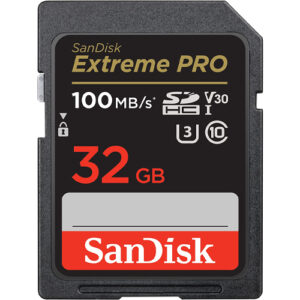
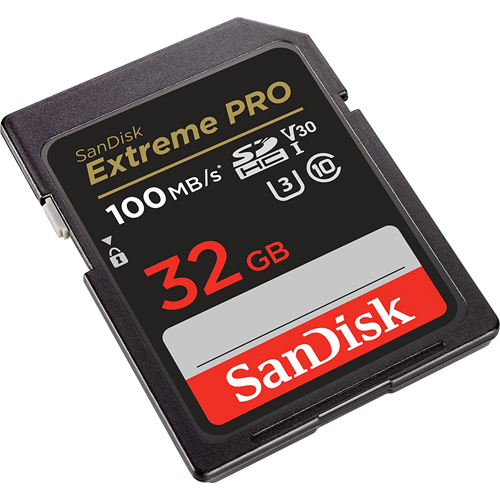
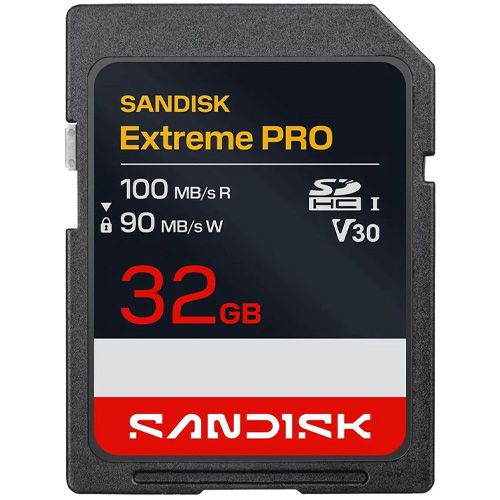
32GB SD Extreme Pro SDHC UHS-I Sandisk Memory Card (SDSDXXO-032G-GN4IN)
The new Extreme Pro SD Card from SanDisk has a 32GB capacity. This updated version has a 100MB/s maximum read speed. That’s more than 5% faster! Some features of this card are that it is waterproof, temperature proof, shock proof, and X-ray proof. Perfect for beginner to professional DSLR cameras and mirrorless cameras. Works great with family cameras and point and shoot cameras. Super high quality speeds with a large SDHC capacity. This card is rated for U3 and Class 10 speeds. The ideal card for all types of devices that take a full size SD Card like computers and digital cameras. The Extreme Pro SD card can be used for expandable storage on laptops or used to put pictures on digital photo frames. You can pair this 32GB card with compatible Blu-ray players, home theaters, and more to expand the storage and hold thousands of songs and hundreds of movies. Extreme Pro 32GB XXO.
Specifications
- Model Number: SDSDXXO-032G-GN4IN
- Class: 10
- Format: SDHC
- UHS BUS Speed: UHS-I
- Read Speed: Max 100MB/s
- Write Speed: Max 90MB/s
- UHS Speed Class: U3
- Video Speed Class: V30
- Video Format Capability: 4K UHD
- Operating Temperature: -13° – 185° F (-25°C – 85° C)
Water-proof, Temperature proof, X-ray proof, Shock proof
Estimated Number of Photos & Videos
JPG Photos: 8,620 photos
RAW Photos: 595 photos
HD Video: 425 minutes
4k Video: 85 minutes**This product comes in original retail packaging ready for resale. EBS return policy linked here.
Model # SDSDXXO-032G-GN4IN
(0 reviews)From: $23.00
(Pricing as low as $21.85) Select options This product has multiple variants. The options may be chosen on the product page -
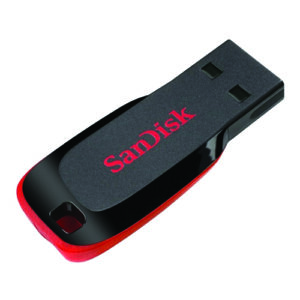 Bulk USB Flash Drives
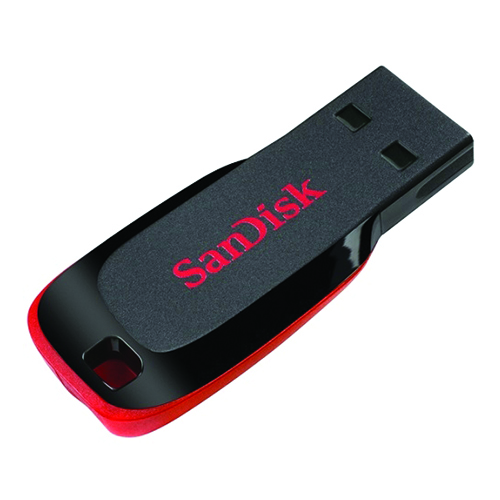
64GB Sandisk Cruzer Blade Flash Drive (SDCZ50-064G-B35)
SanDisk 64GB Cruzer Blade Flash Drive.
Store your photos, videos, files, and more on this SanDisk USB Blade Flash Drive.
Specifications
- Model Number: SDCZ50-064G-B35
- USB Connection: USB Type A
- Interface: 2.0
- Dimensions: (L x W x H) 1.63 x 0.69 x 0.29 in.
- Operating Temperature: 32° – 95° F
- Material: Plastic
- Cover: No Cover
- Keyring Loop: Yes
- Indicator Light: No
Estimated Number of Photos & Videos
JPG Photos: 17,245 photos
RAW Photos: 1,190 photos
HD Video: 850 minutes
4k Video: 170 minutes**This product comes in original retail packaging ready for resale.
Model # SDCZ50-064G-B35
(0 reviews)From: $8.80
(Pricing as low as $7.90) Select options This product has multiple variants. The options may be chosen on the product page -
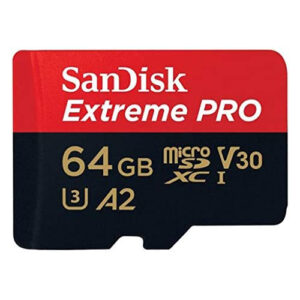 MicroSD Cards
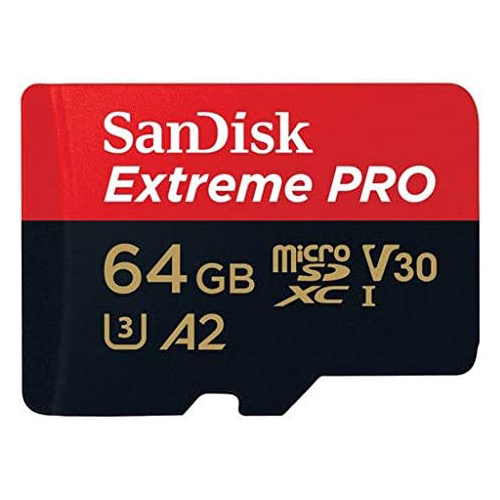
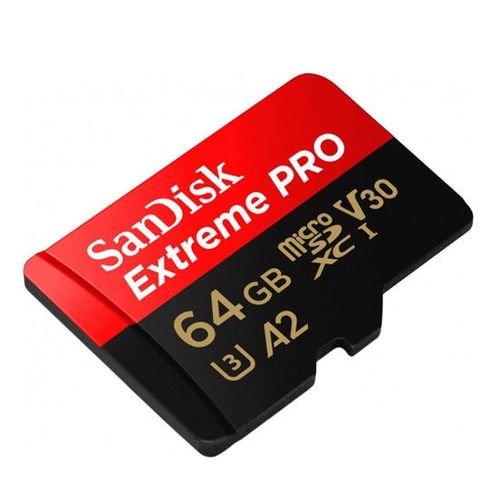
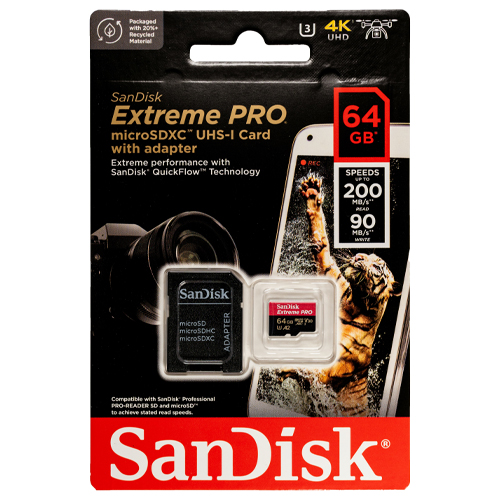
64GB Micro SDXC Extreme Pro A2 Sandisk Memory Card (SDSQXCU-064G-GN6MA)
SanDisk Extreme Pro 64GB microSDXC XCU Class 10 U3 A2 V30 UHS-1
This new Extreme Pro microSD Card from SanDisk has a 64GB capacity. Super high quality speeds with a large SDXC capacity. The ideal card for all types of devices that take a microSD card like trail cameras and action cameras. The 64GB microSD Extreme Pro SanDisk card is a great choice for photographers and professionals looking for higher transfer speeds and higher quality images. Perfect for Raspberry Pi models and DJI drones. This card will with with any compatible drone or action camera with a microSD card slot. The A2 application processing is for applications like software and on compatible phones giving you the best IOPS. You can pair this 64GB card with compatible Blu-ray players, home theaters, and more to expand the storage and hold thousands of songs and hundreds of movies. This card is rated for U3 and Class 10 speeds. The Extreme Pro microSD card can be used for expandable storage on laptops or used to put pictures on digital photo frames. This microSDXC card is waterproof, temperature proof, shock proof, and X-ray proof. SanDisk Extreme Pro 64GB XCU.
Specifications
- Model Number: SDSQXCU-064G-GN6MA
- Class: 10
- Form Factor: microSDXC
- UHS BUS Speed: UHS-I
- Read Speed: Max 200MB/s
- Write Speed: Max 90MB/s
- UHS Speed Class: U3
- Video Speed Class: V30
- App Performance Class: A2
- Video Format Capability: 4K UHD Video, Full HD Video
- Operating Temperature: -13° – 185° F (-25°C – 85° C)
Water proof, Temperature proof, X-ray proof, Shock proof
Estimated Number of Photos & Videos
JPG Photos: 17,245 photos
RAW Photos: 1,190 photos
HD Video: 850 minutes
4k Video: 170 minutes**This product comes in original retail packaging ready for resale. EBS return policy linked here.
Model # SDSQXCU-064G-GN6MA
(0 reviews)From: $29.40
(Pricing as low as $27.90) Select options This product has multiple variants. The options may be chosen on the product page -
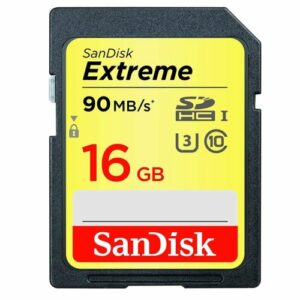 SD Cards
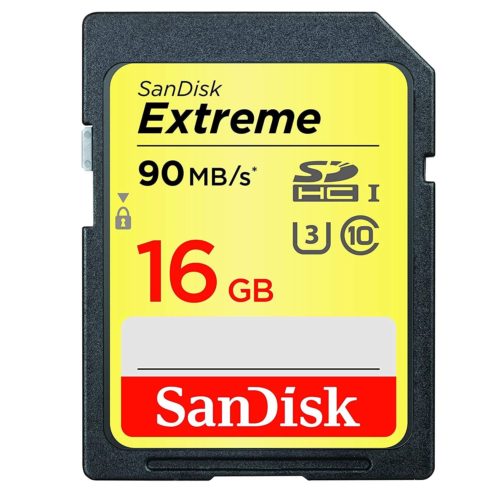
16GB SD Extreme Sandisk Memory Card (SDSDXNE-016G-GNCIN)
The 16GB SD Extreme SanDisk card is a great choice for photographers and professionals looking for higher transfer speeds and higher quality images.
Specifications
- Model Number: SDSDXNE-016G-GNCIN
- Class: 10
- Format: SDHC
- UHS BUS Speed: UHS-I
- Read Speed: Max 90MB/s
- Write Speed: Max 40MB/s
- UHS Speed Class: U3
- Video Speed Class: V30
- Video Format Capability: 4K UHD
- Operating Temperature: -13° – 185° F (-25°C – 85° C)
Water-proof, Temperature proof, X-ray proof, Shock proof
Estimated Number of Photos & Videos
JPG Photos: 4,310 photos
RAW Photos: 295 photos
HD Video: 210 minutes
4k Video: 40 minutes**This product comes in original retail packaging ready for resale. EBS return policy linked here.
Model # SDSDXNE-016G-GNCIN
(0 reviews)From: $17.80
(Pricing as low as $16.90) Select options This product has multiple variants. The options may be chosen on the product page -
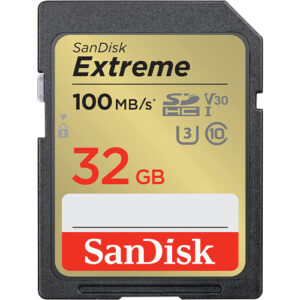 SD Cards
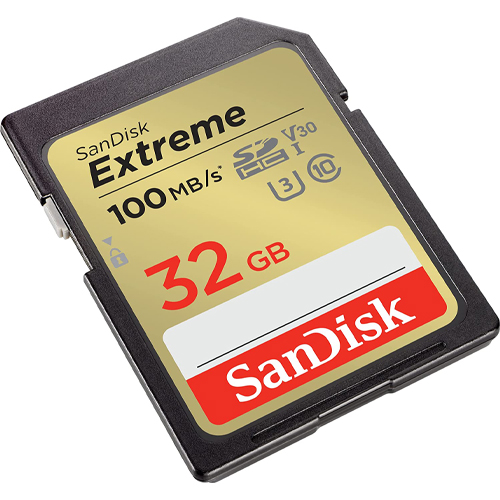
32GB SD Extreme Sandisk Memory Card (SDSDXVT-032G-GNCIN)
This new Extreme SD Card from SanDisk has a 32GB capacity. This updated version has a 100MB/s maximum read speed. That’s more than 11% faster! Some features of this card are that it is waterproof, temperature proof, shock proof, and X-ray proof. The 32GB SD Extreme SanDisk card is a great choice for photographers and professionals looking for higher transfer speeds and higher quality images. Perfect for beginner to professional DSLR cameras and mirrorless cameras. You can pair this 32GB card with compatible Blu-ray players, home theaters, and more to expand the storage and hold thousands of songs and hundreds of movies. Works great with family cameras and point and shoot cameras. Super high quality speeds with a large SDHC capacity. This card is rated for U3 and Class 10 speeds. The ideal card for all types of devices that take a full size SD Card like computers and digital cameras. The Extreme Pro SD card can be used for expandable storage on laptops or used to put pictures on digital photo frames. SanDisk Extreme 32GB XVT.
Specifications
- Model Number: SDSDXVT-032G-GNCIN
- Class: 10
- Format: SDHC
- UHS BUS Speed: UHS-I
- Read Speed: Max 100MB/s
- Write Speed: Max 60MB/s
- UHS Speed Class: U3
- Video Speed Class: V30
- Video Format Capability: 4K UHD
- Operating Temperature: -13° – 185° F (-25°C – 85° C)
Water-proof, Temperature proof, X-ray proof, Shock proof
Estimated Number of Photos & Videos
JPG Photos: 8,620 photos
RAW Photos: 595 photos
HD Video: 425 minutes
4k Video: 85 minutes**This product comes in original retail packaging ready for resale. EBS return policy linked here.
Model # SDSDXVT-032G-GNCIN
(0 reviews)From: $18.85
(Pricing as low as $17.90) Select options This product has multiple variants. The options may be chosen on the product page -
Bulk USB Flash Drives
64GB Sandisk Flash Drive Ultra Shift USB 3.2 (SDCZ410-064G-G46)
SanDisk has given the sleek Cruzer Blade flash drive a faster and updated model. This 3.2 USB has fast read speeds of up to 100MB/s and keeps the profile small and lightweight for easy transferring.
Specifications
- Model Number: SDCZ410-064G-G46
- USB Connection: USB Type A
- Interface: 3.2 Gen 1
- Transfer Speed: Max 100MB/s
- Dimensions: (L x W x H) 1.63 X 0.69 X 0.29 in.
- Operating Temperature: 32° – 113° F
- Material: Plastic
- Cover: No Cover
- Keyring Loop: Yes
- Indicator Light: No
Estimated Number of Photos & Videos
JPG Photos: 17,245 photos
RAW Photos: 1,190 photos
HD Video: 850 minutes
4k Video: 170 minutes**This product comes in original retail packaging ready for resale.
Model # SDCZ410-064G-G46
(0 reviews)From: $12.90
(Pricing as low as $12.25) Select options This product has multiple variants. The options may be chosen on the product page -
 Bulk USB Flash Drives
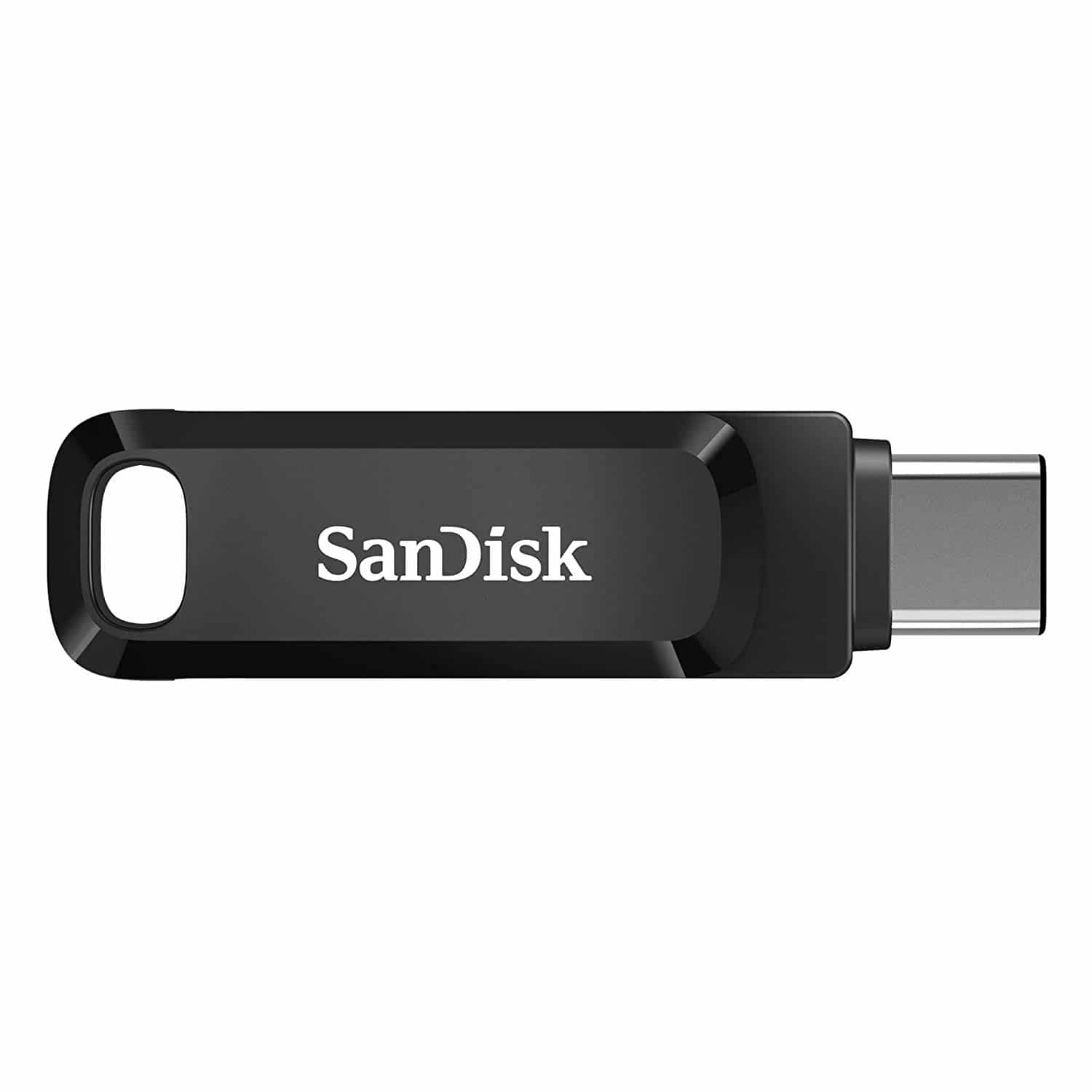
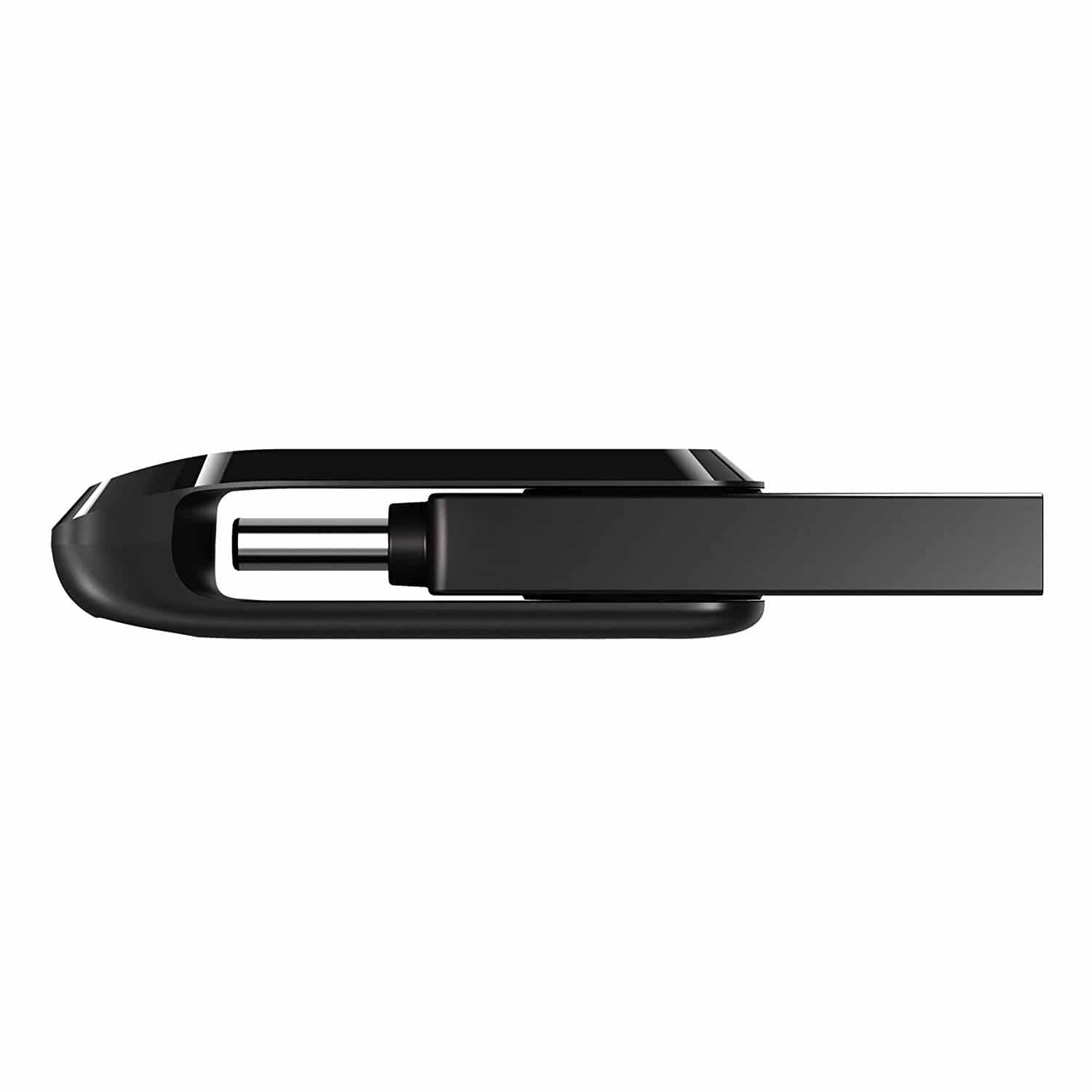
32GB SanDisk Ultra Dual Drive Go 2-in-1 USB Type-A & Type-C USB Flash Drive (SDDDC3-032G-G46)
The 32GB SanDisk Ultra Dual Drive Go USB Flash Drive is a multi-functional flash drive that can be used for USB Type-A and Type-C ports. This drive Delivers USB 3.2 high speeds of up to 150MB/s. Free up space on your Android or Apple iPhone equipped with Type-C ports and easily transfer files between smartphones, tablets, and PC or Mac computers.
Specifications
- Model Number: SDDDC3-032G-G46
- USB Connection: USB Type A & Type C
- Interface: 3.2 Gen 1
- Read Speed: Max 150MB/s
- Dimensions: (L x W x H) 1.75 x 0.48 x 0.34 in.
- Operating Temperature: 32°F – 113° F (0°C – 45° C)
- Material: Plastic
- Cover: Swivel
- Keyring Loop: Yes
- Indicator Light: No
Estimated Number of Photos & Videos
JPG Photos: 8,620 photos
RAW Photos: 595 photos
HD Video: 425 minutes
4k Video: 85 minutes**This product comes in original retail packaging ready for resale.
Model # SDDDC3-032G-G46
(0 reviews)From: $13.05
(Pricing as low as $12.35) Select options This product has multiple variants. The options may be chosen on the product page -
 SD Cards
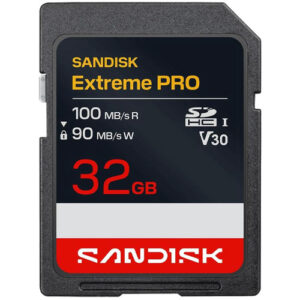
32GB SanDisk SD Extreme Pro SDHC UHS-I Memory Card (SDSDXXO-032G-GSCIN)
The new Extreme Pro SD Card from SanDisk has a 32GB capacity. This updated version has a 100MB/s maximum read speed. That’s more than 5% faster! Some features of this card are that it is waterproof, temperature proof, shock proof, and X-ray proof. Perfect for beginner to professional DSLR cameras and mirrorless cameras. Works great with family cameras and point and shoot cameras. Super high quality speeds with a large SDHC capacity. This card is rated for U3 and Class 10 speeds. The ideal card for all types of devices that take a full size SD Card like computers and digital cameras. The Extreme Pro SD card can be used for expandable storage on laptops or used to put pictures on digital photo frames. You can pair this 32GB card with compatible Blu-ray players, home theaters, and more to expand the storage and hold thousands of songs and hundreds of movies. Extreme Pro 32GB XXO.
Specifications
- Model Number: SDSDXXO-032G-GSCIN
- Class: 10
- Format: SDHC
- UHS BUS Speed: UHS-I
- Read Speed: Max 100MB/s
- Write Speed: Max 90MB/s
- UHS Speed Class: U3
- Video Speed Class: V30
- Video Format Capability: 4K UHD
- Operating Temperature: -13° – 185° F (-25°C – 85° C)
Water-proof, Temperature proof, X-ray proof, Shock proof
Estimated Number of Photos & Videos
JPG Photos: 8,620 photos
RAW Photos: 595 photos
HD Video: 425 minutes
4k Video: 85 minutes**This product comes in original retail packaging ready for resale. EBS return policy linked here.
(0 reviews)From: $23.35
(Pricing as low as $22.15) Select options This product has multiple variants. The options may be chosen on the product page -
 SD Cards
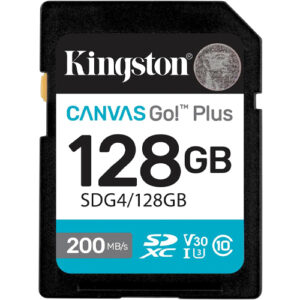
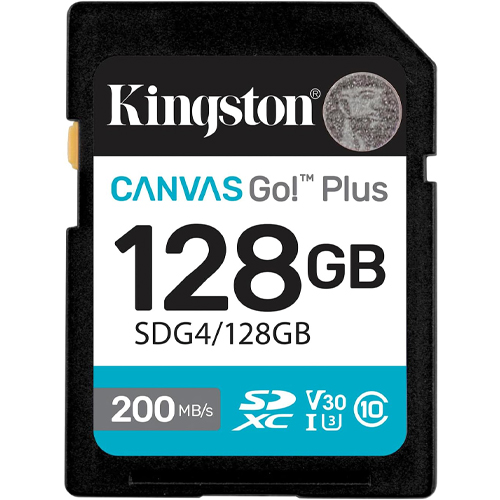
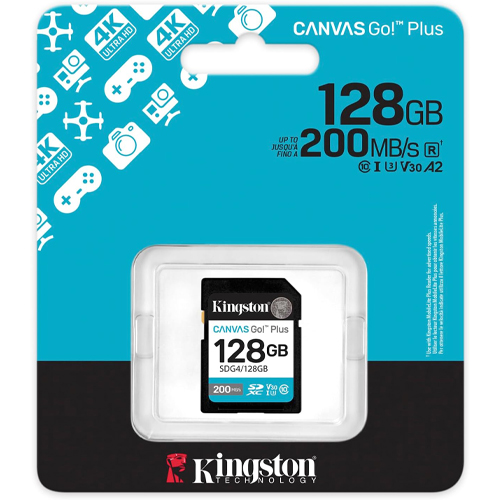
128GB Kingston Canvas Go Plus SDXC Flash Memory Card (SDG4/128GB)
128GB Kingston Canvas Go Plus! Upgrade your creative workflow with the Kingston Canvas Go! Plus 128 GB SDXC UHS-I card—built for performance and durability. Boasting blazing read speeds up to 200 MB/s and reliable write speeds up to 100 MB/s, this card efficiently handles 4K Ultra-HD video capture and burst-mode photography, letting you focus more on the shot than storage constraints.
Certified UHS-I, U3, V30, and Class 10, this memory card ensures stable, lag-free recording during high-intensity shoots and quick offloads afterward.The 128 GB capacity strikes a versatile balance—roomy enough for hours of UHD footage or expansive photo libraries, yet compact enough to support travel and mobile setups. Ideal for mirrorless cameras, DSLRs, portable media setups, or field video rigs, the Kingston Canvas Go! Plus 128 GB SDXC card elevates your storage game—combining speed, ample space, and rugged dependability in a compact form that empowers creators to shoot with confidence.
Specifications
- Model Number: SDG4/128GB
- Class: 10
- Form Factor: SDXC
- UHS BUS Speed: UHS-I
- Read Speed: Max 200MB/s
- UHS Speed Class: U3
- Video Speed Class: V30
- Video Format Capability: 4K UHD
- Operating Temperature: -13° – 185° F (-25°C – 85° C)
Water-proof, Temperature proof, X-ray proof, Shock proof, Vibration Proof
Estimated Number of Photos & Videos
JPG Photos: 34,490 photos
RAW Photos: 2,380 photos
HD Video: 1,705 minutes
4k Video: 340 minutes**This product comes in original retail packaging ready for resale. EBS return policy linked here.
Model # SDG4/128GB
(0 reviews)From: $48.10
(Pricing as low as $45.65) Select options This product has multiple variants. The options may be chosen on the product page -
 SD Cards
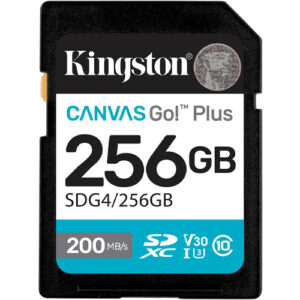
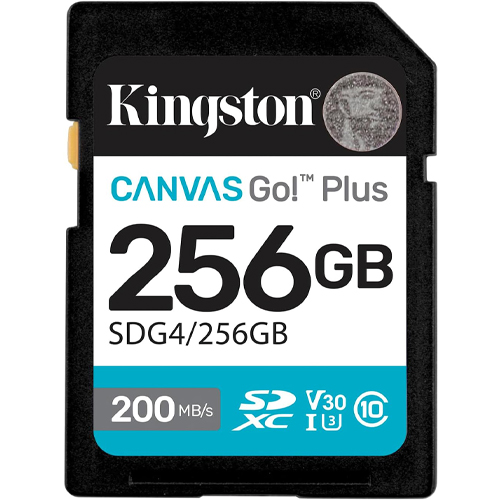
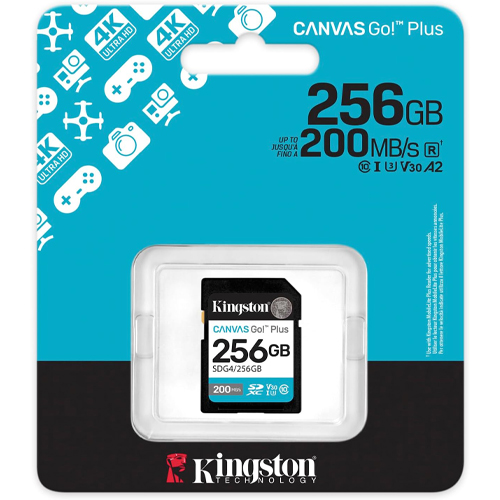
256GB Kingston Canvas Go Plus SDXC Flash Memory Card (SDG4/256GB)
256GB Kingston Canvas Go Plus! Capture creativity without limits using the Kingston Canvas Go! Plus 256 GB SDXC UHS-I memory card—designed for photographers, videographers, and adventurers seeking speed, durability, and large storage capacity. With blazing read speeds up to 200 MB/s and write speeds up to 160 MB/s, this card keeps pace with UHD 4K video, burst photography, and fast file transfers to your workstation.
Its Class 10, U3, and V30 certifications ensure minimum sustained write rates of 30 MB/s, ideal for uninterrupted 4K recording and rapid-fire shooting. The generous 256 GB capacity holds massive content libraries—hours of ultra-HD footage, RAW photo collections, and media-rich projects—all in a compact, versatile form factor. A built-in write-protect switch safeguards your files mid-use. Perfect for DSLR and mirrorless camera kits, field packs, or creative workflows, the Kingston Canvas Go! Plus 256 GB SDXC card delivers fast transfers, ample storage, and rugged reliability—so you can stay focused on capturing the moment, not managing memory.
Specifications
- Model Number: SDG4/256GB
- Class: 10
- Form Factor: SDXC
- UHS BUS Speed: UHS-I
- Read Speed: Max 200MB/s
- UHS Speed Class: U3
- Video Speed Class: V30
- Video Format Capability: 4K UHD
- Operating Temperature: -13° – 185° F (-25°C – 85° C)
Water-proof, Temperature proof, X-ray proof, Shock proof, Vibration Proof
Estimated Number of Photos & Videos
JPG Photos: 68,985 photos
RAW Photos: 9,530 photos
HD Video: 6,825 minutes
4k Video: 1,365 minutes**This product comes in original retail packaging ready for resale. EBS return policy linked here.
Model # SDG4/256GB
(0 reviews)From: $80.75
(Pricing as low as $76.70) Select options This product has multiple variants. The options may be chosen on the product page -
 SD Cards
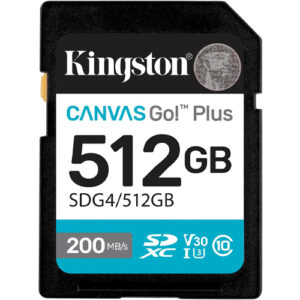
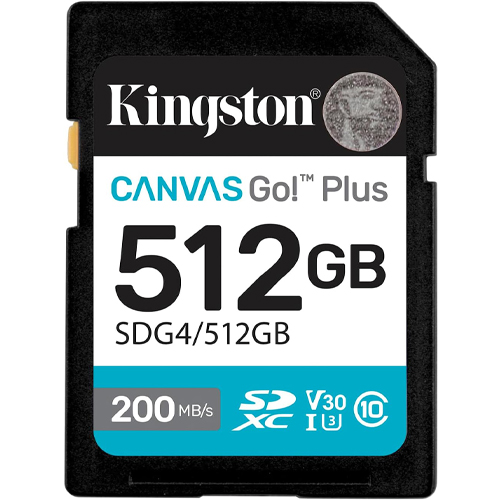
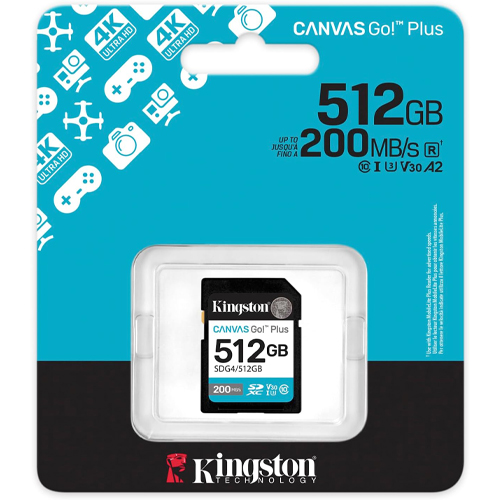
512GB Kingston Canvas Go Plus SDXC Flash Memory Card (SDG4/512GB)
256GB Kingston Canvas Go Plus! Push your creative boundaries with the Kingston Canvas Go! Plus 512 GB SDXC UHS-I memory card, engineered for photographers, filmmakers, and content professionals demanding both speed and storage space. Boasting read speeds up to 200 MB/s and write speeds up to 160 MB/s, it dramatically accelerates workflows—from shooting high-resolution 4K footage to rapid batch transfers during post-production.
Designed for intensive tasks, the card carries Class 10, U3, and V30 certifications, delivering minimum sustained write speeds—essential for smooth, frame-perfect 4K capture and rapid burst photography. With a generous 512 GB of storage, it handles vast media libraries, eliminating frequent offloads and enabling longer shooting sessions in the field. Built tough for real-world use, this SD card stands up to challenging environments. It’s IPX7-rated waterproof(withstands submersion up to 30 minutes at 1 m depth), temperature-proof from –25 °C to 85 °C (and stores reliably down to –40 °C), and protected against X-rays, shocks, and vibrations—keeping your valuable footage safe in any scenario.For outdoor expeditions, action sports, or demanding Q&A shoots, the Canvas Go! Plus 512 GB delivers unmatched reliability and capacity. Its high-speed performance saves time during downloads, and high storage capacity keeps entire project files, timelines, and media assets accessible on a single card. Its rugged build promotes peace of mind—your gear is protected helping you stay focused on the shot, not the storage.
In short, the Kingston Canvas Go! Plus 512 GB SDXC card combines serious performance, massive capacity, and hardened durability. It’s ideal for creators capturing 4K video, photographers shooting in burst mode, and professionals needing a dependable, high-capacity memory solution that can withstand the toughest conditions.
Specifications
- Model Number: SDG4/512GB
- Class: 10
- Form Factor: SDXC
- UHS BUS Speed: UHS-I
- Read Speed: Max 200MB/s
- UHS Speed Class: U3
- Video Speed Class: V30
- Video Format Capability: 4K UHD
- Operating Temperature: -13° – 185° F (-25°C – 85° C)
Water-proof, Temperature proof, X-ray proof, Shock proof, Vibration Proof
Estimated Number of Photos & Videos
JPG Photos: 137,970 photos
RAW Photos: 9,530 photos
HD Video: 6,825 minutes
4k Video: 1,365 minutes**This product comes in original retail packaging ready for resale. EBS return policy linked here.
Model # SDG4/512GB
(0 reviews)From: $152.15
(Pricing as low as $144.50) Select options This product has multiple variants. The options may be chosen on the product page -
 SD Cards
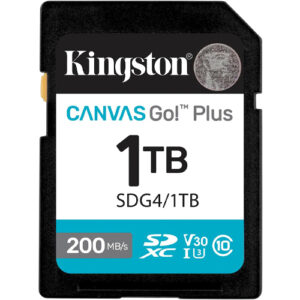
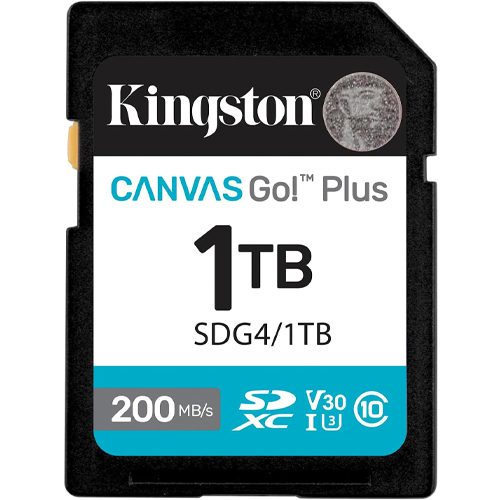
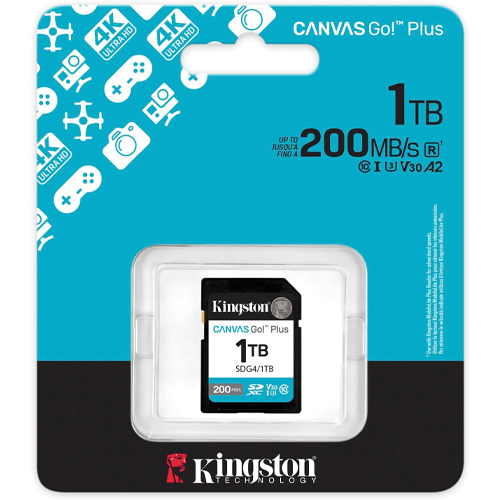
1TB Kingston Canvas Go Plus SDXC Flash Memory Card (SDG4/1TB)
1TB Kingston Canvas Go Plus! Tackle epic adventures with storage that keeps up: introducing the Kingston Canvas Go! Plus 1 TB SDXC UHS-I card—the ultimate memory upgrade for creators who refuse to compromise. With blazing read speeds up to 200 MB/s and write speeds reaching 160 MB/s, this powerhouse card gives you fast offloads and smooth capture during high-resolution 4K video shoots or burst photography sessions.
The card meets demanding standards, carrying Class 10, UHS-I, U3, and V30 certifications, giving you consistent performance with minimum write speeds suited for smooth UHD capture and burst-mode action. With a massive 1 TB capacity, this card lets you store entire film shoots, expansive photo libraries, and project backups—all in one compact piece of gear. Built for tough environments, the card resists water, x-ray exposure, shocks, and vibration. It’s rated for temperature operation between –25 °C and 85 °C, with safe storage down to –40 °C, making it a reliable choice for filmmakers in the wild, photojournalists on the move, or travelers in extremes. Form meets function in a standard SD size (24 × 32 × 2.1 mm) that slips into DSLRs, mirrorless cameras, and pro video gear without hassle. It ships formatted in exFAT for broad compatibility with workflows across Windows, macOS, and editing systems.From wildlife filmmakers needing uninterrupted footage to wedding photographers aiming for bulk storage without swapping cards mid-session, the Kingston Canvas Go! Plus 1 TB card brings peace of mind and workflow efficiency. Its sturdy design helps you stay focused on your craft—not the backup plan.
In short: huge capacity, pro-level speed, hardened build. The Kingston Canvas Go! Plus 1 TB SDXC card is a true creative companion made for heavy workloads and heavy ambition.
Specifications
- Model Number: SDG4/1TB
- Class: 10
- Form Factor: SDXC
- UHS BUS Speed: UHS-I
- Read Speed: Max 200MB/s
- UHS Speed Class: U3
- Video Speed Class: V30
- Video Format Capability: 4K UHD
- Operating Temperature: -13° – 185° F (-25°C – 85° C)
Water-proof, Temperature proof, X-ray proof, Shock proof, Vibration Proof
Estimated Number of Photos & Videos
JPG Photos: 275,940 photos
RAW Photos: 19,065 photos
HD Video: 13,330 minutes
4k Video: 2,660 minutes**This product comes in original retail packaging ready for resale. EBS return policy linked here.
Model # SDG4/1TB
(0 reviews)From: $245.55
(Pricing as low as $233.25) Select options This product has multiple variants. The options may be chosen on the product page -
 MicroSD Cards
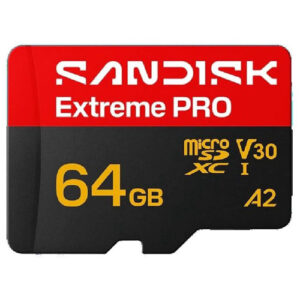
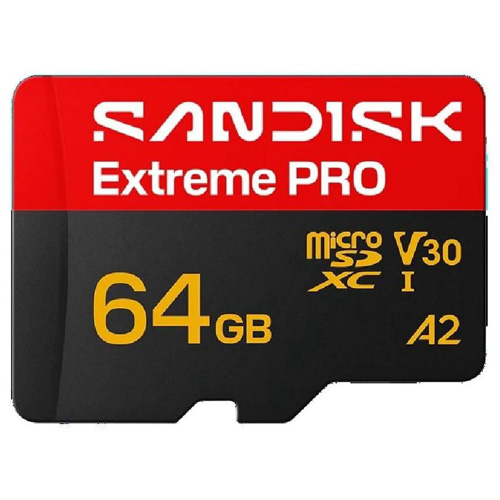
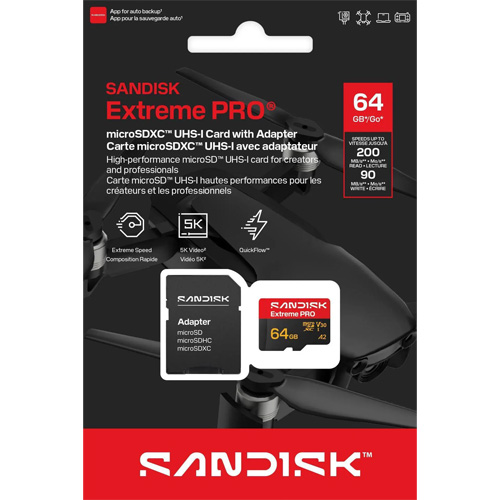
64GB SanDisk Extreme Pro MicroSDXC Memory Card (SDSQXCU-064G-GS6MA)
SanDisk Extreme Pro 64GB microSDXC XCU Class 10 U3 A2 V30 UHS-1
This new Extreme Pro microSD Card from SanDisk has a 64GB capacity. Super high quality speeds with a large SDXC capacity. The ideal card for all types of devices that take a microSD card like trail cameras and action cameras. The 64GB microSD Extreme Pro SanDisk card is a great choice for photographers and professionals looking for higher transfer speeds and higher quality images. Perfect for Raspberry Pi models and DJI drones. This card will with with any compatible drone or action camera with a microSD card slot. The A2 application processing is for applications like software and on compatible phones giving you the best IOPS. You can pair this 64GB card with compatible Blu-ray players, home theaters, and more to expand the storage and hold thousands of songs and hundreds of movies. This card is rated for U3 and Class 10 speeds. The Extreme Pro microSD card can be used for expandable storage on laptops or used to put pictures on digital photo frames. This microSDXC card is waterproof, temperature proof, shock proof, and X-ray proof. SanDisk Extreme Pro 64GB XCU.
Specifications
- Model Number: SDSQXCU-064G-GS6MA
- Class: 10
- Form Factor: microSDXC
- UHS BUS Speed: UHS-I
- Read Speed: Max 200MB/s
- Write Speed: Max 90MB/s
- UHS Speed Class: U3
- Video Speed Class: V30
- App Performance Class: A2
- Video Format Capability: 4K UHD Video, Full HD Video
- Operating Temperature: -13° – 185° F (-25°C – 85° C)
Water proof, Temperature proof, X-ray proof, Shock proof
Estimated Number of Photos & Videos
JPG Photos: 17,245 photos
RAW Photos: 1,190 photos
HD Video: 850 minutes
4k Video: 170 minutes**This product comes in original retail packaging ready for resale. EBS return policy linked here.
(0 reviews)From: $29.30
(Pricing as low as $27.80) Select options This product has multiple variants. The options may be chosen on the product page -
 SD Cards
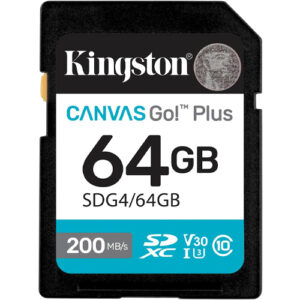
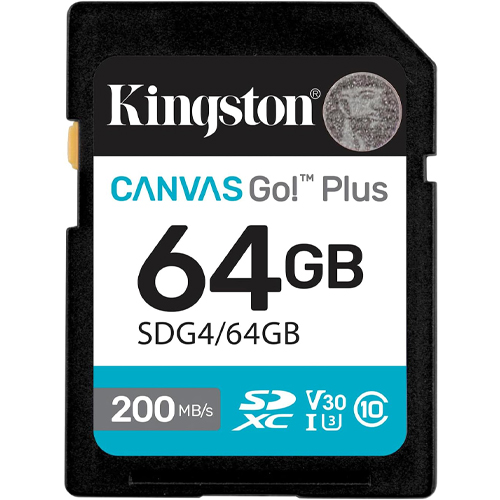
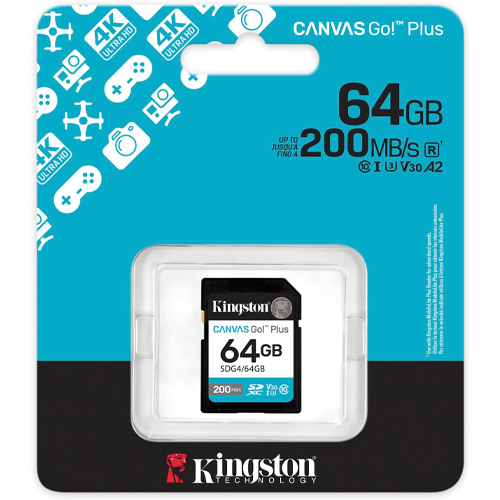
64GB Kingston Canvas Go Plus SDXC Flash Memory Card (SDG4/64GB)
64GB Kingston Canvas Go Plus! Capture your adventures at top speed with the Kingston Canvas Go! Plus 64 GB SDXC UHS-I memory card. Designed for creators using DSLRs, mirrorless cameras, and UHD video gear, this card delivers blazing read speeds up to 200 MB/s—streamlining transfers, backing up shoots, and accelerating your workflow. Optimized for fast action, its U3 and V30 speed ratings guarantee smooth 4K Ultra-HD video recording and seamless burst-mode shooting—no dropped frames or buffering to slow you down.The Class 10 certification further underscores its reliability under stress.
Engineered for rugged use, this SDXC card withstands tough shooting environments. Full durability includes protection against shocks, X-rays, and vibration. The 64 GB capacity provides a versatile balance—ample space for hours of 4K video, extensive image libraries, or full-sized media files while keeping camera kits lightweight. That makes it ideal for travel shooters, videographers, and hobbyists seeking professional performance without overloading gear. Whether you’re capturing landscapes, action footage, or high-speed photography, the Kingston Canvas Go! Plus 64 GB SDXC card delivers fast, reliable, and resilient performance—so you stay focused on creativity, not data management.
Specifications
- Model Number: SDG4/64GB
- Class: 10
- Form Factor: SDXC
- UHS BUS Speed: UHS-I
- Read Speed: Max 200MB/s
- UHS Speed Class: U3
- Video Speed Class: V30
- Video Format Capability: 4K UHD
- Operating Temperature: -13° – 185° F (-25°C – 85° C)
Water-proof, Temperature proof, X-ray proof, Shock proof, Vibration Proof
Estimated Number of Photos & Videos
JPG Photos: 17,245 photos
RAW Photos: 1,190 photos
HD Video: 850 minutes
4k Video: 170 minutes**This product comes in original retail packaging ready for resale. EBS return policy linked here.
Model # SDG4/64GB
(0 reviews)From: $34.40
(Pricing as low as $32.65) Select options This product has multiple variants. The options may be chosen on the product page













The Complete Guide To SD Cards for Trail Cameras: Size, Speed, Formatting, and Readers
A trail camera sitting on a ridge in Pennsylvania or tucked into oak scrub in Texas is only as reliable as the memory card inside it. You can have the sharpest sensor and the longest battery life on the market, but if the SD card fails mid-season, you lose weeks of buck movement, predator patterns, and property security footage. SD cards for trail cameras are not an afterthought. They are the backbone of every photo and video your camera captures.
At Bulk Memory Cards, operated by Everything But Stromboli LLC, we fulfill single orders and wholesale bulk orders for SD and micro SD memory cards used in wildlife monitoring, hunting lease management, farm security, and cellular scouting setups nationwide. Our private-label EBS Class 10 cards are built for outdoor duty, with UHS-I speeds, V10 video ratings, and operating temperatures from -25°C to 85°C (-13°F to 185°F). Whether you run one camera on a food plot or outfit an entire property with a dozen units, we stock 16GB, 32GB, 64GB, 128GB, and larger capacities from trusted names like SanDisk alongside our own EBS line.
This guide covers what type of card you need, how to format it correctly, which size makes sense for your setup, and how to pull footage without driving back to every tree mount on your land.
What SD Card Do You Need for a Trail Camera?
Trail cameras write data in bursts. A deer triggers the PIR sensor, the shutter fires, and the file lands on your card in seconds. Then the camera sleeps until the next event. That cycle repeats thousands of times per month. The card you choose has to handle constant write cycles, temperature swings, and months of unattended operation.
Most modern trail cameras accept either a full-size SD card or a micro SD card with an adapter. Check your owner’s manual first. A Browning Strike Force, a Bushnell Core, a Muddy Pro-Cam, a Moultrie Mobile, a Spypoint Flex, a Stealth Cam DS4K, a Primos Proof, or a Tasco trail camera each list a maximum supported capacity and card type. Exceeding that limit causes errors even if the card is brand new.
Pro tip: Buy name-brand or verified cards from a dedicated memory supplier. Counterfeit cards flood the market, and they fail fast in field conditions where you can’t afford downtime.
Full-Size SD vs. Micro SD
Full-size SD cards slide directly into the slot on many older and mid-range models. Micro SD cards are smaller and often ship with a full-size adapter so they fit the same slot. Both work when your camera supports them, but match the form factor your unit expects.
Our EBS-16SD-U1 and EBS-32SD-U1 full-size cards are Class 10 rated with U1 speed class and V10 video speed class. For cameras that take micro cards, our EBS-16TF-U1 and EBS-32TF-U1 micro SD options include an adapter and deliver sustained write speeds that keep up with burst photo sequences and 1080p video clips.
What Size SD Card for Trail Camera Use?
Capacity is the question we hear most. Too small and the card fills before you check it. Too large and some older cameras won’t recognize it.
16GB SD Card for Trail Camera Setups
A 16GB SD card for trail camera duty holds roughly 15,000 to 20,000 still images at standard resolution, depending on compression and megapixel count. For a single camera checked every two to four weeks on a moderate-traffic scrape or feeder, 16GB is often enough. Our EBS 16GB Class 10 card stores over 2,000 photos from a 10-megapixel sensor or about 100 minutes of video at 9 Mbps.
32GB SD Card for Trail Camera Setups
A 32GB SD card for trail camera work is the sweet spot for most hunters and land managers today. You get double the headroom of 16GB without pushing into capacities that older firmware rejects. If you run video mode, time-lapse, or extended intervals between card swaps, 32GB gives you breathing room through peak rut activity or a full month on a low-traffic ridge.
For cellular trail camera systems that upload thumbnails over the network but still store full-resolution files locally, 32GB covers the on-camera archive while your phone gets the alerts.
What Size SD Card Do I Need for My Trail Camera?
Match capacity to three variables: photo vs. video mode, check frequency, and camera count.
One camera checked weekly on photo-only mode? 16GB works.
Multiple cameras on video during turkey season with monthly visits? Start at 32GB or 64GB per unit.
Wondering what size SD card for a Browning trail camera or what size SD card for a Muddy trail camera specifically? Both brands typically support up to 32GB on many current models, though newer 4K units accept 64GB or higher. Always confirm against your exact model number before you buy a dozen cards for the whole lease.
Class 10 SD Card for Trail Camera Performance
Speed class matters more than most people realize. A Class 10 SD card for trail camera recording guarantees a minimum sustained write speed of 10 MB/s. That threshold keeps video clips from corrupting and prevents missed triggers when the camera fires rapid burst photos.
Our Everything But Stromboli SD and micro SD cards carry Class 10, U1, and V10 ratings. The number 10 in Class 10 is not marketing fluff. It is the baseline write speed your camera needs to save files before the next trigger arrives.
What class SD card for trail camera use is the minimum? Class 10. Class 4 cards cost less, but they choke on HD video and high-resolution burst modes. We stock Class 4 options for basic point-and-shoot applications, but for trail duty, Class 10 is the floor.
Best SD Card for Trail Camera: What We Recommend
The best SD card for trail camera performance balances capacity, speed, temperature tolerance, and price across your whole deployment.
For most users, the best SD card for trail camera photo and video work is a 32GB Class 10 UHS-I card. Our EBS-32SD-U1 full-size card and EBS-32TF-U1 micro version both hit that mark with read speeds up to 95 MB/s and write speeds up to 35 MB/s on the micro line.
The best micro SD card for trail camera slots that require the smaller form factor is the same spec in micro format with an included adapter. One card type across your fleet simplifies inventory when you manage 5, 10, or 50 cameras.
The best SD card for Browning trail camera models, the best SD card for Muddy trail camera units, and the best SD card for Moultrie trail camera systems all follow the same rule: Class 10, brand-name media, capacity within the manufacturer’s limit.
SD cards for cellular trail camera setups adds one more consideration. Cellular models like Spypoint Flex or Moultrie Mobile still record locally even when they transmit over LTE. You need a card for the on-device archive, not only for cloud delivery. A 32GB Class 10 card handles local storage while the camera pushes alerts to your phone.
Now, when we’re talking about SD cards for trail cameras recording video at 1080p or 4K, this demands sustained write headroom. Why? Video eats storage faster than stills. If video is your primary mode, size up to 64GB and confirm V10 or higher video speed class.
If you’re looking for a wifi SD card for trail camera applications, that’s a more niche category. WiFi-enabled SD cards exist, but most modern trail cameras use their own built-in cellular or WiFi modules. A dedicated wifi SD card for trail camera transfer is rare in current scouting workflows. Standard high-speed Class 10 cards paired with a physical reader remain the proven approach.
SD Cards for Specific Trail Camera Brands
Different manufacturers publish different formatting requirements and capacity ceilings. Here is how to match your card to the camera on your tree.
SD Card for Browning Trail Camera
Browning trail cameras generally accept SD or micro SD cards up to 32GB on many models. The best SD card for Browning trail camera deployment is a 32GB Class 10 card formatted in the camera before first use. If you need to format an SD card for Browning trail camera units, use the on-camera format menu rather than your laptop.
SD Card for Bushnell Trail Camera
An SD card for Bushnell trail camera models should be formatted in FAT32 for capacities up to 32GB. To format an SD card for Bushnell trail camera hardware, open the setup menu, find the storage option, and run format before the first deployment of the season.
SD Card for Muddy Trail Camera
Muddy cameras are popular on managed properties across the Southeast and Midwest. An SD card for Muddy trail camera use should be 16GB or 32GB Class 10 media. What SD card for Muddy trail camera models works best? Stick with verified Class 10 cards from a supplier who tests bulk inventory.
The best SD card for Muddy trail camera setups is the same 32GB Class 10 spec we recommend across brands. When you need to format an SD card for Muddy trail camera units or format SD card for Muddy trail camera cards that show errors, run the in-camera format tool after backing up any salvageable files.
Moultrie, Spypoint, Primos, Stealth, and Tasco
Moultrie trail camera systems, especially cellular Moultrie Mobile units, benefit from 32GB Class 10 cards. Format following the on-screen prompts when you need to format SD card for Moultrie trail camera devices in the field.
Spypoint Flex and Link series cameras need reliable cards for local backup even when transmitting over cellular. When formatting SD cards for Spypoint trail camera units, use the camera menu or the Spypoint app where supported.
Primos trail camera owners should format SD cards for Primos trail camera hardware before each season. Stealth Cam models follow the same rule; how to format an SD card for Stealth trail camera devices starts with the settings menu under storage.
An SD card for Tasco trail camera models works the same way. Class 10, 16GB or 32GB, formatted in the camera.
Do You Need to Format an SD Card for a Trail Camera?
Yes — and it’s worth doing every single time. Before your first deployment, format an SD card for trail camera use so the camera can write to it cleanly from day one. The same goes for cards that ran fine last season: pulling one out of storage and dropping it back in the field is how most people end up with corrupted clips. Reformatting at the start of each season clears out file table errors before they cost you a photo.
Cellular models aren’t an exception. People often ask whether you need an SD card for cellular trail camera setups at all, since images transmit over the network — but the card still handles local storage, and full-resolution files live there rather than in the compressed previews sent to your phone. No card, no backup.
What formatting actually does is wipe the card and build a fresh file system in the exact structure the camera expects. Deleting files one by one doesn’t accomplish the same thing; leftover directory data from a computer, a phone, or a different camera brand tends to linger. That mismatch is the number-one cause of “card error” messages on hardware that’s otherwise working perfectly.
One habit worth adopting: format in the camera itself, not on your laptop. The camera writes the file system it’s built to read.
How to Format SD Card for Trail Camera
Whether you’re standing at the tree with the camera in your hands or working back at camp with a headlamp on the table, the process for how to format an SD card for trail camera hardware is short enough to do in under a minute.
Format in the Camera (Recommended)
This is the safest method, and it works the same way across brands:
- Insert the card into the powered-off camera.
- Turn the camera on and enter the setup menu.
- Find the Storage, SD Card, or Format option.
- Confirm, and let the camera finish before touching anything.
- Power cycle the unit before mounting it.
That’s it. Whether you’re learning how to format a SD card for a trail camera for the first time or you’ve done it a hundred times, the sequence doesn’t change from one manufacturer to the next — the menu wording is the only thing that varies. Some units bury it under Setup, others put it one press away.
Formatting in the Field
If you’re wondering how to format a SD card for a trail camera when the screen is barely legible in low light, the answer is mostly logistics. Bring a headlamp, and don’t be shy about unstrapping the camera and bringing it down to eye level. Fumbling through a menu at an awkward angle on a tree trunk is how settings get changed by accident. Format it, verify the setting, then re-strap.
When You Hit an Error
How do I format an SD card for my trail camera if it throws an error partway through? Work through it in order: reseat the card in the slot, check that the physical lock switch on the side is pushed up, and try the format again. Those two things account for most failures.
If the error survives all of that, the card itself is likely on its way out. Cards live a hard life in trail cameras — temperature swings, condensation, thousands of write cycles — and they do wear out. Retire it rather than gambling a season’s worth of photos on it.
How to Format a Micro SD Card for a Trail Camera
Remove the micro card from its adapter if you use one. Insert it into the camera’s native micro slot or into the adapter for a full-size slot. Follow the same on-camera menu steps. How to format a micro SD card for a trail camera is identical to full-size formatting when you use the camera’s built-in tool.
Formatting SD Card for Trail Camera on a Computer
Sometimes you need to format on a laptop. Here’s a brief rundown on how to format an SD card for a trail camera on Mac systems:
- Insert the card into a USB reader.
- Open Disk Utility.
- Select the card volume (not the physical disk identifier above it unless you intend to erase everything).
- Choose ExFAT for cards above 32GB or FAT32 for 32GB and below.
- Name the volume and click Erase.
On Windows, right-click the drive, choose Format, and select FAT32 or ExFAT to match your camera’s spec.
Formatting SD cards for trail camera use on a computer is fine for maintenance, but an in-camera format after computer formatting still helps sync the file table with your specific model.
How to Reformat SD Card for Trail Camera Maintenance
Reformatting an SD card at mid-season checks keeps performance consistent. Pull the card, download your files, reformat in the camera, and redeploy. Reformat between seasons even if the card looks fine. Flash memory degrades with write cycles, and a clean format catches early failures before they cost you a trophy photo.
SD Card Format for Trail Camera: File System Basics
The SD card format for trail camera compatibility is almost always FAT32 for cards 32GB and smaller. Larger cards may require ExFAT, but many older trail cameras top out at 32GB specifically because FAT32 is the limit they support without firmware updates.
When you format an SD card for trail camera storage, match the file system to your camera manual. A mismatch produces “unsupported card” warnings on otherwise good hardware.
SD Card Reader for Trail Camera Footage
Pulling cards from every camera on a 200-acre lease takes time. An SD card reader for trail camera workflow speeds up the process whether you are in your truck, at home, or standing in the field.
Trail Camera SD Card Reader for Android
A trail camera SD card reader for Android phones uses USB-C or micro USB OTG connectivity. Plug the reader into your phone, insert the card, and browse files in the gallery or file manager. The best SD card reader for trail camera field checks on Android is a compact OTG reader that handles both full-size SD and micro SD without an extra adapter.
Trail Camera SD Card Reader for iPhone
A trail camera SD card reader for iPhone requires a Lightning or USB-C reader with Apple MFi certification. The best SD card reader for iPhone trail camera use lets you preview photos without draining the camera battery. The best SD card reader for iPhone trail camera field work fits in a pack pocket alongside your range finder.
The best trail camera SD card reader for iPhone setups pairs with the Apple Files app or a dedicated hunting app for quick buck ID before you leave the woods.
SD Card Viewer for Trail Camera Preview
An SD card viewer for trail camera preview can be a dedicated handheld unit or your phone with a reader attached. Some hunters carry a small battery-powered viewer to scan cards without a phone. Others use a laptop with a USB reader back at camp. Either path beats turning on every camera at the tree and burning through AA batteries.
The best SD card reader for trail camera bulk checks is a dual-slot USB 3.0 reader at your desk. Slot one card after another, copy files to a hard drive, format, and rotate them back into the field.
Cellular Trail Cameras and Memory Cards
Cellular trail camera systems changed scouting. You get photo alerts on your phone within seconds of a trigger. But the camera still writes every image to local storage. Do you need an SD card for cellular trail camera operation? You do. The card is the backup archive when cell signal drops, when your plan throttles uploads, or when you want full-resolution files the thumbnail preview skipped.
An SD card for cellular trail camera models should be at least 16GB Class 10, with 32GB preferred for video-capable units. The best SD card for cellular trail camera setups matches the local storage spec of the non-cellular version of the same platform.
SD Memory Card for Trail Camera Bulk Orders
If you manage a hunting club, a wildlife research project, or a property security network, buying one card at a time does not scale. An SD memory card for trail camera fleet deployment should be consistent across every unit so formatting, capacity, and speed class match your maintenance routine.
Bulk Memory Cards specializes in volume orders with packaging options including retail-ready clamshells, bulk trays, ESD bags, and rubber-banded stacks for minimum 20-piece orders. Our wholesale pricing on 16GB and 32GB Class 10 cards keeps per-camera costs low when you outfit 10, 20, or 100 trail cameras before opening day.
What Kind of SD Card Do I Need for a Trail Camera?
What kind of SD card do I need for a trail camera comes down to a short checklist:
- Type: Full-size SD or micro SD with adapter, per your camera manual
- Capacity: 16GB minimum, 32GB recommended, within your model’s max limit
- Speed: Class 10, U1, V10 for video
- Brand: Verified cards from a dedicated supplier, not no-name auction listings
- Prep: Format in the camera before each season
What kind of SD card for trail camera use passes field testing? The kind that survives heat, cold, rain, and thousands of write cycles without a single corrupted folder.
What type of SD card for trail camera models is universal? None. Always check your specific model. What is the best SD card for a trail camera depends on your camera’s slot, your capacity ceiling, and whether you shoot photo, video, or both.
Where Bulk Memory Cards Shines
Trail camera season does not wait for you to hunt down compatible media at a big-box store. We stock SD and micro SD cards from 8GB through 1TB with Class 10 and UHS options ready to ship for single-camera owners and wholesale buyers alike.
Our EBS private-label cards are tested for outdoor temperature swings and sustained write loads. SanDisk Ultra and industrial-grade options sit alongside them for buyers who want a specific brand on every camera.
Need 32 cards for a lease before Labor Day? Need a mixed order of 16GB cards for photo-only units and 64GB cards for 4K video cameras? We handle bulk packaging and volume pricing so you spend less time ordering and more time reading sign.
Quick Reference: Trail Camera SD Card Specs
| Use Case | Recommended Capacity | Speed Class | Format Method |
|---|---|---|---|
| Photo-only, weekly checks | 16GB | Class 10 | In-camera format |
| Photo + occasional video | 32GB | Class 10, U1, V10 | In-camera format |
| 4K video, monthly checks | 64GB+ (if supported) | Class 10, V10+ | In-camera format |
| Cellular camera local backup | 32GB | Class 10 | In-camera format |
| Fleet deployment (10+ cameras) | 32GB uniform | Class 10, U1 | Bulk order + in-camera format |
Pick the right SD card for trail camera duty, format it before you strap the camera to the tree, and check your footage on schedule. The bucks are moving whether your card is ready or not. Make sure yours is.