
SD Cards
If you’re in the market for purchasing SD cards, take a moment to explore your options to ensure you make the most of your investment. Consider the following questions to guide your decision:
- Will you be using the SD cards for internal or external storage?
- Do you have specific requirements in terms of class or storage size that align with your needs?
- Are you interested in a particular brand?
By addressing these questions, you can easily determine the most suitable SD cards for your intended purposes.
Showing 1–30 of 46 resultsSorted by price: low to high
-
8GB (1)
-
16GB (5)
-
32GB (7)
-
64GB SD Cards (9)
-
128GB SD Cards (8)
-
256GB SD Cards (7)
-
512GB (5)
-
1TB (4)
-
All SD Class 4 Cards (2)
-
All SD Class 10 Cards (44)
-
All SD UHS-II Cards (3)
-
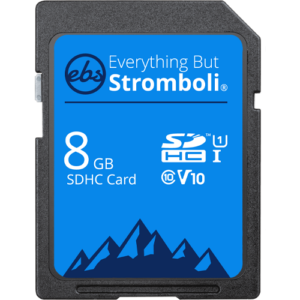 8GB Class 10
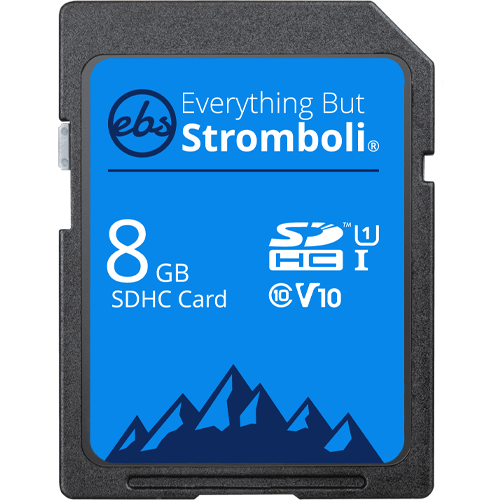
8GB SDHC Class 10 Everything But Stromboli U1/V10 Memory Card (8GB SD EBS-8SD-U1)
Everything But Stromboli 8GB SDHC Class 10 Card. This card is a fast, durable SDHC card that is great for photographers, IT professionals, trail cameras, and more! Will hold over 2,000 photos when using a 10 mega-pixel camera, or 100 minutes of video when recording at 9mbps.
Specifications
- Model Number: EBS-8SD-U1
- Class: 10
- Form Factor: SDHC
- UHS BUS Speed: UHS-I
- UHS Speed Class: U1
- Video Speed Class: V10
**This product comes in original retail packaging ready for resale. EBS return policy linked here.
Model # EBS-8SD-U1
(1 review)From: $9.80
(Pricing as low as $8.90) Select options This product has multiple variants. The options may be chosen on the product page -
 SD Cards
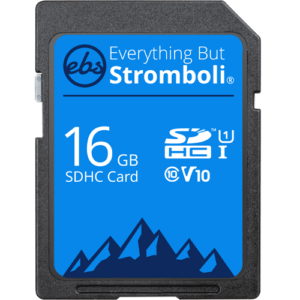
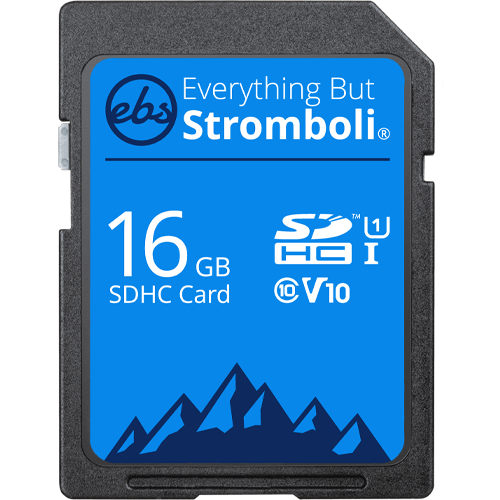
16GB SDHC Class 10 Everything But Stromboli U1/V10 Memory Card (16GB SD EBS-16SD-U1)
Everything But Stromboli 16GB SDHC Class 10 Card. This card is a fast, durable SDHC card that is great for photographers, IT professionals, trail cameras, video recording and more!
Specifications
- Model Number: EBS-16SD-U1
- Class: 10
- Form Factor: SDHC
- UHS BUS Speed: UHS-I
- UHS Speed Class: U1
- Video Speed Class: V10
Estimated Number of Photos & Videos
JPG Photos: 4,310 photos
RAW Photos: 295 photos
HD Video: 210 minutes
4k Video: 40 minutes**This product comes in original retail packaging ready for resale. EBS return policy linked here.
Model # EBS-16SD-U1
(0 reviews)From: $10.50
(Pricing as low as $9.95) Select options This product has multiple variants. The options may be chosen on the product page -
 SD Cards
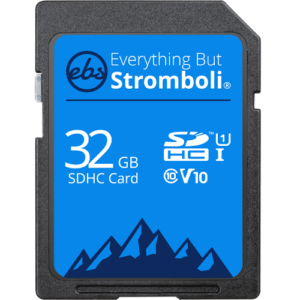
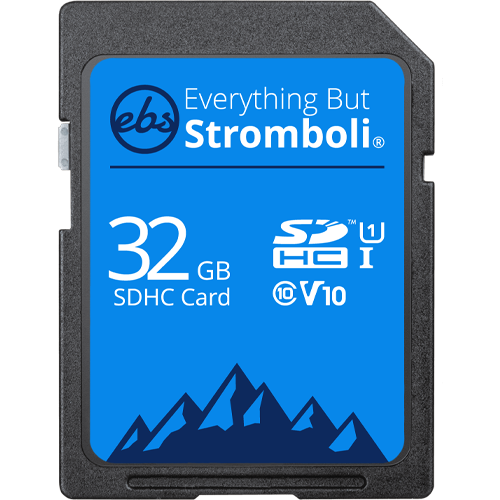
32GB SDHC Class 10 Everything But Stromboli U1/V10 Memory Card (32GB SD EBS-32SD-U1)
Everything But Stromboli 32GB SDHC Class 10 Card. This card is a fast, durable SDHC card that is great for photographers, IT professionals, trail cameras, video recording and more!
Specifications
- Model Number: EBS-32SD-U1
- Class: 10
- Form Factor: SDHC
- UHS BUS Speed: UHS-I
- UHS Speed Class: U1
- Video Speed Class: V10
Estimated Number of Photos & Videos
JPG Photos: 8,620 photos
RAW Photos: 595 photos
HD Video: 425 minutes
4k Video: 85 minutes**This product comes in original retail packaging ready for resale. EBS return policy linked here.
Model # EBS-32SD-U1
(0 reviews)From: $12.20
(Pricing as low as $11.55) Select options This product has multiple variants. The options may be chosen on the product page -
 SD Cards
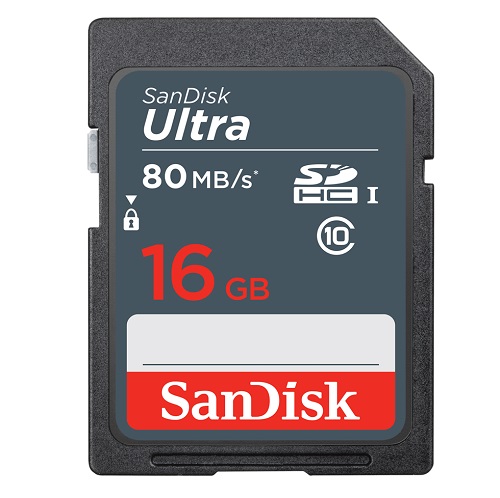
16GB SDHC Ultra Sandisk Memory Card Class 10 (SDSDUNS-016G-GN3IN)
High Quality 16GB SD Ultra SanDisk Class 10 Memory Card. This card is ideal for picture and video packages.
Specifications
- Model Number: SDSDUNS-016G-GN3IN
- Class: 10
- Form Factor: SDHC
- UHS BUS Speed: UHS-I
- Read Speed: Max 80MB/s
- UHS Speed Class: U1
- Video Format Capability: Full HD Video
- Operating Temperature: -13° – 185° F (-25°C – 85° C)
Water-proof, Temperature proof, X-ray proof, Shock proof
Estimated Number of Photos & Videos
JPG Photos: 4,310 photos
RAW Photos: 295 photos
HD Video: 210 minutes
4k Video: 40 minutes**This product comes in original retail packaging ready for resale. EBS return policy linked here.
Model # SDSDUNS-016G-GN3IN
(6 reviews)From: $12.70
(Pricing as low as $12.05) Select options This product has multiple variants. The options may be chosen on the product page -
 SD Cards
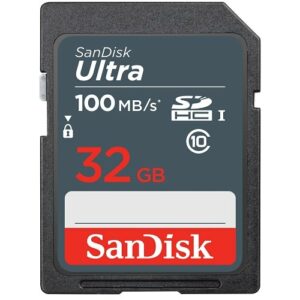
32GB SD Sandisk Ultra Memory Card (SDSDUNR-032G-GN3IN)
The 32GB SD SanDisk Ultra Memory Card is a High Quality Class 10 Memory Card. This card is ideal for picture and video packages.
Specifications
- Model Number: SDSDUNR-032G-GN3IN
- Class: 10
- Form Factor: SDHC
- UHS BUS Speed: UHS-I
- Read Speed: Max 100MB/s
- UHS Speed Class: U1
- Video Format Capability: Full HD Video
- Operating Temperature: -13° – 185° F (-25°C – 85° C)
Water-proof, Temperature proof, X-ray proof, Shock proof
Estimated Number of Photos & Videos
JPG Photos: 8,620 photos
RAW Photos: 595 photos
HD Video: 425 minutes
4k Video: 85 minutes**This product comes in original retail packaging ready for resale. EBS return policy linked here.
Model # SDSDUNR-032G-GN3IN
(3 reviews)From: $13.75
(Pricing as low as $13.05) Select options This product has multiple variants. The options may be chosen on the product page -
 SD Cards
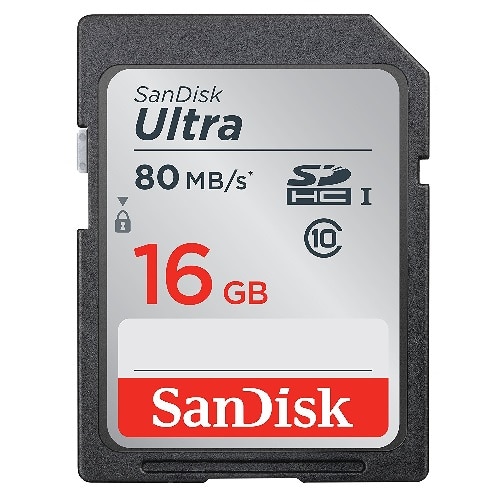
16GB SD Ultra Sandisk Memory Card (SDSDUNC-016G-GN6IN)
Great card for new point and shoot cameras, DSLR, and professional cameras.
Specifications
- Model Number: SDSDUNC-016G-GN6IN
- Class: 10
- Form Factor: SDHC
- UHS BUS Speed: UHS-I
- Read Speed: Max 80MB/s
- UHS Speed Class: U1
- Video Format Capability: Full HD Video
- Operating Temperature: -13° – 185° F (-25°C – 85° C)
Water-proof, Temperature proof, X-ray proof, Shock proof
Estimated Number of Photos & Videos
JPG Photos: 4,310 photos
RAW Photos: 295 photos
HD Video: 210 minutes
4k Video: 40 minutes**This product comes in original retail packaging ready for resale. EBS return policy linked here.
Model # SDSDUNC-016G-GN6IN
(8 reviews)From: $14.05
(Pricing as low as $13.30) Select options This product has multiple variants. The options may be chosen on the product page -
 SD Cards
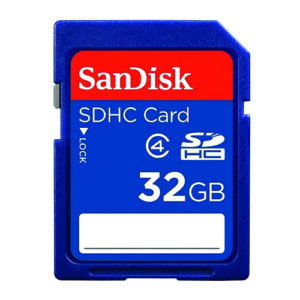
32GB SD Sandisk Memory Card (SDSDB-032G-B35)
High Quality 32GB SD SanDisk Class 4 Memory Card. This card is ideal for picture and video packages.
Specifications
- Model Number: SDSDB-032G-B35
- Class: 4
- Form Factor: SDHC
- UHS BUS Speed: UHS-I
- UHS Speed Class: U1
- Video Speed Class: V10
- Operating Temperature: -13° – 185° F (-25°C – 85° C)
Estimated Number of Photos & Videos
JPG Photos: 8,620 photos
RAW Photos: 595 photos
HD Video: 425 minutes
4k Video: 85 minutes**This product comes in original retail packaging ready for resale. EBS return policy linked here.
Model # SDSDB-032G-B35
(4 reviews)From: $14.15
(Pricing as low as $13.40) Select options This product has multiple variants. The options may be chosen on the product page -
 SD Cards
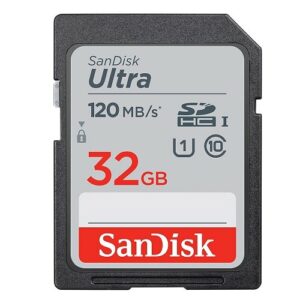
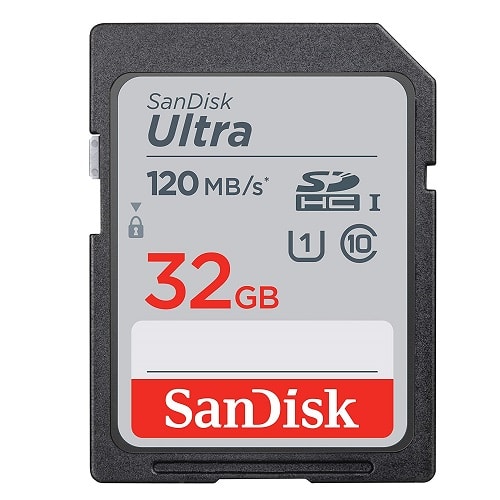
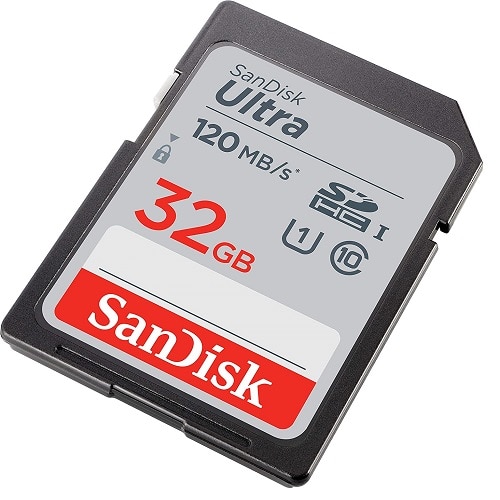
32GB SD Ultra Sandisk Memory Card (SDSDUN4-032G-GN6IN)
This card works great with DSLRs, point-and-shoot cameras, compact cameras, other products, and more. The 32GB SanDisk Ultra SDXC is an extended SD storage size with good transfer speeds for photo and video. SanDisk Ultra comes in several sizes ranging from 32GB to 512GB. Perfect for family photos and videos. This SanDisk Ultra card is a great memory card for saving your photos and memories. Exceptional picture quality and video performance. This card is UHS-1 rated with Class 10 specification. Ideal for a wide range of uses in several products.
Specifications
- Model Number: SDSDUN4-032G-GN6IN
- Class: 10
- Form Factor: SDHC
- UHS BUS Speed: UHS-I
- Read Speed: Max 120MB/s
- UHS Speed Class: U1
- Video Format Capability: Full HD Video
- Operating Temperature: -13° – 185° F (-25°C – 85° C)
Water-proof, Temperature proof, X-ray proof, Shock proof
Estimated Number of Photos & Videos
JPG Photos: 8,620 photos
RAW Photos: 595 photos
HD Video: 425 minutes
4k Video: 85 minutes**This product comes in original retail packaging ready for resale. EBS return policy linked here.
Model # SDSDUN4-032G-GN6IN
(3 reviews)From: $14.25
(Pricing as low as $13.50) Select options This product has multiple variants. The options may be chosen on the product page -
 SD Cards
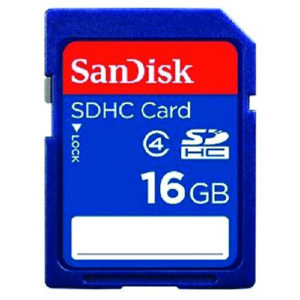
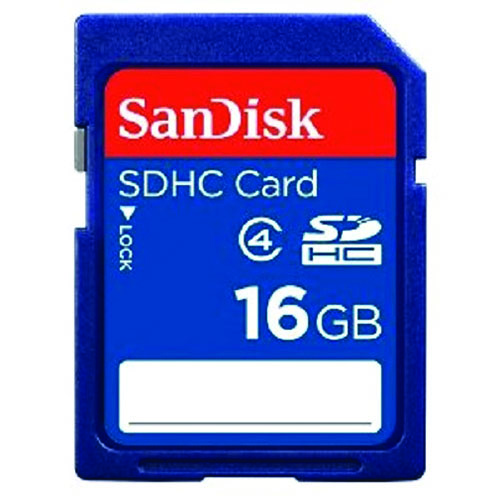
16GB SD Sandisk Memory Card (SDSDB-016G-B35)
High Quality 16GB SD SanDisk Card. This card is ideal for picture and video packages.
Specifications
- Model Number: SDSDB-016G-B35
- Class: 4
- Form Factor: SDHC
- UHS BUS Speed: UHS-I
- Operating Temperature: -13° – 185° F (-25°C – 85° C)
Estimated Number of Photos & Videos
JPG Photos: 4,310 photos
RAW Photos: 295 photos
HD Video: 210 minutes
4k Video: 40 minutes**This product comes in original retail packaging ready for resale. EBS return policy linked here.
Model # SDSDB-016G-B35
(10 reviews)From: $14.50
(Pricing as low as $13.75) Select options This product has multiple variants. The options may be chosen on the product page -
 SD Cards
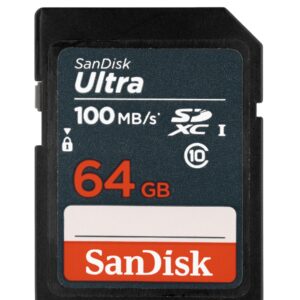
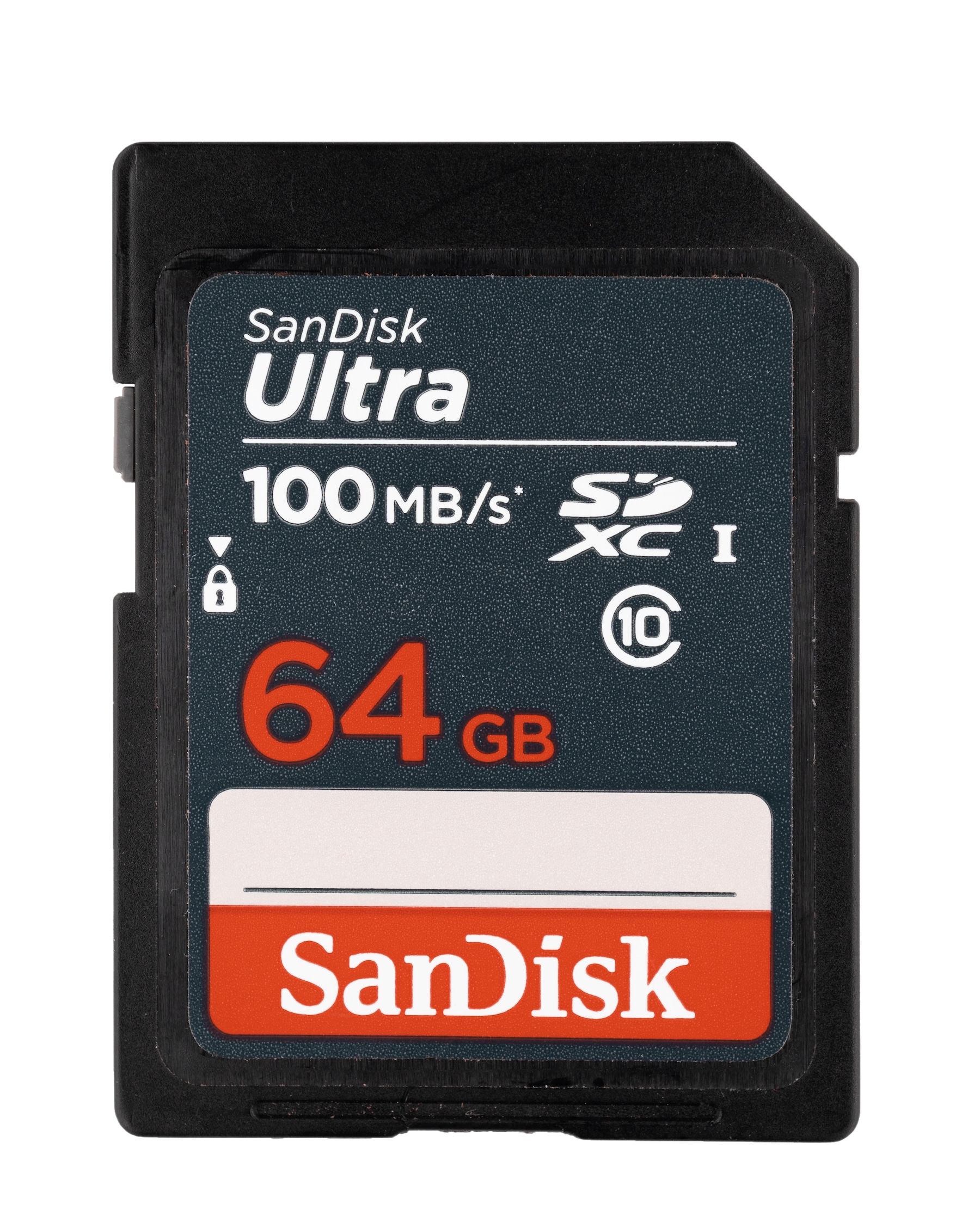
64GB SDXC Ultra Sandisk Memory Card Class 10 (SDSDUNR-064G-GN3IN)
High Quality 64GB SD Ultra SanDisk Class 10 Memory Card. This is a great economical choice for 64GB of storage for trail cameras, DSLR Cameras, Point-and-shoot, and more.
Specifications
- Model Number: SDSDUNR-064G-GN3IN
- Class: 10
- Form Factor: SDXC
- UHS BUS Speed: UHS-I
- Read Speed: Max 100MB/s
- UHS Speed Class: U1
- Video Format Capability: Full HD Video
- Operating Temperature: -13° – 185° F (-25°C – 85° C)
Water-proof, Temperature proof, X-ray proof, Shock proof
Estimated Number of Photos & Videos
JPG Photos: 17,245 photos
RAW Photos: 1,190 photos
HD Video: 850 minutes
4k Video: 170 minutes**This product comes in original retail packaging ready for resale. EBS return policy linked here.
Model # SDSDUNR-064G-GN3IN
(0 reviews)From: $17.80
(Pricing as low as $16.90) Select options This product has multiple variants. The options may be chosen on the product page -
 SD Cards
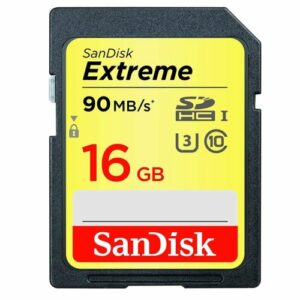
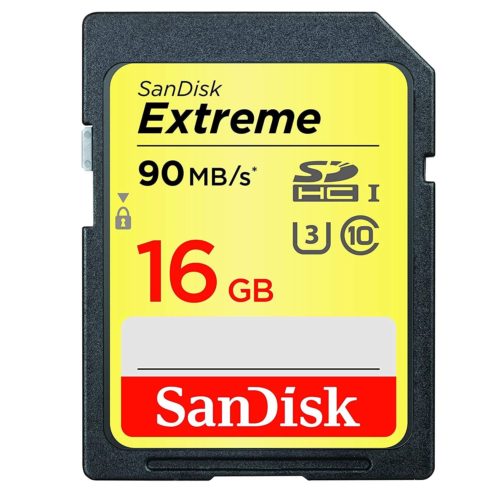
16GB SD Extreme Sandisk Memory Card (SDSDXNE-016G-GNCIN)
The 16GB SD Extreme SanDisk card is a great choice for photographers and professionals looking for higher transfer speeds and higher quality images.
Specifications
- Model Number: SDSDXNE-016G-GNCIN
- Class: 10
- Format: SDHC
- UHS BUS Speed: UHS-I
- Read Speed: Max 90MB/s
- Write Speed: Max 40MB/s
- UHS Speed Class: U3
- Video Speed Class: V30
- Video Format Capability: 4K UHD
- Operating Temperature: -13° – 185° F (-25°C – 85° C)
Water-proof, Temperature proof, X-ray proof, Shock proof
Estimated Number of Photos & Videos
JPG Photos: 4,310 photos
RAW Photos: 295 photos
HD Video: 210 minutes
4k Video: 40 minutes**This product comes in original retail packaging ready for resale. EBS return policy linked here.
Model # SDSDXNE-016G-GNCIN
(0 reviews)From: $17.80
(Pricing as low as $16.90) Select options This product has multiple variants. The options may be chosen on the product page -
 SD Cards
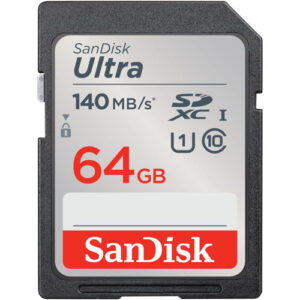
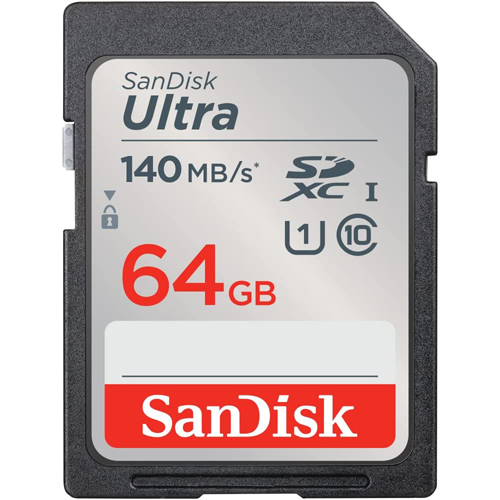
64GB SDXC Ultra Sandisk Memory Card (SDSDUNB-064G-GN6IN)
The 64GB SanDisk Ultra UNB comes in several sizes ranging from 32GB to 512GB. The 64GB SanDisk Ultra SDXC is an extended SD storage size with good transfer speeds for photo and video. This card works great with DSLRs, point-and-shoot cameras, compact cameras, other products, and more. Perfect for family photos and videos. This card is UHS-1 rated with Class 10 specification. Ideal for a wide range of uses in several products. This SanDisk Ultra card is a great memory card for almost anything. Exceptional picture quality and video performance. 64GB SanDisk Ultra UNB.
Specifications
- Model Number: SDSDUNB-064G-GN6IN
- Class: 10
- Form Factor: SDXC
- UHS BUS Speed: UHS-I
- Read Speed: Max 140MB/s
- UHS Speed Class: U1
- Video Format Capability: Full HD Video
- Operating Temperature: -13° – 185° F (-25°C – 85° C)
Water-proof, Temperature proof, X-ray proof, Shock proof
Estimated Number of Photos & Videos
JPG Photos: 17,245 photos
RAW Photos: 1,190 photos
HD Video: 850 minutes
4k Video: 170 minutes**This product comes in original retail packaging ready for resale. EBS return policy linked here.
Model # SDSDUNB-064G-GN6IN(0 reviews)From: $18.70
(Pricing as low as $17.75) Select options This product has multiple variants. The options may be chosen on the product page -
 SD Cards
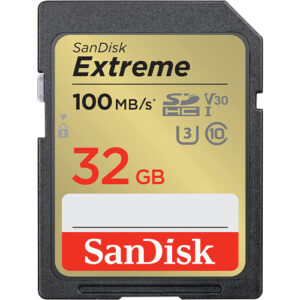
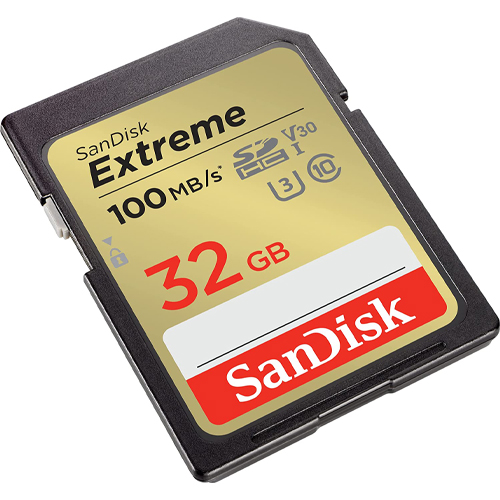
32GB SD Extreme Sandisk Memory Card (SDSDXVT-032G-GNCIN)
This new Extreme SD Card from SanDisk has a 32GB capacity. This updated version has a 100MB/s maximum read speed. That’s more than 11% faster! Some features of this card are that it is waterproof, temperature proof, shock proof, and X-ray proof. The 32GB SD Extreme SanDisk card is a great choice for photographers and professionals looking for higher transfer speeds and higher quality images. Perfect for beginner to professional DSLR cameras and mirrorless cameras. You can pair this 32GB card with compatible Blu-ray players, home theaters, and more to expand the storage and hold thousands of songs and hundreds of movies. Works great with family cameras and point and shoot cameras. Super high quality speeds with a large SDHC capacity. This card is rated for U3 and Class 10 speeds. The ideal card for all types of devices that take a full size SD Card like computers and digital cameras. The Extreme Pro SD card can be used for expandable storage on laptops or used to put pictures on digital photo frames. SanDisk Extreme 32GB XVT.
Specifications
- Model Number: SDSDXVT-032G-GNCIN
- Class: 10
- Format: SDHC
- UHS BUS Speed: UHS-I
- Read Speed: Max 100MB/s
- Write Speed: Max 60MB/s
- UHS Speed Class: U3
- Video Speed Class: V30
- Video Format Capability: 4K UHD
- Operating Temperature: -13° – 185° F (-25°C – 85° C)
Water-proof, Temperature proof, X-ray proof, Shock proof
Estimated Number of Photos & Videos
JPG Photos: 8,620 photos
RAW Photos: 595 photos
HD Video: 425 minutes
4k Video: 85 minutes**This product comes in original retail packaging ready for resale. EBS return policy linked here.
Model # SDSDXVT-032G-GNCIN
(0 reviews)From: $18.85
(Pricing as low as $17.90) Select options This product has multiple variants. The options may be chosen on the product page -
 SD Cards
64GB SDXC Class 4 Sandisk Memory Card (SDSDB-064G-B35)
The SanDisk 64GB SD Class 4 card is an economical choice for basic photography and video. Great for trail cameras and digital cameras that accept SDXC.
Specifications
- Model Number: SDSDB-064G-B35
- Class: 4
- Form Factor: SDHC
- UHS BUS Speed: UHS-I
- UHS Speed Class: U1
- Video Speed Class: V10
- Operating Temperature: -13° – 185° F (-25°C – 85° C)
Estimated Number of Photos & Videos
JPG Photos: 17,245 photos
RAW Photos: 1,190 photos
HD Video: 850 minutes
4k Video: 170 minutes**This product comes in original retail packaging ready for resale. EBS return policy linked here.
Model # SDSDB-064G-B35
(0 reviews)From: $19.05
(Pricing as low as $18.05) Select options This product has multiple variants. The options may be chosen on the product page -
 SD Cards
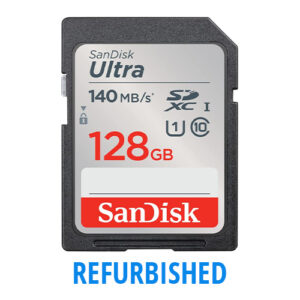
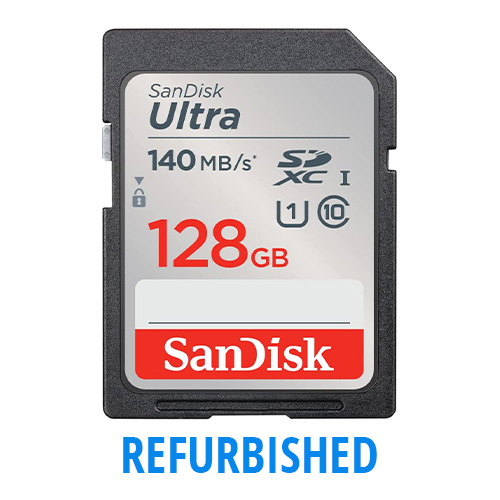
128GB SD Ultra Sandisk Memory Card (SDSDUNB-128G-GN6IN) REFURBISHED IN CASES
REFURBISHED IN CASES ONLY – Our refurbished products are never used or lightly used and have been run through a diagnostic process to ensure full functionality.
This 128GB SanDisk Ultra SDXC is an extended SD storage size with good transfer speeds for photo and video. This card works great with DSLRs, point-and-shoot cameras, compact cameras, other products, and more. Perfect for family photos and videos. This card is UHS-1 rated with Class 10 specification. Ideal for a wide range of uses in several products. This SanDisk Ultra card is a great memory card for almost anything. Exceptional picture quality and video performance. 128GB SanDisk Ultra UNB.
Specifications
- Model Number: SDSDUNB-128G-GN6IN
- Class: 10
- Format: SDXC
- Read Speed: Max 140MB/s
- UHS Speed Class: U1
- Video Format Capability: Full HD Video
- Operating Temperature: -13° – 185° F (-25°C – 85° C)
Water-proof, Temperature proof, X-ray proof, Shock proof
Estimated Number of Photos & Videos
JPG Photos: 34,490 photos
RAW Photos: 2,380 photos
HD Video: 1,705 minutes
4k Video: 340 minutes**This product comes only in CASES. EBS return policy linked here.
Model # (SDSDUNB-128G-GN6IN)
(0 reviews) -
 SD Cards
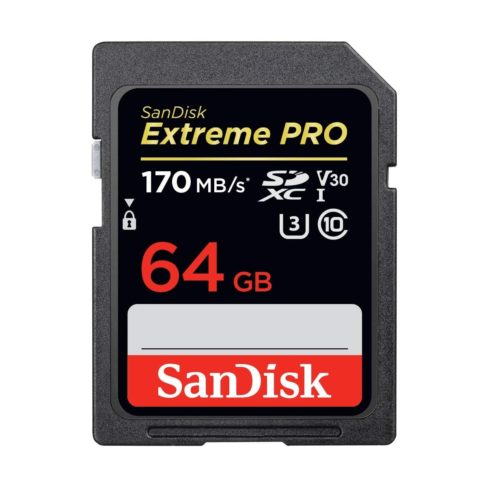
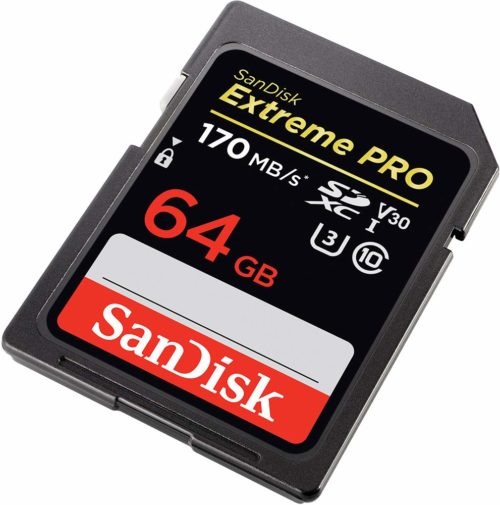
REFURBISHED 64GB SD Extreme Pro Sandisk Memory Card (SDSDXXY-064G-GN4IN)
THIS IS A REFURBISHED PRODUCT
Our most powerful SD UHS-I memory card delivers maximum speed for performance, reliability, and uncompromising image and 4k UHD video quality from your DSLR, advanced digital or HD video camera transfer speeds up to 170 MB/s* move your data fast for efficient post-production workflow.
**This product comes in original retail packaging ready for resale.
Model # (SDSDXXY-064G-GN4IN)
(0 reviews) -
 SD Cards
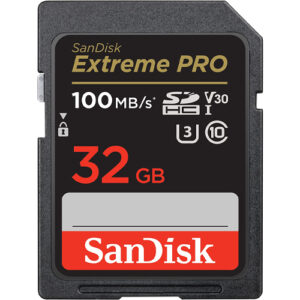
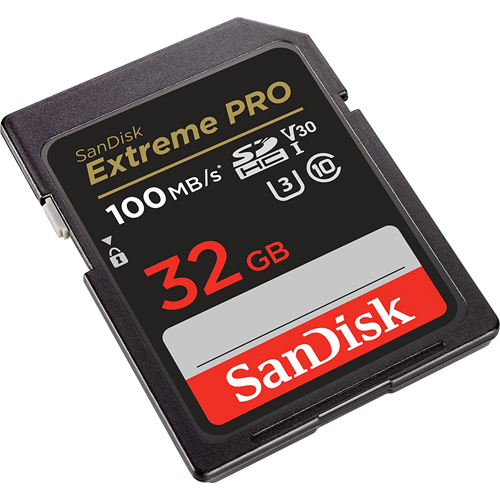
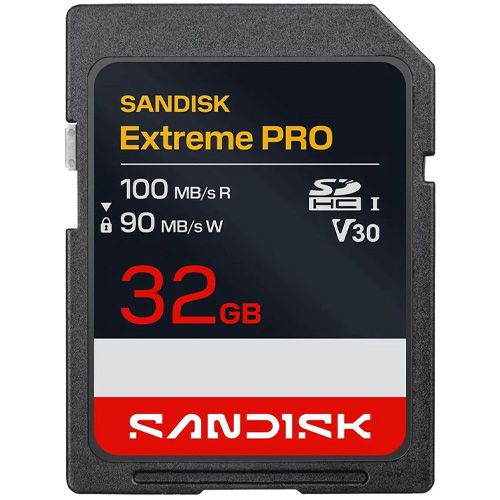
32GB SD Extreme Pro SDHC UHS-I Sandisk Memory Card (SDSDXXO-032G-GN4IN)
The new Extreme Pro SD Card from SanDisk has a 32GB capacity. This updated version has a 100MB/s maximum read speed. That’s more than 5% faster! Some features of this card are that it is waterproof, temperature proof, shock proof, and X-ray proof. Perfect for beginner to professional DSLR cameras and mirrorless cameras. Works great with family cameras and point and shoot cameras. Super high quality speeds with a large SDHC capacity. This card is rated for U3 and Class 10 speeds. The ideal card for all types of devices that take a full size SD Card like computers and digital cameras. The Extreme Pro SD card can be used for expandable storage on laptops or used to put pictures on digital photo frames. You can pair this 32GB card with compatible Blu-ray players, home theaters, and more to expand the storage and hold thousands of songs and hundreds of movies. Extreme Pro 32GB XXO.
Specifications
- Model Number: SDSDXXO-032G-GN4IN
- Class: 10
- Format: SDHC
- UHS BUS Speed: UHS-I
- Read Speed: Max 100MB/s
- Write Speed: Max 90MB/s
- UHS Speed Class: U3
- Video Speed Class: V30
- Video Format Capability: 4K UHD
- Operating Temperature: -13° – 185° F (-25°C – 85° C)
Water-proof, Temperature proof, X-ray proof, Shock proof
Estimated Number of Photos & Videos
JPG Photos: 8,620 photos
RAW Photos: 595 photos
HD Video: 425 minutes
4k Video: 85 minutes**This product comes in original retail packaging ready for resale. EBS return policy linked here.
Model # SDSDXXO-032G-GN4IN
(0 reviews)From: $23.00
(Pricing as low as $21.85) Select options This product has multiple variants. The options may be chosen on the product page -
 SD Cards
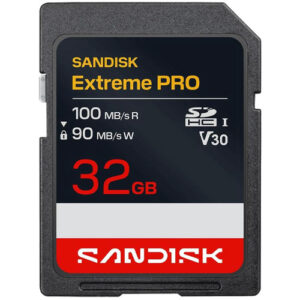
32GB SanDisk SD Extreme Pro SDHC UHS-I Memory Card (SDSDXXO-032G-GSCIN)
The new Extreme Pro SD Card from SanDisk has a 32GB capacity. This updated version has a 100MB/s maximum read speed. That’s more than 5% faster! Some features of this card are that it is waterproof, temperature proof, shock proof, and X-ray proof. Perfect for beginner to professional DSLR cameras and mirrorless cameras. Works great with family cameras and point and shoot cameras. Super high quality speeds with a large SDHC capacity. This card is rated for U3 and Class 10 speeds. The ideal card for all types of devices that take a full size SD Card like computers and digital cameras. The Extreme Pro SD card can be used for expandable storage on laptops or used to put pictures on digital photo frames. You can pair this 32GB card with compatible Blu-ray players, home theaters, and more to expand the storage and hold thousands of songs and hundreds of movies. Extreme Pro 32GB XXO.
Specifications
- Model Number: SDSDXXO-032G-GSCIN
- Class: 10
- Format: SDHC
- UHS BUS Speed: UHS-I
- Read Speed: Max 100MB/s
- Write Speed: Max 90MB/s
- UHS Speed Class: U3
- Video Speed Class: V30
- Video Format Capability: 4K UHD
- Operating Temperature: -13° – 185° F (-25°C – 85° C)
Water-proof, Temperature proof, X-ray proof, Shock proof
Estimated Number of Photos & Videos
JPG Photos: 8,620 photos
RAW Photos: 595 photos
HD Video: 425 minutes
4k Video: 85 minutes**This product comes in original retail packaging ready for resale. EBS return policy linked here.
(0 reviews)From: $23.35
(Pricing as low as $22.15) Select options This product has multiple variants. The options may be chosen on the product page -
 SD Cards
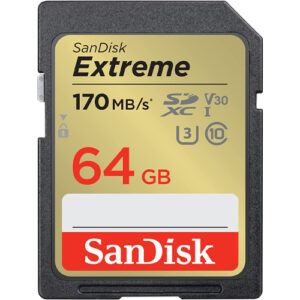
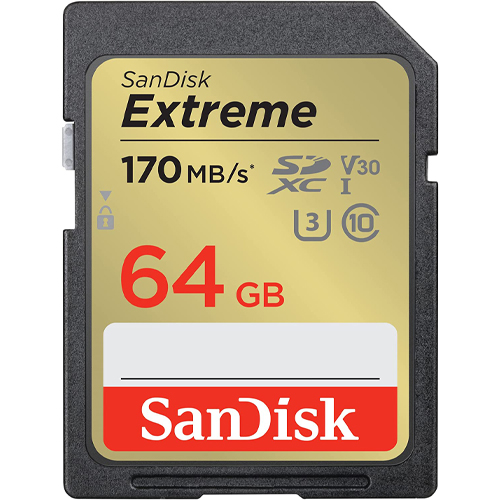
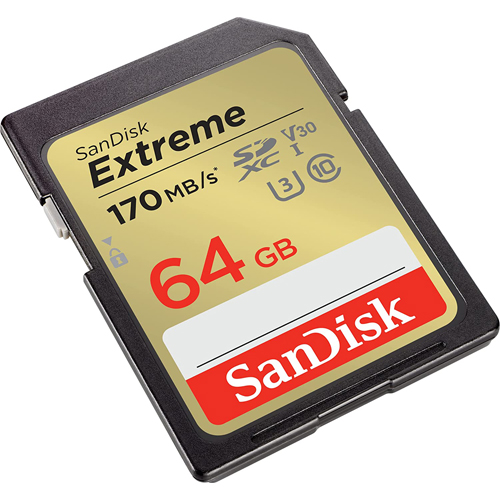
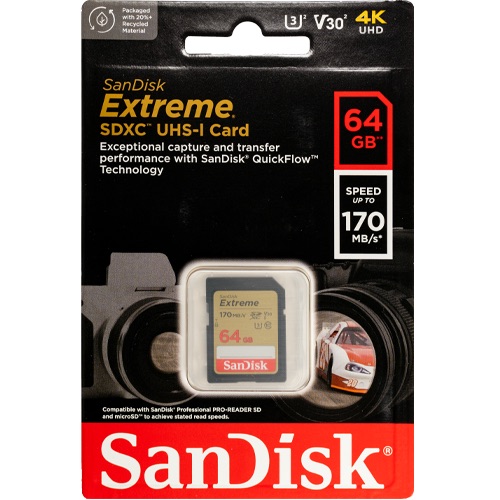
64GB SD Extreme Sandisk Memory Card (SDSDXV2-064G-GNCIN)
This new Extreme SD Card from SanDisk has a 64GB capacity. Super high quality speeds with a large SDXC capacity. This updated version has a 170MB/s maximum read speed. That’s more than 13% faster! Some features of this card are that it is waterproof, temperature proof, shock proof, and X-ray proof. The ideal card for all types of devices that take a full size SD Card like computers and digital cameras. The 64GB SD Extreme SanDisk card is a great choice for photographers and professionals looking for higher transfer speeds and higher quality images. Perfect for beginner to professional DSLR cameras and mirrorless cameras. You can pair this 64GB card with compatible Blu-ray players, home theaters, and more to expand the storage and hold thousands of songs and hundreds of movies. Works great with family cameras and point and shoot cameras. This card is rated for U3 and Class 10 speeds. The Extreme Pro SD card can be used for expandable storage on laptops or used to put pictures on digital photo frames. SanDisk Extreme 64GB XV2.
Specifications
- Model Number: SDSDXV2-064G-GNCIN
- Class: 10
- Format: SDXC
- UHS BUS Speed: UHS-I
- Read Speed: Max 170MB/s
- Write Speed: Max 80MB/s
- UHS Speed Class: U3
- Video Speed Class: V30
- Video Format Capability: 4K UHD
- Operating Temperature: -13° – 185° F (-25°C – 85° C)
Water-proof, Temperature proof, X-ray proof, Shock proof
Estimated Number of Photos & Videos
JPG Photos: 17,245 photos
RAW Photos: 1,190 photos
HD Video: 850 minutes
4k Video: 170 minutes**This product comes in original retail packaging ready for resale. EBS return policy linked here.
Model # SDSDXV2-064G-GNCIN
(0 reviews)From: $24.00
(Pricing as low as $22.80) Select options This product has multiple variants. The options may be chosen on the product page -
 SD Cards
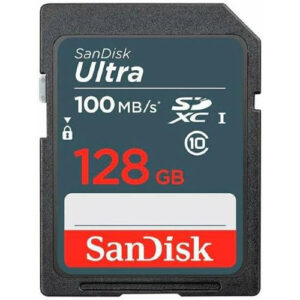
128GB SD Ultra Sandisk Memory Card (SDSDUNR-128G-GN3IN)
128GB SanDisk Ultra Blue Memory Cards, your ultimate companion for capturing unforgettable moments with trail cameras, hunting cams, shoot-and-point digital cameras, and mid-range DSLRs.
Experience lightning-fast data transfer with these SD Memory Cards, boasting impressive speeds of up to 100MB/s – that’s twice as fast compared to Class 4 SanDisk Ultra cards. With this incredible speed, you can effortlessly snap pictures and transfer files in the blink of an eye.
Don’t miss a single detail during your video recordings with the Class 10 rating and UHS-I speeds. Enjoy exceptional Full HD video (1080p) performance, ensuring your footage remains crystal-clear and professional.
SanDisk cards are designed to withstand the toughest conditions, ensuring your precious memories stay safe. They are shockproof, temperature-proof, waterproof, and even X-ray-proof. So, whether you’re in extreme environments or unpredictable situations, rest assured that your data is protected.
Upgrade your photography and videography game with the reliable and durable 128GB SanDisk Ultra Blue Memory Cards – the perfect choice for every adventure and project.
Specifications
- Model Number: SDSDUNR-128G-GN3IN
- Class: 10
- Form Factor: SDXC
- UHS BUS Speed: UHS-I
- Read Speed: Max 100MB/s
- UHS Speed Class: U1
- Video Format Capability: Full HD Video
- Operating Temperature: -13° – 185° F (-25°C – 85° C)
Water-proof, Temperature proof, X-ray proof, Shock proof
Estimated Number of Photos & Videos
JPG Photos: 34,490 photos
RAW Photos: 2,380 photos
HD Video: 1,705 minutes
4k Video: 340 minutes**This product comes in original retail packaging ready for resale. EBS return policy linked here.
Model # SDSDUNR-128G-GN3IN
(0 reviews)From: $25.65
(Pricing as low as $24.35) Select options This product has multiple variants. The options may be chosen on the product page -
 SD Cards
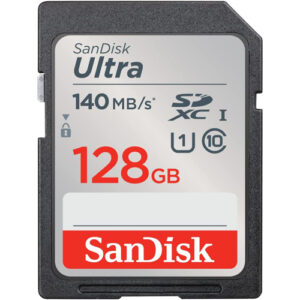
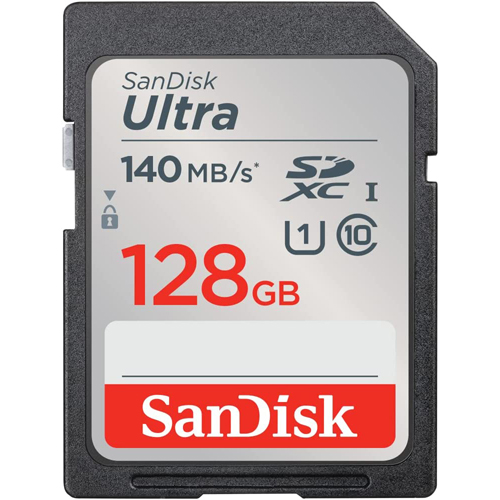
128GB SD Ultra Sandisk Memory Card (SDSDUNB-128G-GN6IN)
The 128GB SanDisk Ultra UNB comes in several sizes ranging from 32GB to 512GB. The 128GB SanDisk Ultra SDXC is an extended SD storage size with good transfer speeds for photo and video. This card works great with DSLRs, point-and-shoot cameras, compact cameras, other products, and more. Perfect for family photos and videos. This card is UHS-1 rated with Class 10 specification. Ideal for a wide range of uses in several products. This SanDisk Ultra card is a great memory card for almost anything. Exceptional picture quality and video performance. 128GB SanDisk Ultra UNB.
Specifications
- Model Number: SDSDUNB-128G-GN6IN
- Class: 10
- Format: SDXC
- Read Speed: Max 140MB/s
- UHS Speed Class: U1
- Video Format Capability: Full HD Video
- Operating Temperature: -13° – 185° F (-25°C – 85° C)
Water-proof, Temperature proof, X-ray proof, Shock proof
Estimated Number of Photos & Videos
JPG Photos: 34,490 photos
RAW Photos: 2,380 photos
HD Video: 1,705 minutes
4k Video: 340 minutes**This product comes in original retail packaging ready for resale. EBS return policy linked here.
Model # SDSDUNB-128G-GN6IN
(0 reviews)From: $26.70
(Pricing as low as $25.35) Select options This product has multiple variants. The options may be chosen on the product page -
 SD Cards
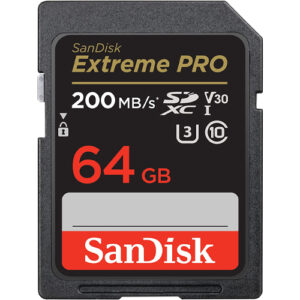
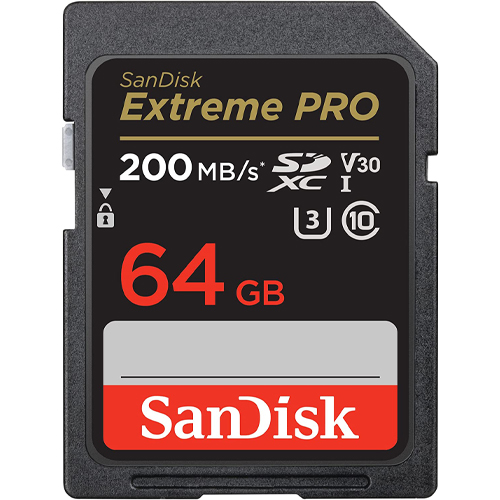
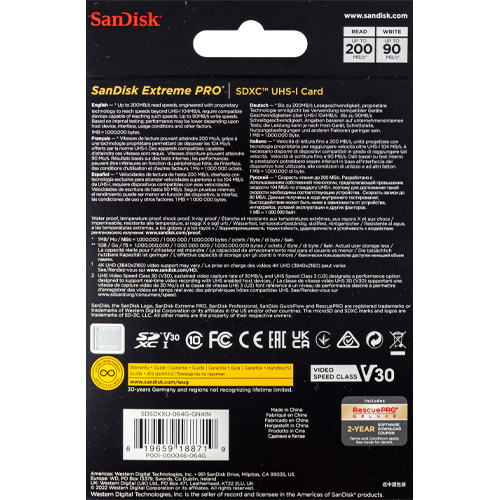
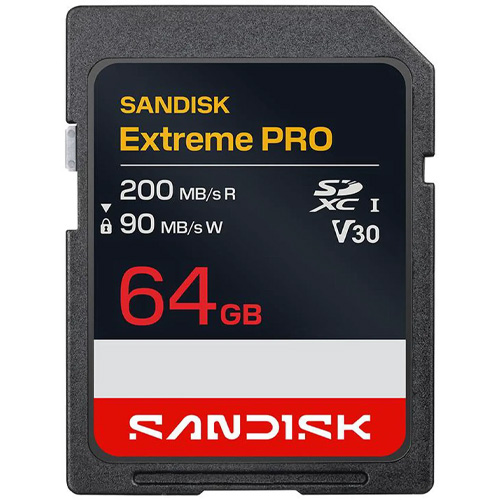
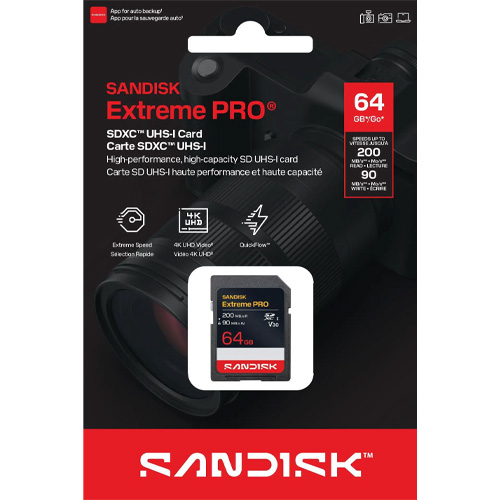
64GB SD Extreme Pro SDXC UHS-I Sandisk Memory Card (SDSDXXU-064G-GN4IN)
The new Extreme Pro SD Card from SanDisk has a 64GB capacity. This updated version has a 200MB/s maximum read speed. That’s more than 15% faster! Some features of this card are that it is waterproof, temperature proof, shock proof, and X-ray proof. Perfect for beginner to professional DSLR cameras and mirrorless cameras. Works great with family cameras and point and shoot cameras. Super high quality speeds with a large SDXC capacity. This card is rated for U3 and Class 10 speeds. The ideal card for all types of devices that take a full size SD Card like computers and digital cameras. The Extreme Pro SD card can be used for expandable storage on laptops or used to put pictures on digital photo frames. You can pair this 64GB card with compatible Blu-ray players, home theaters, and more to expand the storage and hold thousands of songs and hundreds of movies. Extreme Pro 64GB XXU.
Specifications
- Model Number: SDSDXXU-064G-GN4IN
- Class: 10
- Format: SDXC
- UHS BUS Speed: UHS-I
- Read Speed: Max 200MB/s
- Write Speed: Max 90MB/s
- UHS Speed Class: U3
- Video Speed Class: V30
- Video Format Capability: 4K UHD
- Operating Temperature: -13° – 185° F (-25°C – 85° C)
Water-proof, Temperature proof, X-ray proof, Shock proof
Estimated Number of Photos & Videos
JPG Photos: 17,245 photos
RAW Photos: 1,190 photos
HD Video: 850 minutes
4k Video: 170 minutes**This product comes in original retail packaging ready for resale. EBS return policy linked here.
Model # SDSDXXU-064G-GN4IN
(0 reviews)From: $28.30
(Pricing as low as $26.85) Select options This product has multiple variants. The options may be chosen on the product page -
 SD Cards
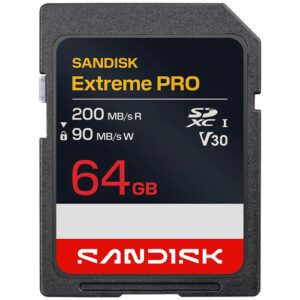
64GB SanDisk Extreme Pro SDXC UHS-I Memory Card (SDSDXXU-064G-GSCIN)
The new Extreme Pro SD Card from SanDisk has a 64GB capacity. This updated version has a 200MB/s maximum read speed. That’s more than 15% faster! Some features of this card are that it is waterproof, temperature proof, shock proof, and X-ray proof. Perfect for beginner to professional DSLR cameras and mirrorless cameras. Works great with family cameras and point and shoot cameras. Super high quality speeds with a large SDXC capacity. This card is rated for U3 and Class 10 speeds. The ideal card for all types of devices that take a full size SD Card like computers and digital cameras. The Extreme Pro SD card can be used for expandable storage on laptops or used to put pictures on digital photo frames. You can pair this 64GB card with compatible Blu-ray players, home theaters, and more to expand the storage and hold thousands of songs and hundreds of movies. Extreme Pro 64GB XXU.
Specifications
- Model Number: SDSDXXU-064G-GSCIN
- Class: 10
- Format: SDXC
- UHS BUS Speed: UHS-I
- Read Speed: Max 200MB/s
- Write Speed: Max 90MB/s
- UHS Speed Class: U3
- Video Speed Class: V30
- Video Format Capability: 4K UHD
- Operating Temperature: -13° – 185° F (-25°C – 85° C)
Water-proof, Temperature proof, X-ray proof, Shock proof
Estimated Number of Photos & Videos
JPG Photos: 17,245 photos
RAW Photos: 1,190 photos
HD Video: 850 minutes
4k Video: 170 minutes**This product comes in original retail packaging ready for resale. EBS return policy linked here.
(0 reviews)From: $29.15
(Pricing as low as $27.65) Select options This product has multiple variants. The options may be chosen on the product page -
 SD Cards
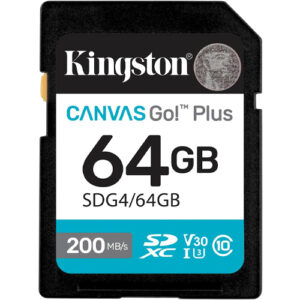
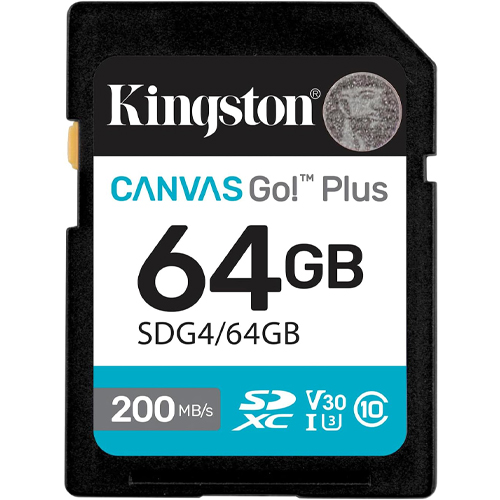
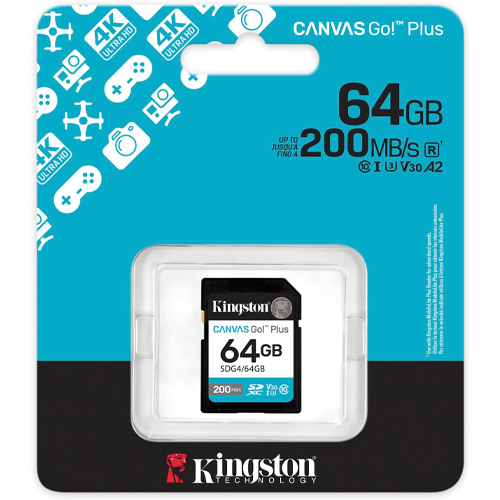
64GB Kingston Canvas Go Plus SDXC Flash Memory Card (SDG4/64GB)
64GB Kingston Canvas Go Plus! Capture your adventures at top speed with the Kingston Canvas Go! Plus 64 GB SDXC UHS-I memory card. Designed for creators using DSLRs, mirrorless cameras, and UHD video gear, this card delivers blazing read speeds up to 200 MB/s—streamlining transfers, backing up shoots, and accelerating your workflow. Optimized for fast action, its U3 and V30 speed ratings guarantee smooth 4K Ultra-HD video recording and seamless burst-mode shooting—no dropped frames or buffering to slow you down.The Class 10 certification further underscores its reliability under stress.
Engineered for rugged use, this SDXC card withstands tough shooting environments. Full durability includes protection against shocks, X-rays, and vibration. The 64 GB capacity provides a versatile balance—ample space for hours of 4K video, extensive image libraries, or full-sized media files while keeping camera kits lightweight. That makes it ideal for travel shooters, videographers, and hobbyists seeking professional performance without overloading gear. Whether you’re capturing landscapes, action footage, or high-speed photography, the Kingston Canvas Go! Plus 64 GB SDXC card delivers fast, reliable, and resilient performance—so you stay focused on creativity, not data management.
Specifications
- Model Number: SDG4/64GB
- Class: 10
- Form Factor: SDXC
- UHS BUS Speed: UHS-I
- Read Speed: Max 200MB/s
- UHS Speed Class: U3
- Video Speed Class: V30
- Video Format Capability: 4K UHD
- Operating Temperature: -13° – 185° F (-25°C – 85° C)
Water-proof, Temperature proof, X-ray proof, Shock proof, Vibration Proof
Estimated Number of Photos & Videos
JPG Photos: 17,245 photos
RAW Photos: 1,190 photos
HD Video: 850 minutes
4k Video: 170 minutes**This product comes in original retail packaging ready for resale. EBS return policy linked here.
Model # SDG4/64GB
(0 reviews)From: $34.40
(Pricing as low as $32.65) Select options This product has multiple variants. The options may be chosen on the product page -
 SD Cards
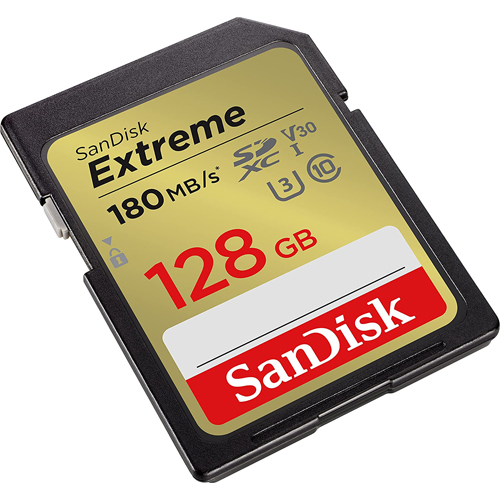
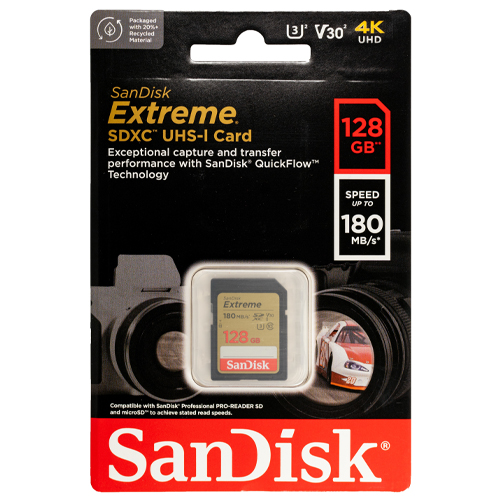
128GB SD Extreme Sandisk Memory Card (SDSDXVA-128G-GNCIN)
This new Extreme SD Card from SanDisk has a 128GB capacity. This updated version has a 180MB/s maximum read speed. That’s 20% faster! This card is rated for V30, U3, and Class 10 speeds. Some features of this card are that it is waterproof, temperature proof, shock proof, and X-ray proof. The 128GB SD Extreme SanDisk card is a great choice for photographers and professionals looking for higher transfer speeds and higher quality images. Perfect for beginner to professional DSLR cameras and mirrorless cameras. You can pair this 128GB card with compatible Blu-ray players, home theaters, and more to expand the storage and hold thousands of songs and hundreds of movies. Works great with family cameras and point and shoot cameras. Super high quality speeds with a large SDXC capacity. The ideal card for all types of devices that take a full size SD Card like computers and digital cameras. The Extreme SD card can be used for expandable storage on laptops or used to put pictures on digital photo frames. SanDisk Extreme 128GB XVA.
Specifications
- Model Number: SDSDXVA-128G-GNCIN
- Class: 10
- Format: SDXC
- UHS BUS Speed: UHS-I
- Read Speed: Max 180MB/s
- Write Speed: Max 90MB/s
- UHS Speed Class: U3
- Video Speed Class: V30
- Video Format Capability: 4K UHD
- Operating Temperature: -13° – 185° F (-25°C – 85° C)
Water-proof, Temperature proof, X-ray proof, Shock proof
Estimated Number of Photos & Videos
JPG Photos: 34,490 photos
RAW Photos: 2,380 photos
HD Video: 1,705 minutes
4k Video: 340 minutes**This product comes in original retail packaging ready for resale. EBS return policy linked here.
Model # SDSDXVA-128G-GNCIN
(0 reviews)From: $37.55
(Pricing as low as $35.65) Select options This product has multiple variants. The options may be chosen on the product page -
 SD Cards
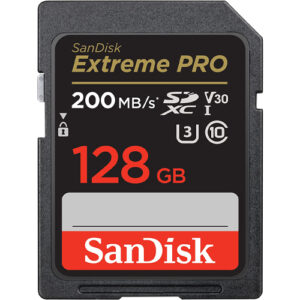
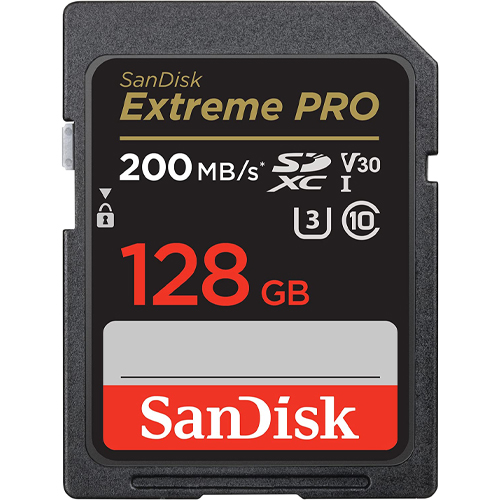
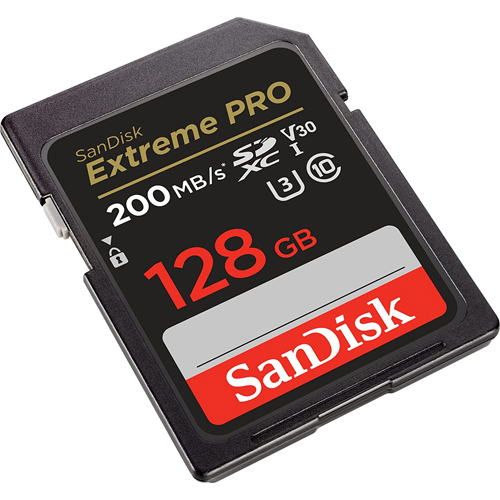
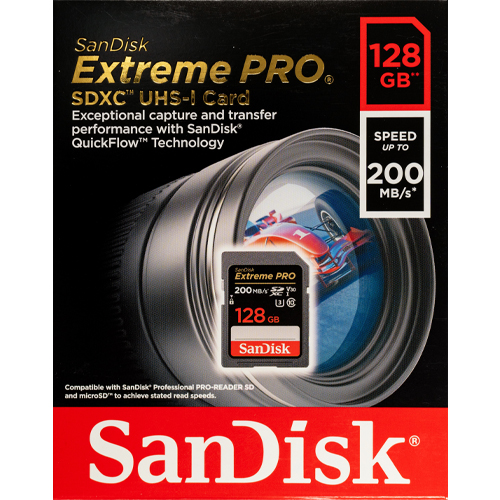
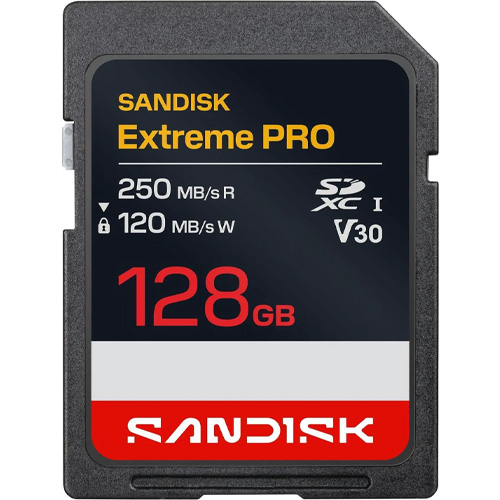
128GB SD Extreme Pro SDXC UHS-I Sandisk Memory Card (SDSDXXD-128G-GN4IN)
The new Extreme Pro SD Card from SanDisk has a 128GB capacity. This updated version has a 200MB/s maximum read speed. That’s more than 17% faster! Some features of this card are that it is waterproof, temperature proof, shock proof, and X-ray proof. Perfect for beginner to professional DSLR cameras and mirrorless cameras. Works great with family cameras and point and shoot cameras. Super high quality speeds with a large SDXC capacity. This card is rated for U3 and Class 10 speeds. The ideal card for all types of devices that take a full size SD Card like computers and digital cameras. The Extreme Pro SD card can be used for expandable storage on laptops or used to put pictures on digital photo frames. You can pair this 128GB card with compatible Blu-ray players, home theaters, and more to expand the storage and hold thousands of songs and hundreds of movies. Extreme Pro 128GB XXD.
Specifications
- Model Number: SDSDXXD-128G-GN4IN
- Class: 10
- Format: SDXC
- UHS BUS Speed: UHS-I
- Read Speed: Max 200MB/s
- Write Speed: Max 90MB/s
- UHS Speed Class: U3
- Video Speed Class: V30
- Video Format Capability: 4K UHD
- Operating Temperature: -13° – 185° F (-25°C – 85° C)
Water-proof, Temperature proof, X-ray proof, Shock proof
Estimated Number of Photos & Videos
JPG Photos: 34,490 photos
RAW Photos: 2,380 photos
HD Video: 1,705 minutes
4k Video: 340 minutes**This product comes in original retail packaging ready for resale. EBS return policy linked here.
Model # SDSDXXD-128G-GN4IN
(0 reviews)From: $45.70
(Pricing as low as $43.40) Select options This product has multiple variants. The options may be chosen on the product page -
 SD Cards
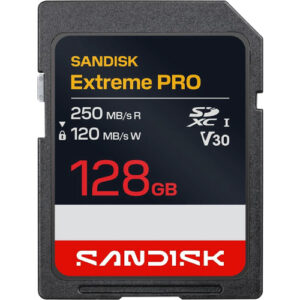
128GB SanDisk Extreme Pro SDXC UHS-I Memory Card (SDSDXXJ-128G-GSCIN)
The new Extreme Pro SD Card from SanDisk has a 128GB capacity. This updated version has a 200MB/s maximum read speed. That’s more than 17% faster! Some features of this card are that it is waterproof, temperature proof, shock proof, and X-ray proof. Perfect for beginner to professional DSLR cameras and mirrorless cameras. Works great with family cameras and point and shoot cameras. Super high quality speeds with a large SDXC capacity. This card is rated for U3 and Class 10 speeds. The ideal card for all types of devices that take a full size SD Card like computers and digital cameras. The Extreme Pro SD card can be used for expandable storage on laptops or used to put pictures on digital photo frames. You can pair this 128GB card with compatible Blu-ray players, home theaters, and more to expand the storage and hold thousands of songs and hundreds of movies. Extreme Pro 128GB XXD.
Specifications
- Model Number: SDSDXXJ-128G-GSCIN
- Class: 10
- Format: SDXC
- UHS BUS Speed: UHS-I
- Read Speed: Max 200MB/s
- Write Speed: Max 90MB/s
- UHS Speed Class: U3
- Video Speed Class: V30
- Video Format Capability: 4K UHD
- Operating Temperature: -13° – 185° F (-25°C – 85° C)
Water-proof, Temperature proof, X-ray proof, Shock proof
Estimated Number of Photos & Videos
JPG Photos: 34,490 photos
RAW Photos: 2,380 photos
HD Video: 1,705 minutes
4k Video: 340 minutes**This product comes in original retail packaging ready for resale. EBS return policy linked here.
(0 reviews)From: $48.00
(Pricing as low as $45.60) Select options This product has multiple variants. The options may be chosen on the product page -
 SD Cards
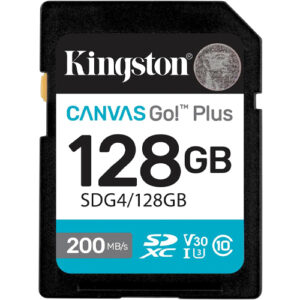
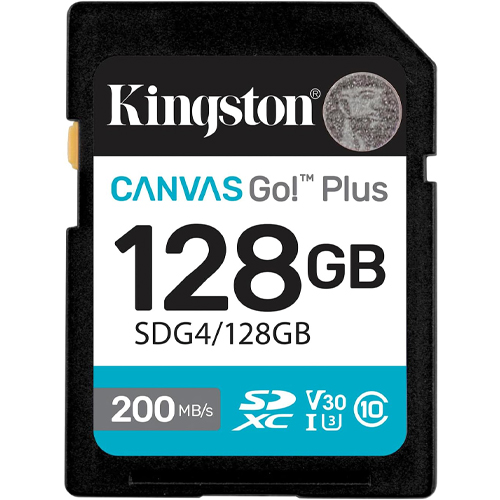
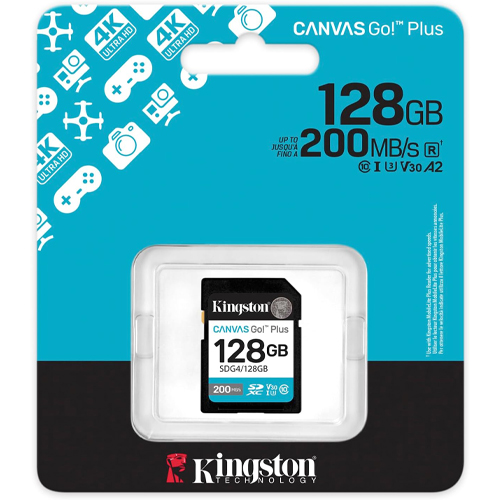
128GB Kingston Canvas Go Plus SDXC Flash Memory Card (SDG4/128GB)
128GB Kingston Canvas Go Plus! Upgrade your creative workflow with the Kingston Canvas Go! Plus 128 GB SDXC UHS-I card—built for performance and durability. Boasting blazing read speeds up to 200 MB/s and reliable write speeds up to 100 MB/s, this card efficiently handles 4K Ultra-HD video capture and burst-mode photography, letting you focus more on the shot than storage constraints.
Certified UHS-I, U3, V30, and Class 10, this memory card ensures stable, lag-free recording during high-intensity shoots and quick offloads afterward.The 128 GB capacity strikes a versatile balance—roomy enough for hours of UHD footage or expansive photo libraries, yet compact enough to support travel and mobile setups. Ideal for mirrorless cameras, DSLRs, portable media setups, or field video rigs, the Kingston Canvas Go! Plus 128 GB SDXC card elevates your storage game—combining speed, ample space, and rugged dependability in a compact form that empowers creators to shoot with confidence.
Specifications
- Model Number: SDG4/128GB
- Class: 10
- Form Factor: SDXC
- UHS BUS Speed: UHS-I
- Read Speed: Max 200MB/s
- UHS Speed Class: U3
- Video Speed Class: V30
- Video Format Capability: 4K UHD
- Operating Temperature: -13° – 185° F (-25°C – 85° C)
Water-proof, Temperature proof, X-ray proof, Shock proof, Vibration Proof
Estimated Number of Photos & Videos
JPG Photos: 34,490 photos
RAW Photos: 2,380 photos
HD Video: 1,705 minutes
4k Video: 340 minutes**This product comes in original retail packaging ready for resale. EBS return policy linked here.
Model # SDG4/128GB
(0 reviews)From: $48.10
(Pricing as low as $45.65) Select options This product has multiple variants. The options may be chosen on the product page -
 SD Cards
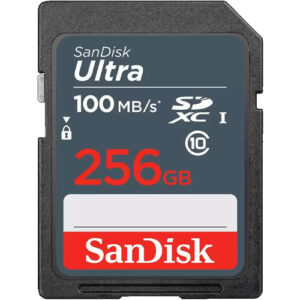
256GB SD Ultra Sandisk Memory Card (SDSDUNR-256G-GN3IN)
256GB SanDisk Ultra Blue Memory Cards – your ultimate partner in capturing unforgettable moments with trail cameras, hunting cams, shoot-and-point digital cameras, and mid-range DSLRs.
With lightning-fast data transfer speeds of up to 100MB/s, these SD Memory Cards are twice as fast as Class 4 SanDisk Ultra cards. Effortlessly snap pictures and transfer files in the blink of an eye with this remarkable speed.
Record your videos with confidence, thanks to the Class 10 rating and UHS-I (U1) speeds, ensuring exceptional Full HD video (1080p) performance. Your footage will remain crystal-clear and professional, capturing every detail.
Designed to endure the toughest conditions, SanDisk cards are shockproof, temperature-proof, waterproof, and even X-ray-proof. Your precious memories are safe and secure, whether you’re in extreme environments or unpredictable situations.
Elevate your photography and videography endeavors with the reliable and durable 256GB SanDisk Ultra Blue Memory Cards – the perfect choice for every adventure and project.
Specifications
- Model Number: SDSDUNR-256G-GN3IN
- Class: 10
- Form Factor: SDXC
- UHS BUS Speed: UHS-I
- Read Speed: Max 100MB/s
- UHS Speed Class: U1
- Video Format Capability: Full HD Video
- Operating Temperature: -13° – 185° F (-25°C – 85° C)
Water-proof, Temperature proof, X-ray proof, Shock proof
Estimated Number of Photos & Videos
JPG Photos: 68,985 photos
RAW Photos: 4,765 photos
HD Video: 3,410 minutes
4k Video: 680 minutes**This product comes in original retail packaging ready for resale. EBS return policy linked here.
Model # SDSDUNR-256G-GN3IN
(0 reviews)From: $66.75
(Pricing as low as $63.40) Select options This product has multiple variants. The options may be chosen on the product page -
 SD Cards
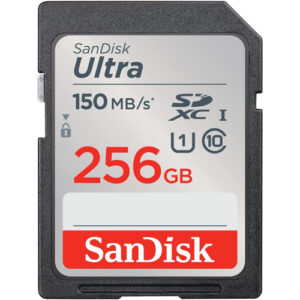
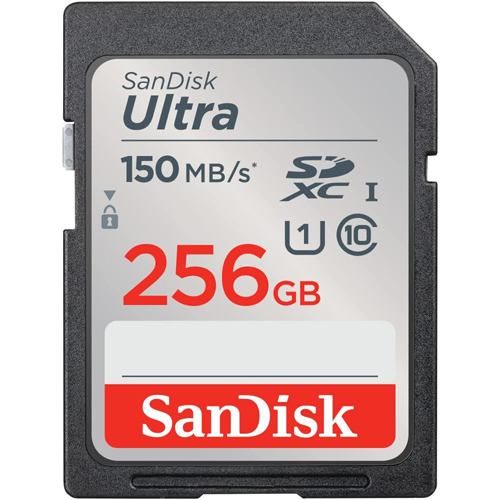
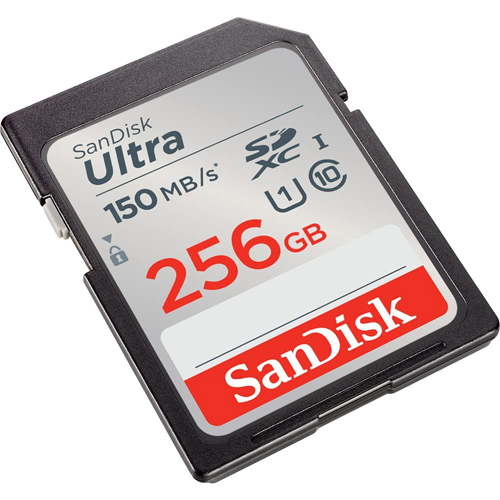
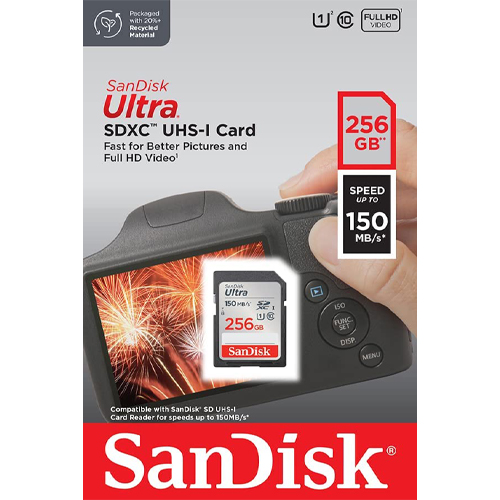
256GB SD UItra Sandisk Memory Card (SDSDUNC-256G-GN6IN)
The 256GB SanDisk Ultra UNC comes in several sizes ranging from 32GB to 512GB. The 256GB SanDisk Ultra SDXC is an extended SD storage size with good transfer speeds for photo and video. This card works great with DSLRs, point-and-shoot cameras, compact cameras, other products, and more. Perfect for family photos and videos. This card is UHS-1 rated with Class 10 specification. Ideal for a wide range of uses in several products. This SanDisk Ultra card is a great memory card for almost anything. Exceptional picture quality and video performance. 256GB SanDisk Ultra UNC.
Specifications
- Model Number: SDSDUNC-256G-GN6IN
- Class: 10
- Form Factor: SDXC
- UHS BUS Speed: UHS-I
- Read Speed: Max 150MB/s
- UHS Speed Class: U1
- Video Format Capability: Full HD Video
- Operating Temperature: -13° – 185° F (-25°C – 85° C)
Water-proof, Temperature proof, X-ray proof, Shock proof
Estimated Number of Photos & Videos
JPG Photos: 68,985 photos
RAW Photos: 4,765 photos
HD Video: 3,410 minutes
4k Video: 680 minutes**This product comes in original retail packaging ready for resale. EBS return policy linked here.
Model # SDSDUNC-256G-GN6IN
(0 reviews)From: $70.00
(Pricing as low as $66.50) Select options This product has multiple variants. The options may be chosen on the product page



















Introduction: A Practical Guide to Understanding and Buying SD Cards
SD cards are one of those pieces of technology that almost everyone uses, yet very few people fully understand. They’re small, inexpensive, and easy to overlook—but choosing the wrong SD card can cause real problems, especially when performance, reliability, and compatibility matter.
This guide is designed to remove confusion around SD cards, whether you’re buying a single card for personal use or purchasing bulk SD cards for professional, commercial, or organizational needs. It explains what SD cards are, how they work, and how to evaluate key specifications like storage capacity, speed class, and format. More importantly, it shows you how those technical details translate into real-world performance.
Not all SD cards are created equal. A card that works fine in a digital picture frame may fail completely in a DSLR camera, dash cam, or security system. Video recording, burst photography, and continuous data logging all place heavy demands on write speed and sustained performance. Buying the wrong card can result in corrupted files, dropped video frames, device errors, or shortened card lifespan.
For buyers sourcing wholesale SD cards, the stakes are even higher. When purchasing dozens, hundreds, or thousands of cards, mistakes scale quickly. Compatibility issues, inconsistent performance, or low-quality flash memory can turn into costly replacements, operational delays, or dissatisfied customers. Understanding SD card specifications before placing a bulk order helps avoid those risks.
This content walks through every major aspect of SD cards in a clear, practical way:
- The differences between SD cards and micro SD cards
- Storage capacity options and how much you actually need
- Speed classes, UHS ratings, and video speed classifications
- SDHC vs. SDXC formats and device compatibility
- Common use cases across photography, video, security, and consumer electronics
- Best practices for formatting SD cards on Windows and Mac
- How long SD cards last and how to extend their lifespan
- What to look for when buying bulk or wholesale SD cards
Rather than focusing on marketing claims or abstract benchmarks, this guide emphasizes real-world use. The goal is to help you choose SD cards that work reliably in your specific devices and workflows—whether that’s recording 4K video, distributing files to clients, outfitting employees with equipment, or packaging memory cards with electronics.
If you’re new to SD cards, this guide will give you a solid foundation. If you already have experience but want to make smarter purchasing decisions—especially at scale—it will help you avoid common pitfalls and unnecessary costs.
Main Considerations When Purchasing Bulk SD Cards
When purchasing SD cards—especially in bulk—performance, compatibility, reliability, and cost all matter. A card used in a Nikon DSLR, mirrorless camera, dash cam, or digital camcorder must meet much stricter performance requirements than an SD card used in an MP3 player, digital photo frame, or basic consumer device.
Manufacturers, software developers, and hardware vendors often specify minimum write speeds, supported SD card formats, and maximum capacities. Ignoring those requirements can lead to corrupted files, dropped video frames, device errors, or cards that simply do not work at all.
If you are purchasing bulk SD cards or wholesale SD cards, these considerations become even more important. A mistake multiplied across hundreds or thousands of cards can be expensive.
This guide explains what SD cards are, how they work, the differences between SD and micro SD cards, how to evaluate capacity and speed, and how to make informed decisions when buying SD cards in bulk.
What Is an SD Card?
An SD card, short for Secure Digital card, is a removable flash memory storage device used to store digital data. SD cards are compact, lightweight, durable, and capable of holding large amounts of information relative to their size.
Standard SD cards measure approximately 1.25 x 0.95 inches and weigh about 2 grams. Despite their small footprint, modern SD cards can store hundreds of gigabytes—and in some cases up to 1TB—of data.
SD cards are widely used in:
- Digital cameras and DSLR cameras
- Camcorders and action cameras
- Smartphones and tablets
- Laptops and desktop computers
- Game consoles and handheld gaming devices
- Dash cameras and body cameras
- Security systems and video doorbells
- GPS navigation devices
- Audio recorders and MP3 players
Because SD cards are removable, users can easily transfer data between devices, archive files, or distribute content without relying on cloud storage or permanent internal memory.
A Brief History of SD Cards
SD cards were introduced in 1999, created by a collaboration between Panasonic, SanDisk, and Toshiba. At the time, they represented a major leap forward from earlier storage formats by offering better durability, higher capacity, and improved security features.
Over the years, SD card technology has advanced rapidly. Storage capacities have grown from a few megabytes to hundreds of gigabytes, while read and write speeds have increased dramatically. These improvements allowed SD cards to support:
- High-resolution photography
- Full HD and 4K video recording
- Continuous burst shooting in professional cameras
- Portable operating systems and applications
Today, a single SD card can store tens of thousands of photos, thousands of songs, or hours of high-definition video, making SD cards a core component of modern digital workflows.
SD Cards vs. Micro SD Cards: What’s the Difference?
SD cards are available in three physical sizes:
- Standard SD card
- MiniSD card (largely obsolete)
- Micro SD card
The most common comparison today is between SD cards and micro SD cards.
Physical Size
- Standard SD cards are roughly the size of a postage stamp
- Micro SD cards are about the size of a fingernail
Micro SD cards are approximately one-third the size of standard SD cards, making them ideal for compact devices such as smartphones, drones, and action cameras.
Compatibility
Micro SD cards can be used in standard SD card slots with a simple adapter. Functionally, the cards operate the same way—the primary difference is physical size.
Storage Capacity
Both SD cards and micro SD cards are available in capacities up to 1TB, depending on format and device compatibility. Earlier generations of micro SD cards had lower capacity limits, but modern micro SD cards now match standard SD cards in storage options.
Typical Use Cases
- Standard SD cards: DSLR cameras, camcorders, audio recorders, laptops
- Micro SD cards: Smartphones, tablets, drones, dash cams, security cameras
Because mobile devices dominate today’s market, many manufacturers prefer bulk micro SD card purchases over standard SD cards.
Size Differences Between SD Cards and Micro SD Cards
- SD card: Larger form factor, easier to handle, commonly used in professional equipment
- Micro SD card: Ultra-compact, optimized for portability, often bundled with adapters
Both formats offer similar performance specifications when comparing equivalent speed classes and capacities.
Top SD Card Brand Names
Everything But Stromboli carries a wide selection of reliable SD card brands, including:
- Kingston
- PNY
- SanDisk
- Lexar
- Everything But Stromboli branded SD cards
All cards are available individually or at discounted wholesale pricing for bulk orders.
Choosing a reputable SD card brand is important, especially when purchasing in bulk. Lower-quality cards may fail prematurely, report inaccurate capacities, or suffer from slow write speeds.
Common Uses for SD Cards
SD cards are used across consumer, professional, and industrial applications. Common uses include:
- Storing digital photos and RAW image files
- Recording HD, Full HD, and 4K video
- Playing and storing music files
- Running operating systems on portable devices
- Backing up documents and media files
- Storing GPS maps and navigation data
- Supporting dash cameras and body cameras
- Powering video doorbells and surveillance systems
- Distributing software or firmware updates
- Offline file transfer without internet access
Their versatility makes SD cards one of the most widely adopted storage formats in the world.
Who Uses Bulk SD Cards?
Bulk SD cards are commonly purchased by:
- Professional photographers and videographers
- Production studios and AV companies
- Electronics manufacturers
- Educational institutions
- Transportation and logistics companies
- Security and surveillance providers
- Retailers bundling memory cards with devices
Buying SD cards in bulk reduces cost per unit and ensures consistency across projects, equipment fleets, or product bundles.
Understanding SD Card Capacity
When selecting SD cards, capacity is one of the first considerations.
Common SD Card Sizes
- 8GB
- 16GB
- 32GB
- 64GB
- 128GB
- 256GB
- 512GB
- 1TB
Today, 16GB and 32GB SD cards are the most commonly used entry-level capacities, while 64GB and above are preferred for video recording and high-resolution photography.
Capacity and Performance
In the past, larger SD cards often had slower write speeds. Modern cards no longer have this limitation. High-capacity cards now support fast sustained write speeds suitable for 4K video and burst photography.
For bulk buyers, higher capacities often make more sense, as they reduce card swaps and simplify workflows.
SD Card Speed Classes and Specifications Explained
SD card labeling can be confusing. Understanding the terminology ensures you select the right card for your application.
SDHC vs. SDXC
- SDHC (Secure Digital High Capacity): 4GB to 32GB
- SDXC (Secure Digital eXtended Capacity): 64GB to 2TB
Devices must explicitly support SDXC to use cards above 32GB.
Speed Class Ratings
- Class 2: 2 MB/s
- Class 4: 4 MB/s
- Class 6: 6 MB/s
- Class 10: 10 MB/s minimum sustained write speed
Class 10 cards are now the baseline for most modern devices.
UHS (Ultra High Speed)
- U1: 10 MB/s
- U3: 30 MB/s
U3 cards are recommended for 4K video recording.
Video Speed Class (V-Class)
- V6: 6 MB/s
- V10: 10 MB/s
- V30: 30 MB/s
- V60: 60 MB/s
- V90: 90 MB/s
Higher video classes are required for higher resolution and higher bitrate video.
Buying Bulk SD Cards: What to Know
Purchasing bulk SD cards lowers per-unit cost and simplifies procurement. The larger the order quantity, the better the pricing.
Bulk SD cards are commonly used for:
- Employee equipment deployment
- Product packaging and resale
- Client deliverables
- Long-term data storage projects
When buying wholesale SD cards, prioritize compatibility, speed, and reliability over the lowest possible price.
How Long Do SD Cards Last?
The lifespan of an SD card depends on:
- Frequency of read/write cycles
- Quality of the flash memory
- Storage conditions
- File types and usage patterns
On average, SD cards last 2 to 10 years. Using proper handling, avoiding extreme temperatures, and formatting cards correctly can extend their usable life.
Where to Buy SD Cards in Bulk
Everything But Stromboli specializes in bulk and wholesale SD cards, offering transparent pricing and reliable inventory levels.
Unlike large marketplaces, bulk orders do not require negotiation with third-party sellers or uncertainty around stock availability. Orders ranging from 100 to 10,000+ SD cards can be fulfilled efficiently.
Key factors to consider when choosing where to buy:
- Brand availability
- Storage capacity options
- Required speed class
- Order quantity and lead time
How SD Cards Work
SD cards use flash memory, meaning they store data electronically with no moving parts. Each card contains:
- A controller that manages data operations
- NAND flash memory for storage
- A bus interface for data transfer
The controller handles wear leveling and error correction to maximize lifespan.
How to Format an SD Card
Formatting an SD card removes data and prepares the card for use.
Formatting on Windows 10 / Windows 11
- Open File Explorer
- Right-click the SD card drive
- Select “Format”
- Choose exFAT or FAT32
- Click “Start”
Formatting on Mac
- Open Disk Utility
- Select the SD card
- Click “Erase”
- Choose format
- Confirm erase
SD Card File System Options
- FAT32: Widely compatible, 4GB file size limit
- exFAT: No file size limits, cross-platform
- NTFS: Windows-focused, limited Mac support
- APFS: Modern Mac file system
- Mac OS Extended (Journaled): Legacy Mac standard
For most users, exFAT is the best choice.
Removing Write Protection from an SD Card
If an SD card is write-protected, check the physical lock switch on the side of the card. Ensure it is in the unlocked position before attempting to write or format the card.
Final Thoughts on Buying SD Cards in Bulk
Choosing the right SD cards—especially in bulk—requires balancing capacity, speed, compatibility, and price. The cheapest option is rarely the best long-term solution.
By understanding SD card formats, speed classes, and real-world use cases, you can confidently select SD cards that meet your needs today and scale with future demands.
Everything But Stromboli offers dependable, affordable bulk SD card solutions designed for professionals, businesses, and organizations that rely on consistent performance.
Frequently Asked Questions About SD Cards
What is an SD card?
An SD card (Secure Digital card) is a removable flash memory storage device used to store photos, videos, music, and data in devices like cameras, smartphones, computers, dash cams, and security systems.
What does SD card stand for?
SD card stands for Secure Digital card, a standard created for portable, removable data storage.
What is the difference between SD, SDHC, and SDXC cards?
The difference is storage capacity and device support:
- SD: Up to 2GB
- SDHC: 4GB–32GB
- SDXC: 64GB–2TB
Devices must support SDXC to use cards larger than 32GB.
What is the difference between SD cards and micro SD cards?
The difference is physical size. Micro SD cards are smaller and used in compact devices. With an adapter, micro SD cards can be used in standard SD card slots.
What SD card speed class do I need?
The required speed depends on usage:
- Class 10 / U1: Photos and Full HD video
- U3 / V30: 4K video recording
- V60 / V90: Professional video and high bitrates
Most modern devices require at least Class 10.
What does UHS mean on an SD card?
UHS stands for Ultra High Speed. It indicates faster data transfer rates. UHS-I supports up to 104 MB/s, while UHS-II and UHS-III support higher speeds in compatible devices.
How much storage capacity do I need on an SD card?
Typical recommendations:
- 16GB–32GB: Photos and light use
- 64GB–128GB: RAW photos and HD/4K video
- 256GB+: Long video recordings or continuous capture
Higher capacity reduces the need to swap cards.
Is it better to buy one large SD card or multiple smaller cards?
Multiple cards reduce data loss risk, while larger cards offer convenience. For bulk buyers, higher-capacity cards usually provide better value per gigabyte.
How long do SD cards last?
Most SD cards last 2–10 years, depending on usage frequency, write cycles, and storage conditions. Heavy video recording shortens lifespan faster than light use.
Why is my SD card write-protected?
Many SD cards have a physical lock switch. If the switch is in the locked position, the card cannot be written to or formatted.
What is the best format for an SD card?
- exFAT: Best for modern devices and large files
- FAT32: Older devices, limited to 4GB file sizes
exFAT is required when formatting from Windows for SDXC cards.
Are cheap SD cards reliable?
Very inexpensive SD cards often use lower-quality memory, which can lead to slow speeds, corrupted files, or early failure—especially in video recording devices.
Why buy SD cards in bulk?
Buying bulk SD cards lowers cost per unit, ensures consistency, and simplifies purchasing for businesses, photographers, and organizations using multiple devices.